AI Image Translator – Translate Text from Photos
Upload a photo or screenshot and let PicTranslate extract and translate its text in seconds. AI OCR handles menus, manga panels, product labels and documents in 47+ languages while preserving the original layout.
See What Our AI Image Translator Can Do
From manga panels to restaurant menus — translate image text while keeping the original design intact.
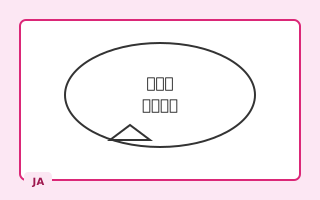
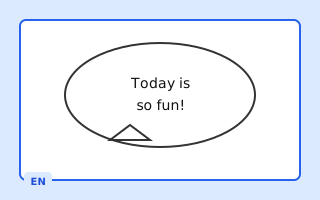
Translate Japanese manga speech bubbles and comic panels. Our manga OCR detects vertical text and preserves artwork quality.
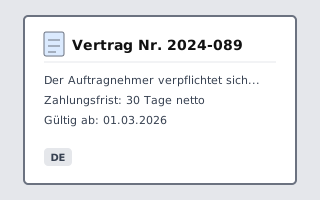
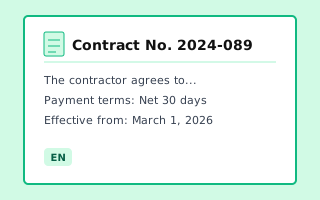
Try It FreeConvert scanned contracts, invoices, and reports. Extract text with OCR and translate documents to any target language.
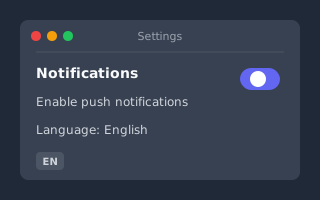
Try It FreeTranslate text from app screenshots, game UI, or social media posts. Works on iOS, Android, Windows, and Mac captures.
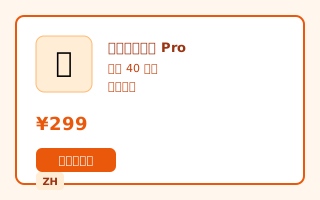
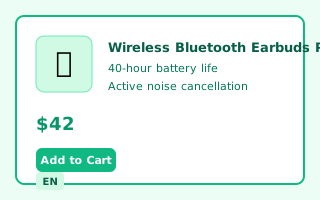
Try It FreeLocalize product labels and packaging for Amazon, eBay, or Shopify. Reach global buyers with multilingual product images.
Try It FreeWhy Trust PicTranslate AI?
Privacy Protected
Images are processed temporarily. See our Privacy Policy for retention details.
Practical OCR Workflow
OCR and image translation are combined in one browser workflow.
47+ Languages
Support for major world languages. Review results for important content.
Email Support
Contact our team by email when you need help with the service.
Powerful AI Image OCR & Translation Features
Accurate Image OCR
Extract text from photos, screenshots, and scanned documents using PicTranslate's advanced OCR technology. The AI detects characters and converts them into editable digital text automatically, making this AI image translator extremely precise.
Translate Images into 47+ Languages
Translate image text instantly into major languages including English, Chinese, Japanese, Korean, Spanish, French, and German. PicTranslate online photo translator supports multilingual menus, screenshots, and manga panels.
Multiple Image Formats Supported
Upload JPG, PNG, or WEBP images and convert them into editable text. Perfect for translating menus, manga panels, documents, and screenshots with PicTranslate's AI Image Translator tool.
Layout-Preserving Translation
Our AI image translator removes source text and writes translations back in place — matching fonts, size, and background so results look native, not pasted on.
Auto Language Detection
No need to pick a source language manually. The photo translator detects text automatically, including mixed-language images, vertical scripts, and RTL languages like Arabic and Hebrew.
Batch & Specialized Tools
Translate up to 20 images at once with our batch image translator, or use dedicated manga translator and image-to-text tools for focused workflows.
How to Translate Text from an Image
Upload Your Image
Upload a photo, screenshot, or scanned document containing text for PicTranslate to process.
Choose Target Language
Select the language you want the text translated into. The AI Image Translator online will handle the conversion instantly.
Download or Copy the Result
Copy the translated text or download the results after processing. PicTranslate preserves formatting and accuracy.
Popular Image Translation Language Pairs
Jump straight to the language you need. Each page is optimized for that target language.
Japanese to English
Translate Japanese manga, signs, and documents to English with layout preserved.
Try NowEnglish to Japanese
Convert English product images and marketing materials into Japanese.
Try NowChinese to English
Translate Simplified or Traditional Chinese text in images to English.
Try NowEnglish to Chinese
Localize English visuals for Chinese-speaking markets instantly.
Try NowKorean to English
Translate Korean manhwa panels, menus, and screenshots to English.
Try NowSpanish to English
Convert Spanish signs, labels, and documents from images to English.
Try NowPopular Image Translation Use Cases with PicTranslate
Manga & Comic Translator
Translate manga speech bubbles and comic panels automatically using PicTranslate's AI Image Translator.
Menu Translator
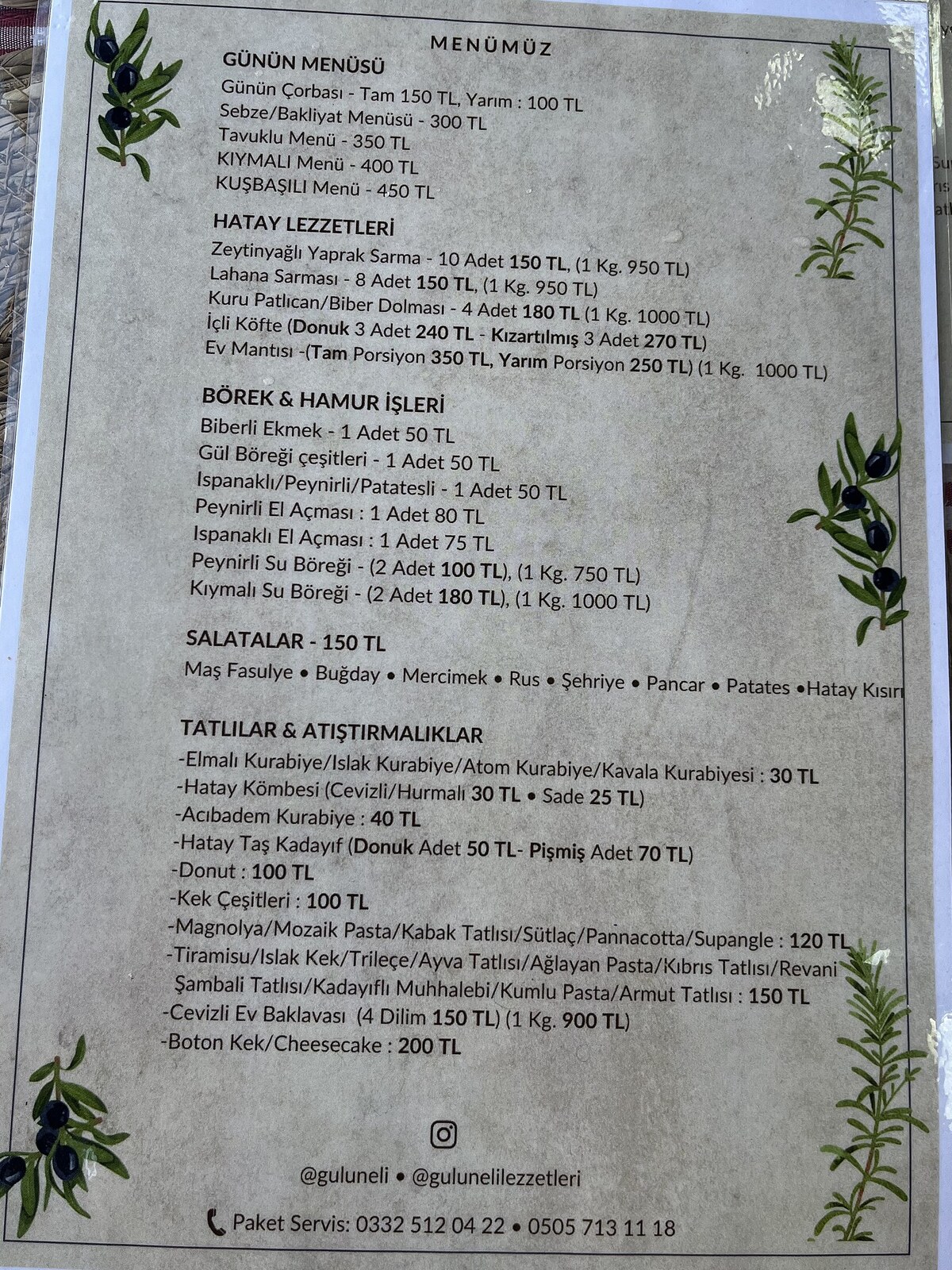
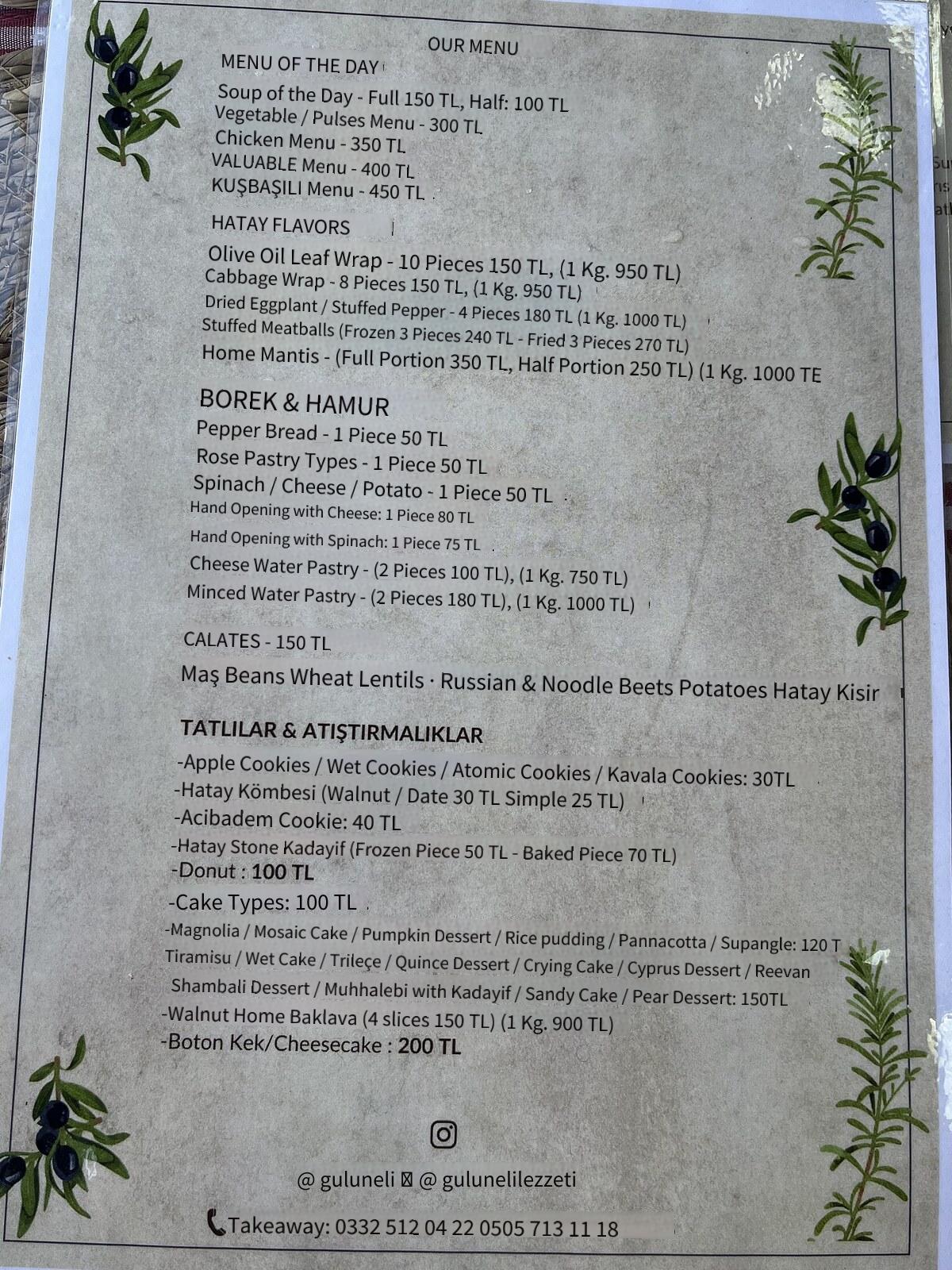
Capture restaurant menus and translate the dishes instantly. Ideal for travel or dining experiences.
Screenshot Translator
Upload screenshots from websites, apps, or games to extract text automatically with PicTranslate.
Document OCR
Convert scanned documents, PDFs, and reports into editable text efficiently.
Who Benefits from Our AI Image Translator?
Whether you travel, sell online, or study abroad — this photo translator fits your workflow.
Travelers & Expats
Read foreign menus, street signs, and tickets without a phrasebook. Snap a photo and get an instant image translation.
E-Commerce Sellers
Translate product packaging and listing images for cross-border sales on Amazon, eBay, and Shopify.
Students & Researchers
Understand foreign textbooks, academic papers, and study materials faster with AI-powered photo translation.
Content Creators
Create multilingual subtitles, localize infographics, and translate social media images for a global audience.
Developers & Teams
Translate UI screenshots, API docs, and technical diagrams. Batch processing handles large documentation sets.
Manga & Comic Fans
Read Japanese manga, Korean manhwa, and Chinese manhua in your language. Speech bubble OCR keeps the art intact.
Complete AI Image Translation Solutions
Photo Text Extraction
Extract text from any photo instantly. Our AI OCR technology recognizes characters in images with complex backgrounds, varying fonts, and multiple languages. Perfect for digitizing printed documents, business cards, receipts, and handwritten notes.
Screenshot Translation
Translate text from screenshots on any device. Capture websites, apps, games, or social media posts and get instant translations. Supports all major platforms including iOS, Android, Windows, and Mac without quality loss.
E-commerce Product Images
Translate product labels, packaging, and descriptions for international sales. Amazon, eBay, Shopify sellers can quickly localize product images for global marketplaces. Boost conversions with multilingual product photos.
Travel & Menu Translation
Travel abroad with confidence. Translate restaurant menus, street signs, maps, tickets, and travel documents instantly. No internet? No problem - our smart caching ensures fast translations even with slow connections.
Document Digitization
Convert scanned PDFs, contracts, invoices, and reports into editable text. Batch process multiple pages while maintaining original formatting. Export to Word, Excel, or plain text formats for easy editing.
Manga & Comic Localization
Read manga, manhwa, and comics in your language. Our specialized OCR detects text in speech bubbles and sound effects. Preserves artwork quality while replacing translated text seamlessly.
How PicTranslate Compares to Other Image Translators
An honest look at what sets our online AI image translator apart from basic OCR tools.
| Feature | PicTranslate | Basic OCR Tools |
|---|---|---|
| Layout Preservation | Yes — text replaced in place | Text only, no image output |
| Languages Supported | 47+ languages | Varies by provider |
| Batch Translation | Up to 20 images at once | One image at a time |
| Manga & Comic OCR | Dedicated manga translator | Poor bubble detection |
| Pricing Model | Free tier + one-time credits | Varies by provider |
| Privacy | Temporary processing; see policy | Varies by provider |
Image Translation Guides & Tutorials
Learn how to translate images, compare AI tools, and improve OCR accuracy.
Best Free Image Translator Tools In 2026 (OCR + AI)
## Best Free Image Translator Tools in 2026 (OCR + AI): The Ultimate Guide ### Introduction We live in a visual wo...
Read articleHow To Extract Text From Image Using OCR Online
## Best How to Extract Text From Image Using OCR Online in 2026 (Complete Guide) Imagine this: You are traveling in Tok...
Read articleTranslate Image To English Online Free
## Best Translate Image to English Online Free in 2026 (Ultimate Guide) We have all been there—staring at a photo of a...
Read articleExplore More AI Translation Tools
PicTranslate offers a full suite of image translation and OCR tools — all in your browser.
Batch Image Translator
Translate up to 20 images to multiple languages in one batch.
Try NowManga Translator
Specialized OCR for manga speech bubbles and comic panels.
Try NowImage to Text
Extract text from photos and screenshots without translation.
Try NowText Remover
Remove text overlays from images you own or are authorized to edit.
Try NowScreenshot Translator
Translate app, chat, and tutorial screenshots with OCR.
Explore use caseMenu Translator
Read restaurant menus and food labels in your language.
Explore use caseProduct Image Translator
Translate labels, packaging, and marketplace images.
Explore use caseFrequently Asked Questions
Got questions about our AI image translator? Find answers to common questions about OCR text extraction, photo translation, supported languages, accuracy, privacy, and more below.
An AI-powered online image translator that extracts text from images using OCR and translates it into multiple languages instantly.
OCR analyzes pixels in images, recognizes characters, and converts them into editable text for PicTranslate AI Image Translator.
Yes, upload screenshots from websites, apps, or games and PicTranslate will extract and translate the text instantly.
JPG, PNG, and WEBP images are fully supported by PicTranslate AI Image Translator.
Yes, the AI detects text inside manga speech bubbles and comic panels and translates them accurately.
PicTranslate OCR engine provides high accuracy for printed and clear digital text.
Supports 47+ languages including English, Chinese, Japanese, Korean, Spanish, French, and German.
No installation required. PicTranslate works directly in your browser.
Yes! PicTranslate offers a free version with daily credits for basic image translation. You can translate a limited number of images per day at no cost. For heavy users, we offer premium credit packages with lifetime validity - pay once, use forever. No subscription required!
OCR quality depends on image resolution, contrast, language, font, and layout. Clear printed text is usually easier to recognize; handwritten, decorative, blurry, or low-contrast text needs closer review.
Yes, but with limitations. Clear, neat handwriting with good contrast may work, while cursive or messy handwriting may not be recognized accurately. Printed text is the most reliable input.
Try uploading a clearer image or cropping to focus on the text area. For important names, numbers, product specifications, or legal wording, compare the result with the source image before using it.
Each image can be up to 4MB in size. We recommend using images with at least 800x600 pixels resolution for optimal OCR accuracy. Larger files are automatically compressed without significant quality loss. Supported formats include JPG, JPEG, PNG, WEBP, BMP, and TIFF.
Check that you own or are authorized to use the source image, text, and third-party assets before publishing. The tool does not transfer ownership or grant rights to content you do not control.
Supported Languages
Translate image text into 47+ languages worldwide with PicTranslate AI image translator.
Start Translating Image Text Now with PicTranslate
Upload an image and instantly extract or translate text using AI-powered OCR technology online.
Try AI Image Translator