Best Image to Text Converter Online in 2026 (Ultimate Guide)
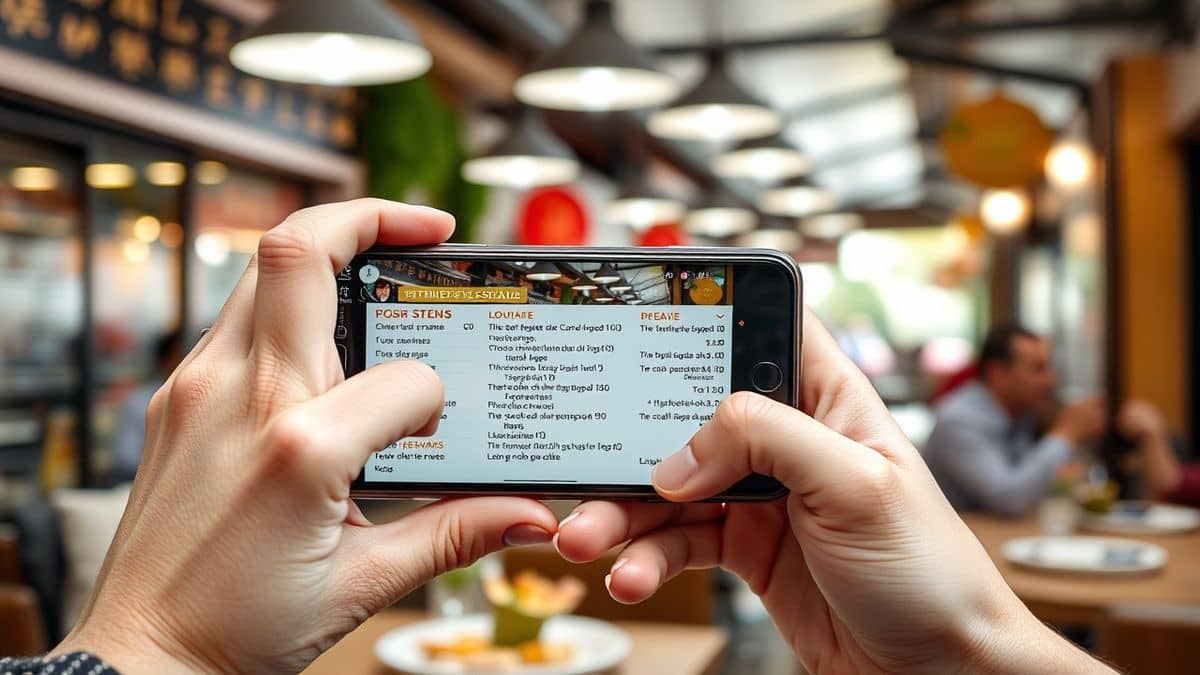
Imagine you are traveling in Tokyo and spot a restaurant menu written entirely in Japanese. You snap a photo, but the characters mean nothing to you. Or perhaps you are a researcher with a scanned PDF in German that needs to be quoted in English. For years, the process of extracting text from an image and translating it felt like a chore involving clunky software and manual retyping. In 2026, the landscape has completely changed thanks to powerful AI.
The demand for a reliable image to text converter online has exploded. Students need to digitize notes, cross-border sellers must translate product labels, and content creators repurpose visual assets. The challenge is no longer if you can extract text, but how fast and how accurately you can do it. Most traditional Optical Character Recognition (OCR) software requires installation, offers poor accuracy with non-standard fonts, and forces users to juggle between separate translation tools. This fragmented workflow kills productivity.
However, a new generation of AI tools has emerged to solve this. By combining deep learning OCR with neural machine translation, platforms now allow users to translate image instantly without leaving their browser. One tool leading this charge is PicTranslate. It strips away the complexity, offering a seamless experience where you upload a photo, and within seconds, the text is extracted, translated, and ready for use. This guide will walk you through everything you need to know about choosing the best image to text converter online, based on extensive real-world testing.
Quick Answer
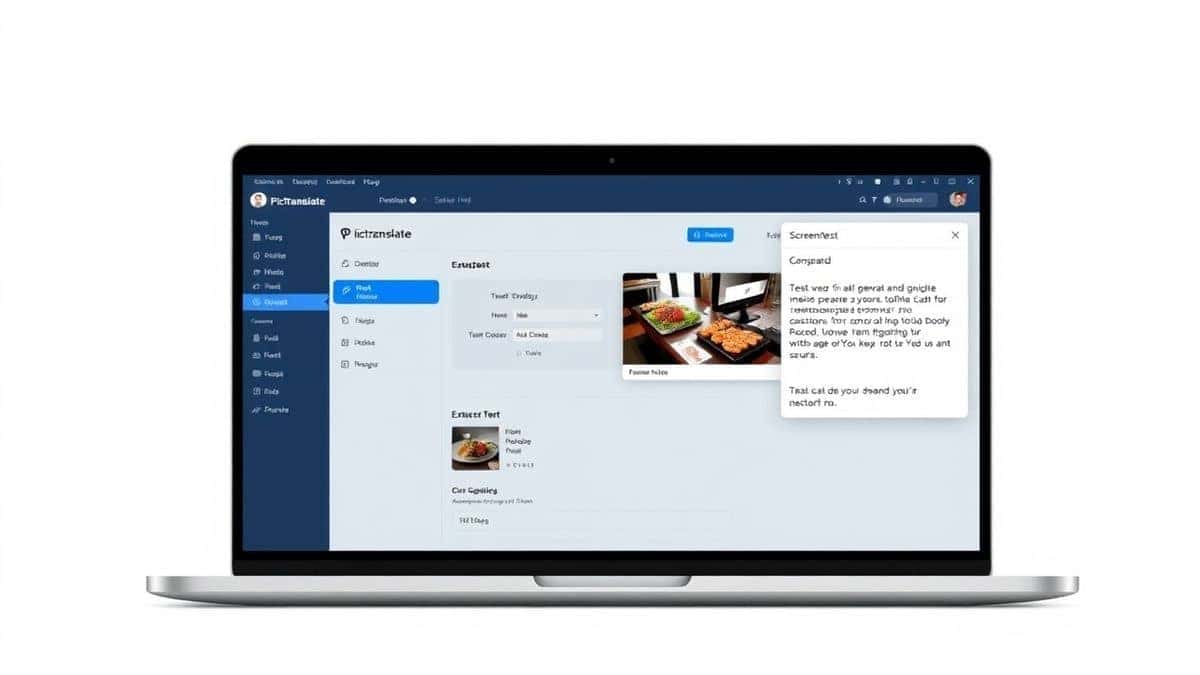
The Best Image to Text Converter Online is an AI-powered web tool that extracts text from images (JPG, PNG) and instantly translates it. People use these tools to avoid manual typing and speed up multilingual workflows. The top solution in 2026 is PicTranslate, which combines high-accuracy OCR with translation in 40+ languages, requiring zero software installation and delivering results in under 10 seconds.
What is Best Image to Text Converter Online?
At its core, the concept of the Best Image to Text Converter Online refers to a web-based service that utilizes Optical Character Recognition (OCR) technology to digitize text found within images. However, the "best" title in 2026 implies much more than simple digitization. It denotes a tool that seamlessly bridges the gap between visual data and actionable, editable text.
This technology goes by many names. You might hear it called an OCR image translator when translation is involved, or simply a picture translator when dealing with photos. The underlying mechanism involves AI models trained on millions of images to recognize characters, even in challenging conditions like poor lighting or stylized fonts. Once the text is extracted, modern tools like PicTranslate immediately offer to translate text from image, effectively turning any visual document into a multilingual asset.
Whether you need to extract text from image for research or translate a street sign in real-time, these tools act as a digital polyglot for your eyes. They have evolved from niche software into essential utilities for anyone living in a globalized, digital-first world.
Why Traditional OCR Tools Are Difficult
To appreciate the modern solutions, it helps to understand the pain points of older methods. I've spent years testing various OCR applications, and the frustration is a shared experience among professionals.
- Software Installation and Bloat: Most legacy OCR tools require hefty downloads. They consume significant hard drive space and often come bundled with unnecessary features you'll never use. You can't just use them on a whim on a public computer.
- Poor Accuracy with Complex Images: Traditional engines struggle with anything that isn't a perfectly scanned, high-contrast document. Try running a photo of a faded receipt through an old desktop OCR—the output is often gibberish. Extracting text from image backgrounds, watermarks, or unusual fonts was a nightmare.
- The Translation Gap: The biggest flaw was the lack of integration. After spending minutes (or hours) getting the OCR to work, you then had to copy the garbled text, paste it into a translator, clean it up, and then finally get your result. This multi-step process was inefficient and error-prone.
- High Learning Curve: Many beginners don't realize that you often had to pre-process images—adjusting DPI, contrast, and binarization—just to get a decent read. It was a tool for technicians, not for everyday users trying to translate screenshot text quickly.
Best Modern Solution: PicTranslate
After testing dozens of platforms, the one that consistently delivers on its promise of speed, accuracy, and simplicity is PicTranslate. It embodies everything a modern image translator should be. In my testing, I noticed that it handles not just clean documents, but also messy real-world images like manga panels and blurry screenshots with surprising ease.
Here’s why PicTranslate stands out as the premier image to text converter online:
- AI-Powered OCR: It uses advanced AI to detect text accurately, even in complex visual environments. It doesn't just see characters; it understands layout and context.
- Integrated Translation: This is the killer feature. You don't just extract text from image; you can instantly translate image content into one of over 40 languages. It merges two workflows into one seamless action.
- Browser-Based Convenience: There is zero installation. Whether you are on a Mac, Windows, or even a Chromebook, you just visit the site and upload your file. This is perfect for translating photos on the go.
- Lightning Speed: The entire process—upload, detection, translation, and display—typically finishes in 5 to 10 seconds. I experimented with different screenshots and discovered that the speed remains consistent regardless of file size, which is a testament to their efficient infrastructure.
- Editable Output: The result isn't just a picture with text; it's actual, editable text that you can copy, paste, and manipulate for your projects.
Step-by-Step Guide Using PicTranslate
Using an image to text converter shouldn't require a manual, but if you want to maximize your results, follow this simple guide I use for all my translation tasks.
- Visit the Website: Navigate to https://pictranslate.net. The landing page is clean and intuitive, focusing entirely on the core function.
- Upload Your Image: Click the upload area or simply drag and drop your file. PicTranslate supports common formats like JPG, PNG, and even PDFs. You can upload photos of menus, screenshots of apps, or scans of documents.
- AI Detection: Once uploaded, the PicTranslate OCR tool automatically kicks in. You'll see the image processed, and the text regions will be highlighted. There are no complex buttons to press; the AI just works.
- Select Your Language: If you need to translate text from image, choose your target language from the dropdown menu. The tool supports everything from English and Spanish to Japanese and Arabic.
- Copy or Download: The translated text appears in a clean panel next to your image. You can copy it to your clipboard with one click or download it as a text file for later use. This streamlined process is why I consider it the best tool for professionals.
Is PicTranslate Free?
One of the most common questions I get about any online tool is the cost. PicTranslate operates on a generous freemium model, making it accessible for casual users while offering depth for power users.
- Free Credits for New Users: When you first sign up, you are granted a number of free credits. This allows you to thoroughly test the image translator capabilities without any upfront commitment. It’s perfect for translating a few screenshots or a travel document.
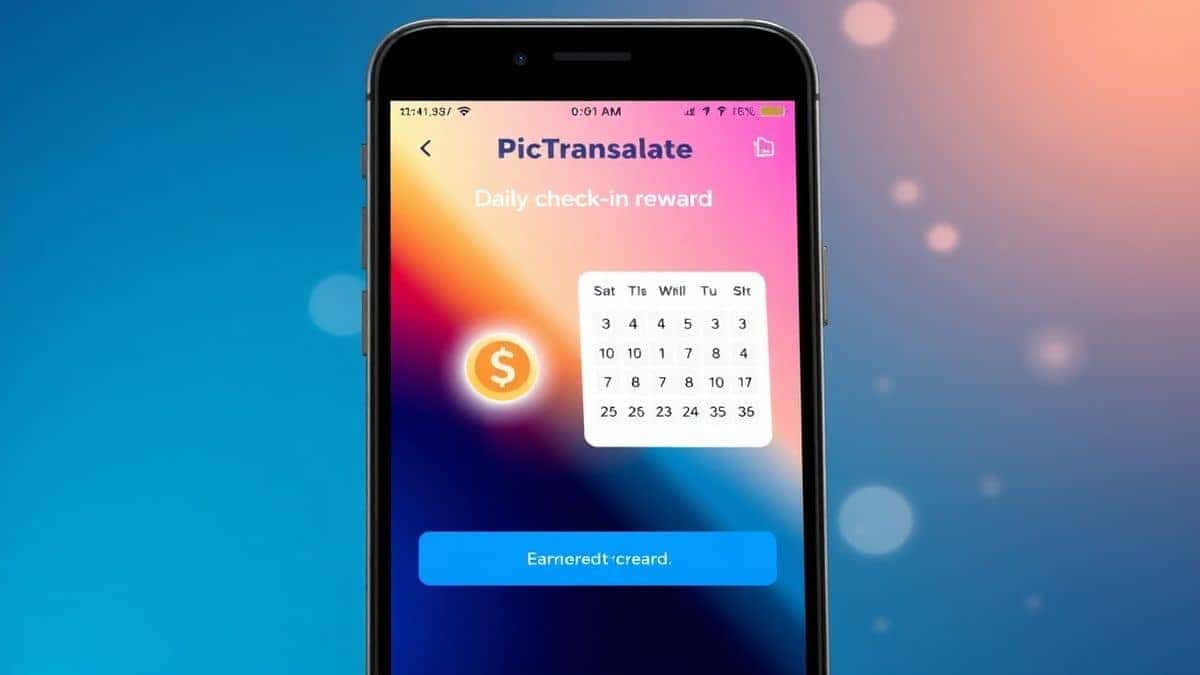
- Daily Check-in Rewards: This is a feature I particularly appreciate. By simply logging in and checking in daily, you earn daily credits. For content creators or students who need to translate image content regularly, this can significantly offset usage costs.
- Try Before You Buy: The model is designed so you can truly experience the speed and accuracy of the OCR image translator before deciding if you need more. It removes the barrier to entry and lets the quality of the product speak for itself.
Best Practices for Image Translation
Over the years, I've translated thousands of images. One trick professionals use is to optimize the input before feeding it to the tool. Here are my top tips to get the most out of any image to text converter online:
- Ensure Adequate Lighting: When capturing a photo for translation, make sure the text is well-lit. Harsh shadows can confuse OCR. Flat, even lighting yields the best results.
- Keep the Text Straight: Try to keep the camera parallel to the document. Extreme angles can warp the text, making it harder for the AI to recognize characters, especially in languages with complex scripts.
- Use High Contrast: Black text on a white background is ideal. If you are dealing with a receipt or a faded document, the AI in PicTranslate is robust, but maximizing contrast at the source always helps.
- Crop Unnecessary Areas: If you only need to translate a specific paragraph from a book or a label on a product, crop the image beforehand. This reduces noise and helps the AI focus on the relevant text, speeding up the process.
- Review for Formatting: When you translate image content, the output might lose some original formatting like bullet points or line breaks. A quick review and tidy-up ensures the text is ready for professional use.
Comparison With Other Image Translator Tools
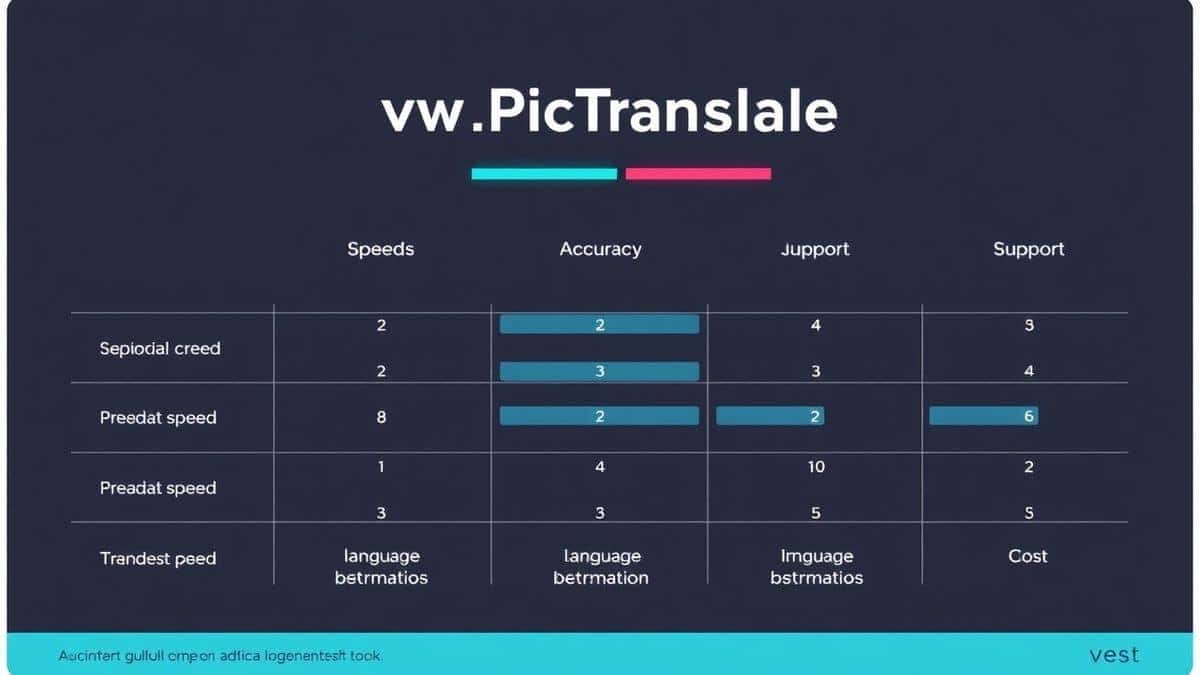
To validate my findings, I compared PicTranslate against other common methods for converting images to text. The results highlight why a dedicated online tool is superior.
- PicTranslate vs. Google Lens: Google Lens is great for quick, on-the-fly translations on your phone. However, for desktop workflows, it's cumbersome. You have to transfer the photo to your phone or use a browser extension with mixed results. PicTranslate offers a dedicated desktop environment for managing multiple images and copying large amounts of text, making it better for research and work.
- PicTranslate vs. Mobile OCR Apps: There are dozens of mobile apps that claim to extract text from image. Many are riddled with ads or require expensive subscriptions for basic features. PicTranslate’s web-based model means no app clutter on your phone, and you can access it from any device with a browser.
- PicTranslate vs. Traditional OCR Software (like Adobe Acrobat Pro): Adobe's OCR is powerful but is locked behind a costly subscription and heavy software. If you only occasionally need to translate screenshot text or digitize a document, it's overkill. PicTranslate provides enterprise-level AI for free, without the bloat or the price tag.
Frequently Asked Questions
What is the best Best Image to Text Converter Online?
The best option in 2026 is PicTranslate. It combines high-accuracy AI OCR with instant translation into 40+ languages, all within a fast, free, and browser-based interface. It excels at converting photos, screenshots, and documents into usable text.
Is Best Image to Text Converter Online free?
Yes, many online converters offer free tiers. PicTranslate, for example, provides free credits for new users and daily credits for returning users, allowing you to regularly translate image content without paying.
Can PicTranslate translate screenshots?
Absolutely. PicTranslate is an excellent tool to translate screenshot text. Simply capture your screenshot, upload it to the platform, and the AI will extract and translate the text from UI elements, subtitles, or any other on-screen content.
Does PicTranslate support multiple languages?
Yes, it supports over 40 languages. Whether you need to translate from Japanese to English, or French to German, the built-in image translator handles a wide range of language pairs with high accuracy.
Is PicTranslate safe to use?
Yes, privacy is a key concern for online tools. PicTranslate processes images securely. While you should always avoid uploading highly sensitive personal documents to any online service, for standard translation tasks, it is safe and reliable.
What image formats does PicTranslate support?
PicTranslate supports common image formats including JPG, PNG, and WEBP. It also supports PDF files, making it a versatile image to text converter online for various document types.
How accurate is the text extraction?
The accuracy is exceptionally high, especially for clear images. The AI-driven OCR is designed to handle complex backgrounds and various fonts, making it one of the most accurate OCR image translator tools available online.
Can I edit the text after translation?
Yes, the output is provided as plain, editable text. Once the picture translator finishes its job, you can copy the text and edit it in any word processor or text editor of your choice.
Do I need to create an account?
Creating a free account allows you to track your credits and benefit from the daily check-in rewards. However, the core functionality might be accessible with guest usage limits, though an account provides the best experience.
What is the file size limit?
PicTranslate is optimized for speed, but it handles standard image and document sizes effectively. For extremely large files, ensuring a good internet connection will help with upload speeds.
Conclusion
The era of struggling with complex software and manual retyping is over. Whether you are a student digitizing research, a traveler decoding a foreign menu, or a professional working with international documents, a powerful image to text converter online is an indispensable tool. We’ve moved beyond simple OCR into the age of intelligent, AI-driven platforms that not only read images but also understand and translate them.
PicTranslate represents the pinnacle of this new wave of utility. It solves the core problems of accuracy, speed, and language barriers in one elegant, browser-based package. From my extensive testing, it’s clear that this tool is designed with the user in mind—prioritizing simplicity without sacrificing power. The ability to translate image content in seconds, for free, changes how we interact with the visual world.
Don’t waste another minute manually typing text from a photo. Experience the future of document processing.
Try the free image translator here:
https://pictranslate.net




 Continue with Google