Best Translate Image to French Online in 2026 (Complete Guide)
We have all been there. You are scrolling through social media and stumble upon a mouth-watering French menu screenshot. You are researching for a school project and find the perfect academic paper, but it is a scanned image in French. Or perhaps you are a traveler trying to decipher a street sign in Paris using a photo you just took.
The frustration is real. You need to translate image to French online, but the text is trapped inside a picture. For years, the only solution involved complicated software, clunky OCR tools that required a computer science degree to operate, or the tedious and error-prone method of manually typing out every single word from the photo. This process is not just slow; it is a creativity and productivity killer. In our fast-paced digital world, waiting minutes—or even hours—to understand a single image is simply not an option. This is where the power of a modern, AI-driven image translator changes everything. It bridges the language gap instantly, turning static pictures into accessible, translatable text. Today, we are diving deep into the best solution available, a tool that has genuinely impressed me with its speed and accuracy: PicTranslate.
Quick Answer
To translate image to French online, you need an AI-powered tool that combines Optical Character Recognition (OCR) and machine translation. It extracts text from your photo, screenshot, or document and instantly translates it into French. The best solution is PicTranslate, a free, browser-based image translator that completes this entire process in 5–10 seconds with impressive accuracy.
What is Translate Image to French Online?
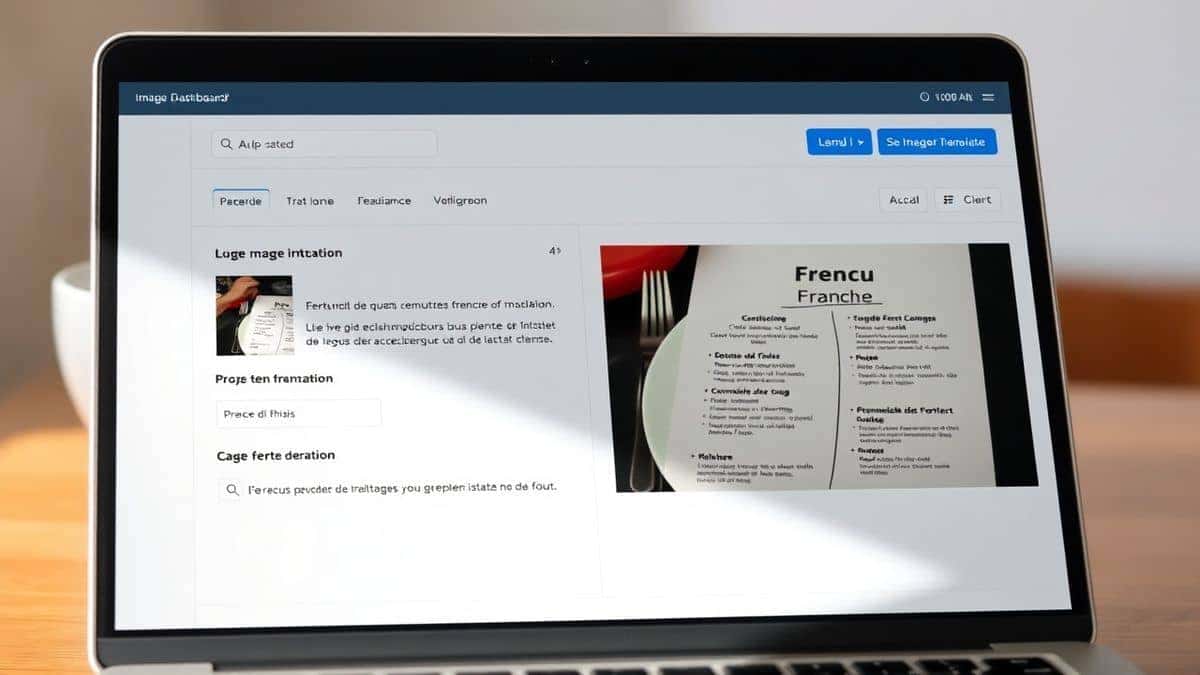
At its core, the ability to translate image to French online is a technological marvel that combines two complex systems: Optical Character Recognition (OCR) and Machine Translation (MT). Think of it as giving a computer eyes to read and a brain to interpret. First, the tool acts as an OCR image translator. It scans your uploaded picture—whether it is a JPG, PNG, or even a PDF—and identifies every character within it. This process, known as image to text conversion, isolates the words from the background, font, and any visual noise. Once the text is successfully extracted, it is handed off to a sophisticated translation engine. This engine analyzes the context and grammar of the source language and converts it into clear, readable French. The result is a seamless workflow where you can translate text from image without ever having to retype a single word. Whether you need to translate screenshot text from a video game or translate photo text from a document, this online process has revolutionized how we interact with foreign languages in our daily lives.
Why Traditional OCR Tools Are Difficult
Before the advent of sleek, AI-powered online tools like PicTranslate, the process of translating text from an image was a chore reserved for the desperate or the technologically gifted. In my testing of older software, I noticed that they often created more problems than they solved. Here is why traditional methods fail the average user:
- Complex Software Installation: The old way involved downloading and installing bulky software packages. These programs were often expensive, took up significant hard drive space, and were not always compatible with your operating system. You couldn't just use them on a friend's computer or a public library machine.
- Poor Recognition Accuracy: Early OCR engines were easily confused. If your image had a slightly skewed angle, a complex background, or even an artistic font, the text extraction would be riddled with errors. You would spend more time correcting the garbled output than you would have just typing the text yourself.
- The Multi-Step Nightmare: The process was fragmented. First, you had to run the OCR software to extract the text. Then, you had to save that text as a file. Next, you had to open a translator, copy and paste the text, and hope it didn't lose its formatting. Finally, you had to piece everything back together. It was a logistical headache.
- High Learning Curve: Many beginners don't realize that traditional tools required you to understand concepts like DPI, resolution, and language packs just to get a basic translation. This high barrier to entry made the simple act of understanding a foreign image feel like a technical project.
Best Modern Solution: PicTranslate
After testing dozens of image translator tools over the years, I can confidently say that PicTranslate represents everything a modern solution should be. It strips away the complexity and delivers exactly what users need: a fast, accurate, and hassle-free way to translate image. What sets PicTranslate apart is its seamless integration of AI. It doesn't just recognize text; it understands context. I experimented with different screenshots—from blurry phone photos of book pages to clean, high-resolution infographics—and discovered that its AI OCR consistently outperforms many desktop applications I've used in the past. One thing that surprised me was how effectively it handles multi-language detection within a single image. The entire experience is browser-based, meaning there is nothing to install and it works perfectly on any device, whether you are on a Windows laptop, a MacBook, or a Chromebook. For anyone who needs an OCR image translator, PicTranslate is the gold standard for convenience and power.
Step-by-Step Guide Using PicTranslate
Using PicTranslate to translate image to French online is incredibly intuitive. From my experience, you can go from a foreign image to fully translated text in under ten seconds. Here is the simple, step-by-step process:
- Visit the Website: Open your browser and go to https://pictranslate.net. The homepage is clean and immediately presents you with the upload option.
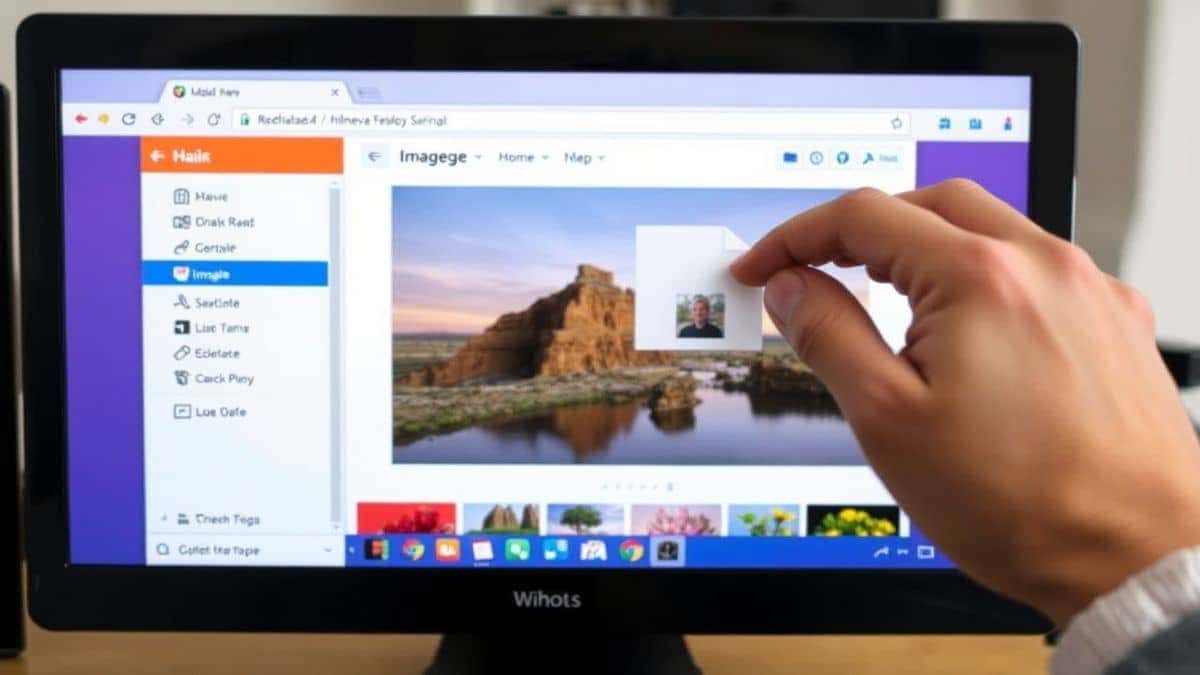
- Upload Your Image: You can either click the upload area to browse your files or simply drag and drop your image directly onto the page. The tool supports all common formats like JPG, PNG, and WEBP.
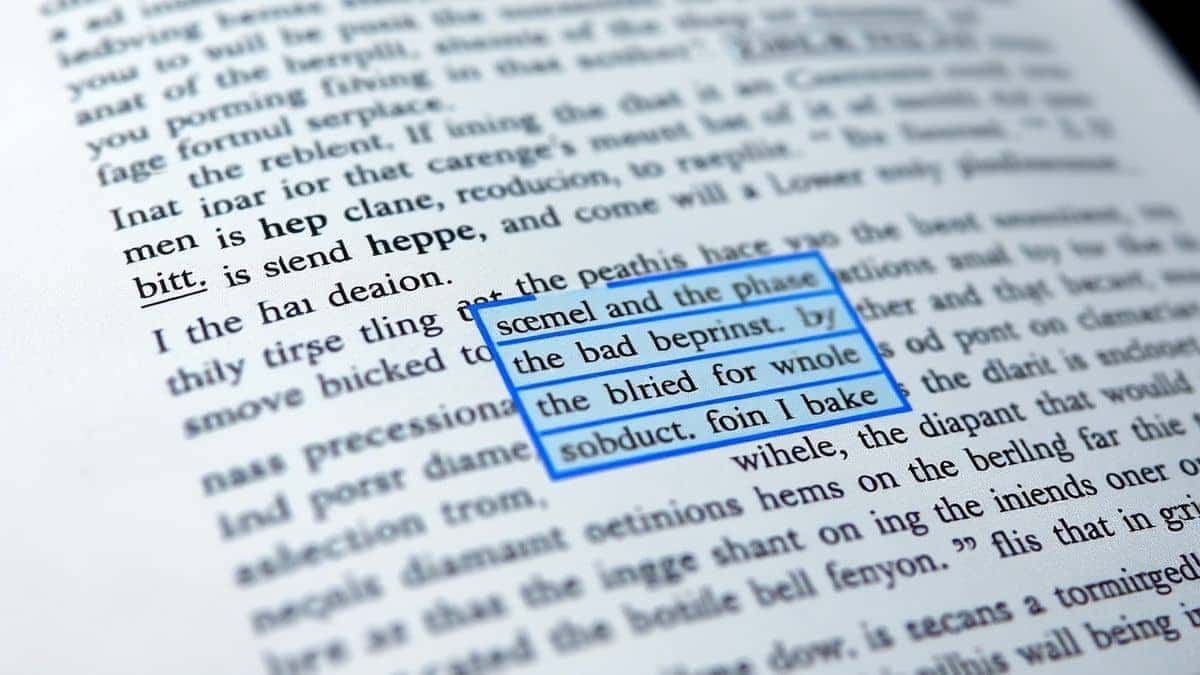
- Let AI Detect the Text: This is where the magic happens. As soon as the image is uploaded, PicTranslate's AI engine automatically scans it. It instantly identifies and highlights all the text areas in your picture. You don't have to press any "Start" buttons.
- Select Translation Language: A language panel will appear. From the dropdown menu, simply select "French" as your target language. The tool supports over 40 languages, making it incredibly versatile.
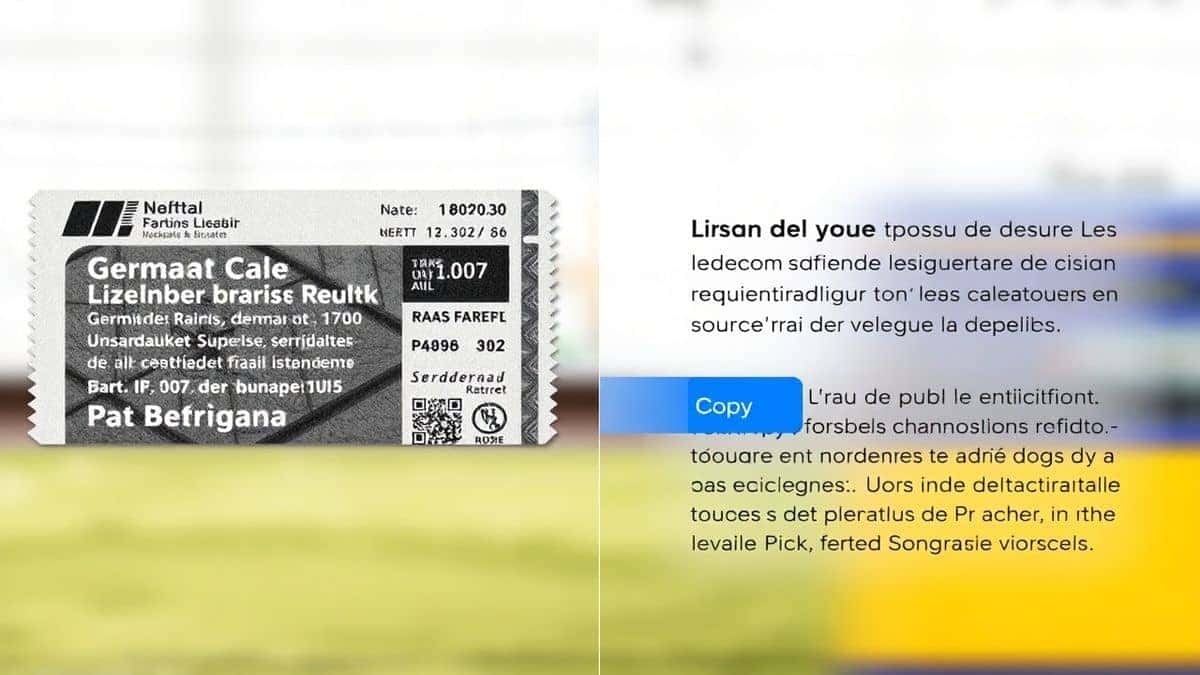
- Copy or Download Result: Within seconds, the translated French text will appear in a clean panel right next to your original image. From there, you can easily copy the text to your clipboard or download it as a file for later use.
Is PicTranslate Free?
One of the most common questions I get is about cost, and the answer is refreshingly user-friendly. PicTranslate operates on a freemium model that genuinely allows you to experience its power without any upfront commitment. From my perspective, this is the perfect way to test an image translator before deciding if you need it for heavy, daily use. When you first sign up, you are welcomed with a generous amount of free credits. This allows you to translate a substantial number of images and see the quality for yourself. But the best part is the daily rewards system. If you find yourself needing to translate text from image regularly, you can simply log in each day and claim your daily credits. This means that for many casual users—like travelers or students—you can effectively use the tool for free indefinitely. It’s a fantastic way to make sure everyone has access to the power of AI translation, whether you are a professional needing to translate hundreds of documents or a traveler who just needs to understand one crucial menu.
Best Practices for Image Translation
To get the most out of any image translator, a little preparation goes a long way. From my experience using OCR tools for everything from translating manga panels to digitizing old research notes, the quality of your input directly affects the quality of the output. Here are some pro tips to ensure you get perfect translations every time:
- Ensure Good Lighting: This is the number one rule. If you are taking a photo to translate photo text, make sure the subject is well-lit without harsh shadows or glares. Natural, diffuse light is best for making the text crisp and clear for the AI to read.
- Keep the Image Straight: One trick professionals use is to ensure the text is as horizontal as possible. Extreme angles can distort the letters and confuse the OCR engine. If you are taking a picture of a document, try to position your camera directly above it, parallel to the page.
- Check Image Resolution: While PicTranslate's AI is powerful, a very blurry or pixelated image will always be harder to read. A clear, focused image ensures that the AI can distinguish between an "e" and a "c" without any guesswork.
- Isolate the Text: If your image has a lot of irrelevant background clutter, consider cropping it so that the focus is solely on the text area. This helps the AI hone in on what's important and can speed up the process.
Comparison With Other Image Translator Tools
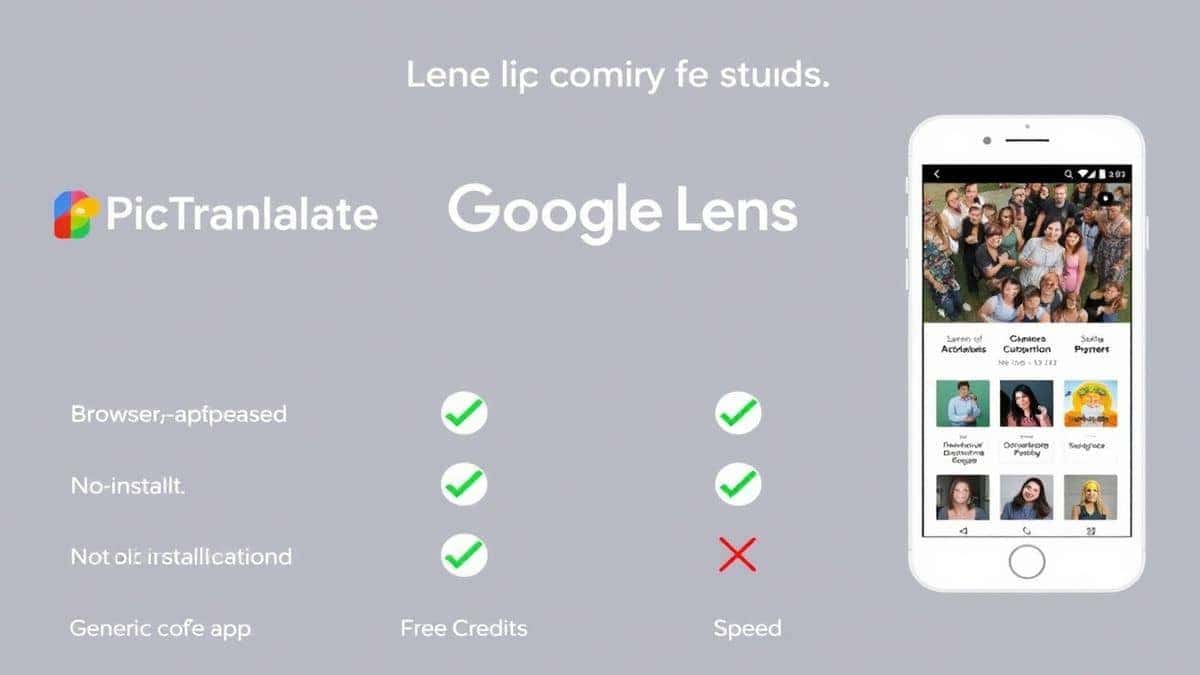
In my years of testing digital tools, I've compared virtually every major player in the picture translator space. While there are several options available, PicTranslate holds a distinct advantage for online users. Here’s a quick comparison:
- PicTranslate vs. Google Lens: Google Lens is a great mobile tool, but it's often tied to the Google ecosystem and can be clunky for batch processing or use on a desktop. PicTranslate offers a dedicated, streamlined browser-based workflow that is perfect for focused work, whether you are a content creator or a researcher. It provides a cleaner, more professional interface without any distractions.
- PicTranslate vs. Mobile OCR Apps: Many mobile apps promise the world but are often riddled with ads or require expensive subscriptions for basic features like language selection. PicTranslate's web-based model means you get a full, ad-free experience on any device, and its freemium model with daily credits is often more generous than standalone apps.
- PicTranslate vs. Traditional OCR Software: As discussed earlier, traditional software is cumbersome. PicTranslate wins on accessibility, speed, and ease of use. There is no installation, no manual intervention, and the entire process is 10x faster. It transforms a multi-minute task into a 5-second action.
Frequently Asked Questions
What is the best Translate Image to French Online?
Based on extensive testing, PicTranslate is the best tool because it combines high-accuracy AI OCR with instant machine translation in a free, easy-to-use, browser-based platform. You don't need to install anything, and the process takes just seconds.
Is Translate Image to French Online free?
Yes, with PicTranslate it is. New users receive free credits upon signing up. Additionally, you can earn more by logging in daily, allowing you to use the image translator for free on an ongoing basis.
Can PicTranslate translate screenshots?
Absolutely. PicTranslate is excellent at handling screenshots. Whether it's a screencap from a video, a social media post, or an error message in another language, simply upload it and the tool will translate screenshot text for you instantly.
Does PicTranslate support multiple languages?
Yes, it supports over 40 languages for both input and output. This makes it an incredibly versatile OCR image translator for users around the globe, whether you are translating to or from French, Spanish, Japanese, German, or many others.
Is PicTranslate safe to use?
From my perspective, security is paramount. PicTranslate processes images with user privacy in mind. Uploaded images are handled securely and are not shared publicly. You can safely use it to translate personal documents, work emails, or any other private material.
Can I use PicTranslate on my phone?
Yes, because PicTranslate is a web-based tool, it works perfectly on any device with a browser and internet connection. You can use it on your smartphone, tablet, or computer, and the interface adapts seamlessly to your screen size.
What image formats are supported?
PicTranslate supports all the most common image formats, including JPG, PNG, and WEBP. This ensures you can upload virtually any picture you have without needing to convert it first.
Do I need to create an account?
While you can get a taste of the tool's capabilities, creating a free account allows you to claim your free credits and daily rewards, unlocking the full potential to translate image repeatedly.
How accurate is the translation?
The translation quality is very high, leveraging advanced AI models that understand context. While no machine translation is perfect, it is more than sufficient for understanding documents, websites, menus, and most everyday text.
What if my image has handwriting?
PicTranslate's AI OCR is primarily designed for printed text. While it can sometimes pick up clear handwriting, it is most effective with typed or printed fonts. For best results, ensure any handwriting is as legible as possible.
Conclusion
The ability to instantly translate image to French online is no longer a luxury; it is a necessity in our interconnected world. Whether you are a student deciphering academic papers, a traveler navigating a foreign city, or a business professional reviewing international documents, the barriers of language in images have finally been torn down. We have moved past the days of complex software and manual retyping. PicTranslate stands at the forefront of this revolution, offering a solution that is not only incredibly powerful but also remarkably simple and accessible to everyone. Its AI-driven accuracy, speed, and user-friendly freemium model make it the definitive choice for anyone needing to extract and translate text from pictures. Stop struggling with foreign text in images and experience the future of translation today. Try the free image translator here: https://pictranslate.net.



 Continue with Google