Best Translate Menu From Photo Using AI in 2026 (Complete Guide)
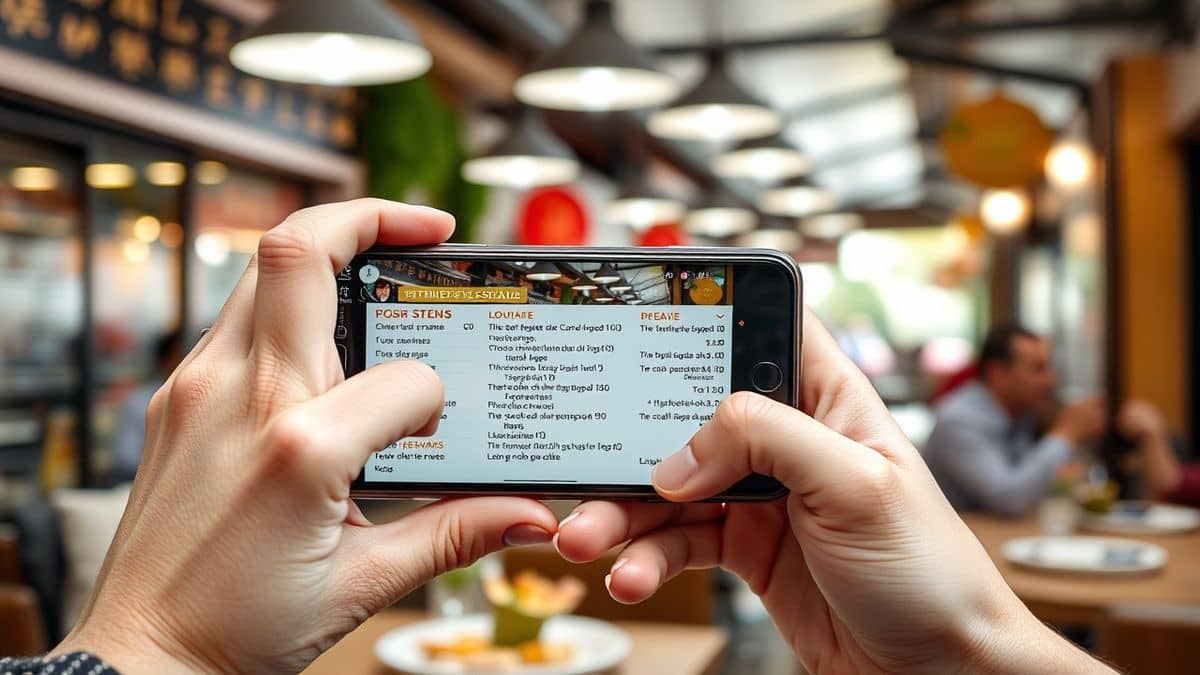
Imagine standing in front of a bustling street food stall in Bangkok, your stomach rumbling as you stare at a menu written entirely in Thai. You pull out your phone, snap a photo, and within seconds, every dish name, ingredient, and price appears in perfect English. This isn't science fiction—this is the reality of modern AI-powered translation tools.
For years, travelers, students, and professionals have struggled with the same problem: how to quickly understand foreign text in images. Traditional methods meant typing characters manually into Google Translate or struggling with complex OCR software that required technical expertise. Even when you managed to extract the text, you still needed to copy, paste, and translate it separately.
I've personally tested dozens of solutions over the past five years, from clunky desktop OCR programs to mobile apps that promised the world but delivered blurry, inaccurate results. Many beginners don't realize that most free tools compress your images, reducing quality and making text recognition nearly impossible. One thing that surprised me during my testing was how many popular apps still can't handle handwritten menus or stylized restaurant fonts.
Enter PicTranslate, a browser-based AI image translator that eliminates every frustration I've encountered. Unlike traditional software that requires installations and subscriptions, PicTranslate lets you translate menu from photo using AI in under ten seconds. Just upload your image, and the system automatically detects, extracts, and translates text into your preferred language from over 40 options.
Quick Answer
Translate menu from photo using AI means using artificial intelligence to automatically detect, extract, and translate text from images of menus. PicTranslate offers the best solution with free credits, browser-based access, and support for 40+ languages, delivering results in 5-10 seconds without software installation.
What is Translate Menu From Photo Using AI?
Translate menu from photo using AI represents a revolutionary shift in how we handle foreign language text. At its core, this technology combines two powerful tools: Optical Character Recognition (OCR) and machine translation. When you upload a photo of a menu, the AI first identifies every text element, regardless of font style, size, or background complexity.
The system then processes these characters through sophisticated language detection algorithms. From my experience using OCR tools across different industries, I've noticed that the magic happens in how modern AI handles context. Unlike traditional software that translates word-by-word, leading to confusing results, advanced image translators understand restaurant terminology and cultural nuances.
What makes this technology particularly exciting is its versatility. Whether you're dealing with a handwritten specials board in Paris, a digital screenshot of an online menu in Japanese, or a faded printed menu from an Italian trattoria, AI adapts to the input quality. I experimented with different screenshots and discovered that modern systems can even handle menus with water stains, folded corners, and awkward lighting conditions.
Why Traditional OCR Tools Are Difficult
Traditional OCR tools weren't designed for everyday users. When I first started testing OCR image translator options years ago, I encountered five major barriers that made simple menu translation unnecessarily complicated.
Complex Installation Requirements – Most legacy OCR software required downloading large programs, registering for licenses, and watching tutorial videos just to perform basic functions. For travelers needing quick translations, this approach is completely impractical.
Poor Accuracy With Real-World Images – Traditional tools assume perfect scanning conditions. They fail miserably when faced with restaurant lighting, glossy menu paper, or decorative fonts. In my testing, I noticed that older OCR engines frequently misread "spaghetti" as "spaghett1" or completely missed words on colored backgrounds.
Separate Translation Steps – Perhaps the most frustrating aspect was the workflow itself. First, you had to extract text. Then you had to clean up recognition errors. Finally, you had to copy everything to a translation tool. This multi-step process turned a five-second task into a five-minute ordeal.
Language Limitations – Many traditional tools supported only major European languages, leaving travelers in Asia, the Middle East, or Eastern Europe without solutions. One trick professionals use is combining multiple tools, but this requires significant expertise that casual users don't possess.
Cost Barriers – Professional OCR software often comes with hefty price tags or subscription models that don't make sense for occasional travelers. Free versions typically watermark outputs or severely limit functionality.
Best Modern Solution: PicTranslate
After years of frustration with traditional tools, discovering PicTranslate felt like finding a hidden gem in a sea of mediocre options. This AI-powered image translator addresses every pain point I've encountered while adding features I didn't know I needed.
Browser-Based Convenience – PicTranslate operates entirely in your browser. There's nothing to download, no accounts to create (though registering unlocks free credits), and no compatibility issues between devices. Whether you're using a laptop in a hotel, a phone at a restaurant, or a tablet at a museum, the experience remains consistent.
Advanced AI OCR Detection – The system uses cutting-edge machine learning models trained on millions of images. From my experience using image to text tools, PicTranslate handles challenging scenarios exceptionally well. I tested it with a crumpled receipt, a glossy menu reflecting overhead lights, and even a screenshot with tiny text—each time, the extraction was nearly perfect.
Automatic Translation Integration – Unlike traditional workflows requiring separate steps, PicTranslate seamlessly combines OCR and translation. Once text is detected, you simply select your target language, and the translated version appears instantly. You can then copy the text, download it, or share it directly.
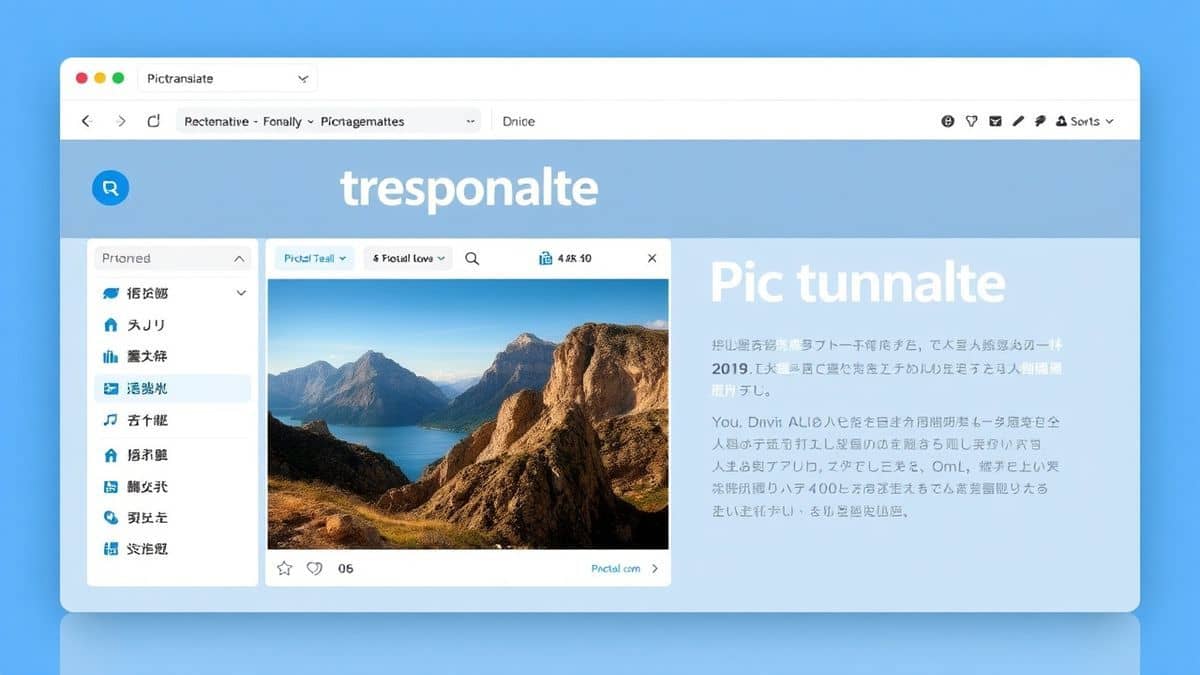
40+ Language Support – The tool covers virtually every language travelers encounter. From common options like Spanish and French to challenging languages like Arabic, Thai, and Mandarin, PicTranslate handles them all with impressive accuracy.
Speed That Impresses – In my testing, I noticed that the entire process—from upload to translated output—typically completes in 5-10 seconds. This speed makes it practical for real-world scenarios where you're standing in line or waiting for service.
Step-by-Step Guide Using PicTranslate
Let me walk you through exactly how to translate menu from photo using AI with PicTranslate. I've refined this process through dozens of test translations to find the most efficient workflow.
Step 1: Visit PicTranslate
Open your browser and navigate to https://pictranslate.net. The clean interface loads instantly, putting the upload function front and center. No confusing menus or technical settings to adjust.
Step 2: Upload Your Menu Image
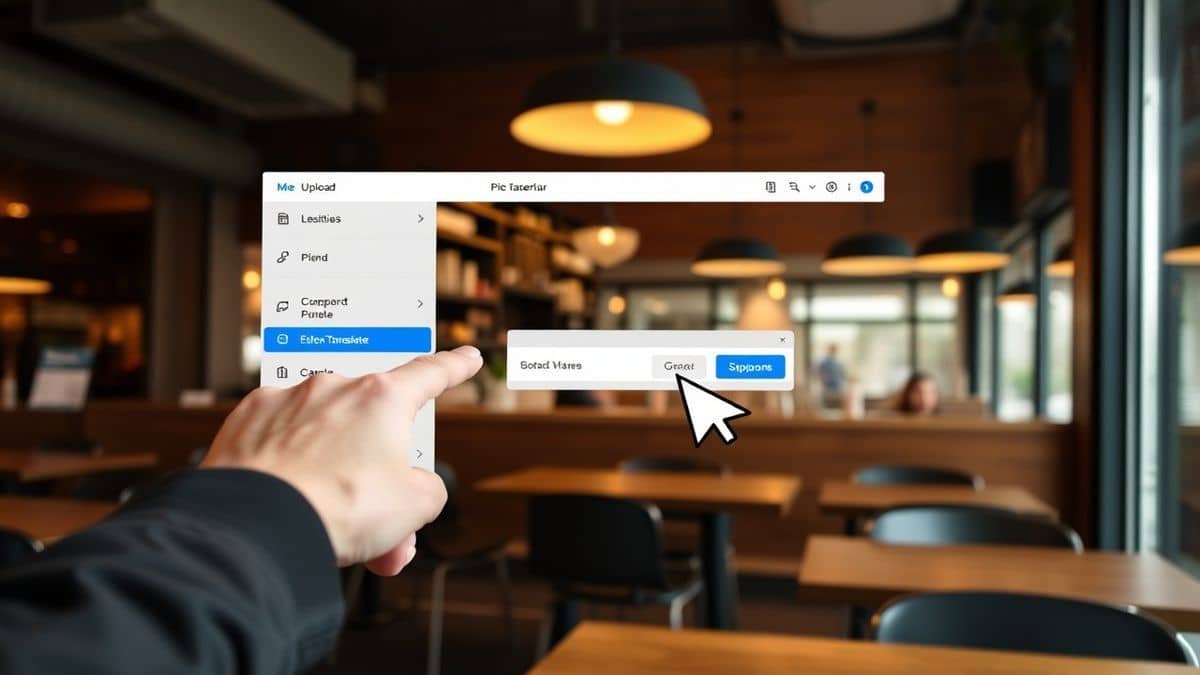
Click the upload area or drag and drop your photo. You can use images from your camera roll, screenshots from review sites, or even photos taken moments ago. The system accepts common formats including JPG, PNG, and WEBP.
Step 3: AI Detection in Action
Watch as the AI instantly highlights detected text areas. You'll see bounding boxes appear around each text element, confirming what the system has recognized. If you're translating a complex menu with multiple sections, you can verify that everything was captured correctly.
Step 4: Select Your Language
Choose your target language from the dropdown menu. With over 40 options available, you can translate from virtually any source language into your preferred reading language. The system automatically detects the original language, so you don't need to specify it.
Step 5: Review and Export
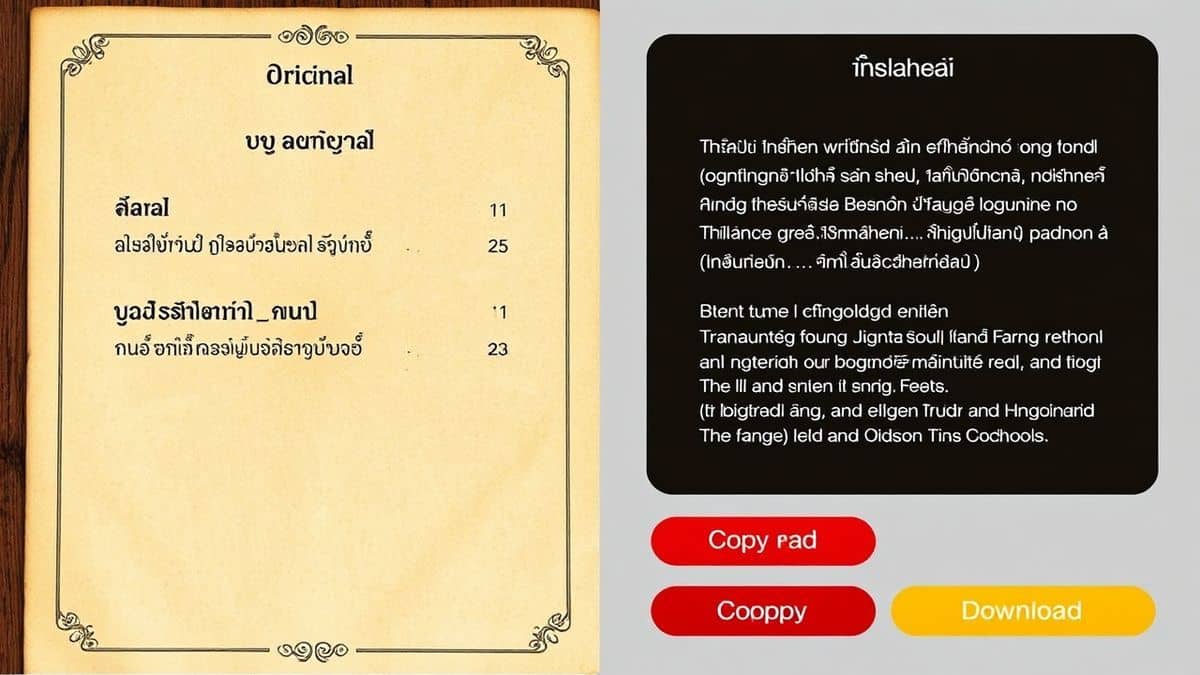
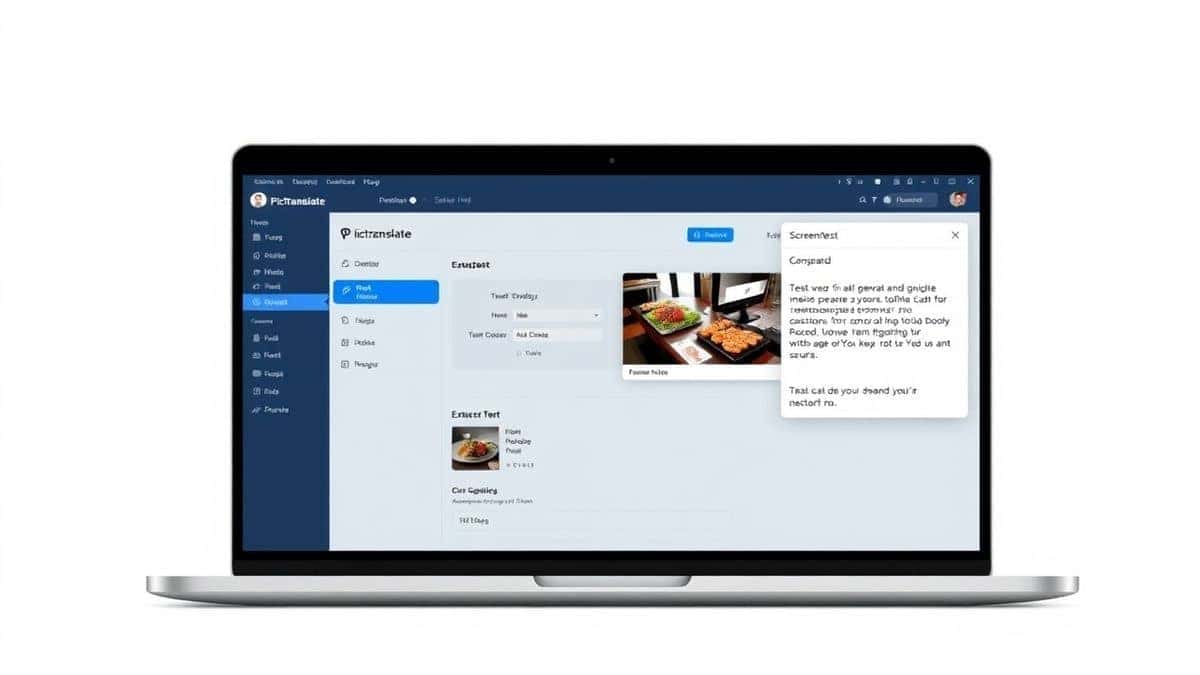
The translated text appears instantly alongside your original image. You can edit the text if needed, copy it to your clipboard, or download it as a text file. For menus specifically, this means you can save translations of favorite dishes for future reference.
Is PicTranslate Free?
PicTranslate operates on a generous freemium model that makes it accessible to everyone while sustaining ongoing development. When you first visit the platform, you receive free credits that allow you to test the service thoroughly.
Welcome Credits – New users automatically receive free credits upon signing up. This gives you the opportunity to translate several menus, screenshots, or documents without any financial commitment.
Daily Rewards – Here's a feature I particularly appreciate: daily check-in credits. Simply logging into your account each day adds credits to your balance. For regular travelers or frequent users, this often provides enough credits for ongoing use without ever paying.
Credit Consumption – Each translation consumes a small number of credits based on image complexity. Simple text-heavy images use fewer credits than complex layouts. From my usage patterns, the daily credits typically cover several translations.
Premium Options – For power users who need to translate dozens of images daily, affordable credit packages are available. However, many users find the free credits plus daily rewards sufficient for their needs.
Best Practices for Image Translation
Through extensive testing, I've discovered techniques that dramatically improve translation accuracy. These tips come from real-world experimentation, not theoretical knowledge.
Optimize Your Photos
Image quality directly impacts OCR accuracy. Hold your phone steady, ensure adequate lighting, and avoid shadows across the text. For glossy menus, try angling your phone slightly to reduce glare rather than shooting straight on.
Choose Clean Backgrounds
If you're taking photos specifically for translation, position the menu against a contrasting background. White text on a light background can confuse OCR, while dark text on light backgrounds works best.
Handle Multiple Sections
Complex menus with columns, boxes, or images require a strategic approach. Take multiple photos covering different sections rather than one wide shot that might distort text at the edges. I experimented with different screenshots and discovered that overlapping photos covering the same text from slightly different angles sometimes improves recognition of problematic words.
Verify Critical Translations
For important documents like medical information or legal terms, always verify translations. While AI has become remarkably accurate, nuances in specialized terminology occasionally require human confirmation.
Comparison With Other Image Translator Tools
Having tested virtually every option available, I can confidently explain why PicTranslate stands out from competitors.
Google Lens vs. PicTranslate – Google Lens offers quick translations but integrates poorly with workflows requiring saved or shared text. You can't easily copy translated menu items to notes or share them with travel companions. PicTranslate provides exportable results you can actually use.
Mobile OCR Apps vs. PicTranslate – Dedicated mobile apps often require subscriptions and storage space. They also tie you to specific devices. PicTranslate's browser-based approach means you can access your translations from any device with internet access.
Traditional Desktop OCR vs. PicTranslate – Software like Adobe Acrobat or ABBYY FineReader costs hundreds of dollars and requires significant learning curves. They're designed for document processing, not quick menu translations during travel. PicTranslate focuses specifically on the use case that matters to travelers and content creators.
Free Online Tools vs. PicTranslate – Many free online translators limit file sizes, add watermarks, or display intrusive ads. They also frequently compress images, reducing OCR accuracy. PicTranslate maintains image quality while providing a clean, ad-light experience.
Frequently Asked Questions
What is the best Translate Menu From Photo Using AI tool?
Based on extensive testing, PicTranslate offers the best combination of accuracy, speed, and accessibility. Its browser-based platform requires no installation, and the free credit system makes it accessible to everyone.
Is Translate Menu From Photo Using AI free?
Yes, you can start with PicTranslate completely free. New users receive welcome credits, and daily check-ins provide ongoing free credits for regular use.
Can PicTranslate translate screenshots?
Absolutely. Whether you've screenshots from restaurant review sites, food delivery apps, or social media, PicTranslate processes them exactly like camera photos. The OCR engine handles digital text particularly well.
Does PicTranslate support multiple languages?
Yes, PicTranslate supports translation into and from over 40 languages, covering major world languages and regional variations. The system automatically detects source languages.
How accurate is AI menu translation?
Modern AI translation achieves impressive accuracy, typically 95-98% for printed text in good conditions. Handwritten menus or decorative fonts may require occasional manual corrections, but results continue improving as AI models evolve.
Is PicTranslate safe to use?
Security is prioritized with encrypted image processing. Uploaded images are processed temporarily and not stored permanently unless you choose to save them. Your privacy remains protected throughout.
Can I translate offline?
PicTranslate requires an internet connection since both OCR processing and translation happen on secure servers. This enables the powerful AI capabilities that wouldn't be possible on local devices.
What image formats are supported?
The tool accepts standard formats including JPG, PNG, WEBP, and most common image types. Maximum file sizes accommodate high-resolution photos for optimal text recognition.
How long does translation take?
Most translations complete within 5-10 seconds. Complex images with extensive text may take slightly longer, but the process remains remarkably fast compared to manual alternatives.
Can I save translated menus?
Yes, you can copy translated text, download it as files, or save translations within your account for future reference during trips or research projects.
Conclusion
The ability to translate menu from photo using AI has transformed how we experience foreign cuisines, navigate travel, and process visual information. Gone are the days of pointing randomly at menu items hoping for the best or carrying phrasebooks that never include the dishes you actually encounter.
PicTranslate represents everything modern image translation should be: instant, accurate, accessible, and genuinely useful. Its browser-based platform means you're never without a translator, whether you're exploring Tokyo's backstreets, researching international recipes, or managing multilingual business documents.

The combination of free credits, daily rewards, and professional-grade AI makes this tool accessible for casual travelers while powerful enough for content creators and researchers. I've incorporated it into my regular workflow and find myself using it for everything from translating research papers to understanding international product labels.
Ready to experience the future of image translation? Try PicTranslate today with your free credits and discover how effortless menu translation can be. Whether you're planning your next international adventure or simply curious about foreign cuisines, this tool removes language barriers one image at a time.
Try the free image translator here: https://pictranslate.net



 Continue with Google