AI圖片翻譯器 – 線上擷取並翻譯圖片中的文字
PicTranslate AI圖片翻譯器,讓您能夠擷取圖片中的文字並即時翻譯。上傳照片、螢幕截圖、菜單、漫畫或文件,利用先進的OCR技術將其轉換為可編輯文字。這款線上圖片翻譯器支援超過40種語言,是自動翻譯旅遊菜單、漫畫、產品標籤、掃描文件和螢幕截圖的完美工具。
See What Our AI Image Translator Can Do
From manga panels to restaurant menus — translate image text while keeping the original design intact.
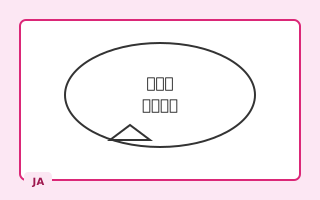
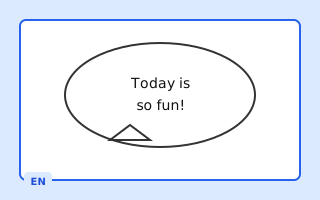
Translate Japanese manga speech bubbles and comic panels. Our manga OCR detects vertical text and preserves artwork quality.
Try It Free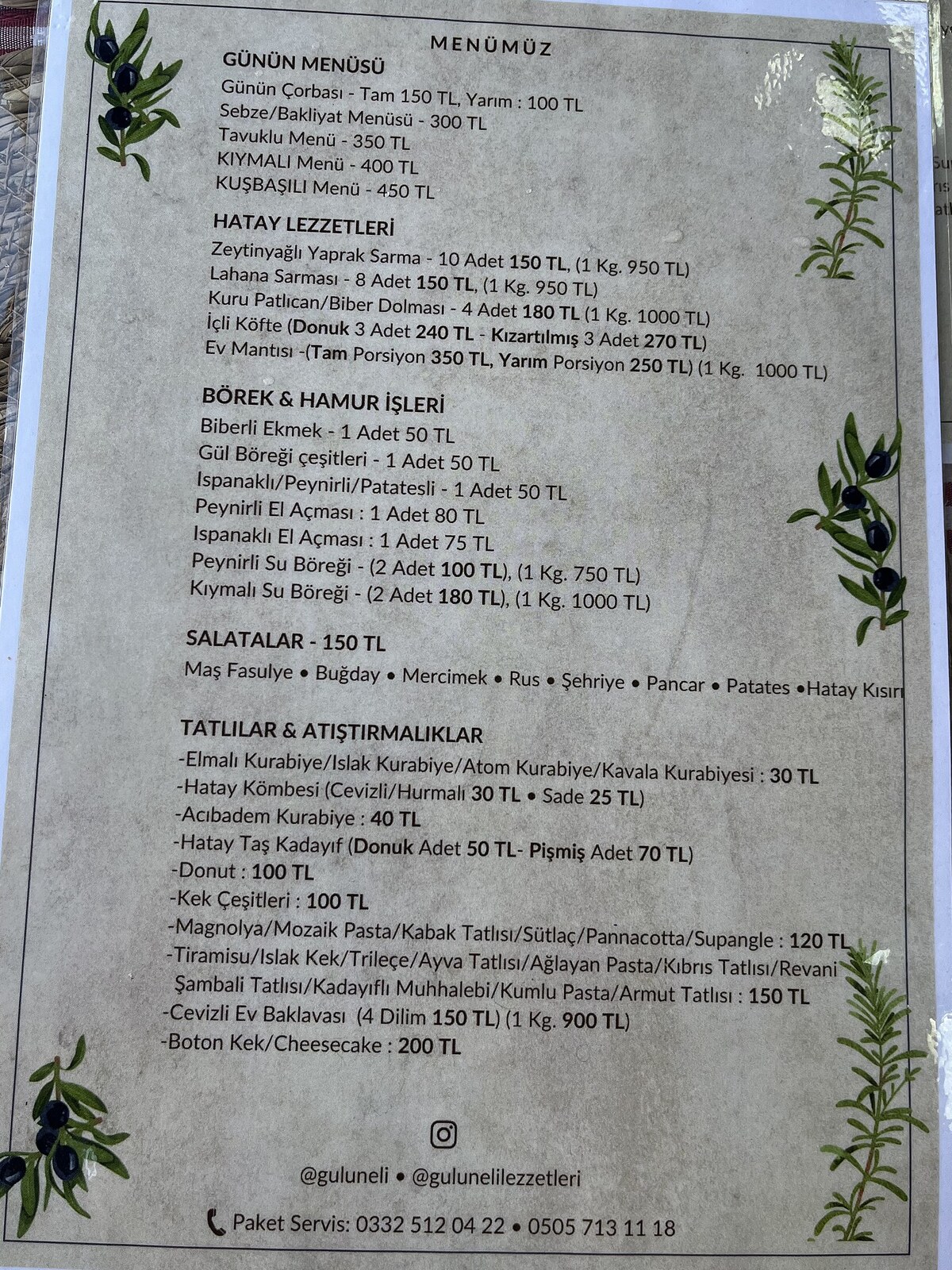
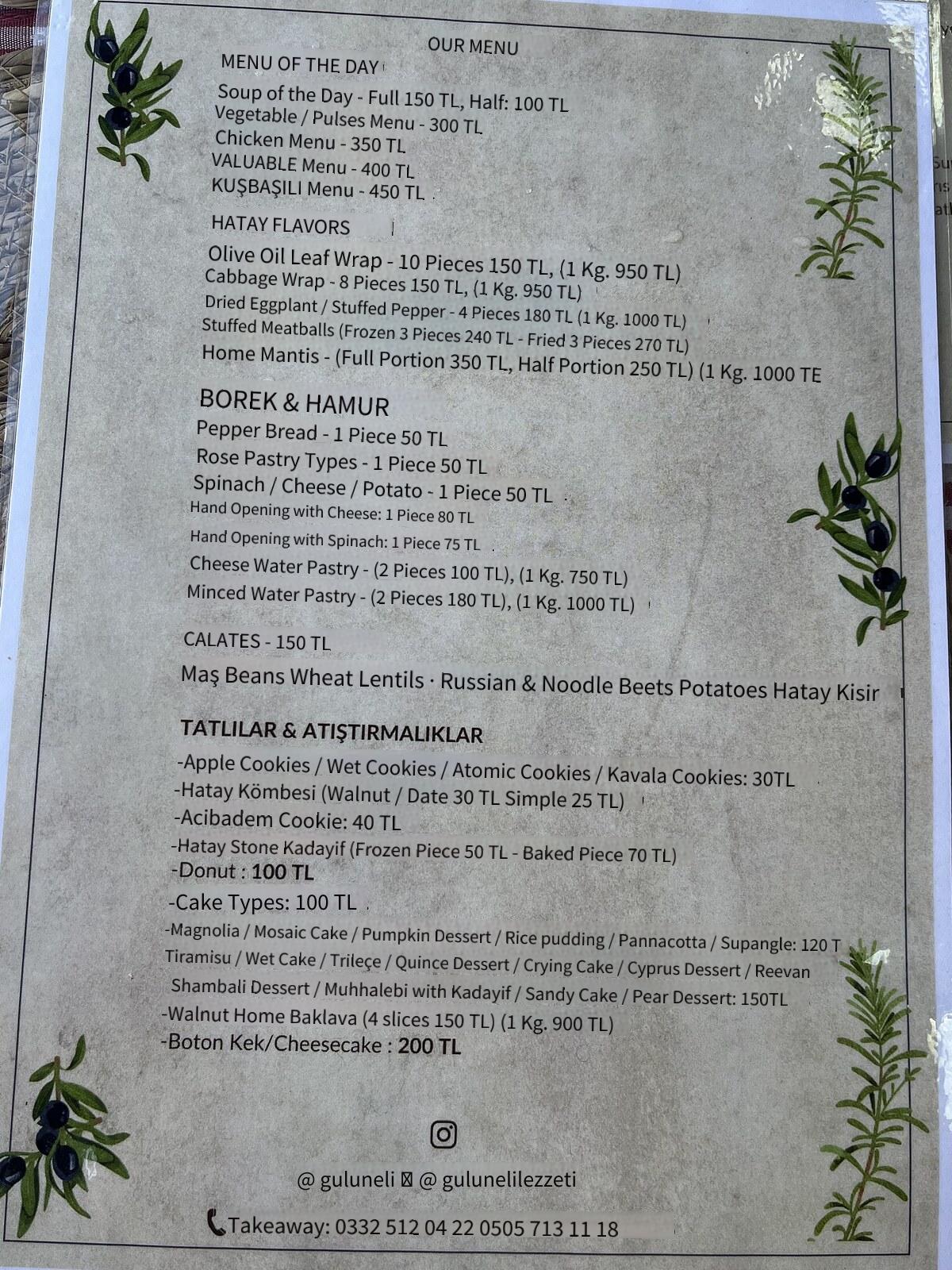
Snap a restaurant menu abroad and get an instant translation. Perfect for travelers who need a quick menu translator on the go.
Source image: Wikimedia Commons (CC0). Result generated by PicTranslate AI.
Try It Free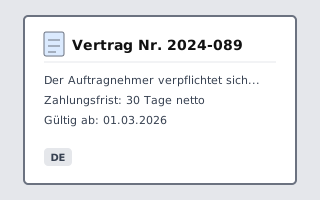
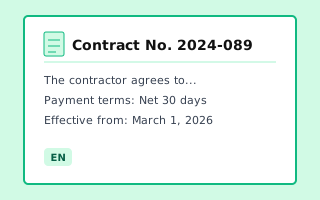
Convert scanned contracts, invoices, and reports. Extract text with OCR and translate documents to any target language.
Try It Free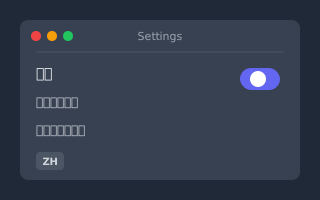
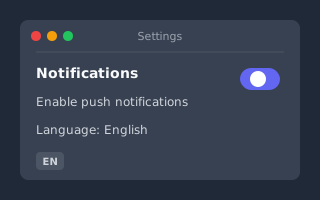
Translate text from app screenshots, game UI, or social media posts. Works on iOS, Android, Windows, and Mac captures.
Try It Free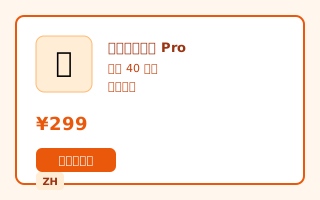
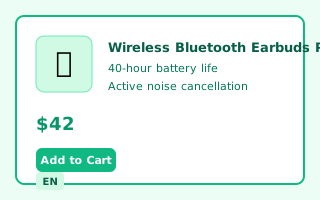
Localize product labels and packaging for Amazon, eBay, or Shopify. Reach global buyers with multilingual product images.
Try It Free強大的AI圖片OCR辨識與翻譯功能
精準的圖片OCR辨識
使用PicTranslate先進的OCR技術,從照片、螢幕截圖和掃描文件中擷取文字。AI能自動偵測字元並將其轉換為可編輯的數位文字,讓這款AI圖片翻譯器極其精確。
將圖片翻譯成40多種語言
將圖片中的文字即時翻譯成主流語言,包括英文、中文、日文、韓文、西班牙文、法文和德文。PicTranslate線上AI圖片翻譯器為您的所有照片、螢幕截圖、菜單和漫畫提供多語言支援。
支援多種圖片格式
上傳JPG、PNG或WEBP格式的圖片,使用PicTranslate的AI圖片翻譯工具,將其轉換為可編輯文字。非常適合翻譯菜單、漫畫、文件和螢幕截圖。
Layout-Preserving Translation
Our AI image translator removes source text and writes translations back in place — matching fonts, size, and background so results look native, not pasted on.
如何翻譯圖片中的文字
上傳您的圖片
上傳包含文字的照片、螢幕截圖或掃描文件,交由PicTranslate處理。
選擇目標語言
選擇您希望將文字翻譯成的語言。線上AI圖片翻譯器將即時完成轉換。
下載或複製結果
處理完成後,複製翻譯後的文字或下載結果。PicTranslate能保持格式和準確性。
Image Translation Guides & Tutorials
Learn how to translate images, compare AI tools, and improve OCR accuracy.
How to Extract Text From Image Using OCR Online
## Best How to Extract Text From Image Using OCR Online in 2026 (Complete Guide) Imagine this: You are traveling in Tok...
Read articleConvert Image to Text Online Using AI OCR
## Best Convert Image to Text Online Using AI OCR in 2026 (Complete Guide) ## Introduction We live in a visual world....
Read articleTranslate Picture Text to Any Language Online
## Best Translate Picture Text to Any Language Online in 2026 (Complete Guide) Imagine you are standing in a bustling m...
Read articleExplore More AI Translation Tools
PicTranslate offers a full suite of image translation and OCR tools — all in your browser.
批次圖片翻譯器
Translate up to 20 images to multiple languages in one batch.
Try Now漫畫翻譯器
Specialized OCR for manga speech bubbles and comic panels.
Try Now圖片轉文字
Extract text from photos and screenshots without translation.
Try Now文字去除工具
Erase watermarks, captions, and unwanted text from images.
Try NowScreenshot Translator
Translate app, chat, and tutorial screenshots with OCR.
Explore use caseMenu Translator
Read restaurant menus and food labels in your language.
Explore use caseProduct Image Translator
Translate labels, packaging, and marketplace images.
Explore use case常見問題解答
對我們的 AI 圖片翻譯工具有疑問嗎?以下為您解答關於 OCR 文字提取、圖片翻譯、支援語言、準確性、隱私等常見問題。
一款由AI驅動的線上圖片翻譯工具,使用OCR從圖片中擷取文字,並即時翻譯成多種語言。
OCR技術分析圖片中的像素,辨識字元,並將其轉換為PicTranslate AI圖片翻譯器可以處理的文字。
可以,上傳來自網站、應用程式或遊戲的螢幕截圖,PicTranslate將立即擷取並翻譯其中的文字。
PicTranslate AI圖片翻譯器完全支援JPG、PNG和WEBP格式的圖片。
可以,AI能夠偵測漫畫對話框和分鏡中的文字,並進行準確翻譯。
對於印刷體和清晰數位文字,PicTranslate的OCR引擎能提供高準確率。
支援超過40種語言,包括英文、中文、日文、韓文、西班牙文、法文和德文。
無需安裝。PicTranslate直接在您的瀏覽器中運作。
Check that you own or are authorized to use the source image, text, and third-party assets before publishing. The tool does not transfer ownership or grant rights to content you do not control.
支援的語言
使用PicTranslate AI圖片翻譯器,將圖片中的文字翻譯成全球40多種語言。
 使用 Google 繼續