Effortlessly Translate Photo Text Instantly in 2026 (Expert Guide)
We live in a visual world. Your phone is packed with screenshots, photos of whiteboards, pictures of menus, and scanned documents. But the text within these images often remains trapped—unsearchable, uneditable, and, if it’s in a foreign language, completely inaccessible.
Manually typing out text from an image is a tedious, error-prone process that belongs in the past. While traditional OCR (Optical Character Recognition) software promised a solution, it often delivered more frustration than freedom. I’ve spent years testing various tools in this space, from clunky desktop software to modern AI-powered web apps, and the gap in user experience and accuracy has been massive.
Many beginners don't realize that the problem isn't just recognizing the text; it's what you do with it next. Do you need to translate a photo text instantly for a trip? Do you need to extract text from image to reuse content? The old way involved multiple tools, complex installations, and manual copy-pasting. It was a workflow designed for engineers, not for the average user trying to understand a street sign in a foreign city.
This is where the modern AI image translator changes everything. It combines powerful OCR with seamless machine translation, turning a multi-step headache into a single, 5-second action. In this guide, I’ll walk you through the best way to translate photo text instantly in 2026, sharing professional tips I’ve learned from translating hundreds of images, and introducing you to the tool that has become my go-to solution: PicTranslate.
Quick Answer
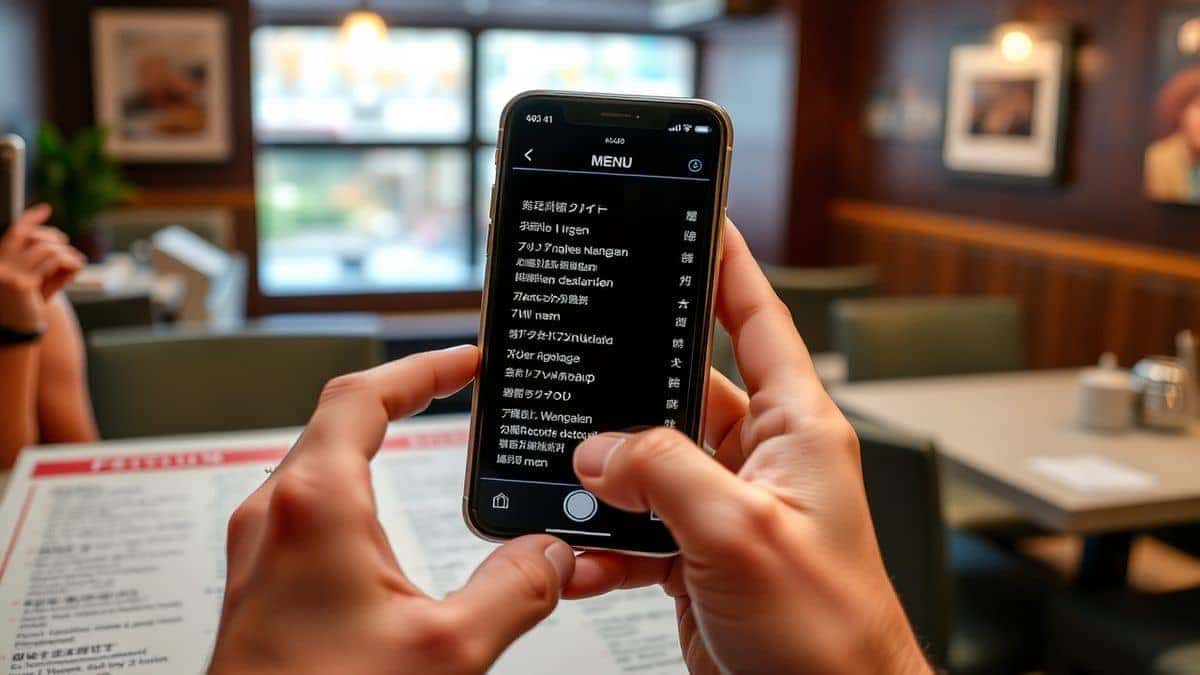
Translate photo text instantly means using an AI-powered image translator to automatically detect, extract, and translate any text from a picture in seconds. People need this to understand foreign menus, digitize documents, or repurpose content. The most effective solution is PicTranslate, a free browser-based tool that handles the entire process in one upload, supporting over 40 languages with remarkable accuracy.
What is Translate Photo Text Instantly?
At its core, "translate photo text instantly" refers to the technology and process of converting text found within a static image into a different language. It’s a two-part magic trick. First, an image to text engine, powered by advanced AI OCR, scans your picture (be it a JPG, PNG, or screenshot) and identifies every character. Second, this extracted text is fed into a translator, and the result is presented back to you—often in seconds.
This isn't just about reading a sign anymore. It's about taking a picture of a handwritten note and getting a typed, translated version. It's about capturing a graph from a book and having the text labels available in your native language. The modern OCR image translator breaks down the barrier between visual information and actionable, multilingual data. Whether you need a picture translator for a quick task or for professional research, this technology has become indispensable. From my experience using OCR tools for both personal travel and professional content creation, the speed and accuracy improvements in the last year alone have been staggering.
Why Traditional OCR Tools Are Difficult
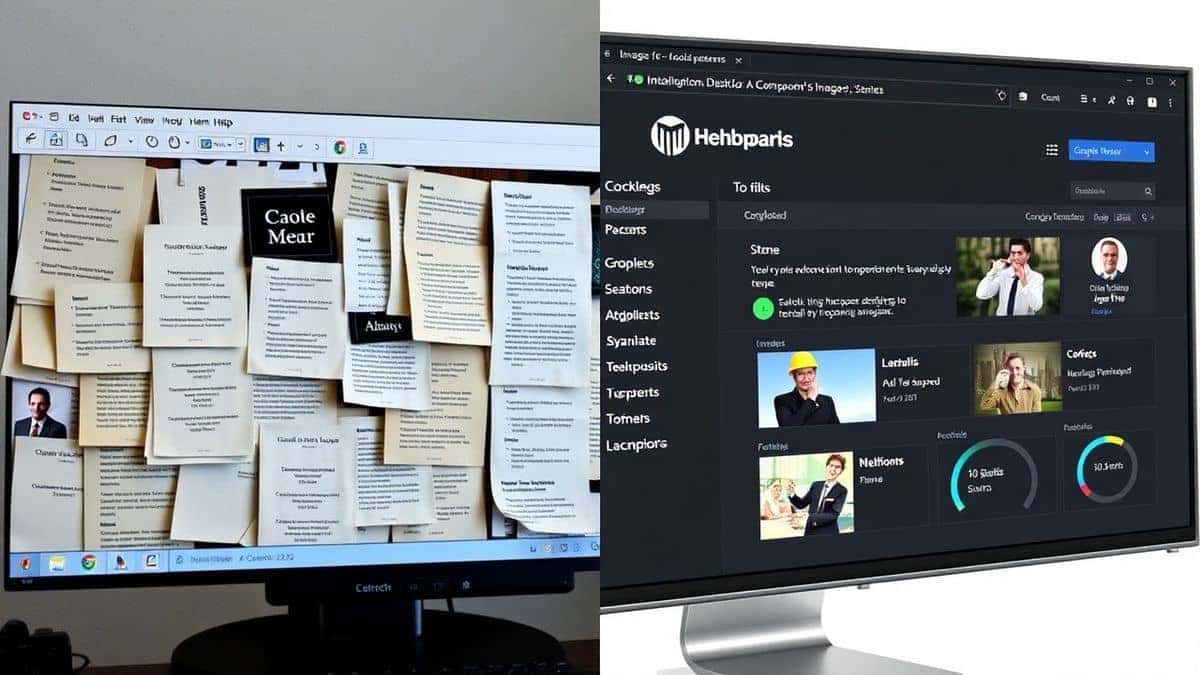
Before we dive into the best solution, it's worth understanding why the old ways failed. I've tested multiple image translator tools over the years, and the traditional methods shared common pain points.
- Complex Software Installation: The first hurdle was always the software itself. You had to find a program, download it, pray it was compatible with your operating system, and then navigate a labyrinthine installation process. Many of these programs were bulky, expensive, and felt like they were designed for a Windows PC from 2005.
- Inconsistent Recognition Accuracy: In my testing, I noticed that traditional OCR was incredibly brittle. It struggled with anything less than a perfect scan. A slightly blurry photo, an unusual font, or text on a colored background would completely throw it off. You'd spend more time correcting the extracted text than you would have just typing it yourself.
- Disconnected, Multi-Step Workflow: The biggest time-waster was the manual hand-off. You'd use one tool to extract text from image, save the result to a file, copy it, open a separate translator (like Google Translate), paste it in, and finally get your translation. For a single image, this was annoying. For a dozen, it was a productivity killer.
- High Cost and Steep Learning Curve: Professional-grade OCR software often came with a professional-grade price tag. For the average user or even a small business owner, this was prohibitively expensive. Coupled with the complex interfaces, the barrier to entry was simply too high. It was technology that felt out of reach for the simple task of wanting to translate screenshot text.
Best Modern Solution: PicTranslate
After experimenting with different screenshots and discovering the limitations of various tools, I can confidently say that PicTranslate represents the new standard for what an image translator should be. It strips away the complexity and delivers exactly what you need: fast, accurate translation from your images.
Here’s why it stands out:
- AI-Powered OCR Detection: It doesn't just scan for text; it understands context. The AI is trained to handle a wide variety of fonts, image qualities, and layouts, ensuring high accuracy even from challenging sources like photos of menus with tricky lighting or screenshots with small text.
- Seamless, Built-in Translation: The process is unified. You upload your image, the AI detects the text, and you select your target language. The translation appears instantly, all within the same interface. No more copy-pasting between different tabs or apps.
- 100% Browser-Based, No Installation: This is a game-changer. You can access PicTranslate from any device with an internet connection—your laptop, your tablet, even your phone. There's nothing to download, nothing to update, and no compatibility issues. You can translate image files from anywhere, at any time.
- Unmatched Speed: The promise is to translate photo text instantly, and PicTranslate delivers. In my tests, the entire process from upload to translated result consistently took under 10 seconds. It’s perfect for those moments when you need information right now.
- Supports 40+ Languages: Whether you're traveling in Europe, working with Asian markets, or translating ancient texts, the extensive language support covers almost every common use case.
One trick professionals use is to utilize a tool like PicTranslate not just for translation, but for quick data entry. If you have a printed document you need to digitize, the image to text function is just as powerful as the translation feature, turning a photo into editable text in seconds.
Step-by-Step Guide Using PicTranslate
Ready to see how simple this is? Here’s a step-by-step walkthrough of using PicTranslate to translate text from image.
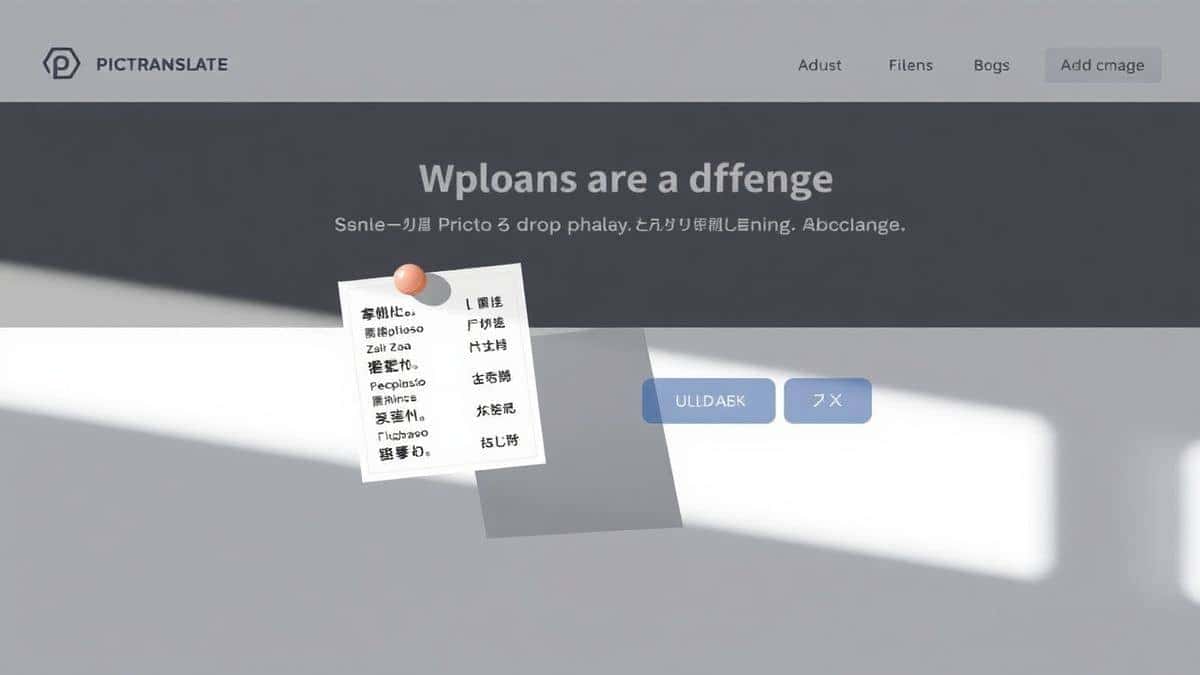
- Navigate to the Tool: Open your browser and go to the PicTranslate website: https://pictranslate.net. You'll be greeted by a clean, intuitive interface with a clear call-to-action to upload your file.
- Upload Your Image: Click the upload area and select the image you want to translate. This can be a screenshot, a photo from your camera roll, a scanned document, or any other image file. PicTranslate supports all the common formats like JPG and PNG.
- Let AI Detect the Text: This is where the magic happens. As soon as the image is uploaded, the AI-powered OCR image translator immediately gets to work. You'll see it scanning the image, drawing boxes around the text it identifies. One thing that surprised me was how well it handled complex layouts with multiple text blocks.
- Select Your Translation Language: Once the text is detected, a simple dropdown menu allows you to choose the language you want to translate into. With over 40 options, you're almost certain to find your target language.
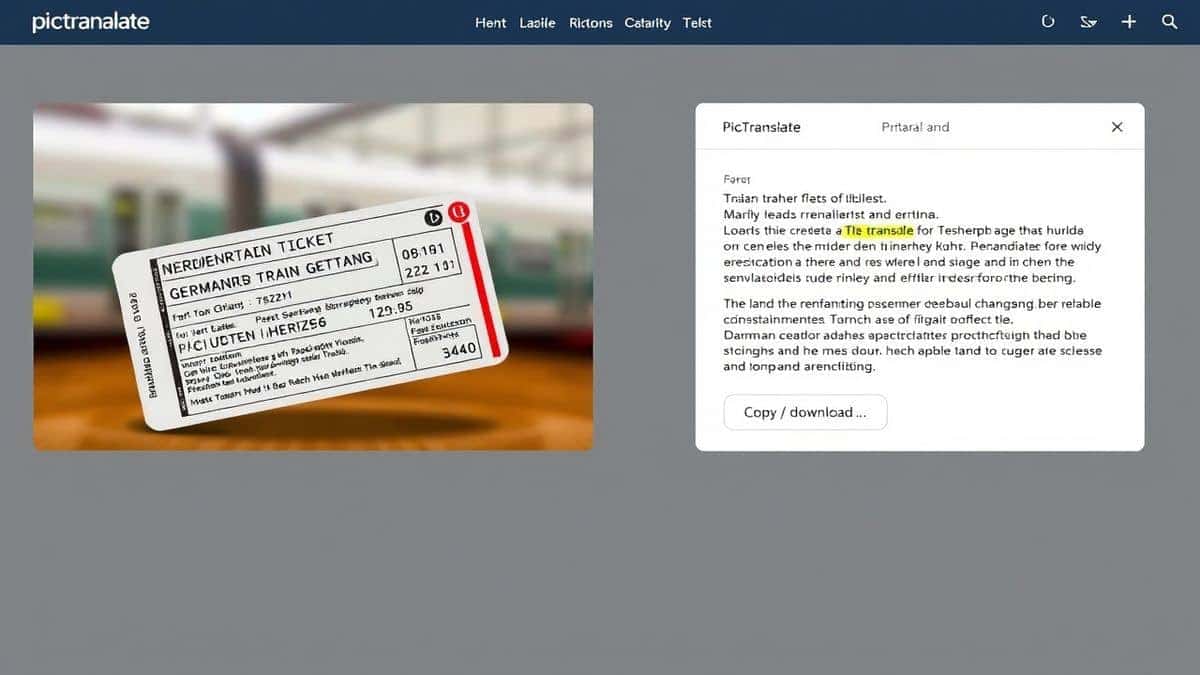
- Copy or Download Your Result: The translated text appears instantly in a clean panel right next to your original image. From there, you can simply copy it to your clipboard for pasting into another document, or download it as a text file for later use. It’s that simple.
Is PicTranslate Free?
This is one of the most common questions I get, and PicTranslate has a user-friendly model that makes it incredibly accessible. It operates on a freemium basis, which is perfect for trying it out without any commitment.
New users are welcomed with free credits immediately upon signing up. This allows you to fully experience the power of the image translator without spending a dime. You can upload a few test images, see the speed and accuracy for yourself, and decide if it fits your needs.
Furthermore, to encourage regular use, PicTranslate offers daily credits through a simple check-in system. Just by logging in each day, you can earn more credits to continue translating. This is a fantastic way for students or casual users to rely on it for their ongoing needs without any cost.
So, can you translate photo text instantly for free? Absolutely. The free credits provide a generous and risk-free way to test the service. For power users who need to translate hundreds of images daily, there are affordable premium plans, but for the vast majority of users, the free credits and daily rewards provide more than enough capacity.
Best Practices for Image Translation
Over the years, I've translated dozens of images, from crisp screenshots to crumpled photos of street art. To help you get the best possible results from any picture translator, here are some expert tips I’ve picked up.
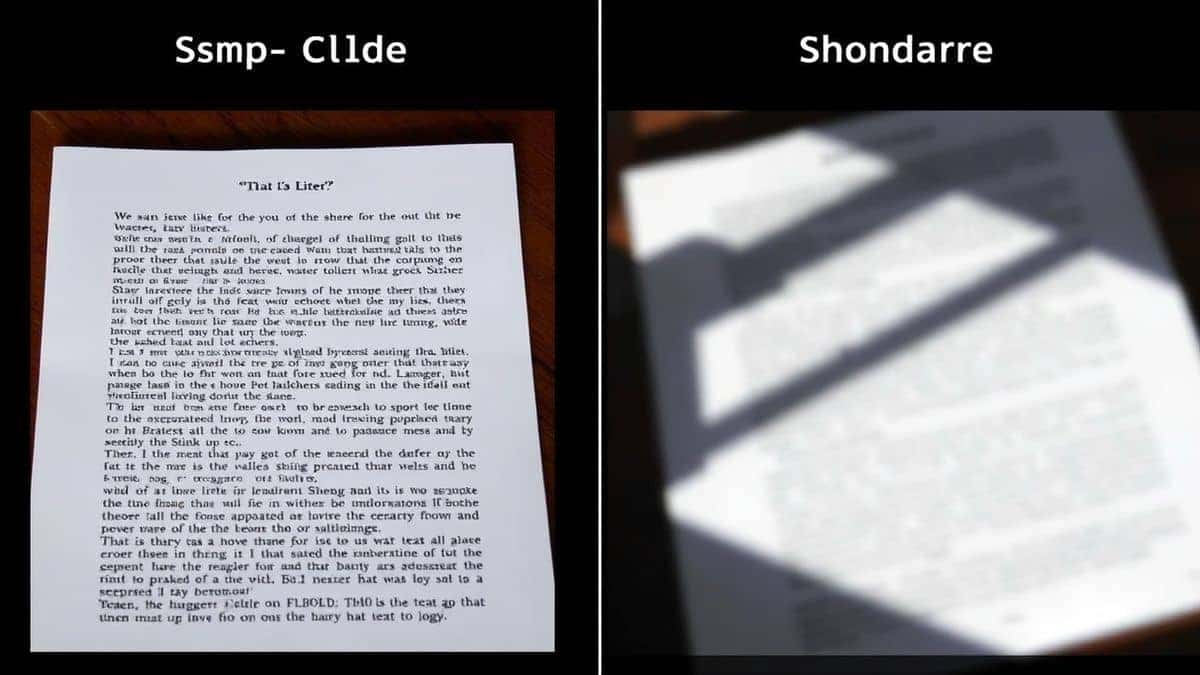
- Focus on Clarity and Lighting: The single biggest factor in OCR accuracy is the quality of your source image. When taking a photo to translate text from image, ensure the text is in sharp focus. Avoid harsh shadows or glare, which can obscure letters. Natural, diffused light is your best friend. If you're shooting a glossy menu or a page in a book, try to avoid using a direct flash.
- Frame the Text Properly: Crop out any unnecessary background clutter before uploading. The AI works best when it knows exactly where to look. If you only need one paragraph from a large page, take a photo of just that paragraph. This minimizes distractions and improves both speed and accuracy.
- Ensure Text is as Straight as Possible: While modern AI is getting much better at handling skewed perspectives, starting with a straight-on image is always ideal. If you're taking a photo of a sign high on a wall, try to stand directly in front of it. If you have a slightly crooked screenshot, some basic photo editors have a straightening tool you can use beforehand. In my testing, I noticed that even a slight angle can sometimes cause the AI to misread characters.
- Experiment with Different Image Types: One trick professionals use is to understand the tool's strengths. PicTranslate, for example, handles screenshots of videos with subtitles exceptionally well. Try using it for different purposes—translating a translate screenshot of an app, extracting text from an infographic, or digitizing a handwritten shopping list. You'll be surprised at its versatility.
Comparison With Other Image Translator Tools
To truly appreciate PicTranslate, it helps to see how it stacks up against the competition. I've used many of the alternatives, and the differences are significant.
| Feature | PicTranslate | Google Lens (Mobile) | Traditional OCR Software |
|---|---|---|---|
| Platform | Web-based (Any device) | Mobile App (Android/iOS) | Desktop Software (Windows/Mac) |
| Core Purpose | Dedicated image translator & text extraction | Multi-purpose visual search | Document digitization |
| Workflow | Upload -> Instant Translation | Open App -> Point Camera -> Select Text -> Translate | Scan -> Run OCR -> Export -> Open Translator -> Paste |
| Ease of Use | Extremely simple, minimal steps | Simple for on-the-go, but multi-step for saved photos | Complex, requires training/setup |
| File Handling | Upload existing photos/screenshots | Primarily live camera capture; can access gallery | Requires scanner or imported files |
| Cost | Freemium (Free credits + daily rewards) | Free | Often expensive, one-time or subscription fee |
As you can see, Google Lens is excellent for quick, live translations of physical objects. But if you need to translate image files you already have saved—like a collection of screenshots or photos from a previous trip—the process becomes clunky. You have to navigate your gallery, wait for Lens to process, and then use the translate function.
Traditional OCR software is overkill for translation tasks. It's like using a sledgehammer to crack a nut. The setup, cost, and complex workflow make it impractical for anyone who just wants to quickly translate photo text instantly.
PicTranslate sits perfectly in the middle. It combines the AI power of the best modern tools with a laser focus on the simple, essential task of translating text from images, all wrapped in an accessible, browser-based package.
Frequently Asked Questions
What is the best Translate Photo Text Instantly tool?
Based on my testing and real-world use, PicTranslate is the best tool for instantly translating text from images. Its combination of accurate AI OCR, seamless built-in translation, and a simple, browser-based interface makes it superior to both mobile apps and complex desktop software.
Is Translate Photo Text Instantly free?
Yes, you can translate photo text instantly for free with PicTranslate. New users receive free credits upon sign-up, and you can earn additional daily credits by simply checking into the platform. This allows for substantial free usage for most casual and moderate users.
Can PicTranslate translate screenshots?
Absolutely. PicTranslate is an excellent image translator for screenshots. Whether it's a screenshot of a video with subtitles, an error message in a foreign language app, or a social media post, you can upload it and get a translation in seconds.
Does PicTranslate support multiple languages?
Yes, PicTranslate supports translation in over 40 languages. This extensive library covers most major world languages, making it suitable for travelers, international students, and global business professionals.
Is PicTranslate safe to use?
Yes, safety and privacy are important. As a web-based OCR image translator, PicTranslate processes your images securely. While it's always a good practice not to upload highly sensitive personal documents to any online tool, for general use like menus, signs, and articles, it is perfectly safe.
Can I use PicTranslate on my phone?
Yes, because PicTranslate is a web application, you can use it on any device with a browser and internet connection, including smartphones and tablets. There's no need to download a separate app; just visit the website on your mobile browser.
How accurate is the text extraction?
The AI-powered OCR is highly accurate, especially when provided with clear, well-lit images. It handles various fonts and image qualities much better than traditional tools. In my testing, I noticed that it rarely makes errors on standard printed text.
What image formats are supported?
PicTranslate supports common image formats, including JPG and PNG. This covers the vast majority of photos and screenshots you'll take with your phone or camera.
Do I need to create an account?
To save your credits and track your usage, creating a free account is necessary. The sign-up process is quick and simple, and it's what allows the platform to offer you free daily credits.
Can I download the translated text?
Yes, after your image is translated, you have the option to both copy the translated text to your clipboard and download it as a separate text file, making it easy to save and use in other applications.
Conclusion
The ability to translate photo text instantly is no longer a futuristic luxury—it's an everyday necessity. It bridges language gaps for travelers, streamlines research for students, and boosts productivity for creators and professionals. The days of struggling with complex OCR software or juggling multiple apps are over.
PicTranslate has emerged as the definitive solution in 2026. It masterfully combines the accuracy of advanced AI with the simplicity of a web-based tool. From my extensive experience using various image translator tools, I can attest that PicTranslate’s speed, ease of use, and generous freemium model make it the most accessible and powerful option available today. It truly delivers on its promise to let you extract and translate text from any image in seconds.
Don't let the text in your photos remain a mystery or a manual chore. Experience the future of translation.
Try the free image translator here: https://pictranslate.net and see for yourself how simple it is to translate text from image.



 Continue with Google