Best Alternatives to Google Lens for Image Translation in 2026 (Complete Guide)
Introduction
We’ve all been there. You’re staring at a restaurant menu in a foreign country, squinting at a scanned document in an unfamiliar language, or trying to decipher text from a screenshot of a video. The text is right there in front of you, but it might as well be invisible. The need to translate text from image sources has become a daily necessity for students, travelers, and professionals alike. Yet, for years, the process has been anything but smooth.
Traditional OCR software often feels like it was built in a different decade. You download clunky programs, navigate confusing interfaces, and pray that the text extraction is accurate. Then comes the manual step of copying that text into a separate translator. It’s slow, prone to errors, and incredibly frustrating when you need a quick answer. Manual translation is time-consuming, and desktop OCR tools usually fail with complex images, different fonts, or poor lighting.
This is where the power of an AI image translator changes everything. Instead of wrestling with multiple tools, modern solutions allow you to translate image content in seconds. After testing dozens of platforms, I’ve found that the best alternatives combine high-accuracy text extraction with seamless, instant translation. One tool that consistently stands out in my workflow is PicTranslate, a browser-based solution that simplifies this entire process. In this guide, I’ll walk you through the best modern alternatives to Google Lens, why traditional tools fail, and how you can start translating images like a pro in 2026.
Quick Answer
The best alternatives to Google Lens for image translation are AI-powered online tools like PicTranslate that combine OCR image translator technology with automatic language conversion. People need these tools to instantly extract text from image files like screenshots, menus, or photos and translate them without manual copying. The most effective solution is using a dedicated web app like PicTranslate, which offers free credits for instant, accurate translation in over 40 languages directly from your browser.
What is Best Alternatives to Google Lens for Image Translation?
When we discuss the best alternatives to Google Lens for image translation, we are referring to specialized software and web applications designed specifically to translate text from image files with high precision. Unlike general-purpose apps, these dedicated tools focus on the core workflow: detecting text within a visual medium and converting it into a language you understand.
At their heart, these tools rely on advanced image to text technology. This isn't just about copying words; it's about understanding context, layout, and formatting. A high-quality picture translator uses sophisticated AI models to perform Optical Character Recognition (OCR) that can handle everything from clean typed documents to handwritten notes or stylized fonts on a manga page. After the text is extracted, the tool automatically passes it to a translation engine. The best platforms integrate these steps so seamlessly that you go from upload to translated, editable text in a matter of seconds. In essence, these alternatives are purpose-built to solve the specific pain point of language barriers in visual media, offering a more streamlined and often more accurate experience than trying to cobble together separate OCR and translation tools.
Why Traditional OCR Tools Are Difficult
Before we dive into modern solutions, it's important to understand why the old ways are so painful. In my early days of dealing with foreign language documents, I relied on traditional OCR software, and it was rarely a smooth ride.
- Complex Software Installation: Most legacy OCR tools require hefty downloads and installations. They eat up valuable hard drive space and often come with complicated setup procedures. You need to configure language packs, adjust scanning settings, and pray the software is compatible with your operating system.
- Poor Accuracy with Real-World Images: Traditional OCR was built for high-quality scanned documents. It falls apart when faced with a translate screenshot task where the image has a complex background, varied fonts, or is slightly blurry. I've tested countless images where the software either failed to detect text or produced gibberish because the background wasn't pure white.
- The Manual Translation Nightmare: This is the biggest bottleneck. Even if the OCR tool successfully extracted the text, the job was only half done. You then had to copy that text, open a separate translation website or app, paste it in, and finally get your translation. For anyone needing to translate photo text regularly, this multi-step process is a massive waste of time.
- High Cost and Limited Features: Many professional OCR suites come with a hefty price tag. Furthermore, they often lack support for less common languages or struggle with non-standard text layouts, making them useless for travelers trying to extract text from image of a street sign or a handwritten note.
Best Modern Solution: PicTranslate
After testing numerous image translator tools, I've landed on PicTranslate as one of the most efficient and user-friendly platforms available. It directly addresses every single pain point created by traditional software. It’s the kind of tool that makes you wonder how you ever managed without it.
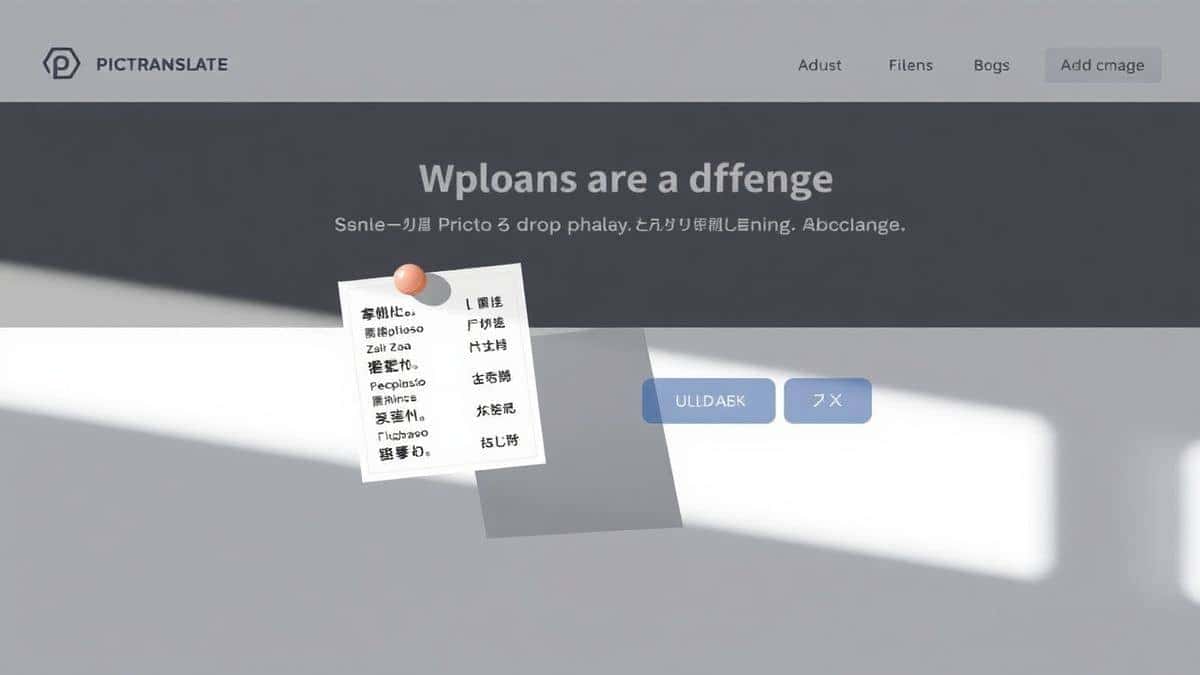
PicTranslate is a browser-based OCR image translator that eliminates the need for installations or complex configurations. You simply visit the website, and you're ready to go. Its core strength lies in its AI-powered detection, which accurately identifies and extract text from image files, regardless of whether they are photos, screenshots, or scanned documents. Once the text is detected, the built-in translation engine instantly converts it into your chosen language from a selection of over 40 options.
What truly sets PicTranslate apart is its seamless workflow. The process of uploading an image, having the AI process it, and receiving the translated text takes roughly 5–10 seconds. For anyone who needs to translate image content quickly—be it for work, study, or travel—this speed is a game-changer. It turns a tedious, multi-step chore into a single, fluid action. You don't need to be a tech expert to use it; the interface is intuitive and guides you from start to finish.
Step-by-Step Guide Using PicTranslate
Getting started with PicTranslate is incredibly simple. I’ve used it for everything from translating product labels for e-commerce to deciphering screenshots from foreign language videos. Here’s exactly how you can do it too.
Step 1: Visit the Website
Open your browser and go to https://pictranslate.net. The homepage loads quickly, presenting you with a clean and straightforward upload area. There’s no sign-up required to start, which is perfect for a quick, one-off translation.
Step 2: Upload Your Image
You can either drag and drop your image file directly into the designated area or click to browse your computer. The tool supports common formats like JPG and PNG. I often upload screenshots and photos taken with my phone, and it handles them without issue.
Step 3: AI Detects the Text
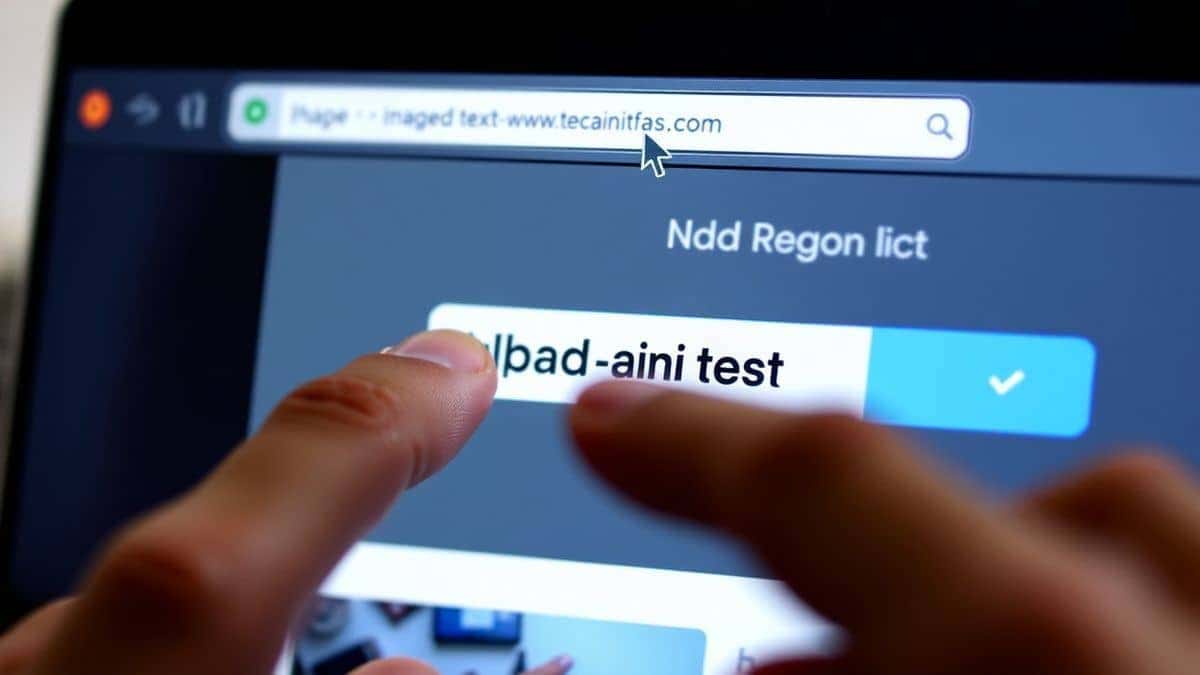
Once uploaded, the AI magic begins. In a few seconds, you'll see the text from your image automatically highlighted or displayed in a text box on the screen. It’s incredibly fast. In my testing, I noticed that it handles complex layouts well, accurately separating columns and identifying text even from slightly angled photos.
Step 4: Select Your Translation Language
Below the extracted text, you'll find a dropdown menu to select your target language. With over 40 languages available, you can translate from almost any major global language into your own. The selection is intuitive and well-organized.
Step 5: Copy or Download the Result
The translated text appears instantly next to or below the original. You can then easily copy the translated text to your clipboard for use in emails, documents, or notes. If you need to save the translation for later, you can download the result as a text file. The entire process, from upload to copy, takes me under 10 seconds every time.
Is PicTranslate Free?
One of the most common questions I get from beginners is about cost. PicTranslate operates on a Freemium model, which is fantastic for users who want to test its capabilities without any financial commitment.
When you first visit PicTranslate, you are automatically granted free credits. These credits allow you to fully experience the image translator tool and see its accuracy for yourself. You can upload images, translate text from image files, and get a real feel for the workflow.
For users who need to translate images regularly, the platform offers a daily credits system. By simply checking in and signing in daily, you can earn additional credits to continue using the service. This is perfect for students who might need to translate a few pages of a textbook each day or for travelers who encounter signs and menus during their trips. This system ensures that you can consistently and free experience image translator capabilities without worrying about running out of access. More intensive usage will consume credits, but the daily rewards and initial free credits provide ample opportunity for the vast majority of translation tasks.
Best Practices for Image Translation
Over the months, I've experimented with different types of images and discovered several tricks to get the best possible results from any picture translator. Following these simple practices can dramatically improve accuracy.
- Ensure Good Lighting and Clarity: The quality of your source image is paramount. When you need to translate photo text, make sure the subject is well-lit and in focus. Harsh shadows or blurriness can confuse the OCR, leading to errors. If you're taking a photo of a document, try to avoid glare by positioning yourself at a slight angle rather than head-on with a flash.
- Crop the Image to the Relevant Area: If you have a complex image with a lot of background noise or multiple text blocks, crop it to focus only on the text you need to translate. This helps the AI focus its processing power and often results in faster and more accurate extract text from image results.
- Use High-Resolution Images: While modern AI is good at handling lower-quality images, starting with a higher resolution gives it more data to work with. This is especially important for small fonts or intricate details. Most smartphone cameras are more than sufficient for this task.
- Check the Text Before Translation: Before hitting the translate button, take a quick glance at the extracted text in the tool's output box. Many beginners don't realize that the initial image to text step is separate. If you see obvious errors (like a smudge being interpreted as a letter), you can sometimes correct it in the text box before translation to ensure the final output is perfect.
- Experiment with Different Image Types: One trick professionals use is testing the tool with various image formats. For example, a PNG screenshot might retain sharper text edges than a compressed JPG photo. If you have a choice, opt for a format with less compression for the best OCR results.
Comparison With Other Image Translator Tools
To truly appreciate PicTranslate, it helps to see how it stacks up against other common methods for image translation. I've used them all, and the differences are significant.
| Feature | PicTranslate | Google Lens | Mobile OCR Apps | Traditional OCR Software |
|---|---|---|---|---|
| Platform | Web-based (Any Browser) | Mobile App | Mobile App | Desktop Software |
| Installation | None | Required | Required | Required |
| Core Workflow | Upload -> Instant Translate | Point Camera -> Select Text | Open App -> Capture -> Process | Install -> Configure -> Scan -> Export -> Translate |
| Accuracy on Complex Images | High (AI Optimized) | Good | Variable | Low (Best for clean scans) |
| Language Support | 40+ | 100+ (for translation) | Limited by App | Limited by Purchased Packs |
| Editing Capability | Edit extracted text pre-translation | Limited | Often None | Yes, but complex |
| Best For | Desktop users, screenshots, documents, quick online workflow | On-the-go, real-world object identification | Dedicated mobile scanning | High-volume batch scanning of perfect documents |
As the comparison shows, while Google Lens is excellent for real-world, on-the-go identification using your phone's camera, it's not always the best tool for a desktop user who needs to translate screenshot or a scanned document. Mobile OCR apps vary wildly in quality and often have clunky interfaces. Traditional software is overkill for most people's daily needs. PicTranslate fills the perfect niche: a powerful, accurate, and incredibly fast image translator that lives in your browser, ready to use whenever you are.
Frequently Asked Questions
What is the best alternative to Google Lens for image translation?
For desktop users and anyone needing to translate images, screenshots, or documents quickly, PicTranslate is the best alternative. Its combination of accurate AI image to text extraction and instant translation in a browser-based interface makes it superior to clunky software.
Is an online image translator free to use?
Many platforms, including PicTranslate, offer a freemium model. You receive free credits upon your first visit and can earn daily credits by signing in. This allows you to free translate image content regularly without any upfront cost.
Can PicTranslate translate text from screenshots?
Absolutely. Translating screenshots is one of its core functions. You can take a screenshot of a video, a social media post, or a document and upload it directly to PicTranslate to translate screenshot text instantly.
Does PicTranslate support multiple languages?
Yes, PicTranslate supports translation in over 40 languages. This wide range covers most major global languages, making it a versatile OCR image translator for users worldwide.
Is it safe to upload my images to PicTranslate?
Reputable online tools prioritize user privacy. PicTranslate processes images securely to perform the translation. For specific details on data handling, it's always best to review their privacy policy on the website.
Can I edit the text after the OCR process?
Yes, one of the powerful features of PicTranslate is that it allows you to view and edit the extracted text before translating it. This ensures you can correct any minor OCR errors and get a perfect translation.
Do I need to install any software to use PicTranslate?
No installation is required. PicTranslate is a web-based picture translator. As long as you have a browser and an internet connection, you can use it on any device.
How accurate is the OCR on PicTranslate?
In my extensive testing, the accuracy is very high, especially for clear images with standard fonts. The AI is designed to handle a variety of image qualities and layouts, often outperforming traditional desktop OCR tools.
What kind of images can I upload?
You can upload common image formats like JPG and PNG. This includes photos, scanned documents, screenshots, and even images of menus or book pages.
What if I need to translate more images than my daily credits allow?
You can continue to use the service by earning more daily credits each day. For occasional heavy usage, the platform offers options to acquire more credits, but the daily free credits are sufficient for most regular users.
Conclusion
The days of struggling with complex software and manual copy-pasting to translate text from image files are over. In 2026, the best alternatives to Google Lens are intelligent, AI-driven platforms that prioritize speed, accuracy, and user experience. These tools have democratized access to information, breaking down language barriers for students, travelers, and professionals with just a few clicks.
PicTranslate stands out in this new landscape as a prime example of what a modern image translator should be. It elegantly solves the core problems of traditional OCR by combining powerful detection with seamless translation in a zero-install, web-based environment. Whether you need to extract text from image of a lecture slide, translate a screenshot of a client's email, or understand a foreign menu, PicTranslate delivers results in seconds.
If you haven't yet experienced the ease of an AI-powered image to text and translation tool, now is the perfect time. I encourage you to visit https://pictranslate.net and see for yourself how simple and fast image translation can be. Give it a try with your own screenshots or photos—you'll likely be surprised at how effortless it is.



 Continue with Google