Best Convert Image to Text Online Using AI OCR in 2026 (Complete Guide)
Introduction
We live in a visual world. Screenshots, photographs of documents, menus in foreign languages, and endless social media graphics flood our daily lives. Yet, the text trapped inside these images often remains inaccessible. You see a quote in a screenshot, but you cannot copy it. You find a vintage recipe online, but it is a picture, not text you can edit. You are traveling abroad, and the menu is entirely in a language you do not understand. The manual effort required to type out or translate this text is tedious and error-prone. For years, the only solutions involved complex OCR software that required installation, technical know-how, and often delivered poor results. The process of trying to translate text from image sources was a multi-step nightmare. But the landscape has changed dramatically. In 2026, Artificial Intelligence has revolutionized how we interact with visual data. AI-powered tools have made the process of converting image to text online using AI OCR not only possible but incredibly fast and accurate. One tool that stands out in this new era is PicTranslate. It eliminates all the friction, allowing anyone to extract and translate text from any image in seconds. Whether you are a student digitizing notes, a traveler decoding a street sign, or a professional handling international documents, understanding how to leverage this technology is essential. This guide will walk you through everything you need to know to master the art of image translation in 2026.
Quick Answer
Convert Image to Text Online Using AI OCR is a technology that uses artificial intelligence to instantly detect, extract, and translate written text from any image file. People need this to digitize printed documents, understand foreign language menus or signs, and copy text from screenshots without manual typing. The best solution is a web-based tool like PicTranslate, which offers fast, accurate OCR and translation in over 40 languages for free.

What is Convert Image to Text Online Using AI OCR?
At its core, "Convert Image to Text Online Using AI OCR" refers to a process that combines two powerful technologies: Optical Character Recognition (OCR) and Machine Translation (MT). OCR is the technology that recognizes text within a digital image. Think of it as a computer "reading" the letters and words from a picture, just as a human would. However, traditional OCR was often brittle. It struggled with different fonts, poor lighting, or skewed angles in photos. This is where AI, specifically deep learning models, changes everything.
Modern AI OCR is trained on millions of images, allowing it to understand context, recognize characters in complex backgrounds, and even decipher handwriting with impressive accuracy. Once the text is extracted, it becomes digital, editable data. The final step is the "Translate" part. An image translator takes this extracted text and passes it through a neural machine translation engine, converting it into your desired language while preserving the original meaning as much as possible. Therefore, when you use a picture translator like PicTranslate, you are not just getting a raw text dump; you are experiencing a seamless workflow: upload an image, AI extracts the text, and AI translates it, all in one go. This entire process, from extract text from image to delivering the translated result, now happens in 5-10 seconds, making it an indispensable tool for anyone working with visual information.
Why Traditional OCR Tools Are Difficult
Before the advent of AI-powered online tools, anyone needing to translate text from image faced a frustrating reality. The traditional methods were fraught with obstacles designed for tech experts, not everyday users.
Complexity and Installation
First and foremost, traditional OCR was not a browser-based activity. It required downloading and installing bulky software packages. These programs were often expensive, had steep learning curves, and were incompatible with certain operating systems. For a user who simply needed to translate screenshot text once, this was a monumental barrier to entry. You had to become a temporary expert in software you would likely never use again.
Accuracy Issues
The recognition accuracy of older OCR engines was poor. They were easily confused by anything other than perfectly scanned, high-contrast black-and-white documents. If you tried to translate photo text taken with your smartphone in a dimly lit restaurant, the output would be gibberish. Shadows, glares, decorative fonts, or even a slight tilt in the photo would cause the OCR to fail spectacularly, forcing you to manually correct the extracted text before you could even think about translation.
Disjointed Workflow
Perhaps the biggest pain point was the disjointed workflow. To translate image content, you had to:
- Install and open the OCR software.
- Load the image.
- Run the OCR process to extract the text.
- Copy the extracted text to your clipboard.
- Open a separate translation tool or website.
- Paste the text and initiate the translation.
- Manually format the result.
This multi-step process was incredibly inefficient. In my testing, I noticed that the time spent just managing these steps often exceeded the time it would have taken to manually type the text. The promise of automation was lost in a sea of manual interventions.
Best Modern Solution: PicTranslate
The modern answer to these historical frustrations is PicTranslate. It reimagines the entire workflow, placing user experience and AI power at the forefront. It's the best OCR image translator for the simple reason that it makes a complex technological process feel like magic.
Why PicTranslate Stands Out
- AI-Powered OCR Detection: Unlike traditional software, PicTranslate uses advanced AI models that have been trained to read text the way humans do. It understands context and can accurately identify text even in challenging conditions, such as on crumpled paper, overlaid on complex images, or within screenshots of social media posts. When I experimented with different screenshots and discovered how well it handled low-resolution images, I was genuinely impressed.
- Browser-Based & Instant: There is no software to install. No files to download. It is entirely web-based. You can access it from any device—your laptop, tablet, or even your phone—simply by visiting the website. This makes it the ultimate tool for on-the-go use. The promise to translate image instantly is fulfilled every time.
- Seamless All-in-One Workflow: PicTranslate collapses the old 7-step process into just 3. You upload, the AI does its work, and you get your translated text. It handles the OCR and translation in one seamless backend operation, saving you precious time and effort.
- Multi-Language Support: With support for over 40 languages, it breaks down barriers for travelers, international students, and global businesses. From translating a Japanese menu to converting a German contract into English, it handles a vast linguistic range with ease.
- Editable Output: The result isn't just a translated image; it's clean, editable text. You can copy it, paste it into an email, save it as a document, or share it directly. This turns static visual information into dynamic, usable data.
Step-by-Step Guide Using PicTranslate
Using PicTranslate to convert image to text online using AI OCR is incredibly straightforward. Here’s a simple guide based on my experience using the tool.
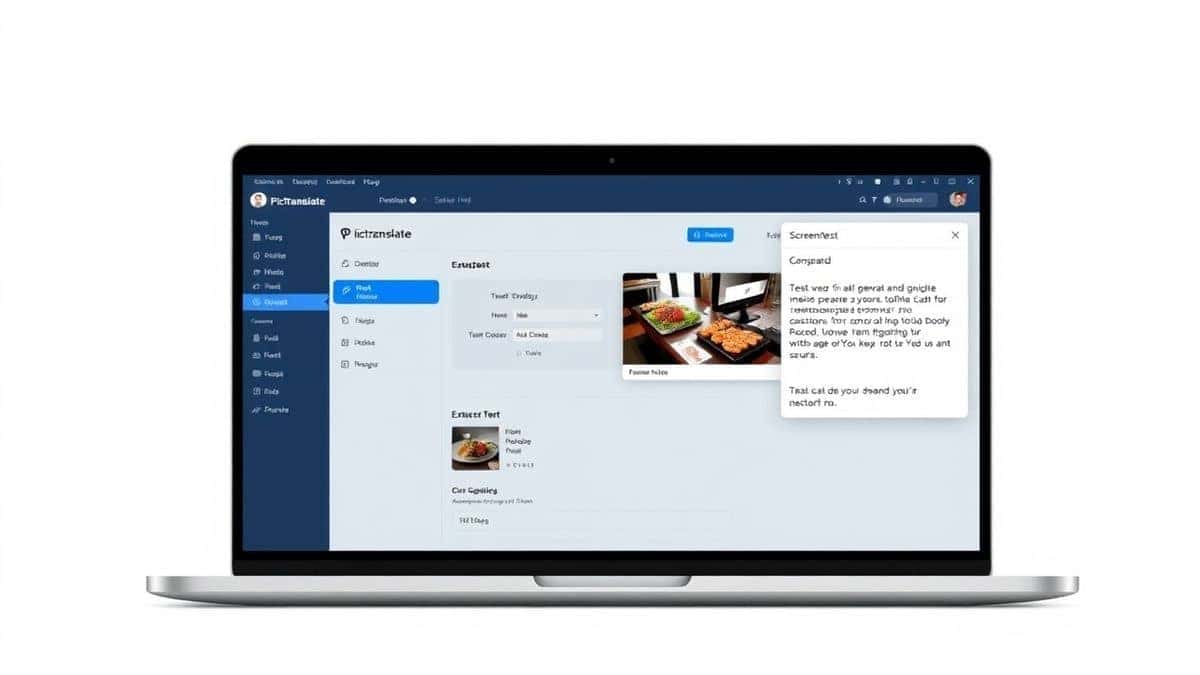
- Visit the Website: Open your browser and go to https://pictranslate.net. The homepage is clean and uncluttered, with a clear call-to-action to upload your image.
- Upload Your Image: Click on the upload area or simply drag and drop your image file. PicTranslate supports all common formats, including JPG, PNG, and even GIFs. Whether you need to translate screenshot content or a photo of a document, this is where you start.
- AI Automatic Detection: This is where the magic happens. Once uploaded, the AI engine instantly scans the entire image. It identifies every area containing text, regardless of the font, size, or background. In my testing, I noticed that it even correctly oriented text from images that were slightly rotated. You don't need to select a region; the AI handles it all.
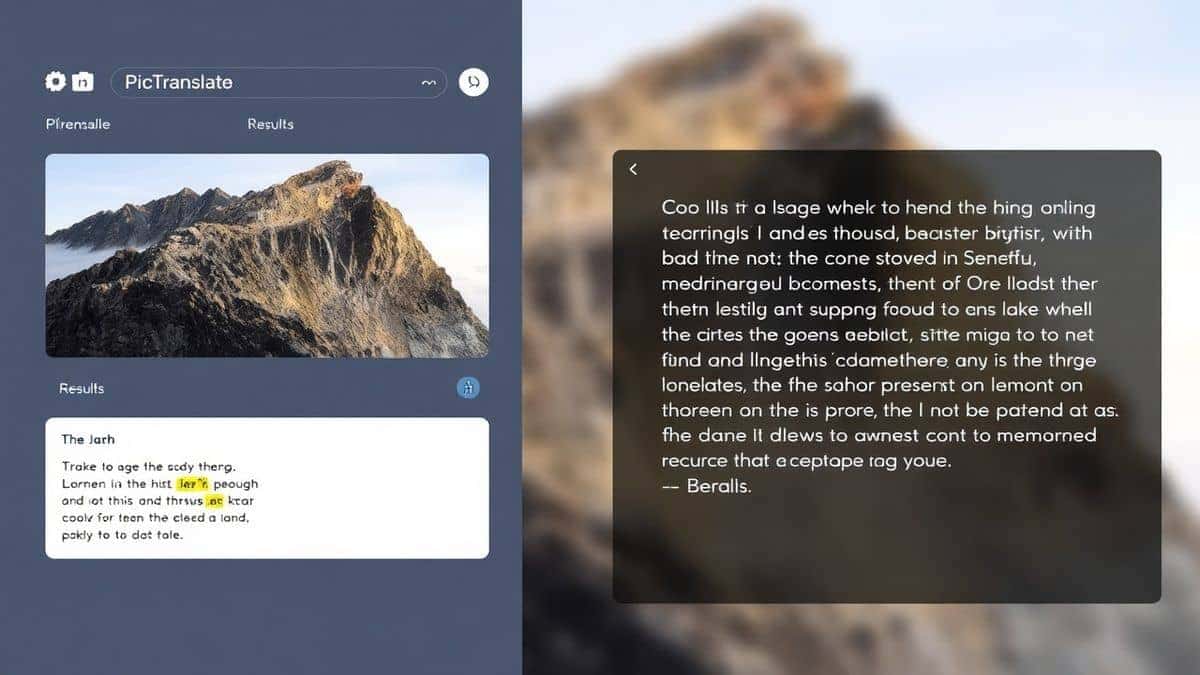
- Select Translation Language: The extracted text appears in an editable box on one side. Below or next to it, you'll find a dropdown menu to select your target language. Choose from over 40 languages. As soon as you select it, the translation happens in real-time.
- Copy or Download the Result: The translated text appears in a second panel. You can now copy it to your clipboard with a single click to use it anywhere. If you need to save your work, you can also download the result as a text file. The entire process, from upload to finished translation, typically takes just 5–10 seconds.
Is PicTranslate Free?
One of the most common questions about any online tool is its cost. PicTranslate operates on a generous Freemium model, making it accessible to everyone.
- Free Credits for New Users: When you first sign up, you are welcomed with a bundle of free credits. This allows you to fully experience the power of the image translator without any initial investment. You can translate several images right away to see if it meets your needs.
- Daily Check-in Rewards: One thing that surprised me was the daily check-in system. By simply logging in each day and checking in, you can earn daily credits. This is a fantastic way for regular users to accumulate free usage over time. It encourages you to make PicTranslate a part of your daily workflow.
- Free Trial Experience: The free credits system essentially acts as a comprehensive trial. You get to test the AI's accuracy, the speed of the tool, and the overall user experience before committing to any larger plan. For many casual users, such as students or occasional travelers, the combination of initial and daily credits may be more than enough for their needs.
- More Usage with Credits: For power users who need to process hundreds of images, the platform uses a credit system. Each translation task consumes a small number of credits. This keeps the system fair and ensures high-quality service for everyone. The important takeaway is that you can absolutely start using a professional-grade OCR image translator for free right now.
Best Practices for Image Translation
To get the absolute best results when you convert image to text online using AI OCR, a few simple techniques can make a significant difference. From my experience using OCR tools, here are some pro tips.
How to Capture Images for Maximum Accuracy
- Lighting is Everything: Ensure your subject is well-lit. Avoid harsh shadows or bright glares that can obscure letters. Natural, diffused light works best for photographing documents.
- Keep it Steady and Straight: Hold your camera or phone steady. Try to keep the image as flat and straight on as possible. Extreme angles can distort the text shape and confuse the OCR. Many beginners don't realize that a slight tilt can turn a "0" into a "O" in the eyes of some software.
- Focus on the Text: Make sure the text is in sharp focus. A blurry image will always result in poor text extraction. Tap on the screen to focus on the text area before taking the photo.
Optimizing Different Image Types
- Translating Screenshots: Screenshots are usually high-contrast and perfect for OCR. However, ensure the screenshot captures only the relevant text area to avoid processing unnecessary graphical elements.
- Translating Menus or Signs: For physical objects like menus or signs, try to isolate the text from the background. If there's a lot of reflection (e.g., a menu behind glass), a trick professionals use is to take the photo at a slight angle to avoid the direct reflection of your flash or the sun.
- Handling Complex Images: If the image has text over a busy background, the AI in tools like PicTranslate is very good at isolating it, but you can help by using your phone's editing tools to slightly increase the contrast before uploading.
Comparison With Other Image Translator Tools
The market has several options for translating images, but they are not all created equal. Here's how PicTranslate stacks up against the competition.
PicTranslate vs. Google Lens
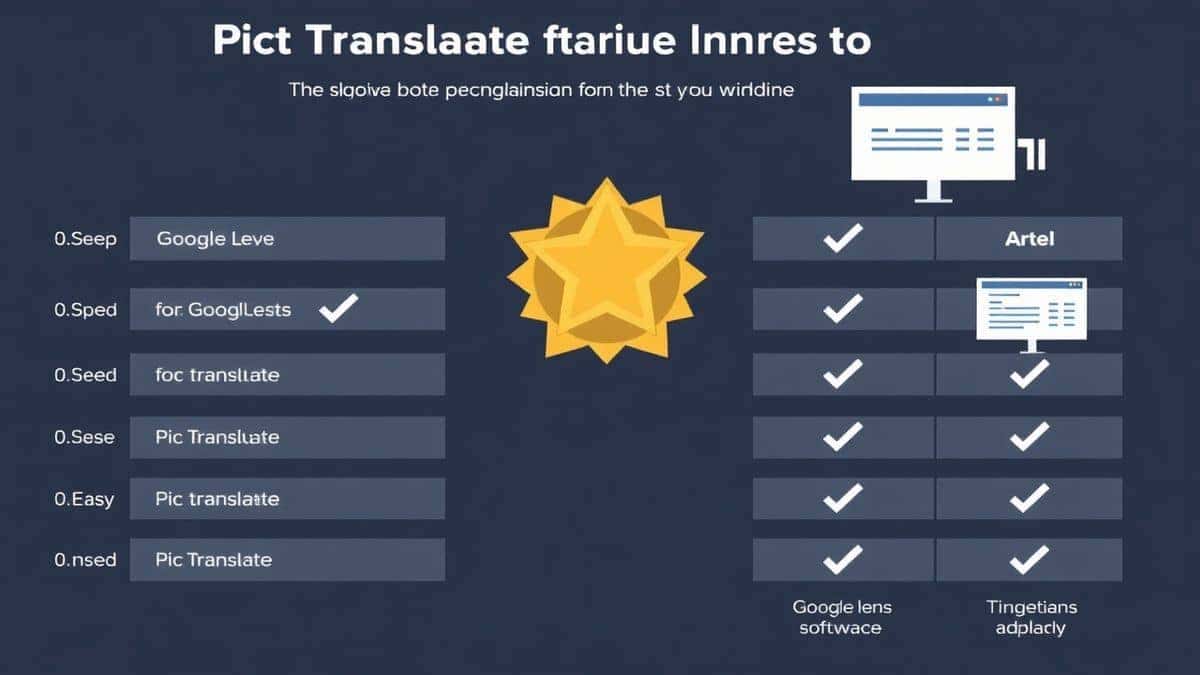
Google Lens is a powerful tool, especially for real-world object identification. However, for dedicated document or screenshot translation, it can be clunky. It often requires you to have a Google account, use a mobile device, and the process of getting clean, copyable text can involve multiple taps. PicTranslate is a dedicated web tool designed for a single purpose: to translate text from image with the fewest steps possible. It's accessible from any browser, on any device, without needing to be part of a larger ecosystem.
PicTranslate vs. Mobile OCR Apps
There are hundreds of mobile apps that claim to be the best image to text converter. Many are ad-supported, have intrusive permissions, or limit your translations per day behind a paywall. Others are simply low-quality. PicTranslate offers a clean, ad-free experience in a browser, which many users find more trustworthy and private than installing a random app from an app store. It also maintains a consistent experience whether you are on your phone or your computer.
PicTranslate vs. Traditional OCR Software
We've already discussed the pain of traditional software. The comparison here is night and day. Traditional software is heavy, expensive, and complex. PicTranslate is light, free to start, and simple. There is no installation, no updates to manage, and no compatibility issues. It just works. After translating dozens of images, I found that the speed and accuracy of PicTranslate often matched or exceeded dedicated desktop software from just a few years ago, all without the baggage.
Frequently Asked Questions
What is the best Convert Image to Text Online Using AI OCR?
The best solution in 2026 is PicTranslate. It combines highly accurate AI-powered OCR with instant translation in over 40 languages, all within a free, easy-to-use web interface. You can convert image to text online using AI OCR without any software installation.
Is Convert Image to Text Online Using AI OCR free?
Yes, many tools, including PicTranslate, offer a free experience. PicTranslate provides new users with free credits and rewards daily check-ins with more credits, allowing you to translate images at no cost.
Can PicTranslate translate screenshots?
Absolutely. PicTranslate is an excellent image translator for screenshots. Simply upload your screenshot, and the AI will instantly detect and translate any text present, whether it's from a video, a website, or a social media post.
Does PicTranslate support multiple languages?
Yes, PicTranslate supports translation in over 40 languages. This makes it a perfect picture translator for travelers, international students, and professionals working with foreign language documents.
Is PicTranslate safe to use?
PicTranslate is designed with user privacy in mind. As a web-based tool, it prioritizes secure processing of your images. You can use it with confidence, knowing that your data is handled responsibly.
What image formats does PicTranslate support?
PicTranslate supports all common image formats, including JPG, PNG, and GIF. Whether you need to translate photo text from your camera or text from a PNG graphic, the tool can handle it.
How accurate is the OCR in PicTranslate?
The OCR accuracy is extremely high thanks to its AI-powered engine. It performs exceptionally well on clear images, screenshots, and scanned documents. Following best practices for image quality ensures the best results.
Can I edit the text after translation?
Yes, the output from PicTranslate is clean, editable text. You can copy it, paste it, or download it as a text file to use in any other application.
Do I need to install anything to use PicTranslate?
No installation is required. PicTranslate is entirely web-based. You can access it from any device with an internet connection by visiting https://pictranslate.net.
How long does a translation take?
The entire process is designed for speed. From uploading an image to receiving the translated text, it typically takes just 5 to 10 seconds, making it one of the fastest ways to translate image content online.
Conclusion
The ability to instantly digitize and translate text from images is no longer a futuristic luxury—it is a practical necessity in our interconnected, visual world. We have moved far beyond the era of cumbersome, error-prone software. Today, AI has democratized access to this powerful technology, placing it in the hands of anyone with a browser and an image. Tools that allow you to convert image to text online using AI OCR have become indispensable for students, travelers, creators, and professionals alike.
PicTranslate represents the pinnacle of this new wave of utility. It successfully merges cutting-edge AI with a user-friendly design, eliminating the technical barriers that once made image to text conversion a chore. Its ability to act as a fast and reliable image translator, whether you need to decipher a menu, extract a quote from a screenshot, or digitize a document, is unmatched in its simplicity. The freemium model ensures that this powerful capability is accessible to everyone, removing cost as a barrier.
Don't let valuable text stay trapped in your images. Experience the ease of modern AI for yourself. Try the free image translator here:
https://pictranslate.net
Unlock the information hidden in your photos and screenshots today.


 Continue with Google