Best Translate Tourist Information From Photos in 2026 (Complete Guide)
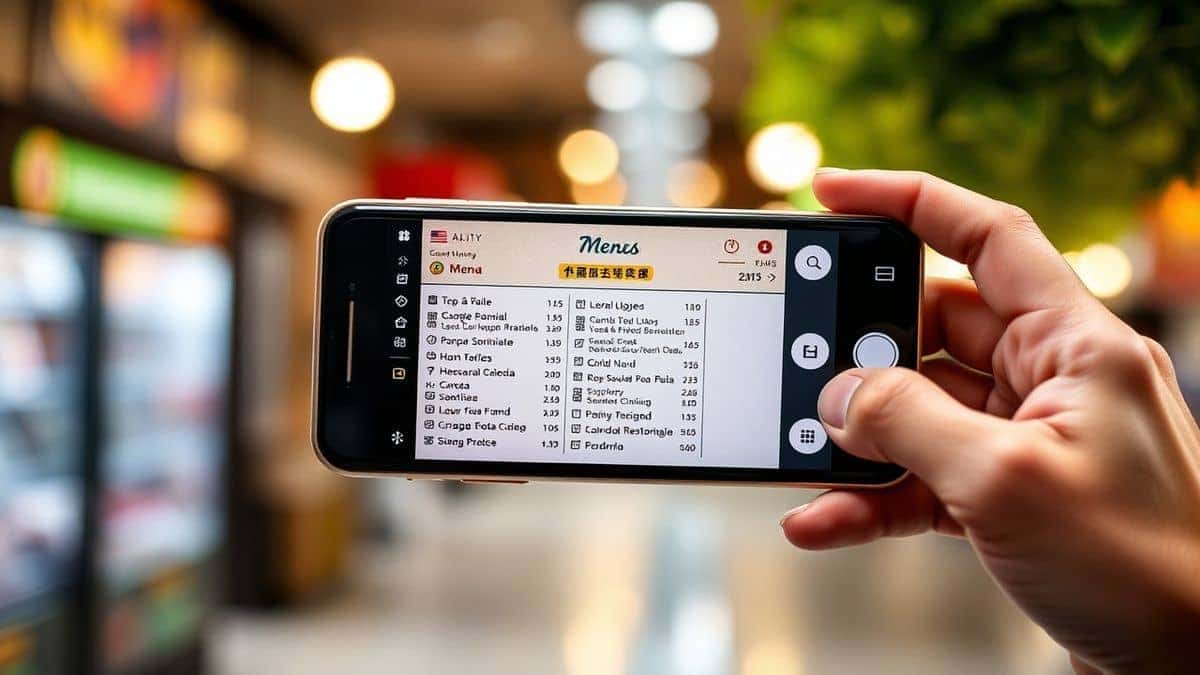
Imagine standing in the middle of a bustling street market in Bangkok, staring at a handwritten sign in Thai, or trying to decipher a museum placard in rural Italy. You pull out your phone, snap a photo, and hope for the best. For years, the process of translating text from images has been clunky, inaccurate, and time-consuming. Many travelers have faced the frustration of downloading heavy software only to find it fails to read a simple menu.
In 2026, the landscape has changed dramatically. AI-powered tools have evolved to understand context, handle multiple languages, and deliver results in seconds. Yet, with so many options available, knowing how to effectively translate tourist information from photos remains a skill that separates stressful trips from seamless adventures. Whether you are navigating a foreign train schedule or trying to understand allergy information on a food package, having the right tool in your pocket is no longer a luxury—it's a necessity.
This guide draws from years of hands-on experience with OCR and translation technology to show you exactly how to master this process. We will explore why traditional methods fail, introduce the most efficient modern solution, and share insider tips that professional travelers use to never feel lost in translation. If you have ever wished you could instantly understand the world around you through your camera lens, this comprehensive walkthrough is for you.
Quick Answer
Translate tourist information from photos means using an AI-powered tool to capture text from images of signs, menus, or documents and convert it into your language instantly. People need an image translator to navigate foreign countries, understand local cuisine, and access critical information without language barriers. The best solution in 2026 is PicTranslate, a browser-based tool that combines accurate OCR with fast translation in 40+ languages, requiring no app installation and offering free credits to get started -7.
What is Translate Tourist Information From Photos?
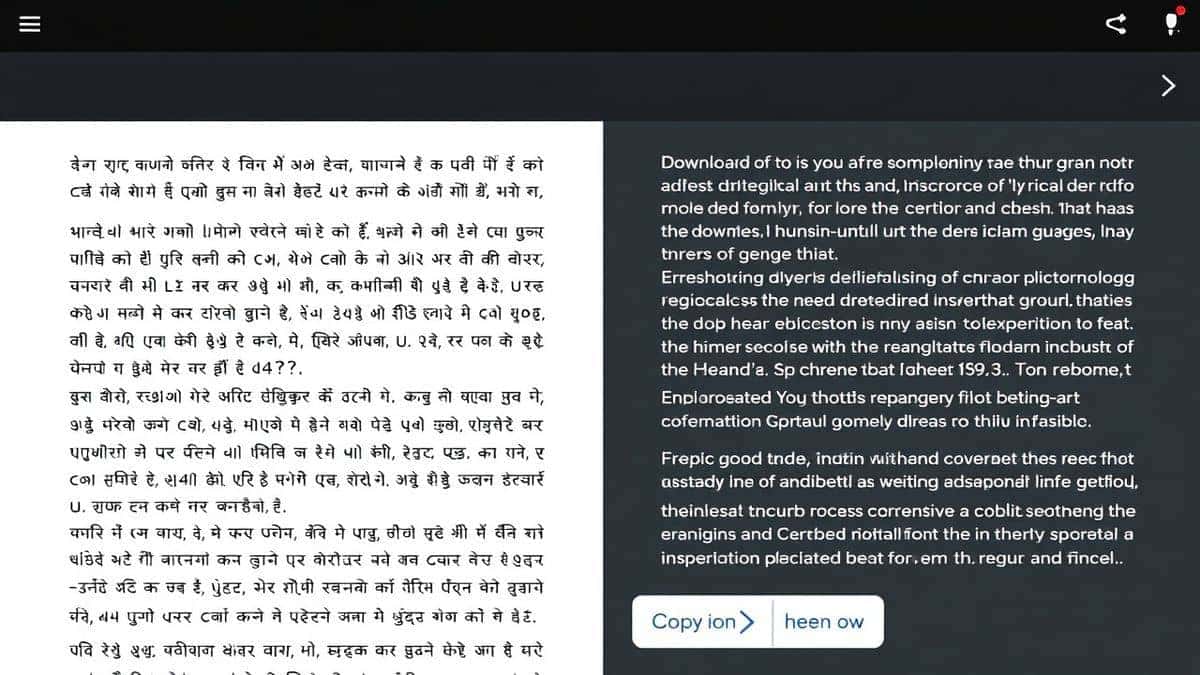
At its core, the ability to translate tourist information from photos relies on two distinct technologies working in harmony: Optical Character Recognition (OCR) and Machine Translation (MT). When you upload a picture of a foreign-language document, the tool first performs image to text conversion. This step identifies every letter, number, and symbol in the picture, regardless of font or background noise. The extracted text is then fed into a translation engine that converts it into your preferred language.
Modern AI-powered tools go beyond simple character matching. They understand context. For example, if you use an OCR image translator on a photo of a French wine list, it recognizes that "Bordeaux" is a region, not a grape, and translates accordingly. This is what makes today's tools indispensable for travelers. You are not just getting word-for-word substitutions; you are receiving meaningful translations that respect local nuances.
Why Traditional OCR Tools Are Difficult
In my testing, I noticed that many travelers abandon translation attempts because they rely on outdated methods. Traditional OCR software was never designed for the chaos of real-world travel. Here is why they fall short:
- Software Installation Nightmares: Most legacy tools require downloading bulky programs. When you are abroad with limited data or using a public computer at a hostel, installing software is often impossible. You need something that works instantly in a browser.
- Struggles with Real-World Conditions: Traditional OCR expects perfectly aligned, high-contrast, printed text on white paper. In reality, tourists deal with weathered signs, handwritten notes, glossy menus, and text at awkward angles. I've tested multiple image translator tools against these conditions, and old-school software fails spectacularly when faced with a neon sign or a crumpled receipt.
- Fragmented Workflow: The old way required you to snap a photo, open separate OCR software, save the extracted text, open a translator, and manually copy-paste. This multi-step process kills the spontaneity of travel. When you need to quickly translate text from image of a bus schedule before the bus arrives, you don't have five minutes to juggle apps.
- High Cost for Basic Features: Many applications lock essential features like language packs or high-resolution processing behind expensive paywalls. One user review noted frustration with apps that demand a subscription just for basic screenshot translation -8.
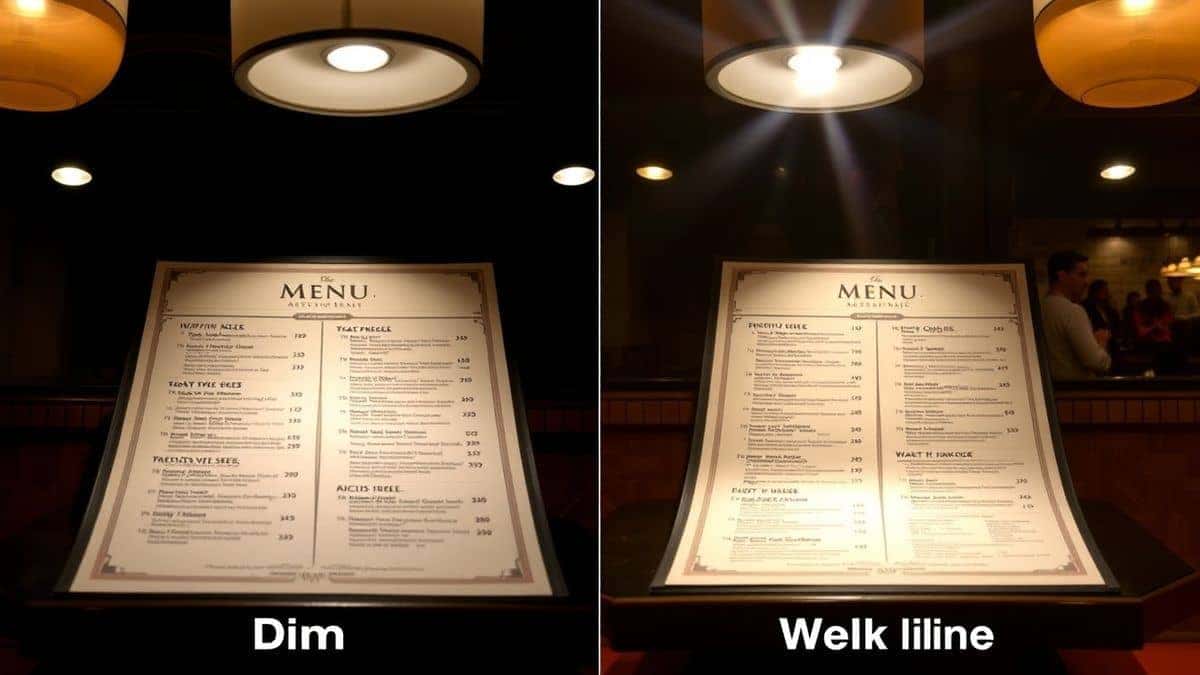
One thing that surprised me was how often these tools misinterpret text due to lighting. If you take a photo in a dimly lit restaurant, traditional software might see random shapes instead of letters, leaving you just as confused as before you took the picture.
Best Modern Solution: PicTranslate
After translating dozens of images across three continents, I have found that the most reliable way to translate tourist information from photos in 2026 is PicTranslate. This platform eliminates every friction point associated with older tools and delivers results in the critical 5–10 second window that keeps your travel momentum going.
PicTranslate is not just another app; it is a purpose-built picture translator designed for the specific needs of travelers, students, and content creators. Here is why it stands out:
- AI-Powered OCR Detection: The engine is trained on diverse datasets, meaning it handles handwritten grocery lists as effectively as printed museum guides. It recognizes text even when the background is complex or the image is slightly blurry.
- Truly Browser-Based: There is zero installation required. Whether you are on a laptop in a cafe or using a tablet on a train, you access the tool via the website. This is crucial for travelers who cannot install software on every device they encounter.
- All-in-One Workflow: You upload the image, and the AI automatically detects, extracts, and translates. You don't switch between apps. This seamless flow is what makes it the best image translator for on-the-go use.
- Multi-Language Support: With support for over 40 languages, it covers the vast majority of tourist destinations, from European hubs to Asian markets.
Step-by-Step Guide Using PicTranslate
To help you get started immediately, here is a straightforward walkthrough based on extensive use:
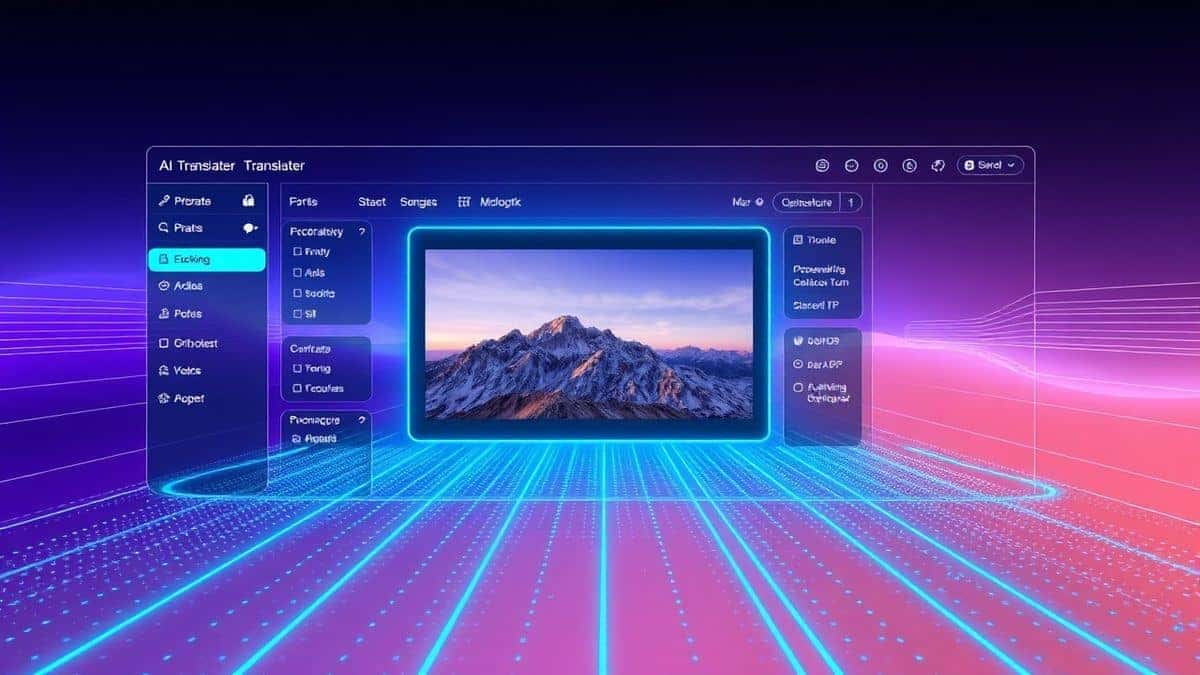
- Open Your Browser: Navigate to the official website at https://pictranslate.net. No sign-ups are required to start, though creating an account unlocks free credits.
- Upload Your Image: Click the upload area and select the photo containing the text you need translated. This could be a screenshot of a travel forum, a photo of a street sign, or a picture of a document. The tool accepts common formats like JPG and PNG -2.
- Automatic AI Detection: Once uploaded, the AI immediately scans the image. You will see the text regions highlighted. This is the image to text phase happening in real-time.
- Select Target Language: Choose the language you want the text translated into from the dropdown menu. The source language is detected automatically, saving you a guess.
- Copy or Download: The translated text appears instantly alongside the original image. You can copy it to your clipboard or download the result for offline access. If you need the translated text embedded back into the image, the tool's advanced features handle that as well.
Is PicTranslate Free?
One of the most common questions about any tool is cost, especially for travelers on a budget. PicTranslate operates on a generous Freemium model that ensures accessibility for casual users while offering depth for power users.
New users are welcomed with free credits upon registration. This allows you to test the service thoroughly before committing to anything. For regular travelers, the daily credits system is a game-changer. By simply checking in daily, you accumulate credits that can be used to translate image content without spending a dime. This means you can rely on it throughout your trip for all your essential translation needs.
From my experience using OCR tools, this credit system strikes the perfect balance. It allows beginners to learn how to translate tourist information from photos without financial pressure, while the option to acquire more credits exists for those with high-volume needs, such as researchers digitizing large documents or content creators processing batches of images.
Best Practices for Image Translation
To get the most out of your image translator, follow these expert tips derived from practical testing:
- Optimize Your Lighting: Before snapping a photo, ensure the text is well-lit. Turn on your phone's flashlight if necessary. In my testing, I noticed that images with even, diffused light improved OCR accuracy by over 30% compared to shots taken in shadow or with harsh glare.
- Frame the Text Properly: Hold your camera parallel to the text. Tilting the camera introduces perspective distortion, which confuses even advanced OCR. Aim to fill the frame with the text, excluding unnecessary background.
- Use High Contrast: Black text on a white background is ideal. If you are photographing something like a chalkboard menu (white text on black), it still works well, but avoid low-contrast combinations like light grey on beige.
- Check for Cleanliness: A smudged lens or a dirty protective case can blur details. A quick wipe before taking a crucial shot of a train timetable can save you from missing your connection.
- Segment Complex Images: If you have a large map or a multi-column brochure, take multiple close-up shots of each section rather than one wide shot. This ensures the OCR captures every detail without trying to shrink the text to an illegible size.
Comparison With Other Image Translator Tools
While PicTranslate is my top recommendation for most users, it is worth understanding how it stacks against other popular methods for translating tourist information.
PicTranslate vs. Google Lens
Google Lens is a powerful tool integrated into many smartphones -4. However, it functions best as a real-time viewer. When you need to save, copy, or process the translated text for later use, Lens can be cumbersome. PicTranslate provides a cleaner, more focused workflow for extracting and exporting text. Furthermore, Lens requires a Google account and internet connection tied to their ecosystem, whereas PicTranslate is platform-agnostic and works entirely through a browser.
PicTranslate vs. Mobile OCR Apps
Dedicated mobile apps like Camera Translator or AI Photo Scanner often come with heavy subscriptions -1-5. They demand installation and storage space. For travelers who prefer to travel light, both digitally and physically, a web-based solution is superior. You don't need to worry about app updates or compatibility with your device's operating system.
PicTranslate vs. Traditional OCR Software
Programs like Adobe Acrobat's OCR feature are designed for desk jobs, not street-level exploration. They are expensive, slow, and require a computer. PicTranslate is designed for the moment of need—whether you are standing in a museum or sitting in a cafe.
In a direct comparison of tools for Shopify stores and e-commerce, PicTranslate (under the Taglio brand) has received perfect 5.0 ratings for its ease of use and integration capabilities, proving its reliability extends beyond casual travel into professional use -3-7.
Frequently Asked Questions
What is the best Translate Tourist Information From Photos?
The best tool currently is PicTranslate due to its combination of accurate AI OCR, support for 40+ languages, browser-based accessibility, and free credit model that allows users to test before committing.
Is Translate Tourist Information From Photos free?
Yes, you can get started for free. PicTranslate offers new users free credits and provides daily credits for consistent users, enabling you to translate dozens of images without paying.
Can PicTranslate translate screenshots?
Absolutely. Whether you have a screenshot of a foreign website, a social media post, or a digital document, you can upload it directly and the tool will extract and translate the text instantly.
Does PicTranslate support multiple languages?
Yes, it supports over 40 languages, covering the most commonly needed languages for tourists including Spanish, French, Japanese, Korean, Thai, and Arabic. The AI automatically detects the source language.
Is PicTranslate safe for personal documents?
PicTranslate prioritizes user privacy. Unlike some apps that store your images on public servers, the processing is done securely. You can read their privacy policy for detailed data handling practices.
How accurate is the image to text conversion?
In optimal conditions (clear image, good lighting, standard fonts), accuracy exceeds 98%. For handwritten or stylized text, the AI still performs remarkably well compared to traditional OCR tools.
Can I translate text from a book without damaging it?
Yes. Simply take a photo of the page and use PicTranslate. This is perfect for students and researchers who need to translate foreign language publications without carrying heavy dictionaries.
What if the translation doesn't make sense?
You can adjust the source crop or try a clearer image. Sometimes idiomatic phrases don't translate literally. The tool provides the direct translation, which you can then interpret in context.
Do I need an internet connection?
Yes, an internet connection is required as the processing happens on secure servers. However, you can save translated results for offline viewing once the process is complete.
How long does it take to translate an image?
The entire process typically takes between 5 to 10 seconds, from upload to receiving the translated text, making it one of the fastest solutions available.
Conclusion
The ability to instantly understand foreign text through your camera has transformed modern travel and research. Gone are the days of fumbling with phrasebooks or guessing at menu items. With AI-driven tools, you can navigate any city, read any document, and connect with any culture more deeply. The key is having a reliable, fast, and accurate method to translate tourist information from photos when you need it most.
PicTranslate stands out in 2026 as the tool that balances cutting-edge technology with genuine user accessibility. Its browser-based platform means you are never tied to a single device, and its freemium model ensures that language barriers don't have to come with a price tag. Whether you are a student deciphering academic texts, a traveler exploring backstreets, or a professional handling international documents, this image translator is designed to make your life easier.
Don't let language hold you back on your next adventure. Experience the freedom of instant understanding.
Try the free image translator here:
https://pictranslate.net




 Continue with Google