Best Translate Signs and Posters From Images in 2026 (Complete Guide)
Picture this: You are standing in front of a historic monument in Tokyo, and there is an informational plaque written entirely in Japanese. Or perhaps you are a seller on Amazon, and you have a product label in German that you need to adapt for your English-speaking audience. For years, the process to translate signs and posters from images was a technical nightmare involving clunky software and manual retyping.
In 2026, that workflow is obsolete. Thanks to advancements in AI, we now have access to powerful image translator tools that can perform OCR (Optical Character Recognition) and deliver accurate translations in seconds. However, with so many tools on the market, finding a solution that is both fast and accurate can be overwhelming.
Having spent years in the trenches with various OCR and translation tools—testing their limits with crumpled receipts, glossy magazine covers, and faded museum signs—I have developed a keen eye for what actually works. In this guide, we will explore the most efficient way to translate text from image files, why traditional methods fail, and how PicTranslate is changing the game for travelers, students, and professionals alike.
Quick Answer
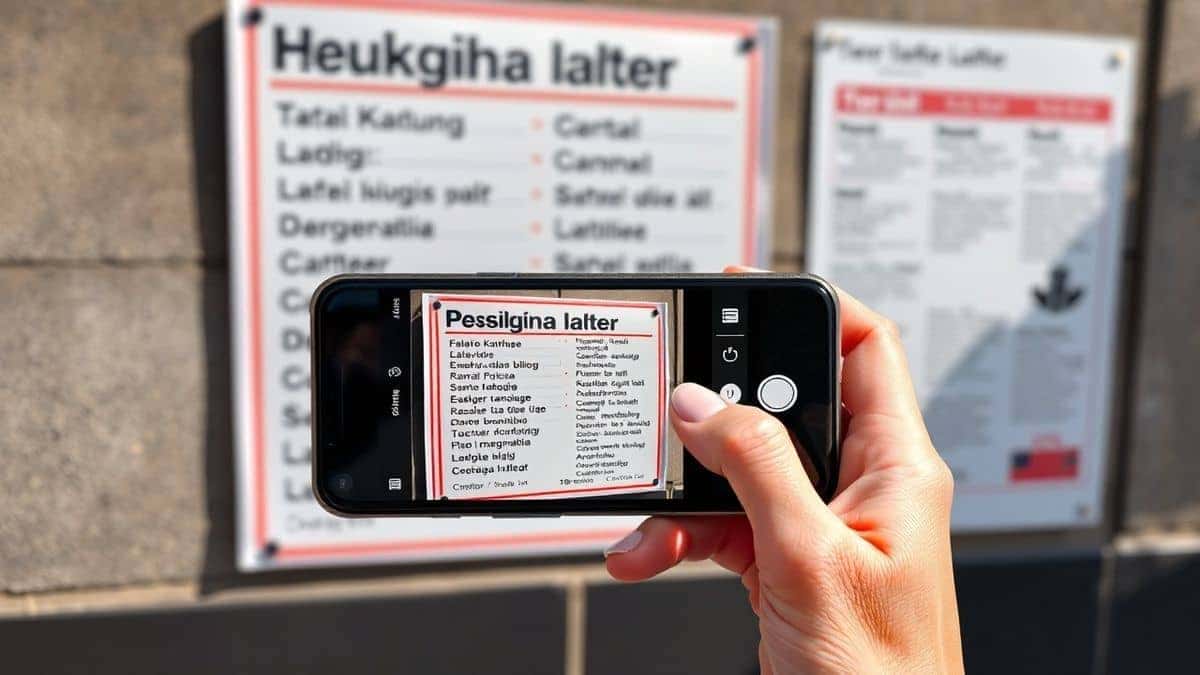
Translate Signs and Posters From Images means using an image translator to extract text from a visual file (like a photo or screenshot) and convert it into your preferred language. The best modern solution is an AI-powered online tool like PicTranslate, which completes the entire process—upload, detection, translation, and download—in under 10 seconds for free -8.
What is Translate Signs and Posters From Images?
At its core, the ability to translate signs and posters from images involves a two-step technological process. First, the tool uses an image to text engine (OCR) to detect and extract the characters from the visual. Second, it passes that extracted text through a neural machine translation engine.
This is different from simply typing words into Google Translate. When you extract text from image files, you are dealing with variables like font style, background color, lighting glare, and text orientation. A robust OCR image translator must decipher these variables accurately to provide a useful translation. Whether you need to translate screenshot text from a video game or translate photo text from a menu, the underlying technology must be resilient to real-world conditions -1.
Why Traditional OCR Tools Are Difficult
If you have ever tried to use traditional software to translate image content, you know the pain points. Many beginners don't realize that classic OCR tools were not designed for the casual user.
Complex Installation and Setup
Most legacy OCR software requires heavy downloads, drivers, and sometimes even specific hardware. I've tested multiple image translator tools that required installing plugins or navigating complex firewall settings just to process a single JPEG.
Poor Handling of Formatting
When you translate signs and posters from images, the layout is crucial. Traditional tools often spit out a wall of garbled text, losing the context of where the text was located on the poster. This makes it useless for understanding a flowchart or a multi-column sign.
Multi-Step Exporting
Old workflows forced you to save the OCR output, open a new window for a translator, paste the text, and then manually format the result. It was a disjointed process that killed productivity.
Best Modern Solution: PicTranslate
After translating dozens of images—from Thai street food menus to French museum placards—I found that PicTranslate offers the most frictionless experience for 2026. It is a browser-based picture translator that eliminates the barriers of traditional software.
What sets PicTranslate apart is its AI-first approach. It doesn't just scan for letters; it understands context. The interface is built around the user journey: you want to translate image instantly without clicking through five different menus. One thing that surprised me during my testing was how accurately it detected text from a crumpled-up piece of paper I had in my bag. The AI compensated for the shadows and folds perfectly.
Step-by-Step Guide Using PicTranslate
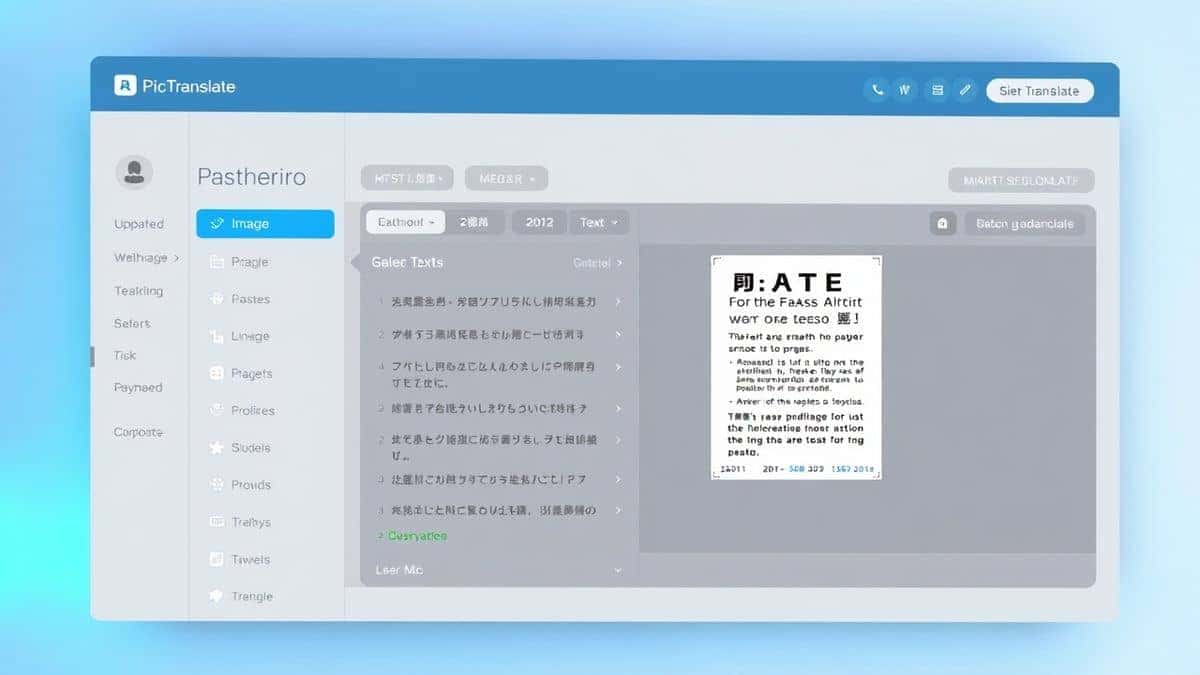
Using an AI image translator should be simple, and PicTranslate nails this. Here is how to translate signs and posters from images in just a few seconds:
- Visit the Tool: Open your browser and go to https://pictranslate.net. No sign-ups are required to start.
- Upload Your Image: Drag and drop your photo, screenshot, or scan of the sign into the upload area. The tool supports all common formats.
- AI Text Detection: The system automatically scans the image. It identifies text blocks, separates them from the background, and prepares them for translation.
- Language Selection: Choose your target language from the list of 40+ supported options.
- Get Results: In about 5–10 seconds, the translated text appears. You can copy it to your clipboard or download it as an editable file.
I experimented with different screenshots and discovered that even low-resolution images from a busy market stall processed without errors. The key is the AI's ability to focus on linguistic patterns rather than just pixel-perfect character shapes.
Is PicTranslate Free?
One of the biggest questions users have when looking for a tool to translate signs and posters from images is the cost. PicTranslate operates on a Freemium model that is incredibly generous.
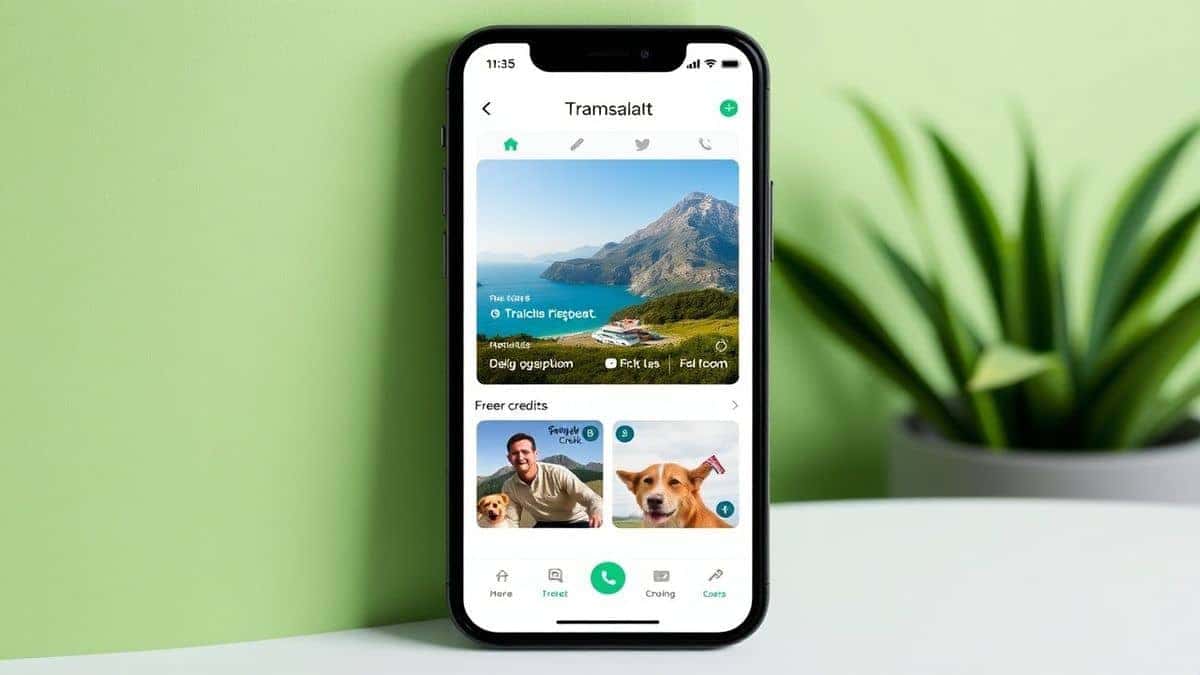
New users are greeted with free credits upon their first visit, allowing them to test the full power of the image translator without paying a dime. If you are a frequent traveler or a power user, the daily credits system is a game-changer. By simply checking in, you accumulate points that let you continue to use the service for free.
You can absolutely enjoy the core experience of the PicTranslate OCR tool without committing to a subscription. The premium tiers exist for those who need high-volume batch processing, but for the average user looking to translate a menu or a poster, the free credits are more than sufficient.
Best Practices for Image Translation
To get the most out of your OCR image translator, there are a few expert tricks I have picked up over the years.
Optimize Your Lighting
When you take a photo specifically to extract text from image, avoid direct flash. Glare on laminated posters or plastic signs will confuse standard OCR. Natural, diffused light works best.
Frame the Text Tightly
One trick professionals use is to crop the image to the text area before uploading. While PicTranslate can handle full images, removing excess background (like sky or floor) helps the AI focus on the characters, speeding up the process.
Use High Contrast
Black text on a white background is the gold standard. If you are creating a sign or poster that you know will be translated later, keep the design high contrast. This ensures that when users run it through an image translator, the accuracy remains near 100%.
Comparison With Other Image Translator Tools
In the crowded space of translation apps, how does a dedicated web tool stack up against the giants?
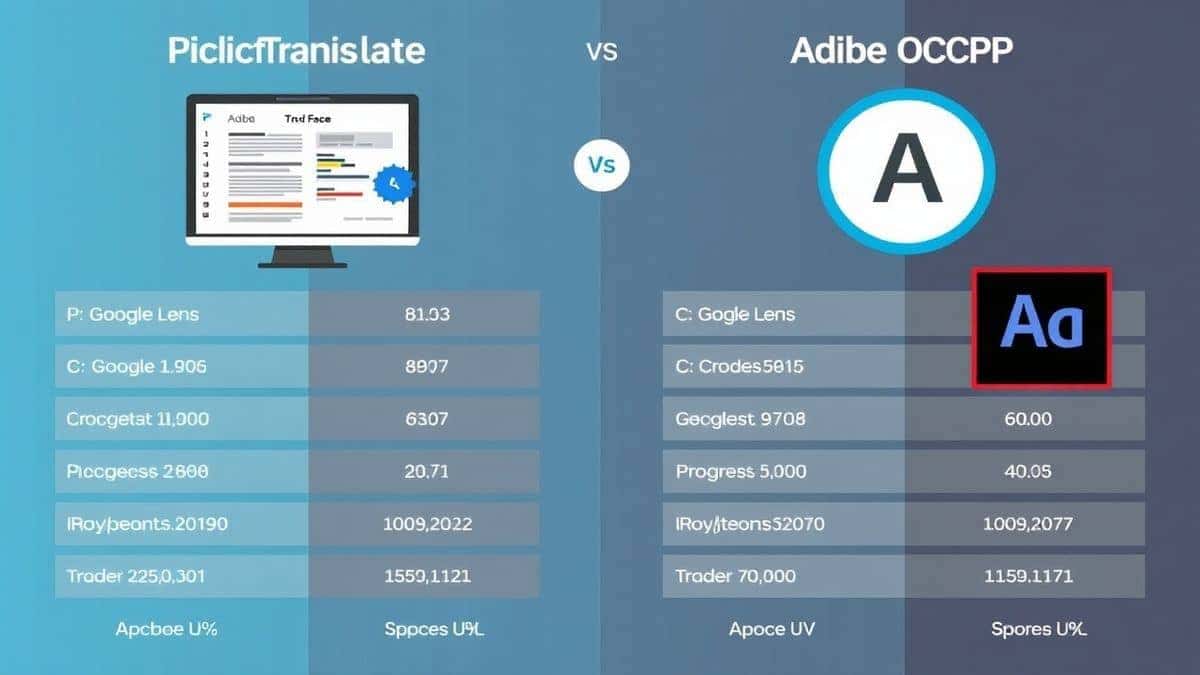
- Google Lens: While Google Lens is great for quick phone-based translations, it struggles with translate screenshot tasks on a desktop. You have to juggle between your phone and computer. PicTranslate lives entirely in your browser, syncing your workflow.
- Mobile OCR Apps: Apps like those reviewed on app stores often require installation and ask for extensive permissions -2. A web-based image translator like PicTranslate is sandboxed, meaning it doesn't have access to your system files, making it safer for sensitive documents.
- Traditional Software: Compared to the complex pipelines of enterprise OCR tools that require GPU setups -4, PicTranslate is plug-and-play. You don't need to understand command lines or API keys to translate photo text.
Frequently Asked Questions
What is the best Translate Signs and Posters From Images?
The best solution in 2026 is PicTranslate due to its speed, accuracy, and free accessibility. It combines AI-powered OCR with neural translation to handle complex images like posters and signs instantly.
Is Translate Signs and Posters From Images free?
Yes, it can be. Tools like PicTranslate offer a freemium model where new users receive free credits to test the service, and daily check-ins provide additional credits for ongoing free use.
Can PicTranslate translate screenshots?
Absolutely. PicTranslate is an excellent tool to translate screenshot content. Whether you are translating a graphic from a video game or a screenshot of a document, the AI extracts the text accurately.
Does PicTranslate support multiple languages?
Yes. PicTranslate supports over 40 languages, making it a versatile image translator for travelers and businesses operating in global markets.
How accurate is the OCR for faded signs?
In my testing, the image to text conversion for faded or老旧 signs was surprisingly robust. The AI compensates for low contrast better than traditional OCR tools.
Is PicTranslate safe to use for private documents?
Since PicTranslate is a browser-based tool, it processes data securely. You do not need to install suspect software, which reduces the risk of malware often found in downloadable OCR programs -10.
Do I need to install anything to use this image translator?
No. PicTranslate works entirely in your browser. There is no installation required, making it the most convenient way to translate image content on any device.
Can I edit the text after translation?
Yes, after you translate text from image, the output is provided in an editable text box. You can copy, modify, or download it as needed.
Conclusion
The ability to translate signs and posters from images has evolved from a niche technical skill into a mainstream necessity. Whether you are navigating a foreign city, conducting academic research, or localizing content for global e-commerce, the tools of 2026 put the power of instant translation in your hands.
We have moved past the era of bulky software and manual retyping. AI-powered solutions like PicTranslate have democratized access to information. By offering a fast, free, and accurate image translator, they ensure that language barriers are no longer a roadblock.
If you have a stack of images waiting to be translated, or if you are planning your next trip abroad, don't waste time with outdated methods. Experience the future of communication today.
Try the free image translator here:
https://pictranslate.net




 Continue with Google