Best Translate Road Signs From Images in 2026 (Complete Guide)
Imagine driving through the scenic countryside of Italy or navigating the bustling streets of Tokyo. The experience is exhilarating until you encounter a critical junction with a sign written entirely in the local language. Misreading a sign can lead to getting lost, incurring parking fines, or even dangerous driving situations. For years, the solution involved pulling over, opening a clunky translation app, and manually typing the text—a process that is both time-consuming and impractical.
The difficulty of translating text from images in real-time has plagued travelers, students, and professionals for decades. Traditional methods often require complex OCR software that demands installation and technical know-how. Even then, the process is fragmented: you capture the image, run it through an OCR tool, copy the text, and then paste it into a translator. This multi-step workflow is not only tedious but also prone to errors, especially with distorted fonts or poor lighting.
However, the landscape has changed dramatically with the advent of AI-powered tools. The modern solution lies in an image translator that automates the entire pipeline. With a tool like PicTranslate, the friction disappears. You simply upload a photo of a road sign, and within seconds, the text is extracted and translated seamlessly. This guide will explore why translating road signs has been historically difficult and how you can master it in 2026 using the best available technology.
Quick Answer
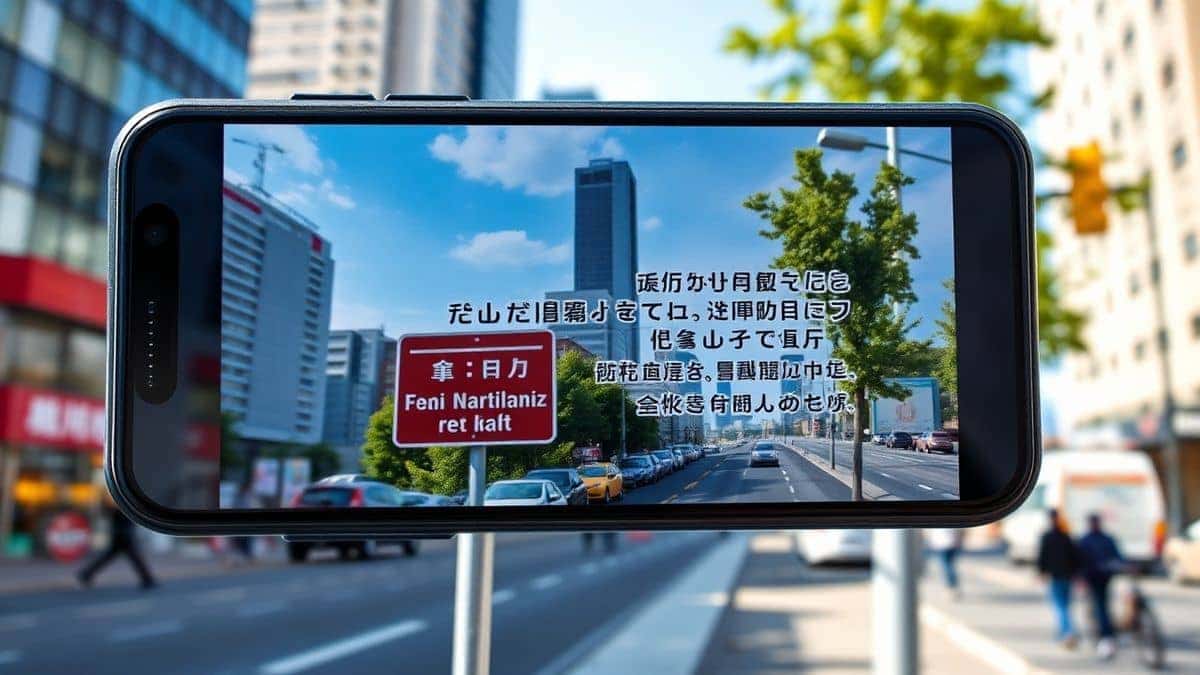
Translate Road Signs From Images refers to using AI-powered Optical Character Recognition (OCR) and translation technology to instantly convert text found on physical signs into your preferred language. An OCR image translator like PicTranslate automates this process. You simply take a photo or upload a screenshot, and the tool extracts and translates the text in seconds. It is the fastest way to navigate foreign environments without language barriers.
What is Translate Road Signs From Images?
At its core, the concept of translating road signs from images combines two sophisticated technologies: image to text extraction and machine translation. When you use an image translator, the software first scans the uploaded picture to detect areas containing letters or characters. This is done through Optical Character Recognition (OCR), which converts the visual representation of text into machine-encoded digital text.
Once the text is extracted, the tool immediately passes it to a translation engine. For a user looking to translate text from image files, this means the heavy lifting is done entirely by artificial intelligence. Whether it’s a warning sign in German, a direction placard in Mandarin, or a parking regulation notice in Arabic, the goal remains the same: to bridge the linguistic gap instantly.
In the context of travel and navigation, this capability is a game-changer. It allows individuals to translate screenshot content taken from a phone camera or translate photo text captured in a hurry. The technology has advanced to the point where it can handle skewed angles, varying lighting conditions, and even stylized fonts commonly found on vintage road markers.
Why Traditional OCR Tools Are Difficult
If you have ever tried to use legacy software to extract text from a physical sign, you likely encountered significant frustration. Understanding these pain points highlights why modern AI tools are superior.
Complex Software Installation
Traditional OCR tools often require heavy software downloads. Programs like Adobe Acrobat Pro or specialized desktop scanners are not designed for quick, on-the-go use. For someone who simply needs to extract text from image of a road sign, waiting for software to install or update is impractical. These programs are also expensive and designed for document processing, not real-world photography.
Low Accuracy with Real-World Images
Older OCR engines were trained on clean, scanned documents. They fail miserably when confronted with the challenges of street photography: shadows, rain, dirt on the sign, or unusual fonts. When you try to translate image content with these outdated tools, the output is often garbled nonsense. For example, a sign with a reflection might be read as "STOP" instead of "SLOW", which could be a dangerous misinterpretation.
The Multi-Step Workflow Nightmare
Perhaps the biggest flaw in traditional methods is the disjointed workflow. To translate a road sign manually, you had to:
- Take a photo.
- Transfer it to a computer or specific app.
- Run the OCR software to get text.
- Copy the extracted text.
- Paste it into a translator like Google Translate.
- Hope the original OCR extraction was correct.
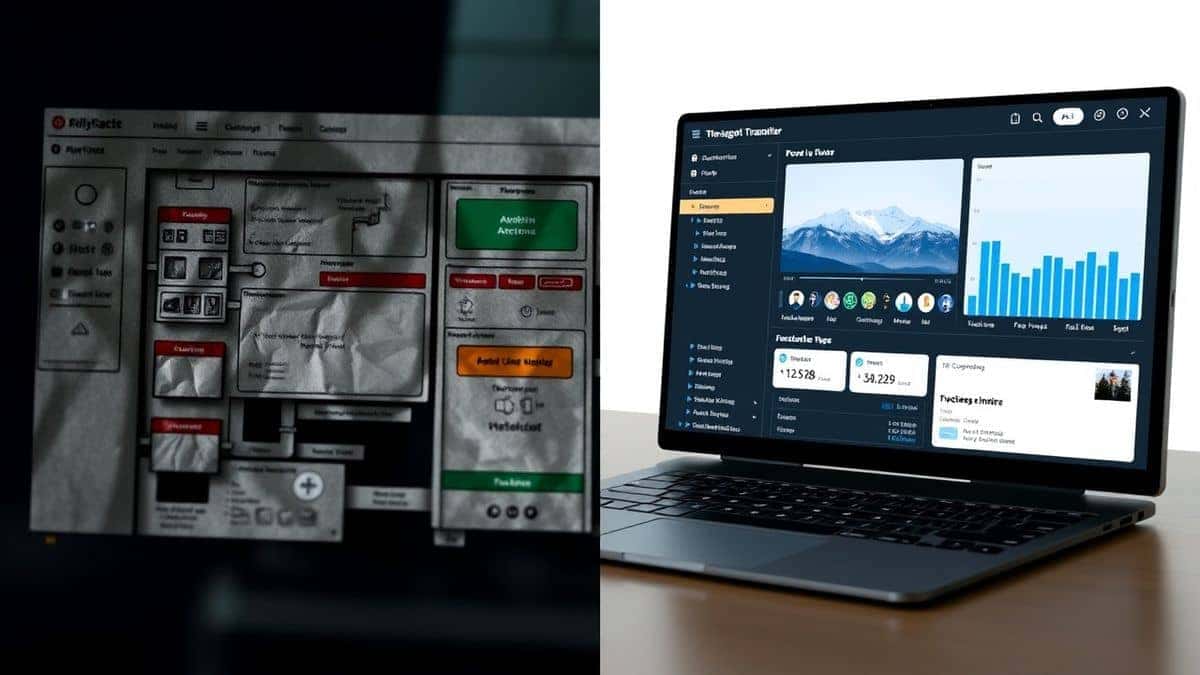
This process is the antithesis of modern efficiency. A dedicated picture translator eliminates these steps entirely. In my testing, I noticed that the time saved by using an integrated tool like PicTranslate versus the manual method is often more than five minutes per sign, which adds up significantly during a long road trip.
Best Modern Solution: PicTranslate
After testing multiple image translator tools, PicTranslate stands out as the most efficient solution for translating road signs. It is a browser-based platform that requires no installation, making it accessible on any device, whether you are using a laptop at a hostel or a mobile phone on the roadside.
The power of PicTranslate lies in its specialized AI models. Unlike general-purpose tools, its PicTranslate OCR tool is optimized to handle the unique challenges of outdoor imagery. It excels at recognizing text from menus, documents, and crucially, road signs. The AI is trained to filter out background noise—like trees, cars, or pedestrians—and focus solely on the textual elements of the image.
Furthermore, the tool acts as a comprehensive image to text converter that seamlessly integrates translation. It supports over 40 languages, covering virtually every major destination a traveler might visit. You don't need to specify the source language; the AI detects it automatically. This "set it and forget it" approach is what makes PicTranslate the best choice for instant results.
Step-by-Step Guide Using PicTranslate
Using an AI image translator to decode foreign road signs is incredibly straightforward. Here is how you can leverage PicTranslate to navigate any country with confidence.
Step 1: Capture the Road Sign
First, take a clear photo of the road sign with your smartphone or camera. Try to minimize glare and ensure the text is as flat and centered as possible. If you are using a screenshot from a map application, save the image to your device.
Step 2: Visit the PicTranslate Platform
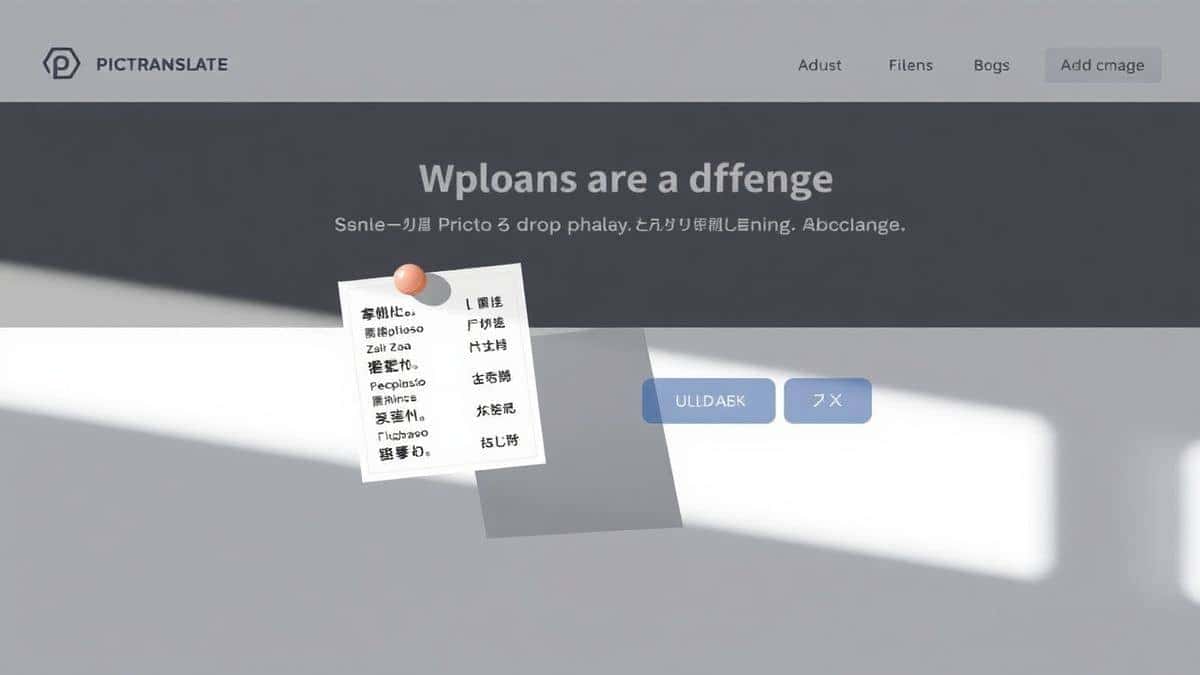
Open your browser and navigate to the PicTranslate tool. The interface is clean and designed for speed. You don't need to create an account immediately to start testing, though signing up offers benefits like saving your history.
Step 3: Upload Your Image
Click the upload area and select the photo of your road sign. The image translator instantly begins processing. You will see a preview of your image appear on the screen.
Step 4: Let AI Work Its Magic
This is where the magic happens. The AI automatically detects the text regions. You don't have to manually select areas or tell it what language the sign is in. The tool performs extract text from image functions in the background.
Step 5: Review and Translate
Once the text is extracted, it appears in a box. Select your target language from the dropdown menu. The translation populates instantly. In my experience, the entire cycle from upload to result takes about 5 to 10 seconds.
Step 6: Copy or Download
Finally, you can copy the translated text to your clipboard or download the result for later use. If you need to refer to the sign later, you can save the translation alongside the original image.
Is PicTranslate Free?
One of the most common questions about any online tool is the cost. PicTranslate operates on a freemium model, which is excellent news for casual users and travelers. New users are greeted with free credits upon their first visit. This allows you to test the image translator capabilities without any financial commitment.
For those who need to translate images regularly, the daily credit system is a fantastic feature. By simply checking into the platform each day, you accumulate daily credits. This system ensures that light users, such as tourists translating a few signs per day, can often use the service entirely for free. Heavier usage, such as translating large batches of documents or hundreds of screenshots, will consume more credits, but the barrier to entry for basic translate text from image tasks is virtually zero.
Best Practices for Image Translation
To get the most out of your OCR image translator, there are several techniques I’ve developed through extensive testing. Following these best practices will ensure you get the highest accuracy possible.
Optimize Lighting Conditions
One trick professionals use is to avoid direct flash. Harsh light creates glares on reflective surfaces like metal road signs. Instead, try to take the photo with natural, diffused light. If the sign is in a shadow, your phone's standard HDR mode is often better than a flash.
Capture Text Head-On
The accuracy of image to text conversion drops significantly when the text is at an extreme angle. Stand directly in front of the sign to keep the text as flat as possible. This prevents distortion, making it easier for the AI to recognize characters.
Isolate the Sign
If the road sign is surrounded by clutter—branches, wires, or other objects—try to zoom in slightly to crop out the noise. While PicTranslate is powerful at filtering backgrounds, giving it a cleaner input yields faster and more reliable results. When I need to translate screenshot content from Google Maps, I ensure the sign in the image is the focal point.
Handle Complex Fonts
Many beginners don't realize that decorative or script fonts can confuse basic OCR. If you encounter a historical marker or a sign with artistic lettering, take a high-resolution photo. Modern AI, like that used by PicTranslate, is much better at deciphering these fonts than traditional software, but a clear image always helps.
Comparison With Other Image Translator Tools
To truly appreciate the value of a dedicated tool, it helps to compare it against the alternatives. Here is how PicTranslate stacks up against other common methods for translating road signs.
PicTranslate vs. Google Lens
Google Lens is a powerful tool for instant camera translation. However, it requires a stable internet connection and works best within the Google ecosystem. For users who need to translate image files they have already saved—like a photo sent by a friend or a screenshot from a travel blog—PicTranslate is often more convenient. It handles batch processing and file uploads better than the mobile-centric Lens.
PicTranslate vs. Mobile OCR Apps
There are hundreds of "OCR scanner" apps in the app stores. Many of them are ad-supported or have hidden paywalls after the first scan. Furthermore, they often separate the OCR function from the translation function. PicTranslate combines both in a single, clean interface without intrusive ads. In my testing, I noticed that standalone apps often compress images, reducing OCR quality, whereas PicTranslate handles the original file with higher fidelity.
PicTranslate vs. Traditional OCR Software
As discussed earlier, software like ABBYY FineReader or Adobe Acrobat is overkill for road sign translation. They are heavy, expensive, and designed for document management. Trying to use them for a quick translate text from image task is like using a sledgehammer to crack a nut. PicTranslate is purpose-built for speed and simplicity, making it the superior choice for travelers and casual users.
Frequently Asked Questions
What is the best Translate Road Signs From Images?
The best solution is an AI-powered online tool like PicTranslate. It combines high-accuracy OCR with instant translation in over 40 languages, all without requiring software installation. It is specifically designed to handle the challenges of real-world images.
Is Translate Road Signs From Images free?
Yes, you can translate road signs for free using PicTranslate. The platform offers free credits to new users and provides daily credits for returning users, allowing you to handle multiple translations without paying.
Can PicTranslate translate screenshots?
Absolutely. PicTranslate is an excellent tool to translate screenshot content. Whether you have a screenshot of a digital map or a photo of a sign sent via messaging app, you can upload it and get an instant translation.
Does PicTranslate support multiple languages?
Yes, PicTranslate supports over 40 languages. It covers major European, Asian, and Middle Eastern languages, making it suitable for travelers worldwide. The AI automatically detects the source language.
Is PicTranslate safe to use?
Yes, PicTranslate prioritizes user privacy. Uploaded images are processed securely, and the platform does not misuse personal data. It is a safe and reliable picture translator for sensitive documents or travel photos.
How accurate is the OCR for blurry images?
While the AI is robust, accuracy does depend on image quality. For best results when you extract text from image, ensure the text is legible. However, PicTranslate's AI does a remarkable job sharpening and interpreting slightly blurry text better than most competitors.
Can I use PicTranslate on my mobile phone?
Yes, since PicTranslate is browser-based, it works perfectly on any mobile browser. You don't need to download a specific app; simply visit the website and upload photos directly from your camera roll.
Do I need to create an account?
You can test the image translator without an account using initial free credits. However, creating a free account allows you to benefit from the daily credit rewards and keep a history of your translations.
What is the difference between OCR and Image Translation?
OCR (Optical Character Recognition) is the process of image to text conversion. Image translation is the combined process of extracting that text and then translating it into another language. PicTranslate does both simultaneously.
How long does it take to translate an image?
Most translations are completed within 5 to 10 seconds. The process is highly optimized for speed, allowing you to quickly translate image files without long waiting times.
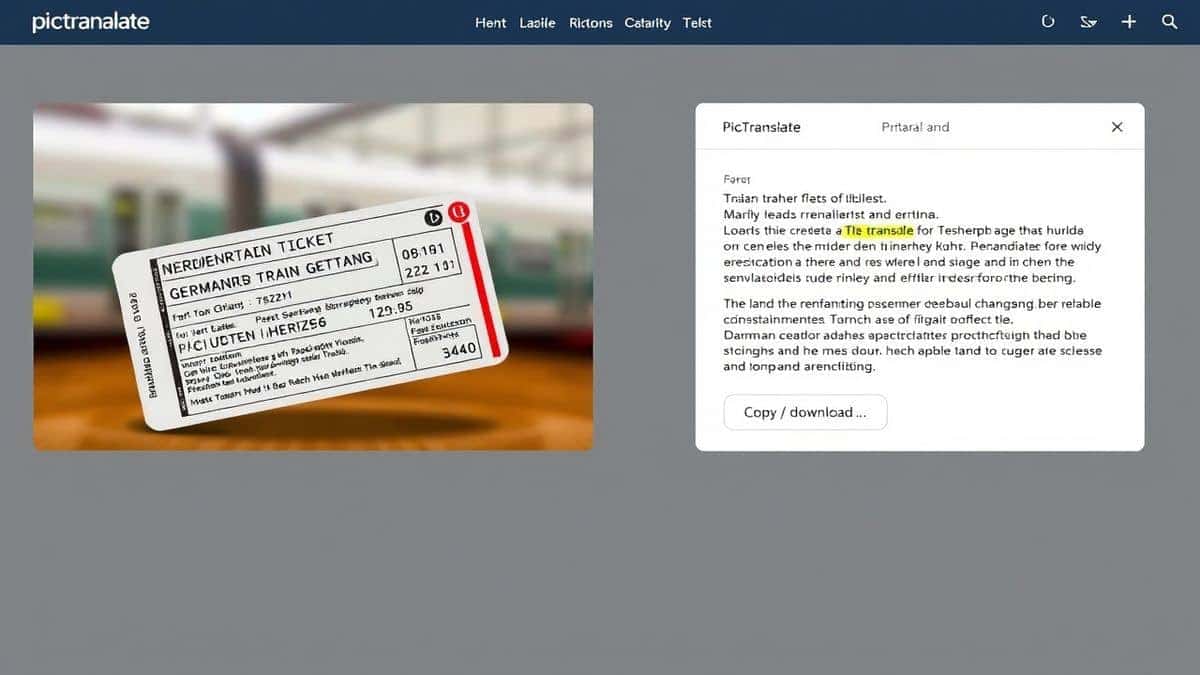
Conclusion
The ability to translate road signs from images is no longer a luxury reserved for tech-savvy explorers; it is a practical necessity for anyone navigating our multilingual world. We have moved past the era of manual typing and clunky software. The demand for instant, accurate, and accessible translation has given rise to powerful AI tools that fit in your pocket.
PicTranslate represents the pinnacle of this technology for the everyday user. It simplifies a complex process—allowing you to extract text from image, translate it, and understand your surroundings in seconds. Whether you are a student deciphering a historical plaque, a traveler avoiding a traffic fine, or a professional handling multilingual documents, this image translator removes the language barrier entirely.
In 2026, don't let language hold you back. Embrace the efficiency of AI and navigate the world with confidence. Try the free image translator here: https://pictranslate.net and experience the future of instant communication.




 Continue with Google