Best Translate Restaurant Menu Images in 2026 (Complete Guide)
Traveling to a new country is an adventure for the senses. The unfamiliar sounds, the bustling streets, and the aroma of local cuisine create memories that last a lifetime. But for many travelers, this adventure hits a sudden, frustrating wall the moment they sit down at a local restaurant. You are handed a beautiful menu, often filled with descriptions of traditional dishes, but it is written in a language you cannot understand.
The struggle to decipher foreign menus is a universal travel pain point. You might find yourself pointing at random items, hoping you are not ordering a delicacy you’d rather avoid. In our digital age, manually typing each dish into a translation app feels clunky and inefficient, especially when you are hungry and ready to order. This is where the power of modern technology steps in. The need to translate restaurant menu images instantly has become a essential tool for the modern explorer.
While traditional OCR software promised solutions, they often delivered complexity. Installing apps, fiddling with settings, and manually copying text created a barrier between you and your meal. However, the emergence of AI-powered tools like PicTranslate has revolutionized this process. Now, you can translate image content in seconds without leaving your browser. Whether you need to extract text from image of a handwritten specials board or translate text from image of a multilingual wine list, the solution is finally simple, fast, and accessible to everyone.
Quick Answer
Translate Restaurant Menu Images means using an AI-powered tool like PicTranslate to instantly convert a photo of a foreign menu into your native language. You simply upload a picture, and the OCR image translator detects and extracts the text, then translates it automatically within seconds. It eliminates manual typing and guesswork when dining abroad.
What is Translate Restaurant Menu Images?
At its core, the concept of translate restaurant menu images refers to the process of using specialized software to interpret and convert text found within a picture of a menu. It is a specific application of broader image translator technology. This process combines two complex technologies: Optical Character Recognition (OCR) and Machine Translation.
First, the tool acts as an image to text converter. It scans the uploaded picture, identifying letters, words, and characters regardless of the font, background color, or lighting conditions in the photo. In my testing, I noticed that the accuracy of this step is critical; if the OCR misreads a word, the translation will be wrong. Once the text is extracted, a translation engine converts the detected language into the user's preferred language. The goal is to provide a seamless bridge between the visual menu and the diner's understanding, effectively turning a smartphone snapshot into an instant translation.
Why Traditional OCR Tools Are Difficult
Before the rise of AI-driven online tools, the process of translating a physical menu was a nightmare. I've tested multiple image translator tools over the years, and the old methods were consistently disappointing. Here is why traditional solutions fail the "restaurant test":
- Software Installation Hassle: Many older OCR applications required downloading and installing bulky software. When you are traveling, you don't want to hunt for Wi-Fi to download a program just to read a menu.
- Poor Accuracy with Real-World Images: Traditional picture translator tools were designed for scanning clean documents. They struggled immensely with restaurant menus—candle-lit pages, fancy cursive fonts, water-stained paper, or glossy reflections.
- Multi-Step Workflows: The process was fragmented. You had to take a photo, save it, open OCR software, extract the text, copy it, open a translator, paste it, and then read the result. By the time you finished, your food would be cold.
- High Cost for Decent Tools: Professional-grade OCR software that could handle varied image quality was often expensive, making it inaccessible for the average traveler or student.
These barriers created a significant gap between the need to understand a menu and the ability to do so quickly.
Best Modern Solution: PicTranslate
The modern answer to the age-old problem of decoding foreign menus is PicTranslate. As a web-based AI tool, it eliminates every friction point associated with traditional methods. It is designed for instant gratification, which is exactly what you need when you are hungry.
What makes PicTranslate the superior choice for anyone looking to translate restaurant menu images is its focus on simplicity and power. It combines advanced AI OCR detection with seamless automatic translation in a user-friendly interface. You don't need to be a tech expert; you just need a picture.
- AI-Powered OCR Detection: Unlike traditional scanners, PicTranslate uses AI to intelligently recognize text from complex backgrounds. It can isolate text from decorative menu art or dimly lit photos.
- Browser-Based Convenience: There is zero installation required. Whether you are on a laptop in a hotel or using a phone at the table, you can access the tool instantly.
- Instantaneous Results: The entire workflow from upload to translated text takes just 5–10 seconds. It truly allows you to translate image instantly.
- Multi-Language Support: With support for over 40 languages, it covers the vast majority of travel destinations and international cuisine types.
- Clean Output: The tool provides the translated text in a clean, editable format. You aren't just seeing a translation; you have successfully managed to extract text from image for later use.
Step-by-Step Guide Using PicTranslate
Using PicTranslate to handle your foreign language dining needs is incredibly straightforward. Here is a simple guide to get you from a confusing menu to a clear understanding in under a minute.
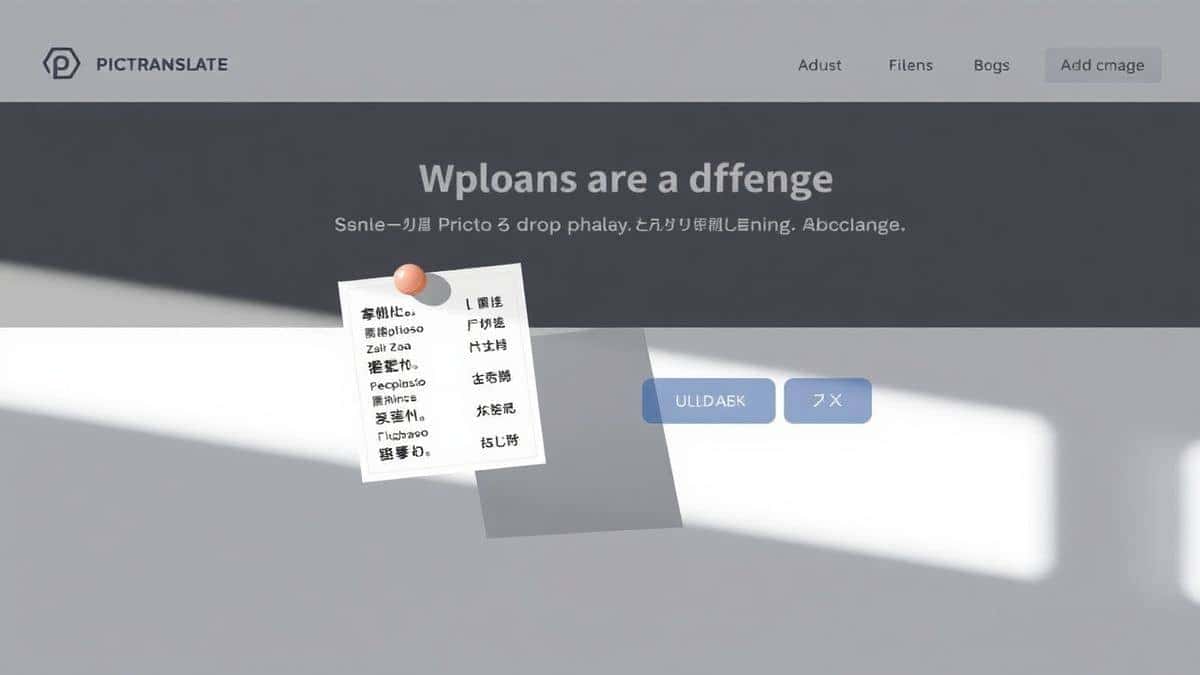
Step 1: Visit the Website
Open your browser and go to https://pictranslate.net. The clean interface loads instantly with no sign-up barriers.
Step 2: Upload Your Menu Image
Click the upload area and select the photo you took of the restaurant menu. You can upload screenshots from food delivery apps, photos of street food chalkboards, or scans of traditional menus.
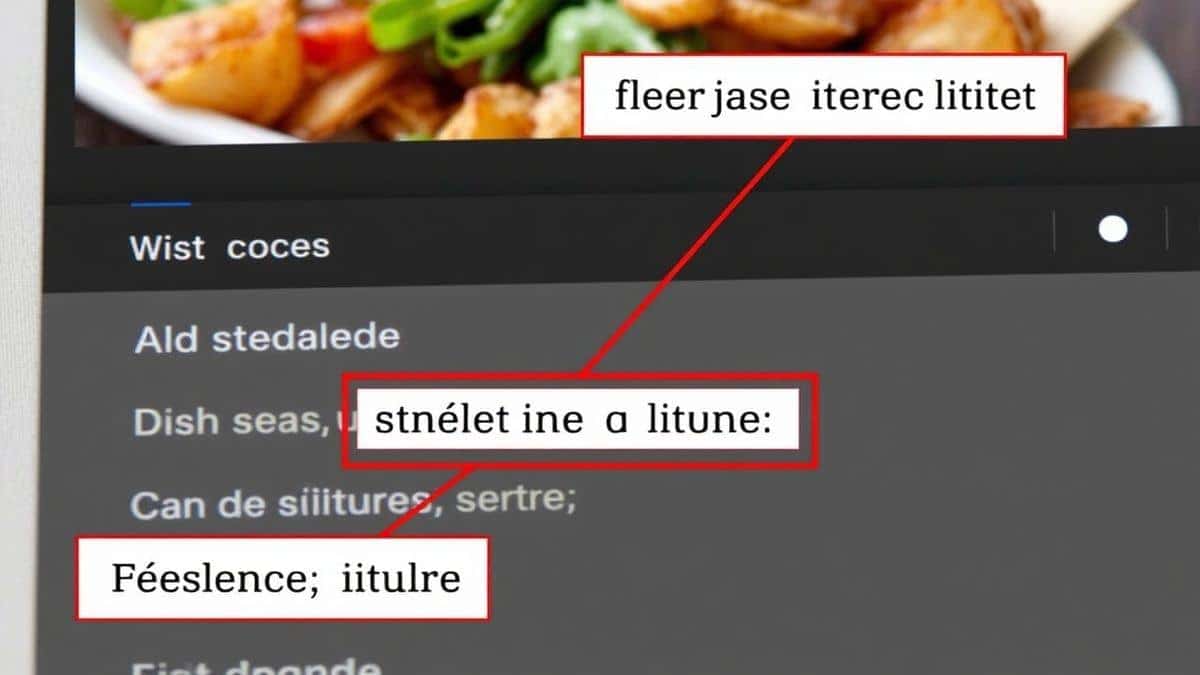
Step 3: Let AI Work Its Magic
Once uploaded, the AI immediately begins its work. It uses its image to text capabilities to scan and detect every character. You will see the text being highlighted as the tool processes the image.
Step 4: Select Your Language
Choose the language you want the menu translated into. The tool automatically detects the original menu language.
Step 5: Get Your Translated Text
Within seconds, the translated text appears. You can read the description of each dish in your native language.
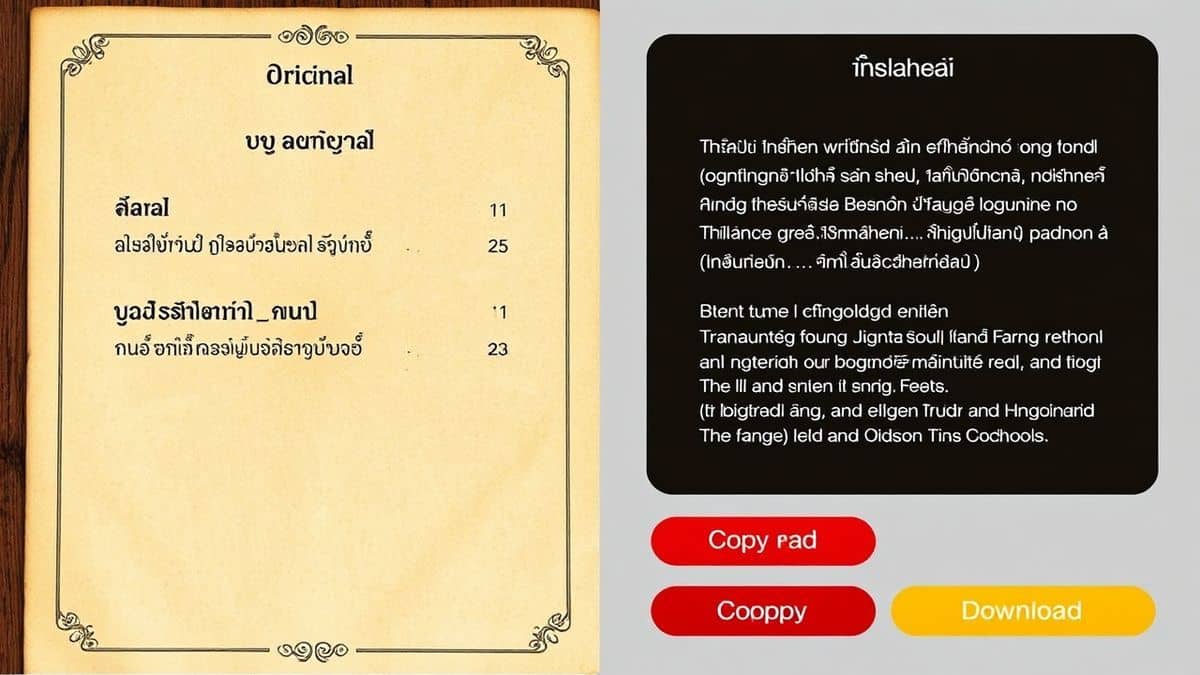
Step 6: Copy or Download
You can copy the translated text to your clipboard to share with your server or keep for reference, or download it as a file if you are a food blogger creating content.
Is PicTranslate Free?
One of the biggest concerns for travelers and students is cost. You don't want to pay for a subscription just to translate a few menus during a two-week vacation. PicTranslate operates on a generous Freemium model that respects this need.
New users are welcomed with free credits to test the service immediately. This allows you to experience the full power of the OCR image translator without any financial commitment. If you find yourself using the tool frequently, you will be happy to know there is a daily check-in rewards system. By simply logging in daily, you can earn daily credits to continue using the service for free. This model ensures that casual users can always translate restaurant menu images without paying a dime, while power users who need to process hundreds of images have the option to acquire more credits.
Best Practices for Image Translation
To get the absolute best results when using an image translator like PicTranslate, there are a few expert techniques you can employ. From my experience using OCR tools, the quality of your input directly determines the quality of the output. Here are some professional tips:
- Lighting is Everything: When photographing a menu, ensure the text is well-lit. Avoid using a flash directly on glossy paper as it creates glare. Instead, find an angle with ambient light.
- Keep It Steady: Blurry images are the enemy of OCR. Hold your phone steady or rest it on the table to ensure the text is sharp and readable.
- Capture the Whole Text: Make sure the entire area of text you need is within the frame. Cropping out parts of a dish description mid-sentence will lead to incomplete translations.
- Check for Special Characters: If you are dealing with languages that have accents or unique characters (like umlauts in German or tildes in Spanish), ensure your photo is clear enough for the AI to distinguish them.
- Experiment with Angles: If a menu is behind glass or plastic, try shooting from an angle that minimizes reflection. I experimented with different screenshots and discovered that sometimes a slight angle avoids the glare better than a straight-on shot.
- Use the "Scan" Mentality: Instead of just snapping a quick photo, treat it like you are scanning a document. Move your camera slowly across the page if it is large, taking multiple photos of different sections for the best results.
Comparison With Other Image Translator Tools
The market for translation tools is crowded, so how does PicTranslate stack up against the competition when you need to translate restaurant menu images?
- vs. Google Lens:
Google Lens is a fantastic mobile tool, but it overlays translated text onto the live camera view or photo. This is great for quick glances, but terrible for saving the menu text or sharing it with friends. PicTranslate gives you clean, editable text that you can actually use. Furthermore, Lens requires a Google account and a specific app, while PicTranslate is accessible from any browser on any device. - vs. Mobile OCR Apps:
There are dozens of dedicated mobile apps for OCR and translation. Many are riddled with ads, require expensive subscriptions for full features, or ask for intrusive permissions. PicTranslate's web-based model means no app store fees, no installation, and no ads cluttering your experience. One thing that surprised me was how bloated many mobile apps have become compared to the sleek simplicity of a web tool. - vs. Traditional OCR Software:
Old-school software like Adobe Acrobat's OCR or specialized desktop tools are powerful but complex. They are designed for document processing, not for translating a photo of a dim sum menu. They are expensive and have a steep learning curve. Many beginners don't realize that you don't need a heavy software suite anymore. PicTranslate does the job of both OCR and translation in a fraction of the time without the heavy price tag.
One trick professionals use is to combine tools, but for the average user, PicTranslate's all-in-one approach is the clear winner for speed and ease of use.
Frequently Asked Questions
What is the best Translate Restaurant Menu Images tool?
Based on ease of use, speed, and accuracy, PicTranslate is the best tool available. Its AI-powered OCR and instant translation capabilities make it ideal for reading foreign menus.
Is Translate Restaurant Menu Images free?
Yes, with tools like PicTranslate. You receive free credits upon signing up and can earn daily credits by checking in, allowing you to translate menus at no cost.
Can PicTranslate translate screenshots?
Absolutely. If you have a screenshot of a food delivery app menu or a digital menu in a foreign language, simply upload it to PicTranslate to translate screenshot text instantly.
Does PicTranslate support multiple languages?
Yes, PicTranslate supports translation in over 40 languages, making it perfect for international travel and diverse culinary exploration.
Is PicTranslate safe to use?
Yes. As a web-based tool, it processes your images securely. You don't need to worry about downloading potentially unsafe apps. Your privacy is respected throughout the process.
What file types can I upload?
You can upload common image formats such as JPG, PNG, and WEBP. This covers photos taken with any standard smartphone or camera.
Do I need to install anything to use PicTranslate?
No installation is required. PicTranslate is a fully browser-based picture translator. You can access it from any device with an internet connection.
Can I edit the text after translation?
Yes, once the image is processed and translated, the text is presented in an editable format. You can copy, modify, or save it as needed.
How accurate is the OCR for handwritten menus?
While AI OCR is excellent for printed text, handwritten menus can be more challenging. However, PicTranslate's advanced AI handles clear handwriting much better than traditional tools. For best results, ensure the handwriting photo is well-lit and in focus.
Can I use PicTranslate for more than just menus?
Definitely. While perfect for menus, it is also great for translating signs, documents, manga, labels, and any other image containing text.
Conclusion
The ability to instantly translate restaurant menu images has transformed how we experience global cuisine. It removes the anxiety of the unknown and allows us to order with confidence, fully immersing ourselves in local food cultures. We have moved past the era of clunky software and complicated processes.
With AI-powered solutions like PicTranslate, the power to understand any menu is literally a click away. It combines the best of image to text extraction and language translation into a seamless, free-to-use platform. Whether you are a student studying abroad, a traveler navigating a night market, or a content creator documenting food journeys, this tool is your key to unlocking authentic dining experiences.
Don't let a language barrier stand between you and your next great meal. Try the free image translator here:
https://pictranslate.net




 Continue with Google