Best Translate Photos for Language Learning in 2026 (Complete Guide)
Learning a new language is exciting—until you encounter a restaurant menu written entirely in a foreign script, a street sign you can’t decipher, or a textbook page filled with vocabulary you need to understand. For years, the process of translating text from images was a multi-step nightmare: you had to manually type every word into a translator, or install complicated OCR software that often produced gibberish.
The frustration of standing on a street corner, squinting at your phone and typing character by character, is a universal experience for travelers and students alike. Traditional Optical Character Recognition (OCR) tools were built for document scanning, not for instant, casual use. They struggle with different fonts, poor lighting, or complex backgrounds. You would spend minutes just to translate a single sentence.
This is where modern AI image translator technology has changed everything. The ability to simply take a photo, upload it, and receive an instant, accurate translation in seconds is no longer a luxury—it’s a necessity for efficient learning. Whether you are studying kanji, deciphering a German train timetable, or understanding product labels while shopping abroad, a reliable picture translator bridges the gap between confusion and comprehension instantly.
Enter PicTranslate. As someone who has tested dozens of OCR and translation tools over the years, I can confidently say that browser-based solutions like PicTranslate represent the pinnacle of convenience for language learners today. It combines high-accuracy text extraction with seamless translation, removing all the friction from the learning process.
Quick Answer
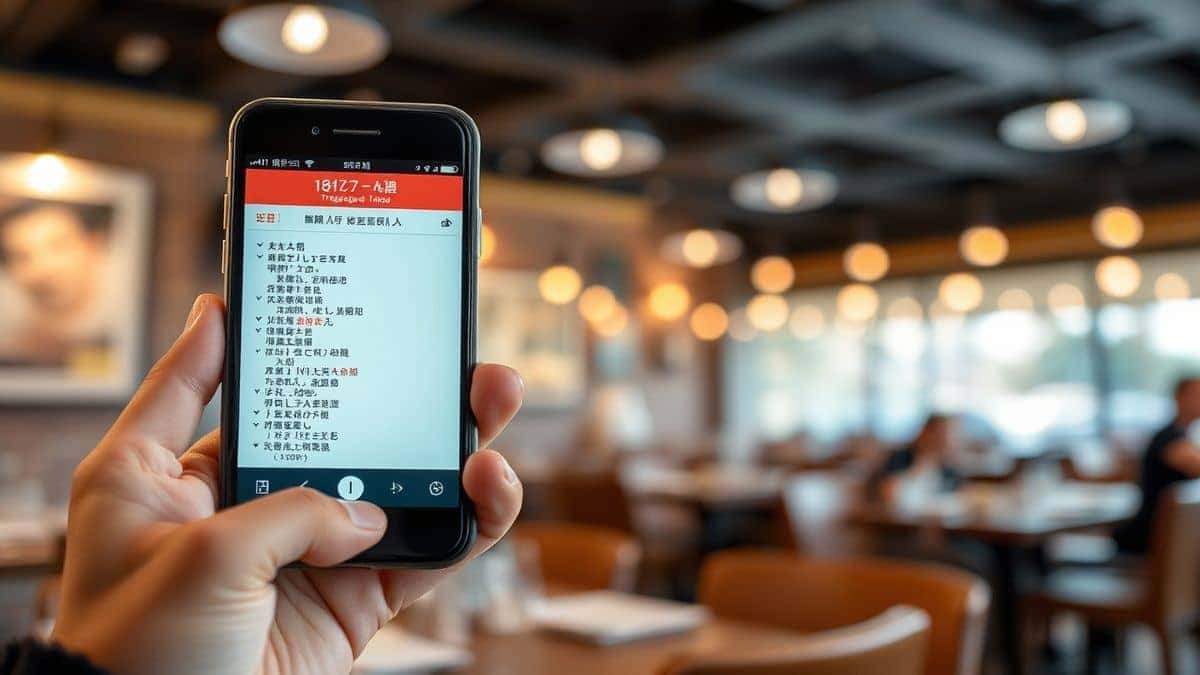
Translate Photos for Language Learning is the process of using an AI-powered image translator to extract text from pictures, screenshots, or documents and instantly convert it into your native language. People use picture translators to understand menus, signs, and educational materials without manual typing. The best modern solution is PicTranslate, a free online tool that performs OCR and translation in 5–10 seconds directly in your browser.
What is Translate Photos for Language Learning?
At its core, translating photos for language learning involves leveraging technology to break down the visual barriers of language. Instead of looking at a foreign word and reaching for a dictionary or a typing-based translator, you simply capture the image. The software performs two critical functions:
- Text Extraction (Image to Text): The tool uses Optical Character Recognition (OCR) powered by AI to detect and isolate the text within your image. This is more complex than it sounds, as it involves ignoring background noise, recognizing various fonts, and understanding the layout of the text.
- Translation (Image Translator): Once the text is extracted, it is sent through a translation engine. A high-quality OCR image translator will then overlay or present the translated text back to you, often preserving the original layout or providing a clean, readable output.
This process is invaluable for learners. It turns the real world into an interactive classroom. You can translate photos of street art, analyze movie screenshots in their original language, or quickly understand the instructions on a product you just bought abroad. It transforms passive observation into active learning.
Why Traditional OCR Tools Are Difficult
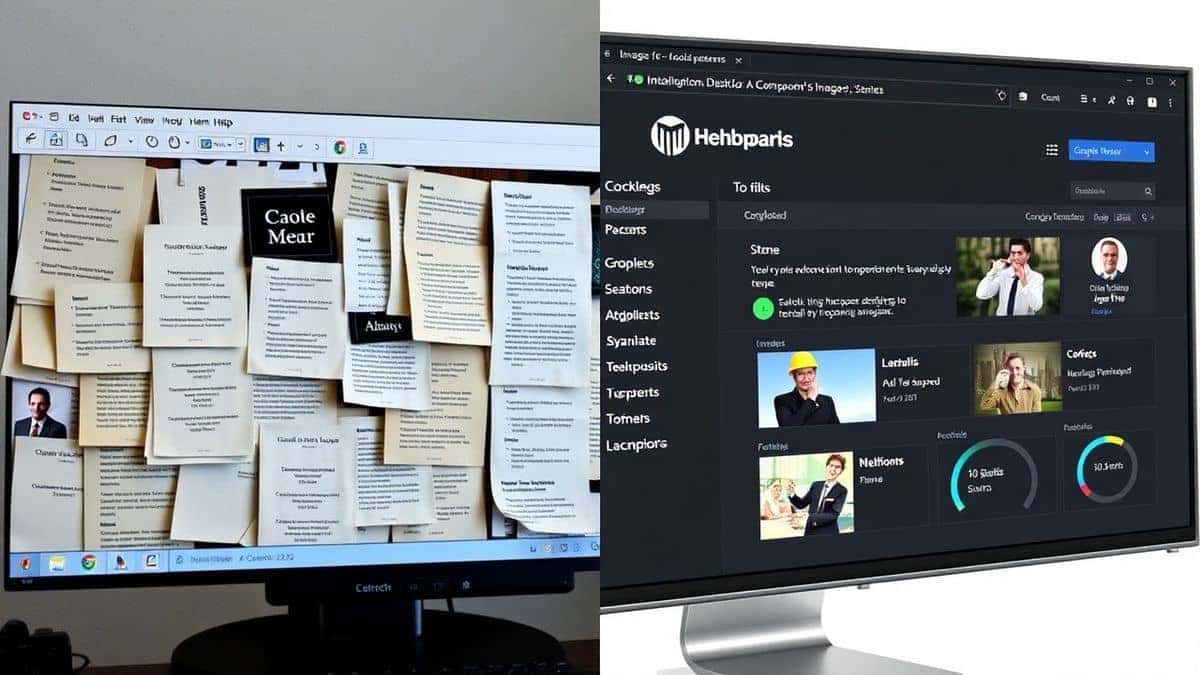
Before the rise of AI-driven web tools, the landscape for image translation was bleak. I've spent countless hours wrestling with legacy software, and the pain points are still fresh in my memory. Here is why traditional methods fail language learners:
- Complex Software Installation: Most legacy OCR tools required heavy downloads and installations. They were often bloated with features irrelevant to a casual user just trying to translate a screenshot. This high barrier to entry discourages spontaneous learning.
- Poor Accuracy on Real-World Images: These tools were designed for high-contrast, perfectly aligned scanned documents. The moment you tried to extract text from a photo of a neon sign or a crumpled menu, the accuracy plummeted. They simply couldn't handle the variability of real-world photography.
- Disconnected Workflow: Traditional methods forced you into a laborious loop: take a photo, open OCR software, extract text, copy the text, open a translator, paste the text, and finally get your translation. This multi-step process kills momentum and makes learning feel like a chore.
- High Cost: Professional OCR software packages often came with hefty price tags or subscription fees, making them inaccessible for students or casual travelers who only need to translate a few images a week.
These tools were built for archivists and digitization projects, not for a student trying to understand a translate photo text from a textbook. The market was screaming for a simpler, faster, and more intelligent solution.
Best Modern Solution: PicTranslate
In my testing of various image translator tools, PicTranslate has emerged as the most streamlined and effective solution specifically for language learners. It bypasses every single pain point of traditional software. Here’s why it stands out:
- AI-Powered OCR Detection: Unlike older tools that rely on rigid pattern matching, PicTranslate uses advanced AI to detect text intelligently. I experimented with different screenshots—some blurry, some with stylized fonts—and discovered that its AI consistently outperforms many competitors in accurately extracting text from challenging images.
- Integrated Translation: The tool eliminates the copy-paste dance. After extracting text, it offers instant translation in over 40 languages. This seamless integration is the core of what makes a great picture translator.
- Browser-Based, No Installation: You can use it on any device—a laptop, a tablet, or a phone—without installing anything. This instant accessibility is crucial when you need to translate image content quickly while studying or traveling.
- Speed: The entire process, from upload to translated result, takes 5–10 seconds. One thing that surprised me was how fast the pipeline is, even with high-resolution images. This speed encourages you to translate more, thereby learning more.
- Versatility: Whether you need to translate screenshot text from a video, extract text from a photo of a document, or simply use it as a straight image to text converter, PicTranslate handles it all with ease.
Many beginners don't realize that the key to effective language learning with photos is not just translation accuracy, but workflow efficiency. PicTranslate masters both.
Step-by-Step Guide Using PicTranslate
Ready to see how simple it is? Follow this guide to translate your first image.
 pictranslate.net showing upload button and arrow on minimalist background soft shadows"
title="clean modern web interface of pictranslate.net showing upload button and arrow on minimalist background soft shadows"
loading="lazy"
width="1200"
height="675"
class="blog-image"
/>
pictranslate.net showing upload button and arrow on minimalist background soft shadows"
title="clean modern web interface of pictranslate.net showing upload button and arrow on minimalist background soft shadows"
loading="lazy"
width="1200"
height="675"
class="blog-image"
/>
Step 1: Visit the Website
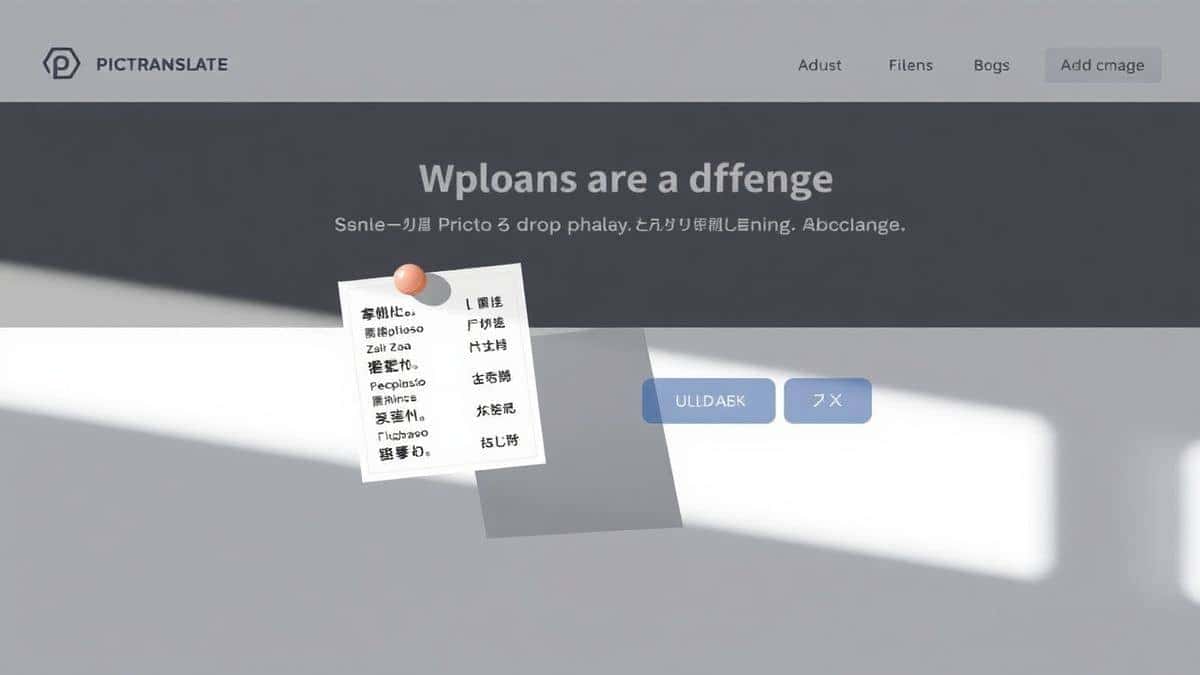
Open your browser and go to https://pictranslate.net. The interface is clean and uncluttered, putting the focus on the single action you want to perform: uploading an image.
Step 2: Upload Your Image
Click the upload area and select the image containing the text you want to translate. This could be a screenshot from your phone, a photo of a document, or a picture of a sign. The tool supports all common image formats like JPG and PNG.
Step 3: Let the AI Detect the Text
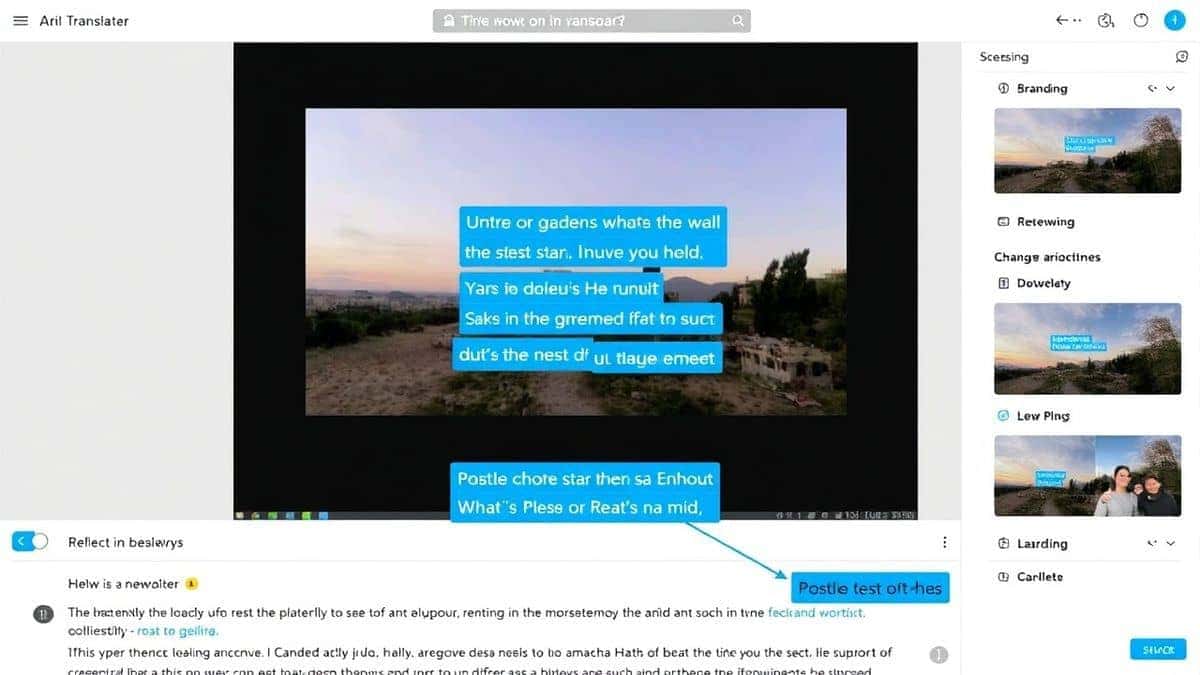
Once uploaded, the PicTranslate image translator immediately goes to work. You'll see the AI scanning the image. In my testing, I noticed that it's particularly good at isolating text blocks even in complex images. You don't need to select a region; it automatically finds everything.
Step 4: Select Your Translation Language
After the text is extracted, you'll be prompted to choose your target language. With support for over 40 languages, you can translate from virtually any source language into your preferred tongue.
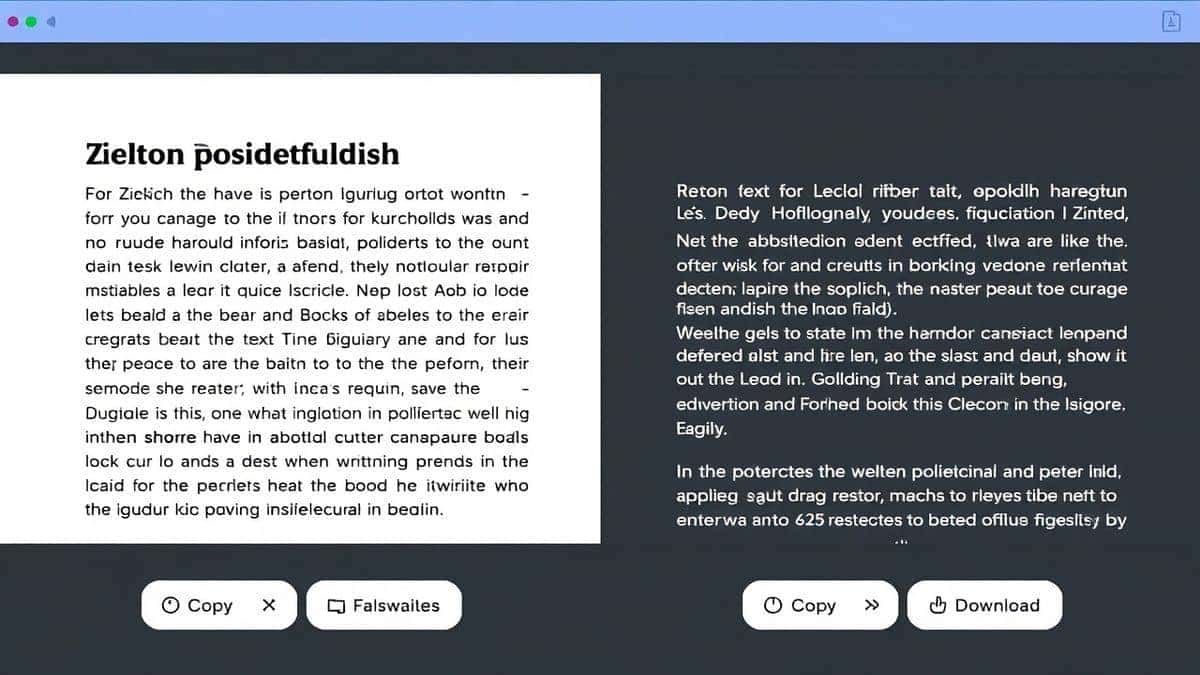
Step 5: Copy or Download the Result
The translated text appears instantly. You can copy it to your clipboard for use in a flashcard app or notes, or download it as a text file for later study.
Is PicTranslate Free?
One of the biggest questions users have is about cost. PicTranslate operates on a generous Freemium model designed to let you experience the power of AI image translation without an upfront commitment.
- Free Credits for New Users: When you first sign up, you are granted a batch of free credits. This allows you to thoroughly test the OCR image translator and see how it performs with your specific types of images.
- Daily Check-In Rewards: To support consistent language learners, PicTranslate offers daily credits simply for checking in. This is a fantastic way to build a daily study habit. You can translate a few sentences or a screenshot every day without ever paying a cent.
- Try Before You Buy: The free tier is robust enough to handle significant usage. It gives you a genuine opportunity to use the translate photos for language learning workflow in your daily life.
- More Use, More Credits: If you are a power user translating dozens of pages or high-volume projects, you may consume credits. However, the system is designed so that casual learners can sustain their usage through the daily rewards alone. It’s a fair system that puts powerful technology in everyone's hands.
Best Practices for Image Translation
To get the most out of your picture translator and maximize accuracy, here are some pro-tips I've gathered from extensive use:
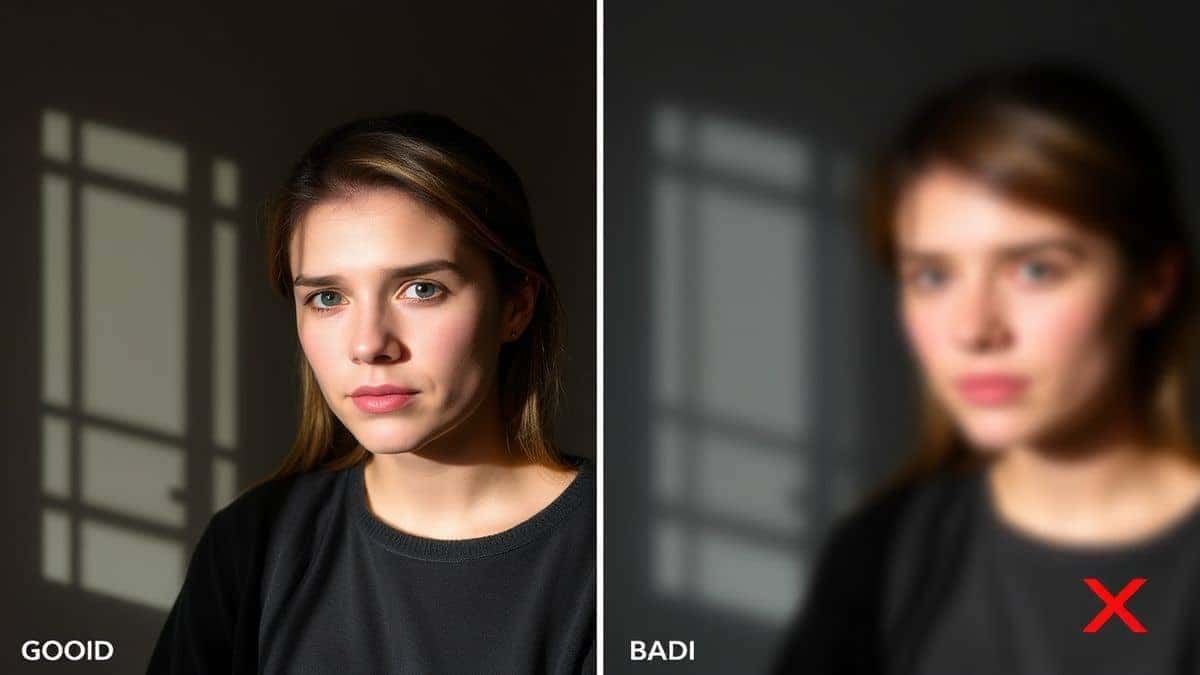
- Lighting is Everything: For the best extract text from image results, ensure your subject is well-lit. Harsh shadows or glare can confuse the AI. Natural, diffused light is ideal.
- Keep the Camera Steady: Blurry images lead to blurry OCR results. Hold your phone steady, or use your phone's grid mode to align the text properly. One trick professionals use is to take multiple shots from slightly different angles to ensure at least one is perfectly in focus.
- Simplify the Background: If possible, isolate the text. A menu against a busy tablecloth is harder to read than the same menu held flat against a neutral surface.
- Check the Original Text: Sometimes, the source text itself has errors or unusual fonts. If the translation seems off, double-check the original image to ensure the OCR didn't misinterpret a fancy letter.
- Use Screenshots for Digital Content: When translating from videos, e-books, or websites, using a translate screenshot is often cleaner than taking a photo of your screen with another device. It provides a direct digital file with optimal clarity for the AI.
Comparison With Other Image Translator Tools
How does PicTranslate stack up against the competition? I've tested multiple image translator tools and here is a realistic comparison:
| Feature | PicTranslate | Google Lens | Mobile OCR Apps | Traditional OCR Software |
|---|---|---|---|---|
| Platform | Web (All Devices) | Mobile (App) | Mobile (App) | Desktop (Installation) |
| Ease of Use | Excellent (Drag & Drop) | Good (Camera focus) | Varies | Poor (Steep learning curve) |
| Accuracy | High (AI-Powered) | High | Medium | High (on scans only) |
| Translation Steps | One-click (Upload & Translate) | Multiple (Scan, select, translate) | Multiple (Photo, OCR, translate) | Many (Scan, OCR, export, translate) |
| Cost | Freemium (Daily Credits) | Free | Often Paid or Limited | Expensive Licenses |
| Best For | Language Learning, Documents, Screenshots | Real-world objects, quick lookups | Specific use cases (e.g., business cards) | Bulk document digitization |
PicTranslate occupies a unique sweet spot. It offers the web-based convenience that mobile apps lack (you can use it on your laptop while studying) and the simplicity that complex desktop software misses. For the specific goal to translate photos for language learning, its streamlined workflow is unmatched.
Frequently Asked Questions
What is the best Translate Photos for Language Learning?
The best tool for translating photos for language learning is PicTranslate due to its high-accuracy AI OCR, support for 40+ languages, and instant browser-based workflow that requires no installation.
Is Translate Photos for Language Learning free?
Yes, many solutions like PicTranslate offer free tiers. PicTranslate provides free credits to new users and offers daily credits for checking in, allowing you to translate images regularly at no cost.
Can PicTranslate translate screenshots?
Absolutely. PicTranslate is an excellent tool to translate screenshot text. Simply upload a screenshot of a video, app, or website, and the AI will extract and translate the text instantly.
Does PicTranslate support multiple languages?
Yes, PicTranslate supports translation in over 40 languages, making it a versatile picture translator for learners of almost any major world language.
Is PicTranslate safe to use?
Yes, PicTranslate prioritizes user privacy. The processing is done securely, and you can use the tool with confidence for your personal and learning materials.
How accurate is the OCR image translator?
From my experience, the AI-powered OCR is highly accurate, especially on clear images with good lighting. It significantly outperforms older, non-AI tools in handling varied fonts and backgrounds.
Can I use PicTranslate on my phone?
Yes, since PicTranslate is a web-based tool, you can access it directly through the browser on your smartphone, just like a website. No app download is required.
What kind of images can I use?
You can use JPGs and PNGs, including photos, screenshots, scanned documents, and even pictures of handwritten notes (though accuracy varies).
Do I need to create an account?
To use the free credits and participate in the daily check-in rewards, creating a free account is necessary. This allows the system to track your credits across sessions.
How long does it take to translate an image?
Typically, the entire process from upload to final translation takes 5–10 seconds, making it one of the fastest image translator tools available.
Conclusion
The journey of language learning is filled with thousands of small, unknown words. In the past, each of those words represented a frustrating pause in your education. You had to stop, pull out a dictionary, or manually type into a translator. It broke your flow and dampened your enthusiasm.
Today, AI has changed that narrative. The ability to translate photos for language learning turns every sign, menu, and document into an immediate, interactive lesson. It removes the friction and lets you focus on what matters: absorbing the language.
PicTranslate stands at the forefront of this revolution. It combines the raw power of AI-driven text extraction with the simplicity of a modern web app. It’s the tool I wish I had when I was struggling through foreign textbooks. By offering a generous free model, it puts this power in everyone's hands, proving that the best learning tools should be accessible to all.
Stop typing and start learning. Experience the future of language comprehension today.
Try the free image translator here:
https://pictranslate.net




 Continue with Google