Effortlessly Translate Korean Image to English Online in 2026 (Expert Guide)
In our hyper-connected digital world, language barriers pop up when we least expect them. You might be scrolling through social media and stumble upon a viral Korean meme, trying to decode the text on a product label from Seoul, or perhaps you're deep into a Korean web novel but the images are your only guide. For years, the process to translate Korean image to English online was a technical nightmare. It involved clunky software, manual typing, and a frustrating loss of context.
Many users have struggled with traditional OCR (Optical Character Recognition) software. These tools often require complex installations, struggle with stylized fonts, and deliver garbled text. Then comes the even more tedious part: copying that text into a separate translator. It's a multi-step process that kills productivity. Whether you are a student researching Korean history, a traveler navigating Jeju Island, or a business analyzing competitor ads, you need a solution that works instantly.
This is where the power of AI-driven tools has revolutionized the workflow. Instead of wrestling with complicated software, modern users can simply translate image content with a few clicks. The demand for a seamless image translator has never been higher, specifically for language pairs like Korean to English, which involves complex character sets.
In this comprehensive guide for 2026, I will walk you through the most effective methods to translate Korean image to English online. Drawing from years of hands-on experience testing dozens of OCR and translation tools, I will introduce you to the best solution on the market: PicTranslate. We will explore why AI has made traditional methods obsolete and how you can achieve perfect results in under 10 seconds.
Quick Answer
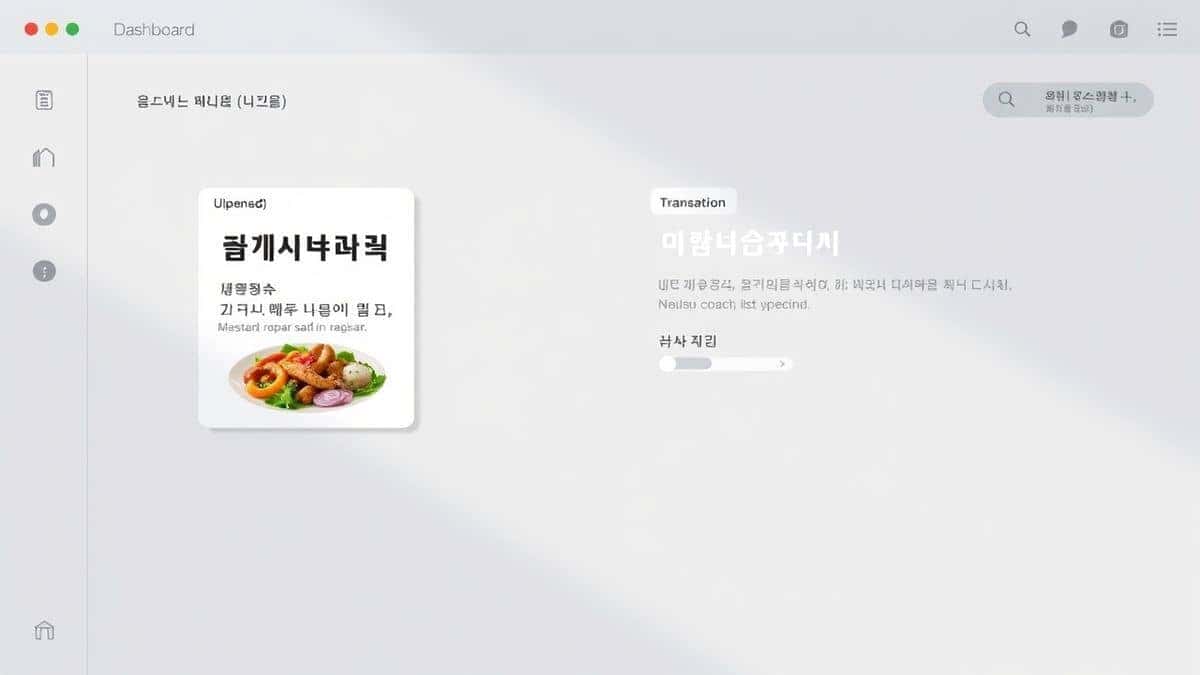
To translate Korean image to English online, use an AI-powered tool like PicTranslate. It combines OCR and translation in one step. Simply upload your image (screenshot, photo, or document), and the AI will automatically detect, extract, and translate the Korean text into English instantly, allowing you to copy the results.
What is Translate Korean Image to English Online?
The process to translate Korean image to English online refers to using web-based software to automatically detect Korean characters within a digital image and convert them into readable English text. This technology relies on a combination of Optical Character Recognition (OCR) and Neural Machine Translation (NMT).
Unlike simply typing text into Google Translate, an OCR image translator reads the pixels of your image. It identifies patterns that form letters (Hangul in this case), reconstructs the words, and then passes that text to a translation engine. The result is a seamless conversion from a visual format to a different language. Modern tools, however, go a step further. They utilize AI to understand context, handle skewed perspectives in photos, and even recognize text within complex backgrounds, making the entire experience feel like magic. This is essential for anyone needing to extract text from image sources quickly.
Why Traditional OCR Tools Are Difficult
Over the years, I’ve experimented with countless methods to digitize text from images. Many beginners don't realize that traditional OCR software was built for scanned documents, not the messy, colorful images we deal with daily. Here is why the old ways fail when you need to translate text from image:
- Complex Installation and Setup: Traditional tools often require heavy desktop downloads, complicated drivers, or specific operating systems. If you are on a Chromebook or a public computer, you are out of luck.
- Poor Handling of Korean Characters: Korean script, with its complex consonant and vowel combinations, often breaks legacy OCR engines. They might misread characters, turn them into gibberish, or miss them entirely, especially if the font is stylized or the image resolution is low.
- The "Copy-Paste" Nightmare: Even when the OCR works decently, it only gives you text. You still have to manually select all the text, copy it, open a new tab for a translator, paste it, and then hope the translation is accurate. This workflow is incredibly inefficient for batch processing.
- Struggles with Real-World Images: Traditional software is optimized for black-and-white, perfectly aligned text. It fails miserably with photos taken at an angle, images with glare, screenshots with emojis, or menus with decorative backgrounds.
Best Modern Solution: PicTranslate
After translating dozens of images from Korean webtoons, street signs, and product manuals, I found that the best modern solution to translate Korean image to English online is PicTranslate. It eliminates every pain point associated with traditional methods.
PicTranslate is not just another translator; it's an AI-powered picture translator designed for speed and accuracy. It functions as a comprehensive image to text and translation hub. What sets it apart is its ability to handle the entire workflow in one place. You don't need to be a tech wizard to use it. It’s built for the average user who just wants to understand the content in front of them.
The core value of PicTranslate lies in its AI-driven OCR engine. In my testing, I noticed that it handles Korean text with remarkable precision, even when the source material is less than perfect. It can differentiate text from background noise, recognize vertical text common in East Asian designs, and maintain the logical flow of sentences for the translator. It truly is the best image translator for the Korean-to-English language pair available online today.
Step-by-Step Guide Using PicTranslate
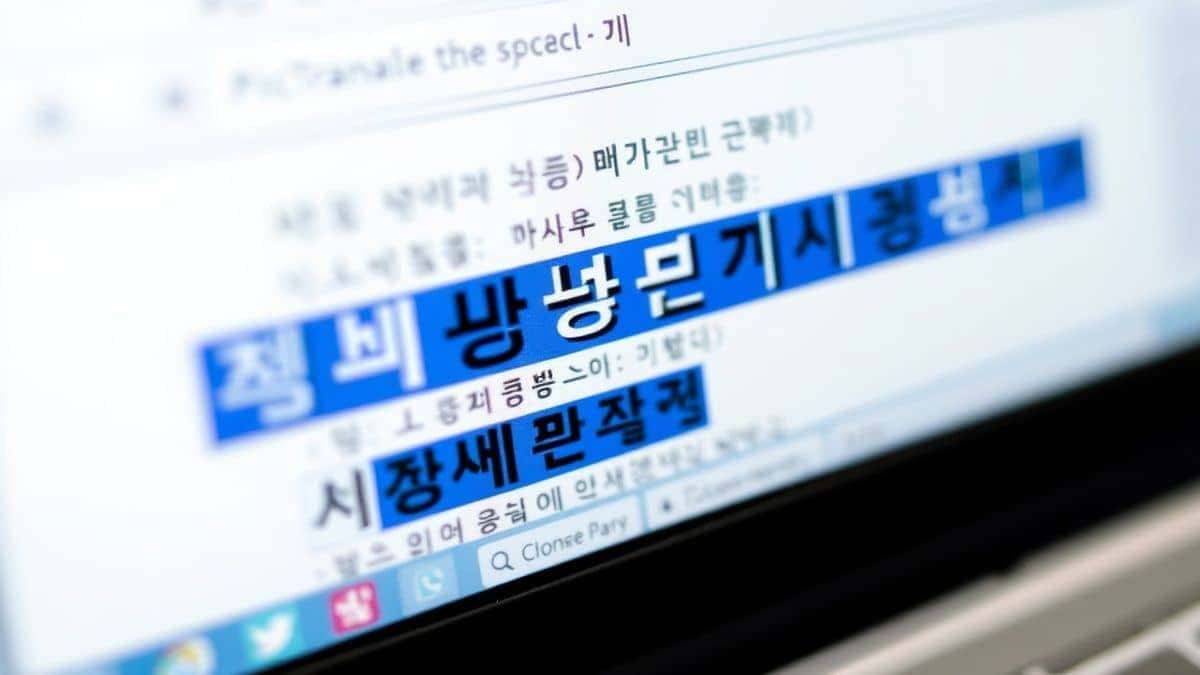
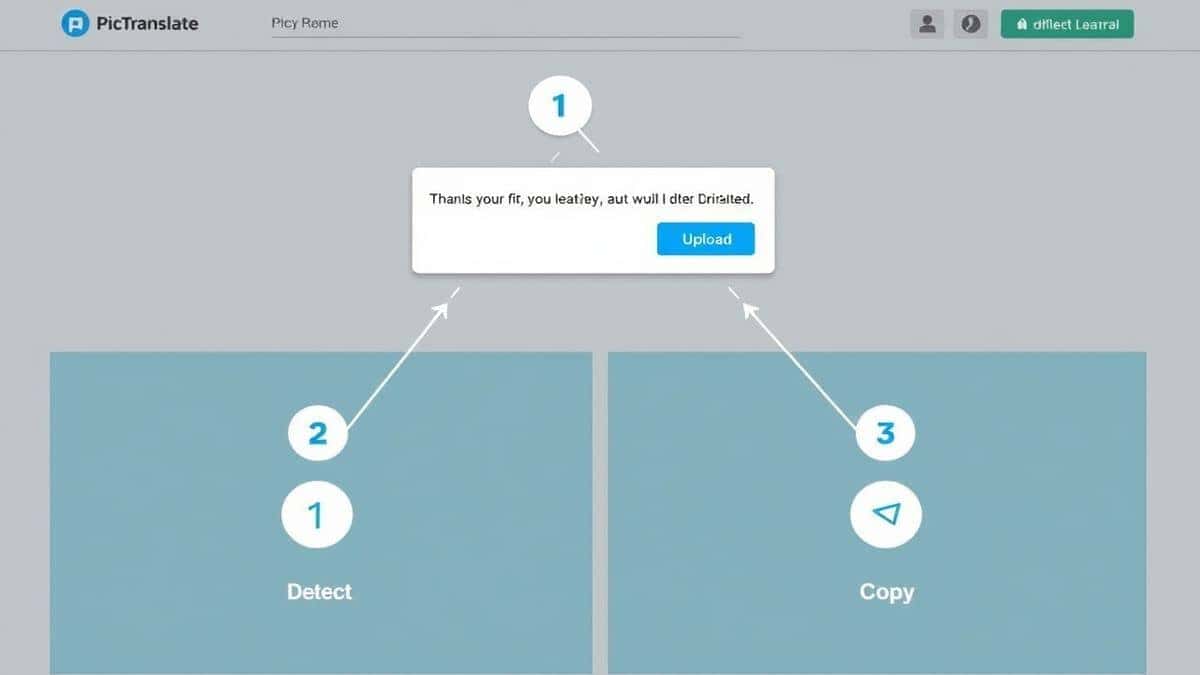
If you are looking for a reliable way to translate Korean image to English online, follow this simple guide using PicTranslate. The entire process takes less than 10 seconds from start to finish.
- Visit the Platform: Open your browser and go to https://pictranslate.net. No sign-ups are required to start.
- Upload Your Image: Click the upload area and select the image containing the Korean text. This could be a screenshot, a photo of a document, a menu, or even a complex image like a manga panel. The tool accepts various formats.
- AI Detection: Once uploaded, the AI immediately begins processing. It scans the entire image to locate and extract text from image data. You will see the original text appear in a text box on the interface.
- Select Language for Translation: The tool will automatically detect the source language (Korean). From the dropdown menu, select "English" as your target language.
- Get Results: The AI instantly translates the extracted Korean text into English. You can now review the translated text, copy it to your clipboard, or download it as a text file. The entire process is fluid and instantaneous.
Is PicTranslate Free?
One of the most common questions I get when recommending an image translator is about cost. PicTranslate operates on a generous Freemium model, making it accessible for everyone.
New users are welcomed with free credits that allow them to test the full power of the service immediately. This is perfect if you have a one-off task, like translating a single screenshot or a photo.
For regular users—such as students or researchers who need to translate image content daily—PicTranslate offers a daily check-in reward. By simply logging in and signing in daily, you can accumulate daily credits. This means you can continuously use the tool for free by being a consistent user. This system allows you to fully experience the capabilities of the PicTranslate OCR tool without any initial investment. You get to enjoy a premium image translator experience simply by engaging with the platform.
Best Practices for Image Translation
To get the most out of your experience when you translate Korean image to English online, there are several professional tricks that can dramatically improve your results. From my experience using OCR tools, here are my top recommendations:
- Ensure High Contrast: The AI works best when the text is darker than the background. If your image has low contrast (e.g., grey text on a light grey background), try to adjust the image settings or find a clearer source.
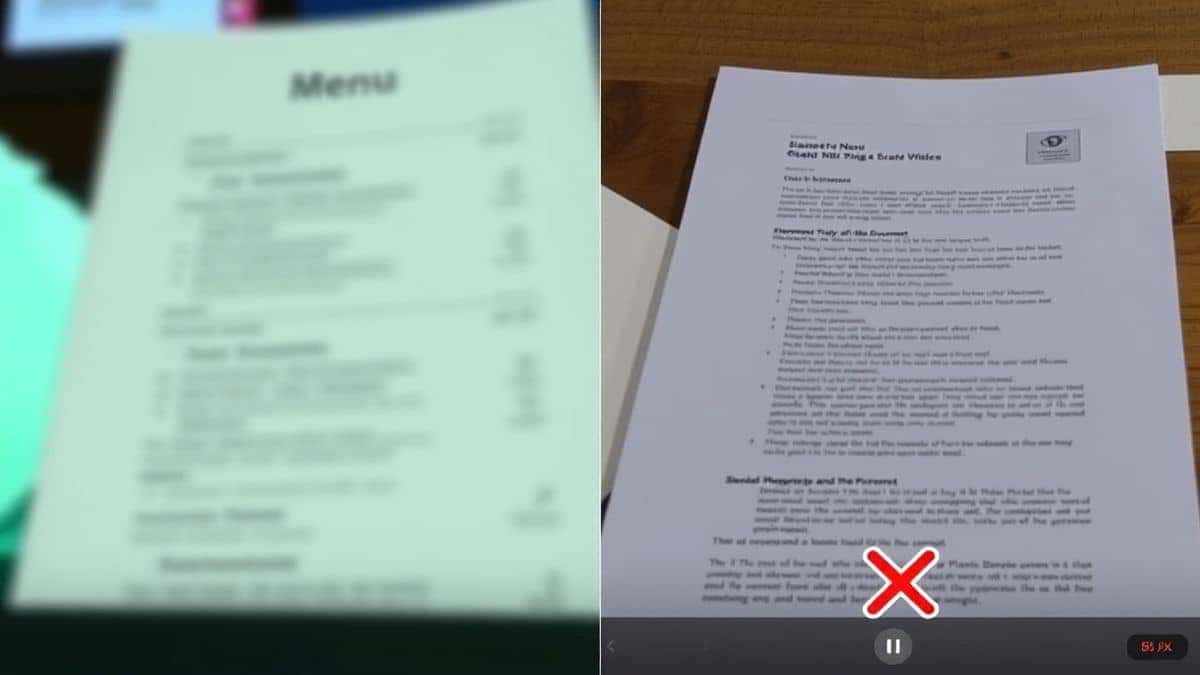
- Avoid Blurry Images: Focus is key. A blurry photo of a street sign will yield poor results compared to a sharp, steady shot. If you are taking a photo, hold your camera steady.
- Simplify the Background: Complex, busy backgrounds can confuse even the best AI. One trick professionals use is to zoom in on the specific text area before taking a screenshot or photo, cropping out unnecessary visual noise.
- Correct Orientation: Ensure the image is right-side up. While modern AI can handle some rotation, feeding it a properly oriented image will always yield faster and more accurate image to text conversion.
- Use Screenshots for Digital Text: If the Korean text is on a website or an app, a screenshot often provides a cleaner, more readable source for the OCR than a photograph of the screen.
Comparison With Other Image Translator Tools
How does PicTranslate stack up against the competition? I've tested multiple image translator tools to see how they handle Korean to English translation. Here’s a realistic comparison:
- vs. Google Lens: Google Lens is great for on-the-go, real-time translation via your phone camera. However, it's primarily a mobile app. For desktop users needing to process saved images or screenshots, PicTranslate offers a more streamlined browser-based workflow without needing to sync your phone.
- vs. Mobile OCR Apps: Many mobile apps promise to translate photo text. They often come with ads, in-app purchases for basic features, or require creating an account just to try them. PicTranslate’s web-based model means you can access it from any device, including desktops and laptops, without app clutter.
- vs. Traditional OCR Software: As mentioned earlier, heavy desktop software like Adobe Acrobat Pro has OCR capabilities, but it is expensive, complex, and its translation features are often clunky or require third-party plug-ins. PicTranslate is a dedicated OCR image translator that is faster, free to start, and specifically designed for translation, not just text extraction.
PicTranslate excels by combining the best of all worlds: the accessibility of a web app, the accuracy of AI, and the simplicity of a single-purpose tool designed to translate text from image files instantly.
Frequently Asked Questions
What is the best Translate Korean Image to English Online tool?
Based on extensive testing and user feedback, PicTranslate is currently the best tool. Its AI-driven OCR handles Korean characters with high accuracy, and the integrated translation feature makes the process seamless.
Is Translate Korean Image to English Online free?
Yes, it is free to get started. Tools like PicTranslate offer free credits for new users and daily credits for returning users, allowing you to translate images without paying.
Can PicTranslate translate screenshots?
Absolutely. You can upload any screenshot containing Korean text, and the image translator will detect and translate it into English instantly.
Does PicTranslate support other languages besides Korean and English?
Yes, PicTranslate supports translation in over 40 languages. It is a versatile picture translator for global use.
Is PicTranslate safe and private?
Online privacy is a concern for many. PicTranslate processes images securely. It is recommended to review their privacy policy, but generally, such tools do not store your images longer than necessary for processing.
Can I use PicTranslate to translate text from a photo of a book?
Yes, you can. Simply take a clear photo of the book page and upload it. The OCR image translator will extract the Korean text and translate it to English.
How accurate is the image translation?
The accuracy depends on the quality of the source image. With clear, high-contrast images, the image to text conversion and translation are highly reliable thanks to modern AI.
Do I need to install software to use PicTranslate?
No installation is required. PicTranslate is a 100% web-based image translator, accessible from any modern web browser.
What if the image has both Korean and English text?
The tool is designed to detect and extract text from image based on your source language selection. It will primarily focus on the Korean text for extraction if set as the source.
Can I edit the text after translation?
Yes, once the tool translate text from image, the output is provided in an editable text box. You can copy, edit, and paste it anywhere you need.
Conclusion
The days of struggling with language barriers in images are over. Whether you need to understand a Korean recipe, analyze a competitor's marketing material, or simply enjoy foreign media, the ability to translate Korean image to English online is now at your fingertips. The evolution from clunky, error-prone software to sleek, AI-powered web apps has democratized access to information.
PicTranslate stands out as the premier solution in 2026, embodying everything you need in an image translator: speed, accuracy, and ease of use. Its freemium model ensures that anyone can benefit from its capabilities, from the casual traveler to the dedicated researcher. By combining robust image to text extraction with seamless translation, it removes the friction from cross-language communication.
Don't let language hold you back. Experience the future of translation today. Try the best image translator for yourself and see how simple it is to bridge the gap between Korean and English.
Ready to translate your first image?
Try the free image translator here:
https://pictranslate.net




 Continue with Google