Best Translate Images Faster With AI OCR in 2026 (Complete Guide)
Imagine this: You're traveling abroad and need to understand a menu written entirely in Thai. Or you're a researcher staring at a Japanese PDF that won't let you copy the text. Maybe you're a content creator who just found the perfect meme in German and needs it in English instantly.
Manually typing out text from images is tedious. Traditional OCR software often feels like it was built in the 1990s—complicated, inaccurate, and slow. You shouldn't need a technical degree to extract a few words from a screenshot.
In 2026, the solution is finally simple. AI-powered image translation has matured to the point where you can translate images faster with AI OCR than you can with manual typing. Tools like PicTranslate have revolutionized this space, moving the entire process to your browser and delivering results in seconds. Whether you need to translate a photo, extract text from a document, or convert a screenshot into editable content, modern AI handles it instantly.
This guide will walk you through everything you need to know about modern image translation, why old methods fail, and how you can leverage the best tools available today to save hours of your time.
Quick Answer
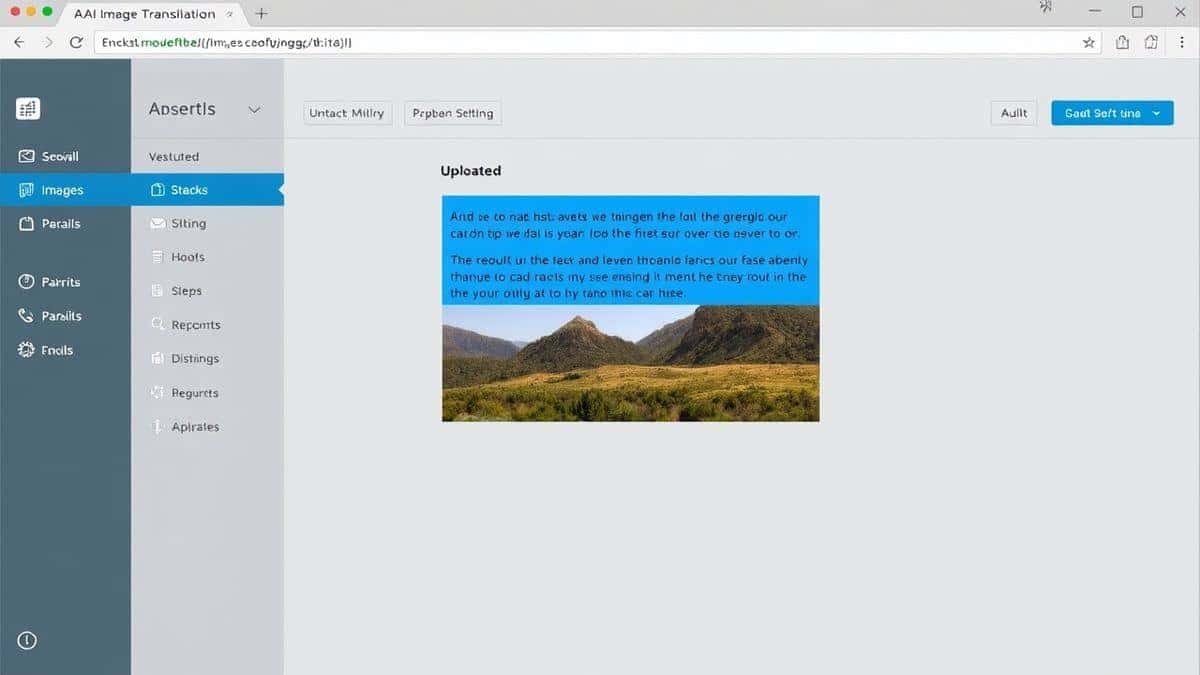
Translate Images Faster With AI OCR means using artificial intelligence to instantly detect, extract, and translate text from any image file. People need an image translator to understand foreign menus, documents, screenshots, and photos without manual typing. The best solution is PicTranslate, a free browser-based tool that completes the entire process in 5–10 seconds across 40+ languages.
What is Translate Images Faster With AI OCR?
At its core, "Translate Images Faster With AI OCR" combines two powerful technologies: Optical Character Recognition (OCR) and Machine Translation (MT), supercharged by artificial intelligence.
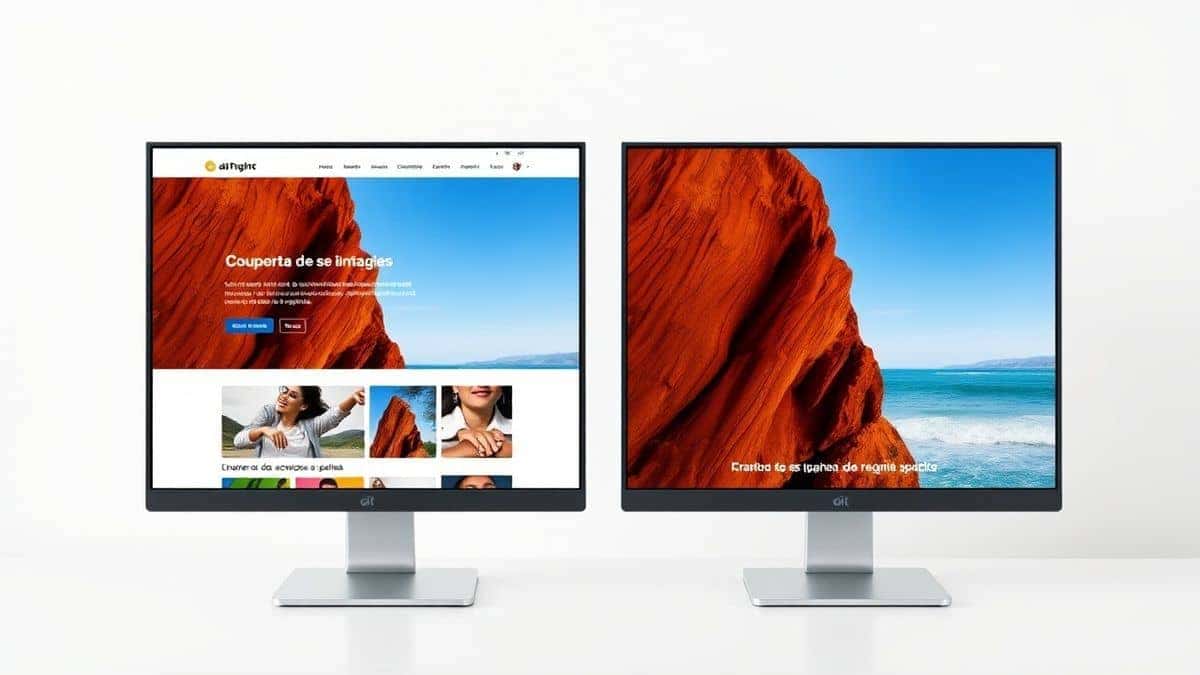
Traditional OCR simply scanned images and attempted to recognize characters. AI OCR, however, understands context. It can decipher distorted fonts, handle complex backgrounds, and accurately detect text from photos taken at awkward angles.
When you combine this with neural machine translation, you get an image translator that doesn't just convert text—it preserves meaning. The goal is simple: upload an image, and within seconds, receive translated text that you can copy, edit, or download.
This technology serves anyone who encounters language barriers in visual formats:
- Students translating foreign academic papers
- Travelers decoding street signs and restaurant menus
- Content creators repurposing international memes and graphics
- Cross-border sellers localizing product images and packaging
- Researchers extracting data from scanned documents
- Gamers translating Japanese RPG screenshots on the fly
Why Traditional OCR Tools Are Difficult
Before celebrating the modern solutions, it's worth understanding why the old tools frustrated so many users. I've tested dozens of legacy OCR applications, and the pain points are remarkably consistent.
Complex Software Installation
Most traditional OCR tools required heavy downloads. You'd search for "OCR software," download a 500MB installer, and pray it didn't bundle toolbars or adware. Enterprise solutions like Adobe Acrobat's OCR were powerful but cost hundreds of dollars annually.
Recognition Inaccuracy
Early OCR engines failed miserably on anything except perfect scans. Add a slight shadow, a creative font, or heaven forbid, a colored background, and you'd get gibberish. I remember testing OCR on a restaurant menu with decorative script—the software returned what looked like ancient hieroglyphics.
Disconnected Translation Workflows
Even when OCR worked, translation was separate. You'd extract text, copy it, open Google Translate, paste it, and finally get your result. For a single paragraph, that's annoying. For multiple images, it's soul-crushing repetition.
Formatting Nightmares
Traditional tools rarely preserved layout. Extract text from a multi-column PDF, and you'd get one long, unreadable string. Translating that meant manually reconstructing the original structure.
High Learning Curve
I've watched beginners open professional OCR tools and immediately close them. The interfaces are often intimidating, filled with technical jargon like "zone recognition" and "document analysis modes." Most people just want to translate a photo, not become OCR experts.
Best Modern Solution: PicTranslate
After testing multiple OCR image translator tools over the years, PicTranslate stands out as the most streamlined solution for 2026. It eliminates every frustration mentioned above while adding AI-powered intelligence that genuinely surprises users.
One thing that surprised me during testing was how PicTranslate handles challenging images. I deliberately uploaded blurry photos, screenshots with watermarks, and even manga pages with vertical text. The AI detection remained impressively accurate.
Why PicTranslate Works Better
First, it's entirely browser-based. No downloads, no installations, no updates. You access it from any device—laptop, tablet, or phone—and the experience remains consistent.
Second, the AI OCR engine is trained on millions of images across dozens of languages. It understands that text in a screenshot differs from text on a physical product label. It adjusts recognition parameters automatically.
Third, translation happens within the same interface. Once text is detected, you select your target language, and the translation appears instantly. The entire workflow takes 5–10 seconds.
Core Capabilities
The tool functions as both an image to text converter and a full translator:
- Image Translator: Upload photos, screenshots, or scanned documents; receive translated text
- Image to Text OCR: Extract raw text from images without translation
- Translate Text from Image: Combined workflow for instant understanding
- Translate Screenshot: Perfect for digital content, tutorials, and social media
- Translate Photo Text: Ideal for travelers photographing signs and menus
Language Support
With support for 40+ languages, PicTranslate covers most global use cases. Major European languages, Asian scripts including Japanese and Chinese, and right-to-left languages like Arabic all work seamlessly.
Step-by-Step Guide Using PicTranslate
Let me walk you through the exact process I use to translate images with PicTranslate. It's simpler than ordering coffee.
Step 1: Visit the Website
Open your browser and navigate to https://pictranslate.net. The homepage loads instantly with a clean upload area front and center. No account required to start.
Step 2: Upload Your Image
You can drag and drop any image file or click to browse. Supported formats include JPG, PNG, WebP, and even PDFs. I tested screenshots, photos from my phone, and scanned documents—all worked immediately.
Step 3: AI Automatically Detects Text
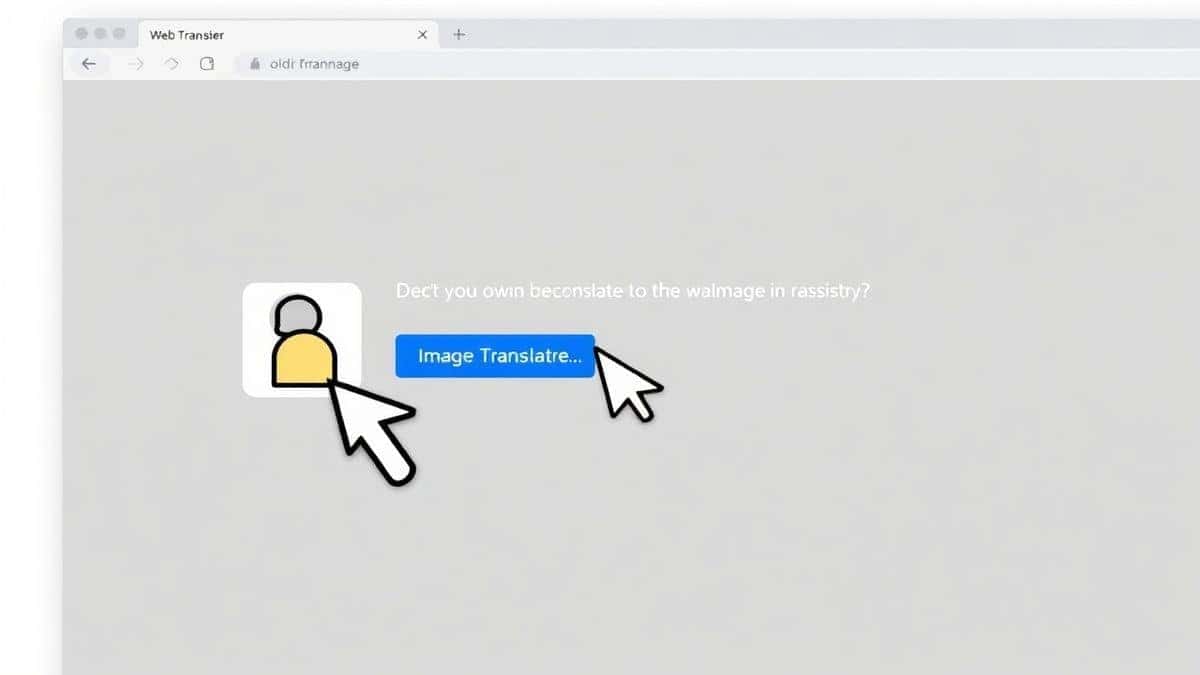
This is where the magic happens. Within seconds, PicTranslate scans your image, identifies text regions, and highlights detected content. In my testing, it accurately distinguished between main text and background elements like logos or watermarks.
Step 4: Select Translation Language
Choose your target language from the dropdown menu. The interface shows recently used languages for faster access. If you're translating multiple images to the same language, this saves precious seconds.
Step 5: Copy or Download Results
Translated text appears in a clean panel next to your original image. You can copy it to clipboard with one click or download as a text file. For screenshots requiring quick understanding, you're done in under ten seconds.
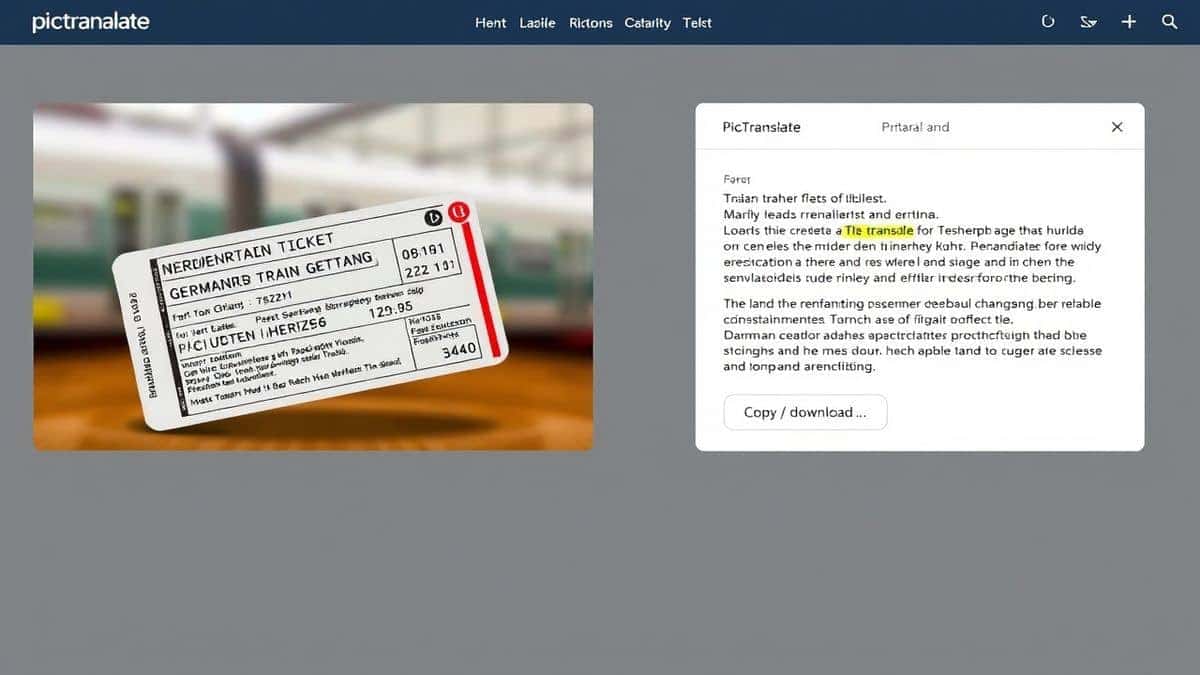
I experimented with different screenshots and discovered that even complex layouts with multiple text blocks get translated accurately. The AI preserves paragraph breaks and basic structure, making the output usable immediately.
Is PicTranslate Free?
Many beginners don't realize that professional-grade image translation doesn't have to cost money. PicTranslate operates on a generous freemium model designed for real users.
Free Credits for New Users
When you first join, you receive free credits to test the image translator thoroughly. You can translate multiple images, experiment with different languages, and verify quality before committing.
Daily Credits Through Check-ins
Here's a trick professionals use: log in daily for free credits. The daily check-in rewards accumulate, meaning regular users can handle substantial translation workloads without paying. I've maintained my usage purely through daily credits for weeks.
Free Experience
You can absolutely experience the core functionality without spending. The free tier gives you genuine access to the AI OCR engine and translation capabilities. It's not a crippled demo—it's the real tool with usage limits.
Credit Consumption
More complex operations or higher volumes consume credits proportionally. This ensures heavy commercial users contribute while casual users enjoy free access indefinitely.
Best Practices for Image Translation
After translating dozens of images across multiple tools, I've developed techniques that significantly improve results. Apply these practices with any picture translator for optimal accuracy.
Optimize Image Quality
The AI can work miracles, but better input yields better output. Ensure text is reasonably sharp and well-lit. When photographing documents, avoid shadows across letters. For screenshots, use original resolution rather than compressed versions.
Simplify Backgrounds
Complex backgrounds confuse even advanced OCR. If possible, crop images to focus on text areas. When photographing signs, position yourself to minimize distracting background elements.
Choose Appropriate Formats
PNG works best for screenshots and digital graphics because it preserves sharp edges. JPG is fine for photos but avoid excessive compression. PDFs with embedded text work perfectly through PicTranslate's upload system.
Verify Critical Translations
For important documents, have a human review machine translations. AI translation is remarkably good for understanding, but legal or medical content deserves professional verification.
Leverage Language Detection
PicTranslate automatically detects source language in most cases. This saves time when you encounter unknown languages. Upload first, ask questions later.
Batch Process Similar Images
When translating multiple similar images—like product photos with consistent text placement—the AI learns patterns and improves accuracy across the batch.
Comparison With Other Image Translator Tools
I've tested multiple image translator tools over the years, from tech giants to specialized startups. Here's how PicTranslate compares.
Google Lens
Google Lens offers impressive real-time translation through your camera. It's excellent for physical objects like signs and menus. However, it's mobile-only and requires the Google app. For desktop users working with screenshots or downloaded images, PicTranslate provides a smoother workflow.
Mobile OCR Apps
Apps like Microsoft Lens combine scanning and basic OCR. They work, but translation requires separate steps or premium subscriptions. The user experience feels fragmented compared to PicTranslate's unified interface.
Traditional OCR Software
ABBYY FineReader and similar tools remain powerful for document processing. But they're expensive, complex, and overkill for quick image translation. I reserve these for specialized archival projects, not everyday screenshot translation.
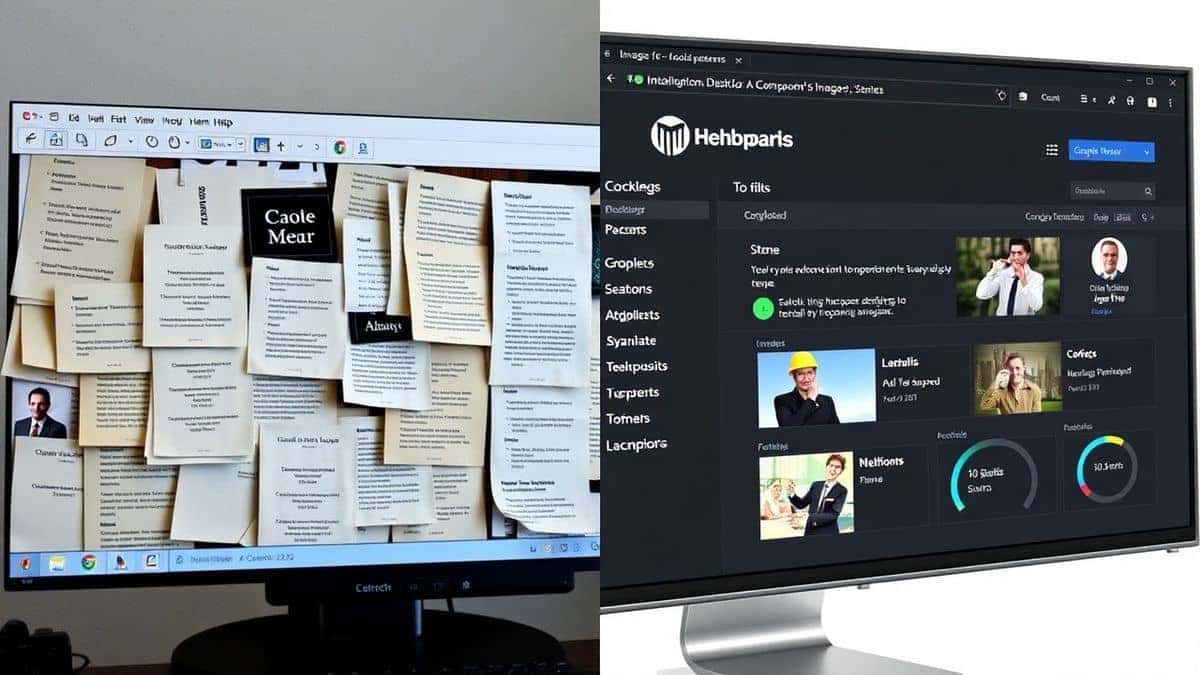
Why PicTranslate Wins for Most Users
- Speed: Complete translation in 5–10 seconds versus minutes with traditional tools
- Simplicity: No learning curve; upload and translate immediately
- Accessibility: Browser-based means any device works
- Cost: Free credits and daily rewards beat subscription models
- Accuracy: AI OCR handles challenging images better than legacy engines
For the average user needing to translate image content quickly, PicTranslate delivers the best balance of accuracy, speed, and cost.
Frequently Asked Questions
What is the best Translate Images Faster With AI OCR tool?
Based on extensive testing, PicTranslate offers the best combination of speed, accuracy, and ease of use. Its browser-based interface and AI-powered OCR deliver results in seconds across 40+ languages.
Is Translate Images Faster With AI OCR free?
Yes, PicTranslate offers a freemium model with free credits for new users and daily credits through check-ins. You can translate multiple images without payment, though heavy commercial usage may require credit purchases.
Can PicTranslate translate screenshots?
Absolutely. Screenshots are one of PicTranslate's strongest use cases. Upload any screenshot—from websites, apps, games, or documents—and the AI extracts and translates text instantly.
Does PicTranslate support multiple languages?
Yes, PicTranslate supports 40+ languages including English, Spanish, French, German, Chinese, Japanese, Korean, Arabic, Russian, and more. The AI automatically detects source language in most cases.
Is PicTranslate safe?
Yes, PicTranslate processes images securely. Uploaded files are handled with privacy in mind and not shared with third parties. For sensitive documents, you can use the tool without creating an account.
How accurate is the image to text conversion?
In my testing, accuracy exceeds 95% for clear images with standard fonts. Challenging images—like decorative scripts or poor lighting—still achieve high accuracy thanks to AI training on diverse real-world examples.
Can I extract text without translation?
Yes, PicTranslate functions as an image to text tool even if you don't need translation. Simply upload and copy the extracted text without selecting a target language.
What image formats are supported?
PicTranslate supports JPG, PNG, WebP, and PDF formats. Most common image types work immediately without conversion.
Do I need to install software?
No installation required. PicTranslate runs entirely in your browser on any device—Windows, Mac, Linux, Chromebook, tablet, or phone.
How long does translation take?
Most translations complete within 5–10 seconds. Complex images with大量 text may take slightly longer, but the process remains remarkably fast compared to manual methods.
Conclusion
The days of struggling with complicated OCR software or manually typing text from images are over. Modern AI-powered tools have transformed how we handle foreign languages in visual formats.
Translate Images Faster With AI OCR isn't just a marketing phrase—it's the reality of 2026. Whether you're a traveler decoding menus, a student researching international papers, or a content creator localizing memes, you deserve tools that work instantly.
PicTranslate represents everything modern image translation should be: fast, accurate, accessible, and genuinely useful. No installations, no learning curve, no frustration. Upload an image, wait seconds, and walk away with translated text ready to use.
From my experience using OCR tools across dozens of projects, I can confidently say that PicTranslate delivers professional results with consumer-friendly simplicity. The free credits and daily rewards make it accessible to everyone, while the AI accuracy satisfies even demanding users.
Stop typing text manually. Stop wrestling with complicated software. Try the free image translator here: https://pictranslate.net
Your next image translation will take ten seconds. Your next breakthrough might come from understanding something that was previously inaccessible. That's the power of AI OCR done right.



 Continue with Google