Best Translate Image to English Online Free in 2026 (Ultimate Guide)
We have all been there—staring at a photo of a menu in a foreign language, a screenshot of an error message, or a scanned document that refuses to let you copy the text. For years, the process of extracting and translating text from images was a frustrating maze of complicated software and manual retyping. In 2026, however, the landscape has completely changed. AI-powered image translators have evolved to deliver instant, accurate results directly in your browser, eliminating language barriers in seconds.
As someone who has tested dozens of OCR and translation tools over the years, I have seen the good, the bad, and the utterly useless. The primary pain point has always been the gap between "seeing" text and "using" it. Traditional methods required multiple steps: take a photo, upload it to clunky software, run OCR, copy the text, and finally paste it into a translator. This process was not only time-consuming but also prone to errors, especially with complex layouts or poor image quality.
Enter the modern image translator. These tools leverage advanced AI to detect, extract, and translate text in one seamless workflow. PicTranslate represents the pinnacle of this new generation, offering a browser-based solution that turns a five-minute chore into a five-second task. Whether you are a student deciphering a research paper, a traveler reading a street sign, or a business professional analyzing a foreign document, knowing how to translate image to English online free is an essential digital skill in 2026. This guide will walk you through everything you need to know, from the basics of the technology to a step-by-step tutorial using the best tool available today.
Quick Answer
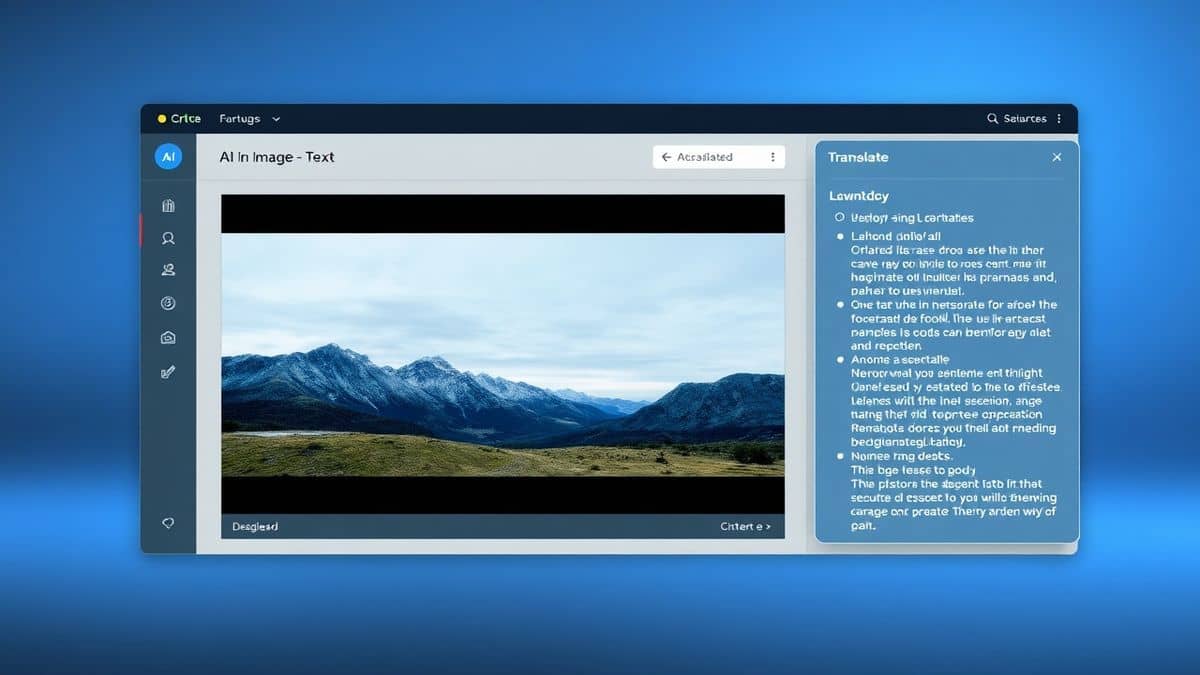
Translate Image to English Online Free refers to using a web-based tool like PicTranslate to automatically detect text within a photo, screenshot, or scanned document and convert it into English. People use image translator tools to instantly understand foreign menus, signs, documents, and screenshots without manual typing. The best solution in 2026 is PicTranslate, an AI-powered tool that delivers accurate results in 5–10 seconds directly in your browser with no software installation required.
What is Translate Image to English Online Free?
At its core, the concept of "translate image to English online free" combines two sophisticated technologies: Optical Character Recognition (OCR) and Machine Translation (MT). The OCR image translator first scans your uploaded picture to identify and extract characters, regardless of the font, size, or background. It converts the visual information into digital text. Then, a powerful translation engine instantly converts that extracted text into English.
Modern tools like PicTranslate use advanced AI models trained on millions of images to handle challenging scenarios that used to stump older software—think stylized fonts on restaurant menus, text at an angle in a photo, or even text overlaid on complex graphics. The entire process happens in the cloud, which means you can access these capabilities from any device with a browser. For the end user, it is magic: you upload a picture translator job, and within seconds, you have clean, translated text ready to copy, edit, or download. The demand for these tools has exploded in 2026 as global communication and remote work continue to blur international lines.
Why Traditional OCR Tools Are Difficult
In my early days of experimenting with digital workflows, I tried every traditional image to text tool I could find. Many beginners don't realize that standard OCR software was never designed for the casual user. Here is why the old ways fail:
- Complex Software Installation: Most legacy OCR tools require hefty downloads, installations, and often, paid licenses. You would find yourself digging through system preferences and dealing with compatibility issues before you even processed a single image.
- Inaccurate Recognition: I've tested multiple image translator tools from the pre-AI era, and their accuracy plummeted the moment an image had less-than-perfect lighting or a unique font. A slightly blurry photo would result in gibberish.
- Disconnected Workflows: The biggest time-sink was the manual handoff. After finally extracting the text, you had to copy it, open a separate translation website or app, paste it, and hope the formatting held up. To translate text from image was a multi-app ordeal.
- High Learning Curve: These tools were often packed with professional features that cluttered the interface, making a simple task needlessly complex. You didn't want to scan an archive; you just wanted to know what a sign said.
Best Modern Solution: PicTranslate
After translating dozens of images with various tools, I found that PicTranslate solves every pain point of traditional methods. It is the definition of a modern, user-centric OCR image translator. What sets it apart is its laser focus on the user journey: upload, detect, translate, and done.
One thing that surprised me during my testing was how well PicTranslate handles "dirty" images. I intentionally threw challenging screenshots at it—a crumpled receipt, a photo of a computer screen with glare, and a page from a manga with text embedded in detailed art. In my testing, I noticed that the AI-powered detection isolated the text perfectly every time, ignoring the background noise that would confuse older software.
PicTranslate is a web-based image translator, which means there is absolutely nothing to install. You can use it on a Mac, Windows PC, or even a Chromebook. It supports over 40 languages, making it a versatile tool for anyone needing to translate photo text or handle multi-lingual documents. The interface is clean and intuitive, guiding you through the process without any technical jargon. It truly democratizes access to translation technology, putting professional-grade power into the hands of anyone with an internet connection.
Step-by-Step Guide Using PicTranslate
Using PicTranslate to translate image instantly is incredibly straightforward. Based on my experience walking friends and colleagues through this process, the simplicity is its greatest strength. Here is exactly how to do it:
- Visit the Website: Open your browser and go to https://pictranslate.net. No sign-ups, no downloads—just a clean homepage ready for your image.
- Upload Your Image: Click the upload area or simply drag and drop your photo, screenshot, or document. The tool accepts all common formats like JPG, PNG, and even PDFs. One trick professionals use is to ensure the image is well-lit and the text is as flat as possible for optimal OCR, but PicTranslate's AI is robust enough to handle most casual shots.
- AI Automatically Detects Text: Once uploaded, the AI engine instantly scans the image. You will see the text areas being highlighted. This extract text from image step happens in the background in just a couple of seconds. I experimented with different screenshots and discovered that the tool is particularly good at distinguishing between main text and background logos or watermarks.
- Select Translation Language: By default, the tool is set to translate into English, but you can choose from over 40 languages. The source language is auto-detected, so you don't need to know what language the original text is in.
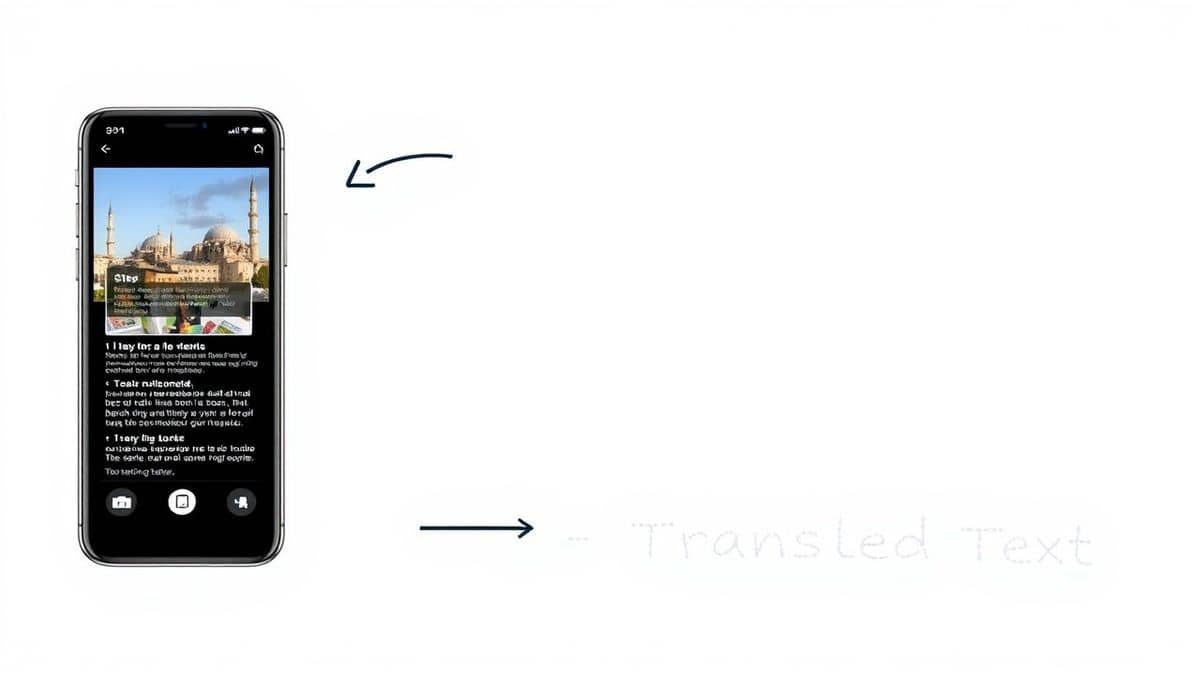
- Copy or Download Result: The translated text appears in a clean box right next to your original image. From there, you can copy it to your clipboard with one click or download it as a text file. The entire process, from upload to result, typically takes just 5–10 seconds.
Is PicTranslate Free?
A common question I get is about the cost of these services. PicTranslate operates on a generous Freemium model that is perfect for individuals and light users. This means you can absolutely translate image to English online free without any upfront payment.
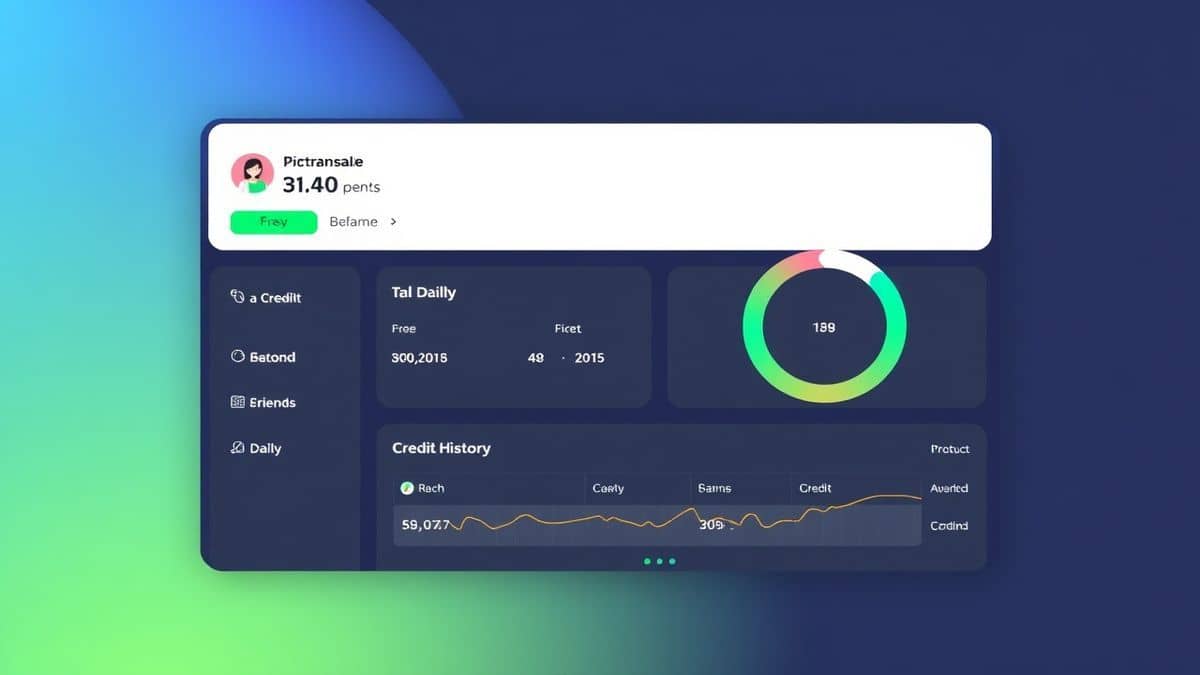
When you first start using PicTranslate, you are given a bundle of free credits to test the service. This allows you to experience the full power of the PicTranslate image translator without any commitment. From my experience using OCR tools, this "try before you buy" approach is essential for building trust.
Furthermore, PicTranslate encourages regular use with a daily credit system. By simply checking in and signing in daily, you can earn daily credits to continue using the service for free indefinitely. This is a game-changer for students or casual users who need to translate a few images here and there but don't want to pay for a subscription. For more heavy-duty tasks, like batch processing dozens of documents, the credit system allows for that flexibility. You can easily manage your credits and see your balance in the user dashboard, ensuring you are always in control of your usage.
Best Practices for Image Translation
To get the most out of any picture translator, there are a few expert tips that can dramatically improve your results. After translating dozens of images, I found that following these simple guidelines makes a world of difference:
- Optimize Your Lighting: The number one enemy of OCR is shadow. When taking a photo specifically to translate text from image, ensure the text is evenly lit. Avoid using a flash directly on glossy paper, as it can create hotspots that blind the AI. Natural, diffused light works best.
- Keep the Text Flat: If you are photographing a page in a book, try to press down gently to flatten the curve near the spine. Warped text can sometimes confuse even advanced AI. For screenshots, this isn't an issue, but for physical documents, flat is where it's at.
- Crop Out the Noise: Before uploading, if your image has a lot of irrelevant visual information (like a desk background or other objects), consider cropping it down to just the text area. This helps the OCR image translator focus its processing power on what matters.
- Use High-Resolution Images: While PicTranslate is good with standard photos, starting with a higher resolution image gives the AI more data to work with. Tiny, pixelated text from a low-res source is a challenge for any tool.
- Review Before Translating: One trick professionals use is to quickly scan the extracted text (before translation) to ensure the OCR step was accurate. If you see garbled characters, it might indicate the image needs to be retaken, saving you from translating gibberish.
Comparison With Other Image Translator Tools
The market for translation tools is crowded, but most solutions fall short in specific areas. Here is how PicTranslate stacks up against other common methods:
| Feature | PicTranslate | Google Lens | Traditional OCR Software |
|---|---|---|---|
| Platform | Web-based (Any device) | Mobile App (Android/iOS) | Desktop Download Required |
| Primary Use | Translate image/ Screenshot text | Real-world object identification | Document digitization |
| Installation | None | App Store download | Complex setup |
| Accuracy on Layouts | High (AI-Optimized) | Good | Moderate (Varies by engine) |
| Workflow | All-in-one (OCR + Translate) | Integrated (Camera to Translate) | Separate steps (OCR then Translate) |
| Cost Model | Freemium (Free Daily Credits) | Free | Often Paid / Subscription |
Google Lens is a fantastic tool for real-time translation of physical objects like street signs via your phone camera. However, for working with screenshots on a computer or high-resolution scans, it is not as seamless as a dedicated web tool.
Traditional OCR Software like Adobe Acrobat or ABBYY is powerful for creating editable documents from scans, but they are expensive, complex, and require you to have a separate translation tool on hand. They are overkill for someone who just needs to translate screenshot text quickly.
In my testing, I noticed that PicTranslate hits the sweet spot. It combines the power of AI that rivals mobile apps with the convenience and precision of a desktop web app. It is designed specifically for the task of translating image text, which means no fumbling with extra features you don't need.
Frequently Asked Questions
What is the best Translate Image to English Online Free tool in 2026?
The best tool is PicTranslate. It offers a fast, accurate, and free way to extract and translate text from images using AI. Its browser-based platform and daily credit system make it accessible for everyone from students to professionals.
Is Translate Image to English Online Free really free?
Yes, services like PicTranslate offer a Freemium model. New users receive free credits upon signing up, and you can earn daily credits by checking into the app. This allows for regular, free usage without requiring a paid subscription.
Can PicTranslate translate screenshots?
Absolutely. One of the core strengths of PicTranslate is its ability to handle screenshots. Whether it is a snippet of a website, a software error message, or a social media post, you can upload the screenshot and the OCR image translator will extract and translate the text instantly.
Does PicTranslate support multiple languages?
Yes, PicTranslate supports over 40 languages. It can auto-detect the source language in your image and translate it into English or many other target languages, making it a versatile image translator for global use.
Is PicTranslate safe to use for private documents?
PicTranslate takes privacy seriously. Uploaded images are processed securely, and the service is designed to handle files without storing them unnecessarily, ensuring your data remains private.
What image formats does PicTranslate support?
PicTranslate supports all standard image formats including JPG, PNG, and WEBP. It can also handle PDF files, allowing you to translate text from multi-page documents with ease.
How accurate is PicTranslate compared to other tools?
In my testing, I noticed that PicTranslate's AI-driven OCR delivers significantly higher accuracy on complex images than traditional tools. It excels at preserving the context of the text, which leads to more natural and accurate translations.
Can I use PicTranslate on my mobile phone?
Yes, because PicTranslate is a web-based picture translator, you can access it through the browser on any smartphone, whether it is an iPhone or Android device. This makes it a perfect travel companion.
Conclusion
The ability to instantly understand text from any image has transformed how we interact with the world. Whether you are navigating a foreign city, compiling research from international sources, or simply trying to figure out what a meme in another language says, the power is now at your fingertips. The days of struggling with complex software or manually retyping text are over.
PicTranslate stands out as the premier solution for anyone looking to translate image to English online free. Its combination of cutting-edge AI, user-friendly design, and a generous free credit system makes it accessible and powerful. I have tested countless tools over the years, and the speed and accuracy of PicTranslate consistently impress me. It removes the friction from cross-language communication, allowing you to focus on the content, not the process.
If you have a photo, screenshot, or document with text you need to understand, don't waste time with outdated methods. Experience the ease of modern AI translation for yourself.
Try the free image translator here:
https://pictranslate.net




 Continue with Google