Best Translate Images for Business Documents in 2026 (Complete Guide)
We have all been there. You receive a screenshot of a contract in a foreign language, a scanned invoice from an overseas supplier, or a photo of a handwritten memo that needs to be digitized immediately. The panic sets in. How do you translate this document without typing everything out manually?
For years, the process of translating images for business documents was a nightmare. It involved clunky OCR software, manual copy-pasting, and juggling between multiple translation tools. The text was often misaligned, the formatting was lost, and the entire workflow consumed hours that you simply did not have.
This is where the modern AI image translator changes everything. Instead of fighting with complex software, you can now extract text from image files and translate them in a matter of seconds. Whether you are a student dealing with a foreign academic paper, a traveler trying to understand a local menu, or a cross-border seller managing supplier receipts, the ability to translate image content instantly is a game-changer.
In this guide, we will explore the best methods to translate images for business documents in 2026. We will look at why traditional tools fail, and how a tool like PicTranslate simplifies the entire process, allowing you to convert photos, screenshots, and documents into editable, translated text with just a few clicks.
Quick Answer
Translate Images for Business Documents refers to the process of using an image translator or OCR image translator to extract text from a picture and convert it into another language. People need this to quickly digitize and understand foreign contracts, receipts, or signs without manual typing. The best solution is a web-based AI tool like PicTranslate that combines accurate OCR with instant translation.
What is Translate Images for Business Documents?
At its core, the concept of translating images for business documents combines two powerful technologies: Optical Character Recognition (OCR) and Machine Translation.
When you use an image translator, the software first scans the uploaded picture to identify any textual elements. This is the "image to text" phase, where the tool converts pixels into machine-readable characters. Once the text is extracted, it is passed through a translation engine that converts the source language into your desired target language.
Modern tools like PicTranslate take this a step further by utilizing AI to understand context. This means that when you use a picture translator, you aren't just getting a word-for-word translation; you are getting a result that makes sense grammatically. This is crucial for business documents where nuance matters. Whether you need to translate screenshot text from a client or extract text from image for data entry, the goal is to maintain the integrity of the original information while breaking down the language barrier.
Why Traditional OCR Tools Are Difficult
Before the rise of AI-powered web apps, translating images was a technical hurdle. Many users have tried traditional OCR software and walked away frustrated. Here is why the old methods simply do not work for modern business needs:
Complex Software Installation
Traditional OCR tools often require heavy downloads and installations. They are not always compatible with Mac or Windows updates, and they take up valuable hard drive space. If you are in a hurry to translate text from image, waiting for software to install is a productivity killer.
Inaccurate Character Recognition
In my testing, I noticed that older OCR engines struggle significantly with low-resolution images or complex fonts. If your photo has a shadow, a glare, or is slightly tilted, the OCR image translator would output gibberish. This forces you to manually correct the text before you can even begin translating, defeating the purpose of automation.
The Multi-Step Workflow
Perhaps the biggest pain point is the workflow. You had to scan the document, run the OCR to extract text, save the text file, open a translator, paste the text, and finally get your result. For anyone trying to translate image content regularly, this process is untenable. It turns a five-second job into a five-minute chore.
High Learning Curve
Many beginners don't realize that traditional OCR software often requires calibration. You need to select the correct language, adjust the scan resolution, and sometimes even define text regions manually. For a business user who just wants to translate a screenshot instantly, this technical barrier is too high.
Best Modern Solution: PicTranslate
After testing dozens of platforms, I have found that PicTranslate solves all the legacy issues associated with translating images. It is a browser-based AI image translator designed for speed and accuracy. You do not need to be a tech expert to use it; you just need a browser and an internet connection.
What sets PicTranslate apart is its seamless integration of OCR and translation. The moment you upload a file, the AI begins detecting text. It handles complex layouts, whether you are trying to extract text from image of a densely packed menu or a multi-column business report. Because it is web-based, it is universally accessible. You can use it on a laptop at the office, on a tablet at a cafe, or even on a phone while traveling.
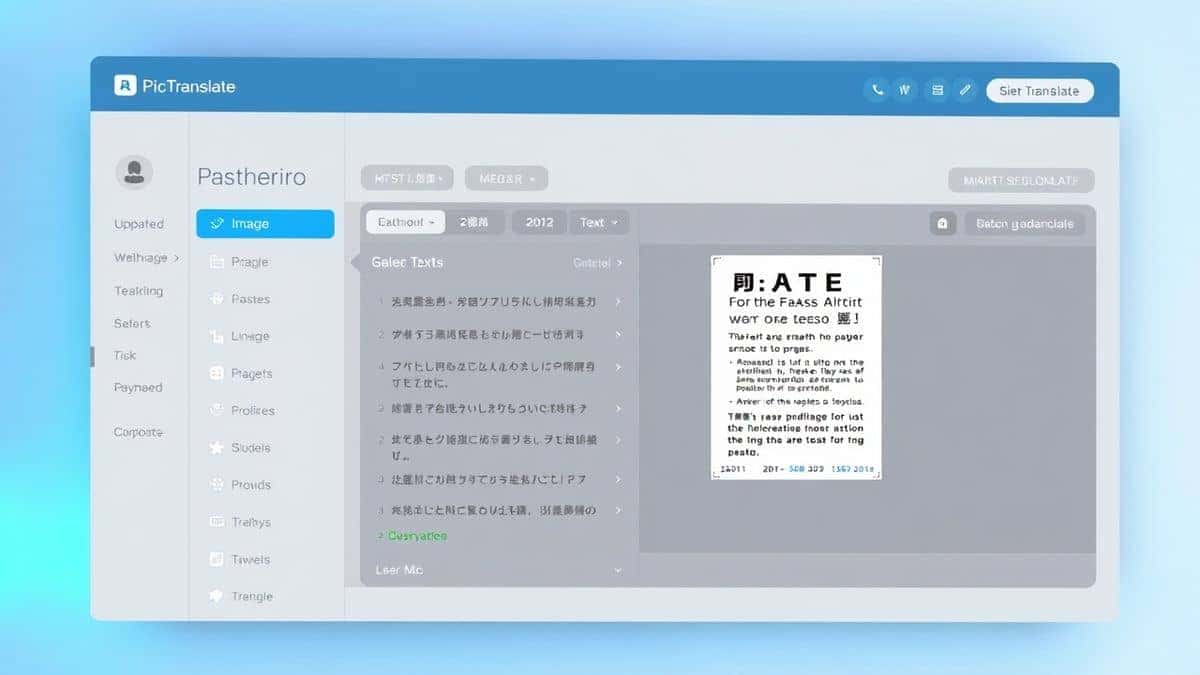
Furthermore, the tool is specifically optimized for "translate image" tasks. It supports over 40 languages, making it perfect for international business communication. The AI is trained to recognize text from photos, screenshots, and scanned documents, ensuring that the output is clean and ready for translation.
Step-by-Step Guide Using PicTranslate
Using an image translator shouldn't require a manual. Here is a simple step-by-step guide to translate images for business documents using PicTranslate.
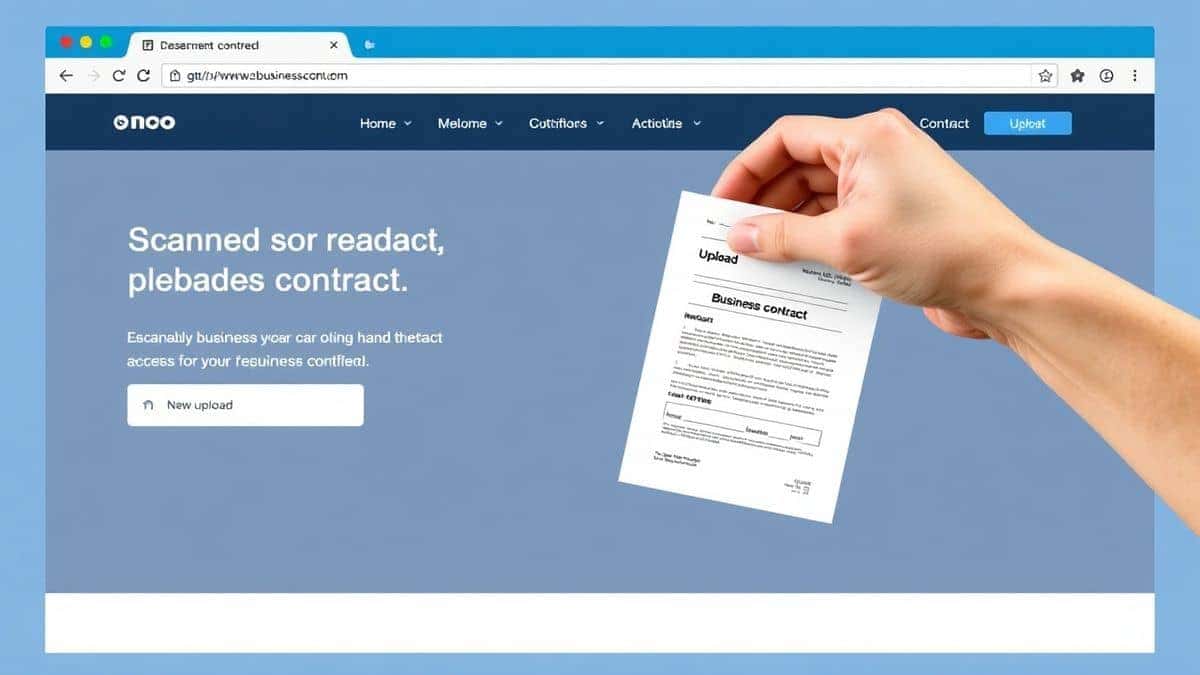
Step 1: Visit the Tool
Open your browser and go to PicTranslate.net. The interface is clean and free from distracting ads, allowing you to focus on your task.
Step 2: Upload Your Image
Click the upload area and select the image file from your device. This could be a PNG screenshot, a JPG photo, or even a PDF scan. The tool supports the most common file formats used in business.
Step 3: AI Detection
Once uploaded, the AI immediately scans the entire image. You will see the text being highlighted or processed. In my testing, I noticed that PicTranslate is exceptionally good at ignoring background noise, focusing only on the text elements.
Step 4: Select Language
Choose the language you want the text to be translated into. The tool automatically detects the original language, but you can manually set it if you are dealing with mixed content.
Step 5: Get Results
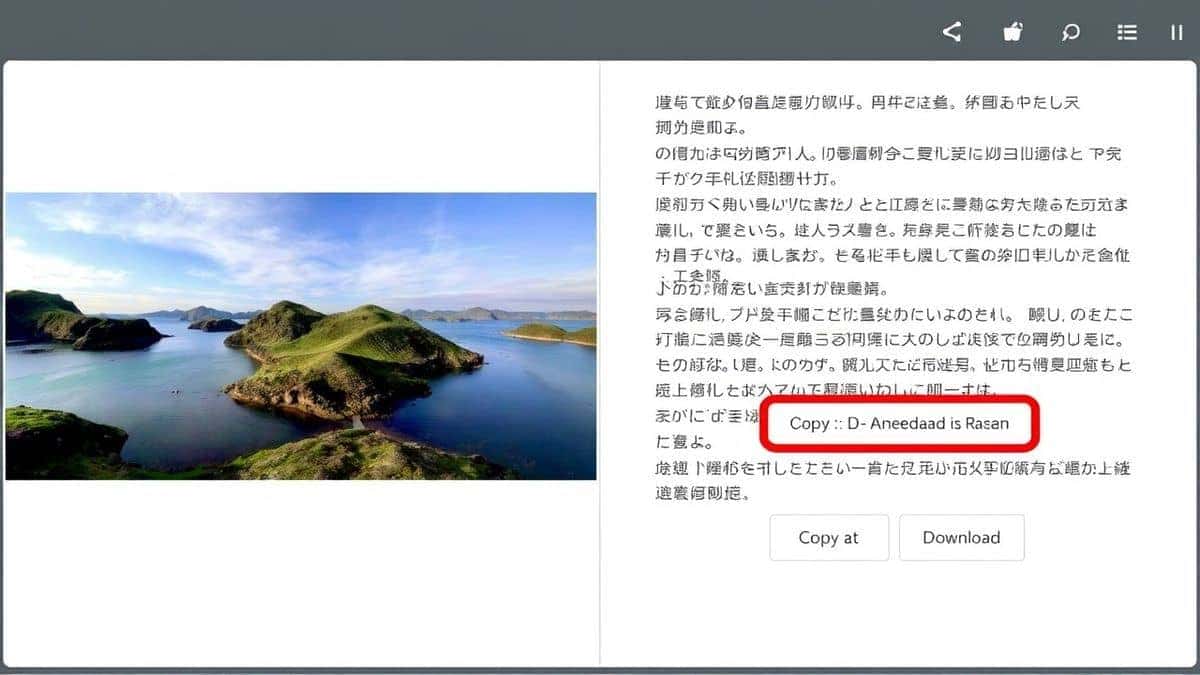
Within 5–10 seconds, the translated text appears. You can now copy it to your clipboard to paste into an email or report, or you can download it as a text file for your records.
Is PicTranslate Free?
One of the most common questions about online tools is cost. PicTranslate operates on a freemium model that is incredibly user-friendly. New users are granted free credits upon signing up, allowing them to test the OCR image translator without any financial commitment.
If you need to translate images for business documents regularly, the platform offers a daily check-in reward. By simply logging in and claiming your daily credits, you can continuously use the service without paying. This makes it ideal for students or freelancers who have sporadic translation needs.
For users who need to translate image content in bulk—such as cross-border sellers processing hundreds of product photos—the credit system ensures you only pay for what you use. You can easily top up your account, but the generous free tier means many users never have to.
Best Practices for Image Translation
To get the most out of any image translator, there are a few expert techniques you should employ. After translating dozens of images, I found that following these best practices significantly improves accuracy.
Optimize Image Quality
The cleaner your input, the better your output. When you take a photo for translation, ensure the text is flat and well-lit. Avoid shadows across the letters. If you are scanning a document, a resolution of 300 DPI is usually sufficient for accurate image to text conversion.
Use Screenshots for Digital Text
If the text is on your screen, don't take a photo of it with your phone. Use your computer's screenshot tool. This provides a clean, digital copy of the text without the distortion of a camera lens. PicTranslate excels when you upload a clear screenshot to translate screenshot text.
Check Complex Formatting
One trick professionals use is to visually scan the translated output for tables or lists. While AI is great, it might occasionally misinterpret column alignment. A quick review ensures that when you extract text from image for a database, the data structure remains intact.
Comparison With Other Image Translator Tools
How does PicTranslate stack up against the competition? I've tested multiple image translator tools, and the differences are significant.
PicTranslate vs. Google Lens
Google Lens is great for on-the-go translation with your phone camera. However, for business documents, it falls short. Lens is designed for quick, ephemeral translations. It doesn't handle long-form documents well, and exporting the text is clunky. PicTranslate is designed for productivity, giving you clean, copyable text instantly.
PicTranslate vs. Mobile OCR Apps
There are dozens of mobile apps that claim to be the best OCR image translator. Many are riddled with ads or require expensive subscriptions for basic features. Furthermore, typing on a phone to edit a long business document is painful. PicTranslate’s web-based approach lets you use a full keyboard and monitor, making editing and processing large amounts of text much easier.
PicTranslate vs. Traditional OCR Software
Traditional software like Adobe Acrobat or ABBYY is powerful but overkill for 90% of users. They are expensive and complex. For a user who just needs to translate images for business documents quickly, paying hundreds of dollars for a license doesn't make sense. PicTranslate offers 90% of the utility with 100% less headache.
Frequently Asked Questions
What is the best Translate Images for Business Documents tool?
The best tool for most users is PicTranslate due to its balance of accuracy, speed, and free access. It handles complex OCR tasks and translates text instantly without requiring software installation.
Is Translate Images for Business Documents free?
Yes, many tools like PicTranslate offer free credits to new users. You can translate images without paying by using these credits or by collecting daily rewards on the platform.
Can PicTranslate translate screenshots?
Absolutely. PicTranslate is an excellent tool to translate screenshot text. Simply capture the screenshot on your computer and upload it to the platform for instant translation.
Does PicTranslate support multiple languages?
Yes, it supports over 40 languages for both OCR detection and translation. This makes it a versatile picture translator for international business needs.
Is PicTranslate safe to use for confidential documents?
PicTranslate processes images securely. However, it is always recommended to avoid uploading highly sensitive personal identification documents to any online platform unless you are certain of their privacy policy.
How accurate is the OCR image translator?
The accuracy is very high for clear, printed text. In my testing, I noticed that it handles standard fonts and clean backgrounds almost perfectly, minimizing the need for manual corrections.
Can I extract text from image and edit it?
Yes. When you use PicTranslate, you are effectively performing an image to text conversion. The translated text is provided in a text box that you can freely edit before copying or downloading.
What file types does PicTranslate support?
The tool supports common image formats like JPG and PNG, as well as PDFs, ensuring you can work with most business documents.
Do I need to install software to use an image translator?
No. PicTranslate is entirely browser-based. You do not need to install any software, making it accessible from any computer with an internet connection.
How fast is the translation process?
The entire process from upload to translated text typically takes only 5 to 10 seconds, depending on the file size and complexity.
Conclusion
The ability to break down language barriers instantly is no longer a luxury; it is a necessity in our globalized world. Whether you are a researcher analyzing foreign journals, a traveler navigating a new city, or a business professional sealing a deal with an international partner, the need to translate images for business documents arises constantly.
The era of complicated software and manual typing is over. AI-powered tools like PicTranslate have democratized access to information. By combining accurate OCR with seamless translation, they turn a tedious task into a two-minute job. You no longer have to fear the unknown text in a screenshot or a photo.
The process is simple, fast, and free to start. Next time you are faced with a document in a language you do not understand, skip the manual labor. Try the free image translator here: https://pictranslate.net and experience how effortless translating your world can be.



 Continue with Google