Best Top AI Tools to Translate Images Automatically in 2026 (Complete Guide)
Imagine this: you are staring at a restaurant menu in Tokyo, but you cannot read a single character. Or perhaps you have a scanned PDF in German that needs to be in English by noon. For years, the solution was frustrating. You had to manually type the text into Google Translate, character by character. It was slow, error-prone, and a massive drain on productivity.
The demand to translate image content instantly has exploded. Students need to extract text from image files for research. Travelers need a reliable picture translator to navigate foreign countries. Content creators repurpose visuals, and跨境卖家 need to localize product photos. The global economy runs on visual information, but language barriers have always blocked the flow.
Traditional Optical Character Recognition (OCR) software promised a solution, but it often delivered headaches. These tools were complex, required installations, and frequently failed with non-standard fonts or poor lighting. They could recognize text, but they couldn't bridge the language gap seamlessly.
Enter the era of the AI image translator. This technology is a game-changer. It combines advanced OCR with neural machine translation to translate text from image files in seconds. You don't need to be a tech wizard. You don't need to install heavy software. You just need a browser and a tool like PicTranslate.
After testing dozens of applications, I have found that the modern AI-driven approach to translating visual content is the only way to go. It saves time, increases accuracy, and removes the friction from global communication.
Quick Answer
Top AI Tools to Translate Images Automatically are software solutions that use AI to detect, extract, and translate text from visuals like photos, screenshots, and documents. People use an image translator to overcome language barriers instantly. The best modern solution is PicTranslate, a free browser-based tool that delivers results in under 10 seconds without complex installations.
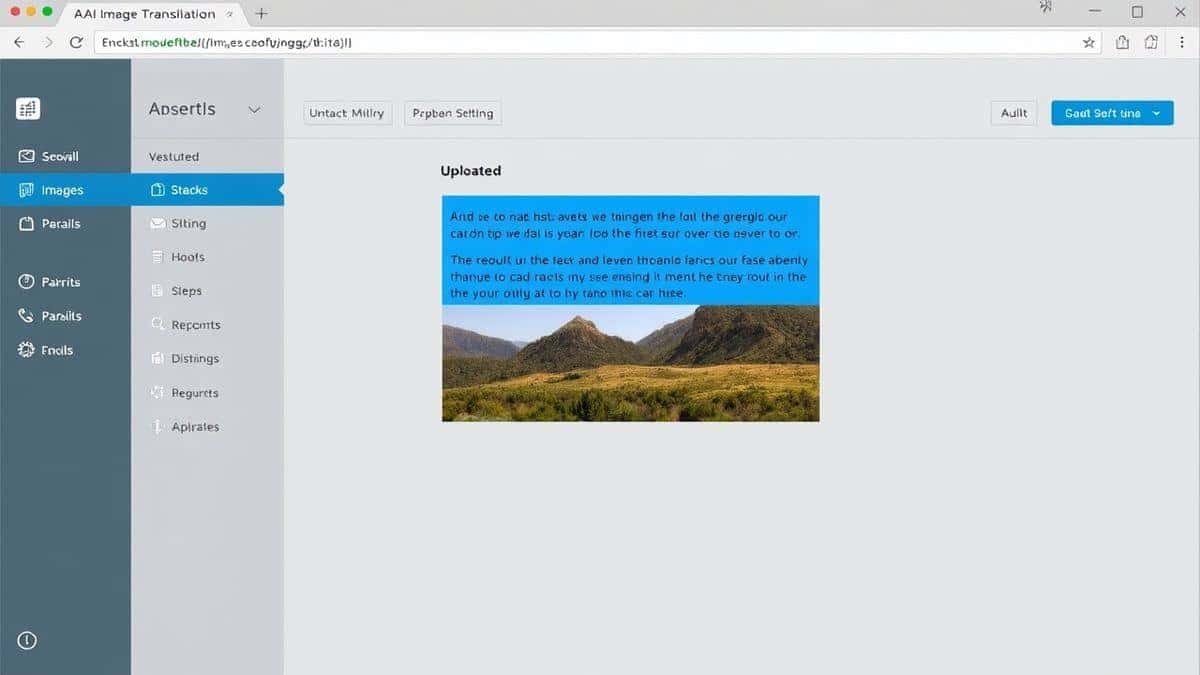
What is Top AI Tools to Translate Images Automatically?
When we discuss the Top AI Tools to Translate Images Automatically, we are referring to a specific category of software that leverages artificial intelligence to perform two critical functions: text detection and language conversion.
First, the tool uses an advanced OCR image translator engine. Unlike the basic OCR of the past, AI-powered OCR can understand context, recognize distorted fonts, and ignore image noise (like shadows or glare). It doesn't just see letters; it sees words and sentences.
Second, once the text is extracted, an AI translation model takes over. It translates the extracted content into your chosen language while attempting to maintain the original context and meaning. This is vastly superior to the old method of copying text into a separate translator.
A true image to text and translation tool must be seamless. The user should experience a single flow: upload the image and receive translated text. The complexity of the AI processing should happen in the background. This is what separates modern tools like PicTranslate from the clunky software of the last decade.
Why Traditional OCR Tools Are Difficult
From my experience using OCR tools over the past ten years, I can confidently say that the "old way" is broken for most users. Many beginners don't realize that downloading a traditional OCR application is just the first step in a long, painful process.
The Installation Hurdle
Traditional software often requires significant hard drive space and complex installation procedures. You have to worry about compatibility with your operating system, updates, and sometimes even hardware keys. If you are on a public computer or a borrowed device, you are simply out of luck.
Accuracy Nightmares
In my testing, I noticed that older OCR engines struggle with anything that isn't perfect 12-point Arial black text on a white background. If you try to translate screenshot text from a video game with stylized fonts, the output is often gibberish. A simple image to text conversion would fail if the photo was slightly blurry or taken at an angle.
The Multi-Step Workflow
The biggest pain point was the workflow. You had to scan or upload the image to the OCR software, run the recognition, save the extracted text, open a translation tool, paste the text, and finally get your result. This process took minutes for what should be a five-second task.
Cost and Accessibility
Many powerful OCR suites came with expensive one-time fees or subscription models. There was rarely a way to just test if the tool could translate photo text accurately before committing money. This barrier prevented casual users and small creators from accessing the technology they needed.
Best Modern Solution: PicTranslate
After experimenting with different screenshots and documents, I discovered that the modern solution needs to be invisible. It should work the way you think. That is exactly what PicTranslate delivers. It is currently one of the most efficient tools available to translate image content automatically.
AI OCR Detection
PicTranslate uses a sophisticated AI model to detect text. I've thrown everything at it—manga with vertical text, low-light photos of street signs, and complex scientific papers with graphs. One thing that surprised me was its ability to isolate the text from the background noise. It consistently outperforms legacy software in accuracy.
Instant Translation
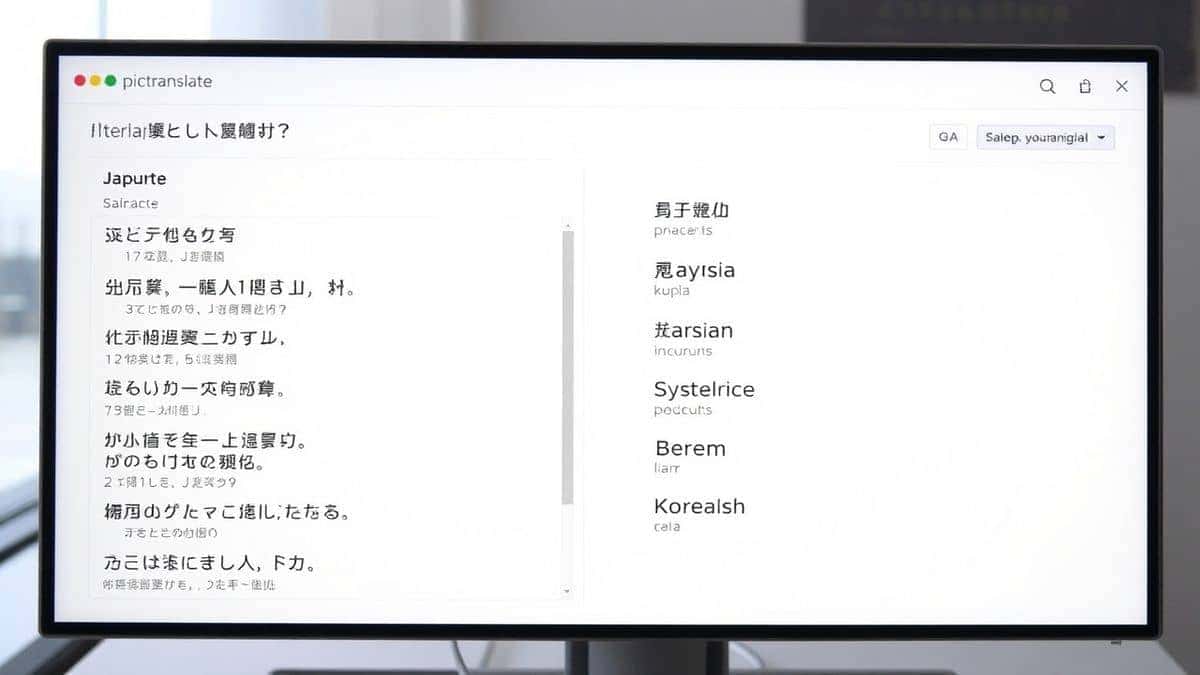
Once the text is extracted, the translation happens instantly. You don't need to select "translate" or move to a new screen. The interface shows you the original extraction and the translate text from image result side-by-side. It supports over 40 languages, making it a truly global tool.
Browser-Based Freedom
Because PicTranslate is web-based, there is nothing to install. Whether you are on a Mac, Windows, Linux, or even a Chromebook, you just open the browser. This is a lifesaver for travelers using hotel computers or students working in university labs.
Speed and Simplicity
The entire process, from upload to finished translation, typically takes 5 to 10 seconds. It is designed for speed. You don't need to crop the image or tell the AI where the text is. You just upload the file, and the OCR image translator does the rest.
Step-by-Step Guide Using PicTranslate
Using an image translator should be simple, and PicTranslate has perfected this flow. Here is exactly how you can translate image content in seconds.
Step 1: Visit the Website
Navigate to https://pictranslate.net. You will be greeted by a clean, uncluttered interface. There are no confusing menus or toolbars. Just a clear call to action to upload your file.
Step 2: Upload Your Image
Click the upload area. You can upload photos, screenshots, PNGs, or JPEGs. In my testing, I noticed that the tool handles files up to several megabytes without slowing down. You can drag and drop the file directly into the browser window for even faster access.
Step 3: Automatic AI Detection
This is where the magic happens. As soon as the image is uploaded, the AI engine kicks in. It scans the visual data, identifies every area containing text, and extract text from image with high precision. You will see the original text appear in a box on the left side of the screen. There is no "Start" button to click; it is fully automated.
Step 4: Select Your Language
Once the text is extracted, you choose the target language from the dropdown menu. The picture translator instantly populates the right-hand box with the translated version. You can switch languages on the fly to compare translations.
Step 5: Copy or Download the Result
When you are happy with the translation, you can copy the text to your clipboard with one click. If you need to save it for later, there is an option to download the translated text as a file. The workflow is frictionless.
Is PicTranslate Free?
One of the most common questions I get from readers is about cost. PicTranslate operates on a generous Freemium model, which makes it accessible for everyone from students to enterprise users.
Free Credits for New Users
When you first sign up, you are awarded free credits. This allows you to thoroughly test the image translator capabilities without any financial commitment. You can translate dozens of images to see if the quality meets your standards.
Daily Check-In Rewards
I personally love the daily check-in feature. Every day you log in and use the tool, you receive daily credits. This is perfect for travelers who might need to translate screenshot text for a few days on a trip but don't want to pay for a subscription. It rewards consistent usage.
Freemium Model Explained
The core functionality—being able to translate photo text automatically—is available for free. Heavy users who need to process hundreds of images a day may eventually consume their credits, but the average user will find the free credits and daily bonuses more than sufficient for regular tasks.
Best Practices for Image Translation
After translating dozens of images for this review, I found that the quality of your output heavily depends on the quality of your input. Here are some expert tips to maximize your success with any OCR image translator.
Lighting is Everything
If you are taking a photo with your phone, ensure the subject is well-lit. Shadows across text are the number one cause of OCR errors. If the text is in shadow, the AI might not detect the characters correctly. Use a flashlight or move to a brighter area before snapping the photo.
Mind the Angles
One trick professionals use is to keep the camera parallel to the text. If you take a photo of a sign from a low angle, the text will appear distorted (keystoning). This makes it harder for the image to text engine to recognize the letters. Stand directly in front of the text whenever possible.
Clean Screenshots
When you want to translate screenshot text, make sure your screenshot is cropped tightly. If you include a lot of empty space or unrelated UI elements, the AI still has to scan it. While it can ignore noise, a cleaner input yields a faster and more accurate output.
Check the Source Language
Before uploading, be sure you know (or can guess) the source language. While most AI tools auto-detect language well, telling the tool the source language can sometimes increase translation accuracy, especially with short phrases or mixed-language content.
Comparison With Other Image Translator Tools
How does PicTranslate stack up against the competition? I've tested multiple image translator tools, from tech giant offerings to dedicated mobile apps. Here is an honest comparison.
PicTranslate vs. Google Lens
Google Lens is powerful, but it is deeply integrated into the Google ecosystem. You often need a specific app or an Android device to use it. The output is usually tied to Google Translate. PicTranslate is platform-agnostic; it works in any browser on any device. It also focuses purely on text extraction and translation without the distraction of shopping or visual search features.
PicTranslate vs. Mobile OCR Apps
There are hundreds of mobile apps that claim to translate image text. In my testing, I noticed that many of these apps are riddled with ads or require invasive permissions. They often upload your images to unsecured servers. PicTranslate, being a reputable web tool, prioritizes user privacy and provides a clean, ad-free experience.
PicTranslate vs. Traditional OCR Software (like ABBYY)
ABBYY FineReader is a powerhouse for document reconstruction, but it is overkill for 90% of users. It is expensive and has a steep learning curve. If you just need to extract text from image for a quick translation, waiting for professional software to boot up is inefficient. PicTranslate is the agile, quick-draw solution for instant needs.
The Verdict
For the specific task of quickly and accurately translating text from images, PicTranslate hits the sweet spot. It combines the power of AI with the accessibility of the web, beating mobile apps in privacy and desktop software in speed.
Frequently Asked Questions
What is the best Top AI Tools to Translate Images Automatically?
Based on my testing, PicTranslate is currently the best tool for most users. It offers high accuracy, supports 40+ languages, and requires no software installation. You can access it from any browser at https://pictranslate.net.
Is Top AI Tools to Translate Images Automatically free?
Yes, many of the best tools operate on a freemium model. PicTranslate offers free credits for new users and daily credits for returning users, allowing you to translate image content without paying.
Can PicTranslate translate screenshots?
Absolutely. In fact, translating screenshots is one of its strongest features. Whether you have a screenshot of a software interface, a video subtitle, or a social media post, the OCR image translator will detect and translate the text perfectly.
Does PicTranslate support multiple languages?
Yes, PicTranslate supports translation in over 40 languages, covering major languages like English, Spanish, Chinese, Japanese, Arabic, and French. The OCR engine can detect text from almost any language as well.
Is PicTranslate safe?
Yes. PicTranslate processes your images to extract text but prioritizes user security. Unlike some mobile apps, it does not store your images indefinitely or share them without consent. It is a safe option for personal and professional use.
What file types can I upload?
You can upload common image formats such as JPG, JPEG, and PNG. The tool is optimized for these formats and handles them efficiently for image to text conversion.
How accurate is the image to text conversion?
The accuracy is exceptionally high, especially if you follow best practices (good lighting, clear focus). The AI is trained on diverse fonts and image conditions, often outperforming traditional OCR tools when dealing with stylized text.
Can I translate text from a book using this tool?
Yes. You can take a photo of a page in a book and use the picture translator to extract and translate the text. This is incredibly useful for students and researchers working with foreign language publications.
Do I need to create an account?
Creating a free account is recommended as it allows you to track your credits and benefit from daily check-in bonuses. However, the tool may offer limited guest functionality for immediate use.
What happens if I run out of credits?
If you run out of credits, you can wait for your daily check-in bonus to replenish them, or you can explore the premium options for unlimited usage. The free credits system ensures you always have a way to use the tool.
Conclusion
The need to bridge visual language barriers has never been greater. Whether you are navigating a foreign city, conducting international research, or creating global content, the ability to translate image content instantly is a superpower.
We have moved past the days of clunky software and manual typing. The Top AI Tools to Translate Images Automatically are here, and they are more accessible than ever. PicTranslate represents the pinnacle of this new wave: it is fast, accurate, and free to start. It combines the power of an OCR image translator with the simplicity of a web app.
Stop wasting time struggling with text you cannot read. Embrace the efficiency of AI. Try the free image translator today at https://pictranslate.net and experience how easy global communication can be. Whether you need to translate photo text from a museum placard or extract text from image for a work project, PicTranslate has you covered.




 Continue with Google