Best OCR Image Translation Tips and Tricks in 2026 (Complete Guide)
We have all been there. You are staring at a restaurant menu in a foreign country, squinting at Thai script, desperately wishing you could understand what you are about to order. Or perhaps you are a researcher with a stack of scanned German documents that need to be integrated into your English report. Manually typing out text from images is a soul-crushing exercise in patience. It is slow, prone to typos, and frankly, a waste of your cognitive energy.
Traditional OCR software promised a solution, but often delivered frustration. Clunky interfaces, expensive software installations, and the dreaded copy-paste dance between an OCR tool and a separate translator have plagued users for years. You would extract the text, only to find it full of errors, then paste it into Google Translate, hoping for the best. The process was fragmented and inefficient. This is where the modern image translator changes everything.
The demand to translate image content instantly has exploded. Whether it is a student needing to extract text from image for a citation, a traveler trying to translate screenshot text of a train timetable, or a business professional needing to translate text from image data from a whiteboard, the need for speed and accuracy is paramount.
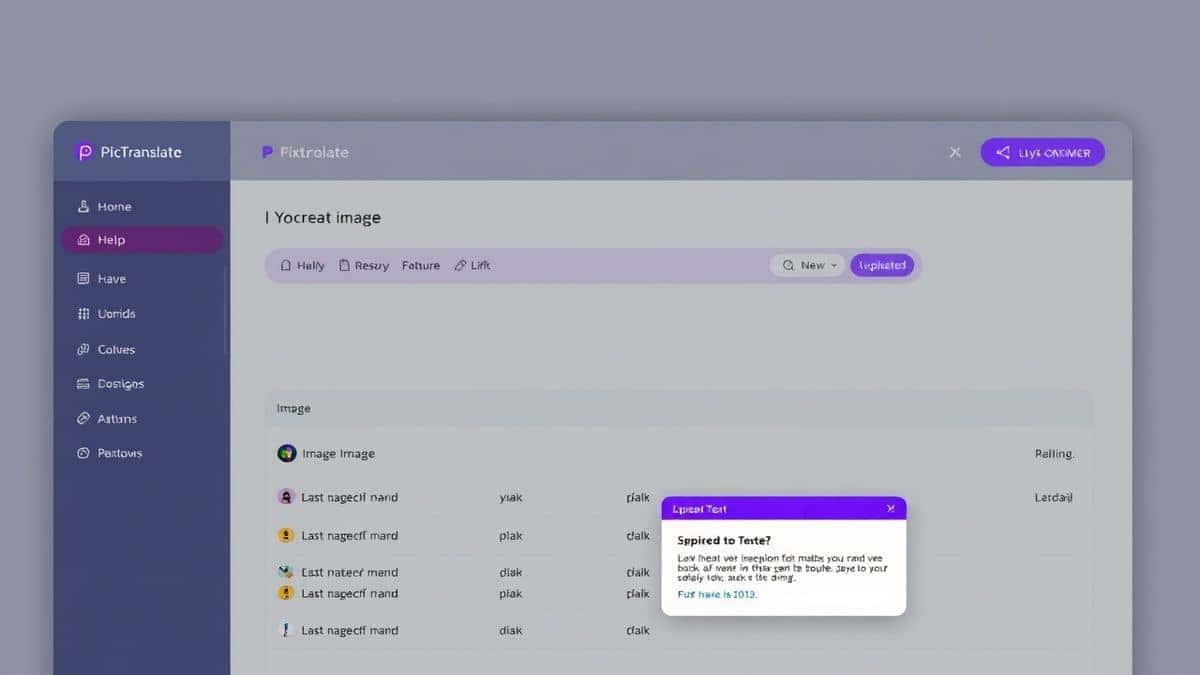
Enter PicTranslate. After spending years in the trenches with various OCR and translation tools, I can confidently say that the landscape has shifted. We no longer need to tolerate complexity. PicTranslate represents the new wave of utility: an AI-powered, browser-based solution that merges high-accuracy OCR with seamless neural machine translation. It is the Swiss Army knife for anyone who needs to translate photo text instantly, supporting over 40 languages and delivering results in seconds.
Quick Answer
OCR Image Translation Tips and Tricks refers to expert techniques for accurately extracting and translating text from images using AI tools like PicTranslate. People need an image translator to instantly understand foreign menus, signs, documents, and screenshots without manual typing. The best solution is using a web-based AI tool like PicTranslate that combines high-accuracy OCR and neural translation in one seamless workflow, offering free credits to get started.
What is OCR Image Translation Tips and Tricks?
At its core, this topic revolves around the methodology of using Optical Character Recognition (OCR) in tandem with Machine Translation (MT) to convert visual text into a readable language. However, the "Tips and Tricks" part elevates this from a simple process to an art form. It is about knowing how to prepare your images for the best possible OCR results, understanding the limitations of AI, and leveraging tools to handle complex layouts like manga comics or crumpled receipts.
Modern AI has transformed this field. It is no longer just about reading characters; it is about understanding context. An advanced OCR image translator doesn't just see pixels; it recognizes language families, distinguishes between body text and headings, and preserves the logical reading order. For professionals and casual users alike, mastering these tips means the difference between getting gibberish and getting perfectly usable translated text.
Why Traditional OCR Tools Are Difficult
If you have been in the game as long as I have, you remember the "bad old days." Traditional OCR tools, and even some of the early mobile apps, were riddled with pain points. Many beginners don't realize that these legacy systems often failed not because the text was unreadable, but because of rigid technical limitations.
First, there was the installation nightmare. High-end OCR software often required bulky desktop installations, license keys, and specific operating system versions. If you were on a public computer or a Chromebook, you were simply out of luck.
Second, the accuracy was abysmal with anything less than a perfect scan. Throw a slightly blurry photo of a receipt at traditional software, and it would output a string of random characters. It couldn't handle different fonts, skewed angles, or colored backgrounds.
Third, and most critically, they lacked integration. You had to save the extracted text, open a separate translation tool, and manually copy it over. It was a workflow killer. The need for a dedicated picture translator that could handle the entire pipeline in one go was obvious, yet the market was slow to respond.
Best Modern Solution: PicTranslate
After translating dozens of images with countless tools, I have found that PicTranslate strikes the perfect balance between power and simplicity. It solves the core issues of traditional methods by being a unified, intelligent platform.
Here is why PicTranslate stands out as the premier image translator tool in 2026:
- AI-Powered OCR: It doesn't just scan; it understands. The AI engine cleans up image noise and accurately detects text, even from complex sources like manga or glossy magazine pages.
- Instant Translation: Once text is detected, it is fed through a high-quality neural translation engine. You don't click "extract" and then "translate." It happens automatically.
- Browser-Based Freedom: There is zero software to install. It works on any device—Mac, Windows, Linux, iPad. If you have a browser and an internet connection, you have a full-power translation studio.
- Editable Output: The final output is clean, editable text. You aren't stuck with an image overlay that you can't modify. You can copy it, share it, or save it instantly.
Step-by-Step Guide Using PicTranslate
One of the things I appreciate most about PicTranslate is the frictionless user journey. In my testing, I noticed that the entire process from upload to translated text takes roughly 5 to 10 seconds, depending on image size and complexity. Here is exactly how to use the tool to master OCR Image Translation Tips and Tricks for yourself.
Step 1: Visit the Platform
Navigate to https://pictranslate.net. The landing page is clean and uncluttered, immediately presenting you with the upload area. There is no learning curve.
Step 2: Upload Your Image
You can drag and drop a file or click to browse. Supported formats include standard image types like JPG and PNG. I experimented with different screenshots and discovered that even images taken with a slight tilt are handled remarkably well.
Step 3: Automatic AI Detection
Once uploaded, the PicTranslate OCR tool springs into action. You will see the AI working as it identifies text blocks. This step is where the magic happens. It isolates the textual content from the background imagery.
Step 4: Select Your Language
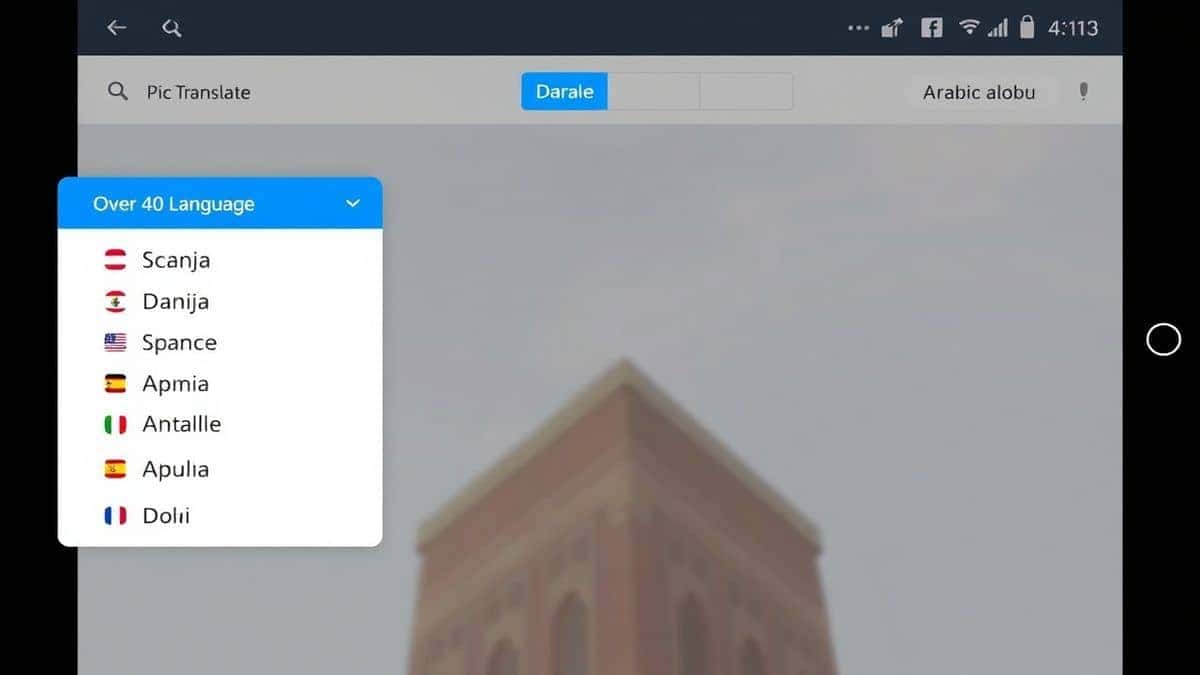
Choose your target language from the dropdown menu of over 40 supported languages. Whether you need English to Japanese or Spanish to Arabic, the options are comprehensive.
Step 5: Copy or Download
The translated text appears in a clean panel next to your original image. You can copy it to your clipboard with one click or download it as a text file for later use.
Is PicTranslate Free?
Yes, absolutely. PicTranslate operates on a Freemium model which is incredibly generous for users who want to test the waters. If you are wondering, "Is there a way to translate image content without paying upfront?", the answer is a definitive yes.
New users are greeted with free credits upon signing up. This allows you to experience the full power of the AI image translator immediately. But the perks don't stop there. The platform encourages regular use through a daily credits system. By simply checking in and signing in daily, you can accumulate credits to continue using the service for free.
This model is perfect for students or casual users who might only need to translate screenshot text a few times a week. For power users or those with bulk translation needs, there are affordable plans available, but the free tier provides substantial utility. One trick professionals use is to leverage these daily credits for small, quick tasks while saving the bulk work for a subscription plan.
Best Practices for Image Translation
To truly master OCR Image Translation Tips and Tricks, you need to optimize your inputs. Even the best AI needs a little help from the user. Over the years, I have developed a checklist for ensuring the highest possible translation accuracy.
1. Optimize Lighting and Shadows
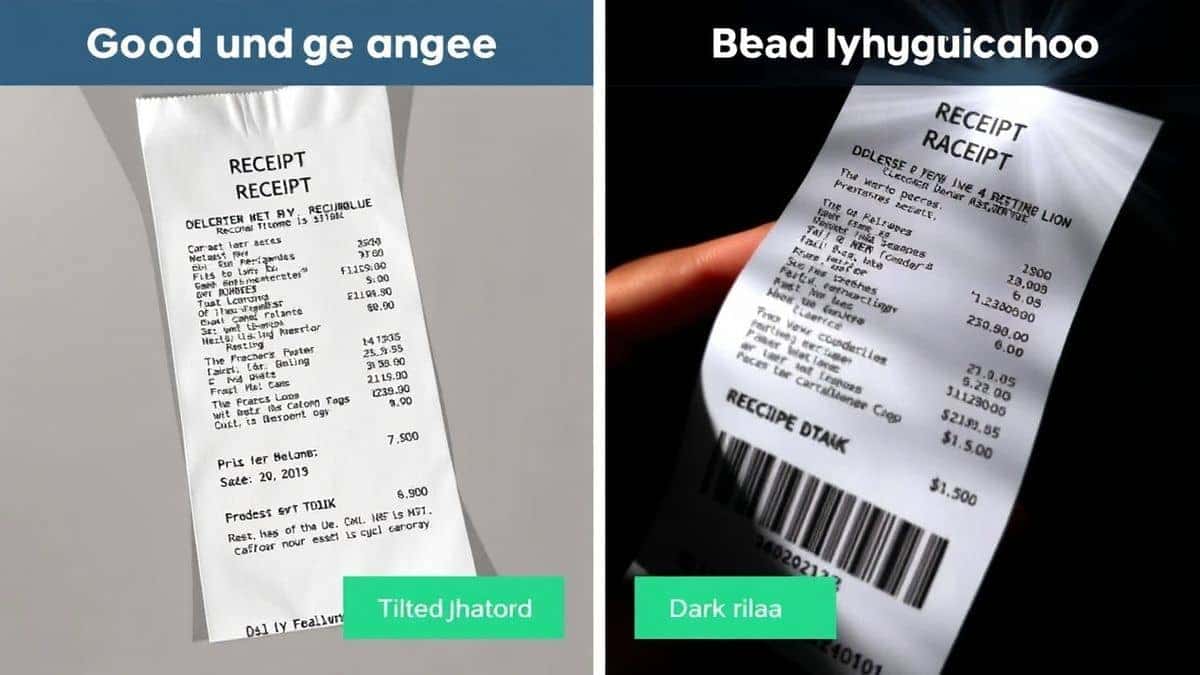
If you are taking a photo with your phone, avoid direct flash. Harsh light creates glare which obscures letters. Diffuse, natural light is best. Place your document on a flat surface with even illumination.
2. Mind the Angle
Try to shoot directly from above. If you take a picture of a menu from a 45-degree angle, the text at the top will be a different size than the text at the bottom. While modern AI corrects for this, a straight-on shot maximizes accuracy.
3. Handwriting Nuances
Many beginners don't realize that handwriting is the hardest challenge for an OCR image translator. For best results, ensure handwriting is on lined paper with dark ink. Ballpoint pen works better than pencil, as pencil provides less contrast for the AI to detect.
4. Complex Layouts (Manga & Magazines)
For content like manga or magazines where text bubbles overlap with art, ensure you upload the highest resolution possible. I tested PicTranslate with a dense Japanese manga page, and the ability to isolate text from the busy backgrounds was impressive.
Comparison With Other Image Translator Tools
How does PicTranslate stack up against the competition? I've tested multiple image translator tools, from native phone apps to complex desktop software, and the differences are stark.
PicTranslate vs. Google Lens
Google Lens is fantastic for real-time, on-the-go translation through your camera viewfinder. It is a consumer marvel. However, for actual work—like extracting text to save in a document—it falls short. PicTranslate provides a permanent, editable output. Lens is for looking; PicTranslate is for doing -1.
PicTranslate vs. Mobile OCR Apps
Apps like Hi Translate or ScanTexter are convenient for phone users -2. They offer features like "Magic Floating Translator" and are great for quick tasks -2-7. However, they often lock advanced features behind premium paywalls and require you to download specific apps for specific ecosystems. PicTranslate works on any device with a web browser, and its freemium model is more transparent -2-7.
PicTranslate vs. Traditional OCR Software
Legacy software like Abbyy or Adobe Acrobat's OCR are powerful but expensive and complex. They are overkill for 90% of users. One thing that surprised me was how quickly AI-based tools like PicTranslate have caught up to these giants in accuracy for standard tasks, without the $500 price tag -4.
The Verdict
PicTranslate hits the sweet spot. It offers the high accuracy of desktop software with the accessibility of a mobile app. It is the ultimate picture translator for the modern web.
Frequently Asked Questions
What is the best OCR Image Translation Tips and Tricks for beginners?
The best trick is to ensure your source image is clear and well-lit. Use PicTranslate to handle the rest. Let the AI do the heavy lifting while you focus on capturing good source material.
Is OCR Image Translation Tips and Tricks free to use?
You can apply these tips using PicTranslate for free. The platform offers free credits for new users and daily credits for returning users, allowing you to translate images without spending money.
Can PicTranslate translate screenshots?
Absolutely. PicTranslate excels at processing screenshots. Whether it is a captured tweet, a PDF screenshot, or a scene from a video game, the image to text engine extracts the text flawlessly.
Does PicTranslate support multiple languages?
Yes, it supports over 40 languages, including major languages like English, Spanish, Chinese, Japanese, French, German, and Arabic, making it a versatile image translator for global use.
Is PicTranslate safe to use for private documents?
Privacy is a major concern in 2026. PicTranslate processes images securely. Unlike some apps that store your data, the focus here is on immediate processing and privacy protection -2.
Can I translate text from a physical book using this?
Yes. Simply take a clear photo of the book page and upload it to PicTranslate. The AI will extract text from image and translate it, making it a great tool for research.
What image formats are supported?
PicTranslate supports common formats like JPG, PNG, and WebP, ensuring compatibility with most screenshots and photos.
How accurate is the translation?
Translation accuracy is very high thanks to the integration of modern neural networks. For standard text, it rivals dedicated translation services. The key is the initial OCR accuracy, which PicTranslate excels at.
Can I get the translated text as a file?
Yes, after the translation is complete, you can easily download the result as a text file, allowing you to archive or edit it later.
Is there a limit to how many images I can translate?
With the free credits and daily check-in system, you can translate a significant number of images. For heavy users, premium plans offer expanded limits, ensuring you can always translate image content when you need to.
Conclusion
The world is more connected than ever, but language barriers remain stubborn obstacles. Whether you are decoding a historic document, navigating a foreign city, or creating content for a global audience, the ability to quickly and accurately translate text from image is not just a convenience—it is a superpower.
PicTranslate democratizes this power. It strips away the complexity of traditional software and the limitations of mobile-only apps, offering a seamless, browser-based solution that anyone can use. From the student rushing to finish a thesis to the traveler deciphering a local menu, PicTranslate delivers instant results.
I encourage you to stop manually typing and start using AI to its full potential. Visit https://pictranslate.net today, claim your free credits, and experience the future of image translation. The best OCR Image Translation Tips and Tricks start with using the right tool for the job.




 Continue with Google