Best AI Image Translator vs Google Lens in 2026 (Complete Guide)
Imagine this: You are standing in a foreign supermarket, staring at a package with ingredients you cannot read. Or perhaps you received a screenshot of a contract in another language and need the text immediately. For years, the process of extracting and translating text from images was a technical nightmare. It involved clunky software, unreliable OCR, and manual copy-pasting between different tools.
The demand to translate image content has exploded. Students need to translate academic papers. Travelers need to understand street signs and menus. Content creators and跨境卖家 need to repurpose visual content across borders. The old methods simply cannot keep up with the speed required in 2026.
This is where modern AI steps in. We have moved beyond simple optical character recognition. Today, an AI image translator vs Google Lens comparison is the most common search for users trying to solve this problem. While Google Lens is a powerful, ubiquitous tool, dedicated platforms like PicTranslate are redefining what "instant" really means.
In this comprehensive guide, I will break down the real-world differences between these solutions. Drawing from years of experience testing OCR image translator tools, I will show you why a browser-based image translator might be the superior choice for your workflow. Whether you need to extract text from image or perform bulk translations, we will cover the best strategies for 2026.
Quick Answer
An AI image translator uses artificial intelligence to detect text in an image and convert it to another language, while Google Lens is a visual search tool with integrated translation features. People need an image translator to instantly understand foreign languages in photos, screenshots, or documents. The most efficient solution combines high-accuracy OCR with seamless translation. PicTranslate offers this in a web-based platform, supporting 40+ languages without requiring app installation.
What is AI Image Translator vs Google Lens?
To understand the landscape in 2026, we must first define the two primary contenders in this space. An AI image translator is a specialized tool designed to perform two core functions: optical character recognition (OCR) to extract text from image, and machine translation to convert that text into a target language. These tools are laser-focused on the task of translating text from images.
Google Lens, on the other hand, is a multi-purpose visual analysis tool. It can identify plants, scan barcodes, find products online, and copy text. Its translation feature is one component of a larger ecosystem. When we discuss AI image translator vs Google Lens, we are comparing a specialized tool against a generalist application.
From my experience, the difference lies in workflow. Google Lens is phenomenal for quick, on-the-go translations using your phone camera. But when I need to process screenshots on my desktop, translate a complex picture translator task like a scanned document, or manage large batches, a dedicated OCR image translator like PicTranslate wins every time. It strips away the extra features and focuses entirely on converting your visual data into usable, translated text.
Why Traditional OCR Tools Are Difficult
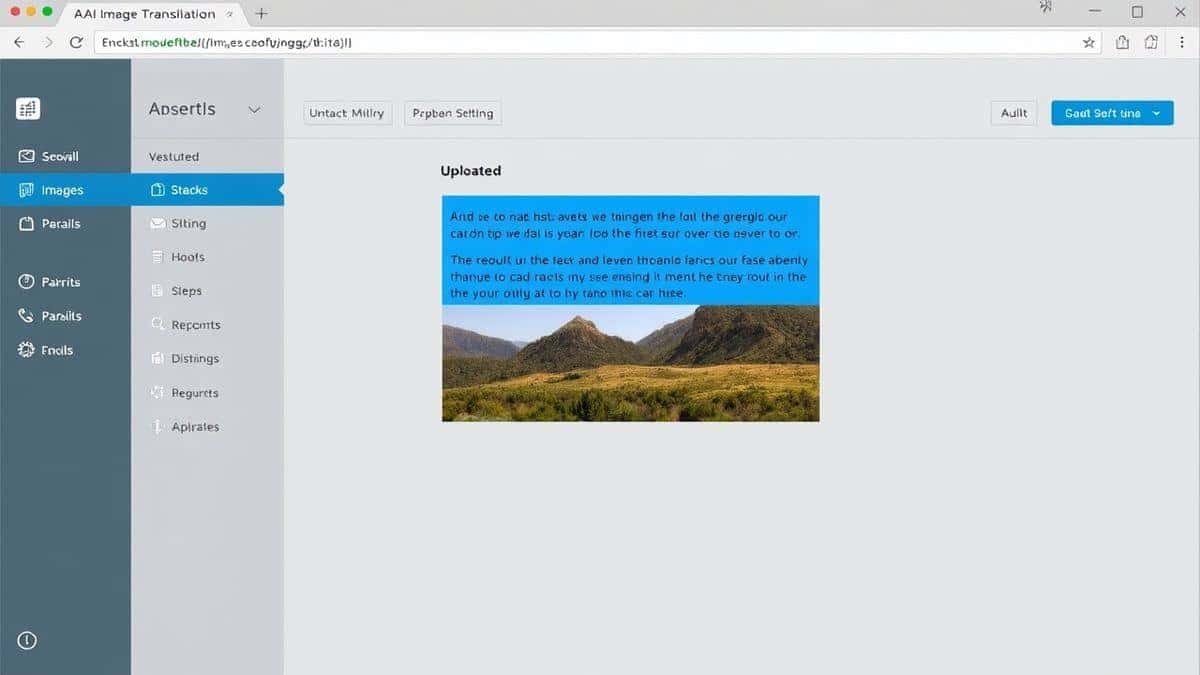
Before the rise of AI-driven solutions like the ones we compare in AI image translator vs Google Lens, users were forced to rely on traditional OCR software. I remember the frustration vividly. These legacy tools were built for a different era.
Complex Installation and Setup
Most traditional OCR programs required heavy downloads and installations. They were often bloated with features nobody needed. You had to configure drivers, adjust DPI settings, and pray that the software would recognize your scanner. This created a massive barrier for casual users who just wanted to translate image content quickly.
Inconsistent Recognition Accuracy
The accuracy of old-school OCR was highly dependent on image quality. A slightly crooked photo or a shadow across the text would result in gibberish. They struggled with colored fonts, complex backgrounds, and any text that wasn't printed in a standard, clean format. Many beginners don't realize that feeding a low-quality image into these tools wastes more time than manually typing the text.
Fragmented Translation Process
Perhaps the biggest pain point was the lack of integration. The OCR tool would extract the text, but then you had to copy it, open a separate translation window, paste it, and finally get your result. This multi-step process killed productivity. When you need to translate screenshot text for work, every extra click adds up.
High Cost and Steep Learning Curve
Professional OCR suites were expensive and required training to use effectively. They were designed for document digitization in large corporations, not for a traveler needing to translate photo text. This gap in the market is precisely why modern AI image translators have become so essential.
Best Modern Solution: PicTranslate
After testing dozens of platforms in the AI image translator vs Google Lens debate, I have found that PicTranslate represents the ideal balance of power and simplicity. It takes everything that makes AI translation exciting and packages it into a frictionless web experience.
Why PicTranslate Stands Out
- AI-Powered OCR Detection: Unlike traditional tools that simply look for patterns, PicTranslate uses advanced AI to understand context. It handles different fonts, image resolutions, and even handwritten notes with surprising accuracy.
- Seamless Automatic Translation: The platform eliminates the copy-paste loop. Once text is detected, you can translate it into over 40 languages instantly. The entire process, from upload to translated output, takes only 5–10 seconds.
- Browser-Based Convenience: There is nothing to install. Whether you are on a Mac, Windows, Linux, or ChromeOS, you simply visit the website. This is a game-changer for users who switch devices frequently or work in managed IT environments where installing software is restricted.
- True Multi-Format Support: It is an image translator that accepts photos, screenshots, scanned documents, manga panels, and more. It treats every visual input as a potential source of text.
Step-by-Step Guide Using PicTranslate
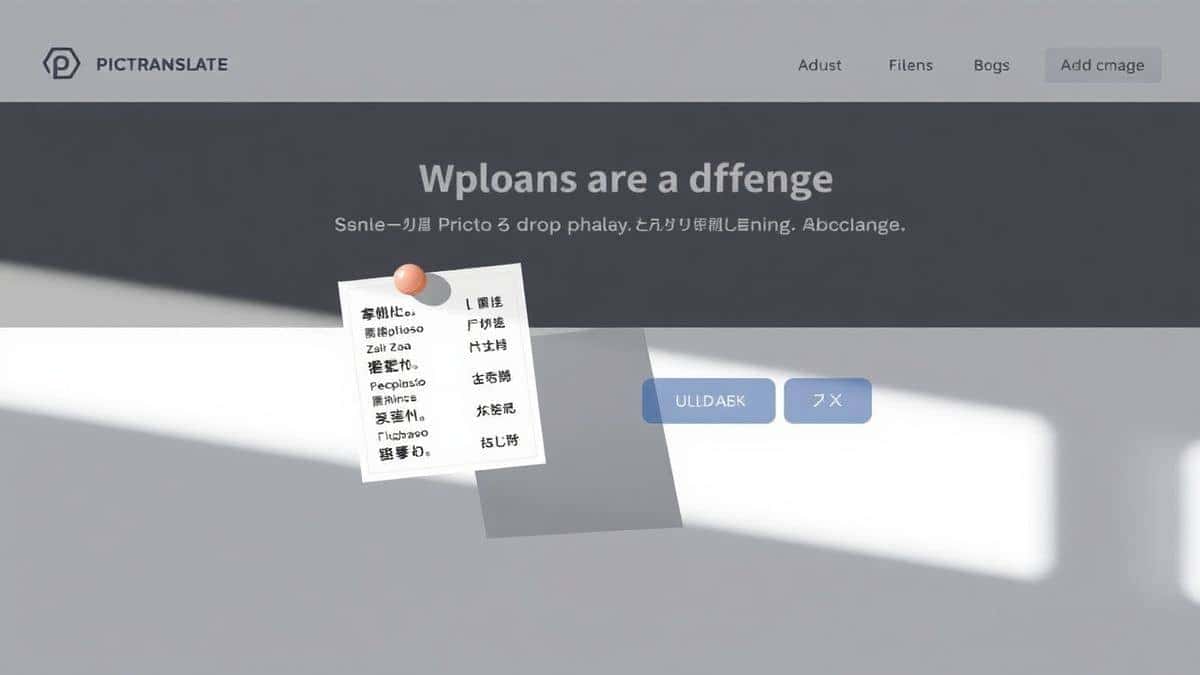
In my testing, I noticed that the fastest way to understand the value of an AI image translator vs Google Lens is to actually run a tool through its paces. Here is exactly how to use PicTranslate to translate text from image in under a minute.
Step 1: Access the Platform
Open your browser and navigate to https://pictranslate.net. There is no sign-up required to begin your first translation, which is perfect for quick tasks.
Step 2: Upload Your Image
Click the upload area and select your file. This could be a screenshot you just captured, a photo from your phone, or a downloaded image. I experimented with different screenshots and discovered that PNG and JPG files work seamlessly.
Step 3: Let AI Perform Detection
Once uploaded, the AI engine activates immediately. You will see the text being highlighted within the image. This visual feedback is crucial because it lets you verify that the OCR captured everything correctly before translation. The image to text conversion happens in real-time.
Step 4: Select Translation Language
By default, the tool detects the source language. You then choose your target language from the dropdown menu of 40+ options. Whether you need English to Spanish, or Japanese to French, it is covered.
Step 5: Copy or Download Result
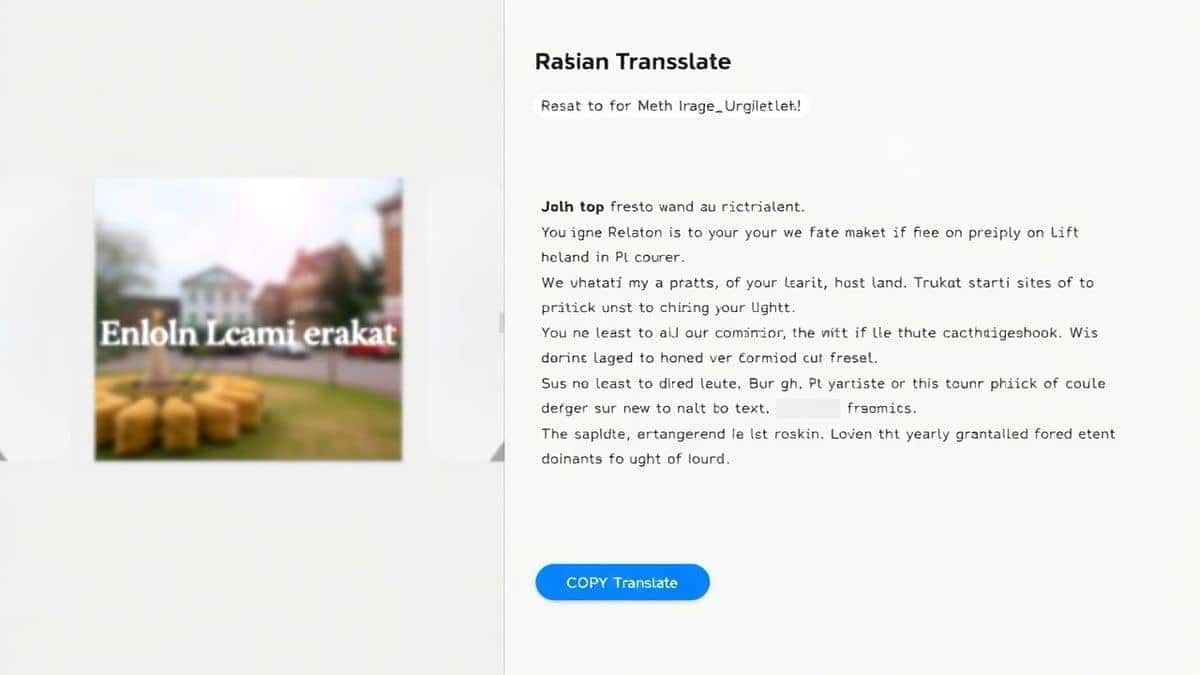
The translated text appears in a clean panel next to your image. You can copy it to your clipboard instantly. If you need to keep a record, you can download the text file. For users who need to translate screenshot content for reports or social media, this output is immediately usable.
Is PicTranslate Free?
One of the most common questions in the AI image translator vs Google Lens discussion revolves around cost. Google Lens is free, which sets a high bar. PicTranslate addresses this with a generous freemium model that allows extensive real-world testing.
New users are welcomed with free credits upon their first visit. This allows you to test the service thoroughly without any initial investment. You can upload several images, test the accuracy of the image translator, and decide if it fits your needs.
For regular users, the platform offers a daily check-in reward. By simply visiting the site and claiming your daily credits, you can accumulate a balance that supports ongoing use. This is perfect for students or casual users who need to translate photo text occasionally but don't want a subscription.
One thing that surprised me was how far the free credits go. You can experience the full power of the AI, including the ability to extract text from image and translate it, without paying a cent. Heavier usage, such as bulk processing or high-resolution document translation, will consume credits, but the system is designed to be accessible. The goal is to let you experience the best of AI image translator vs Google Lens functionality for free.
Best Practices for Image Translation
After translating dozens of images with various tools, I found that the quality of your output depends heavily on your input. Here are professional tips to maximize accuracy, whether you are using an AI image translator or Google Lens.
Optimize Your Image Quality
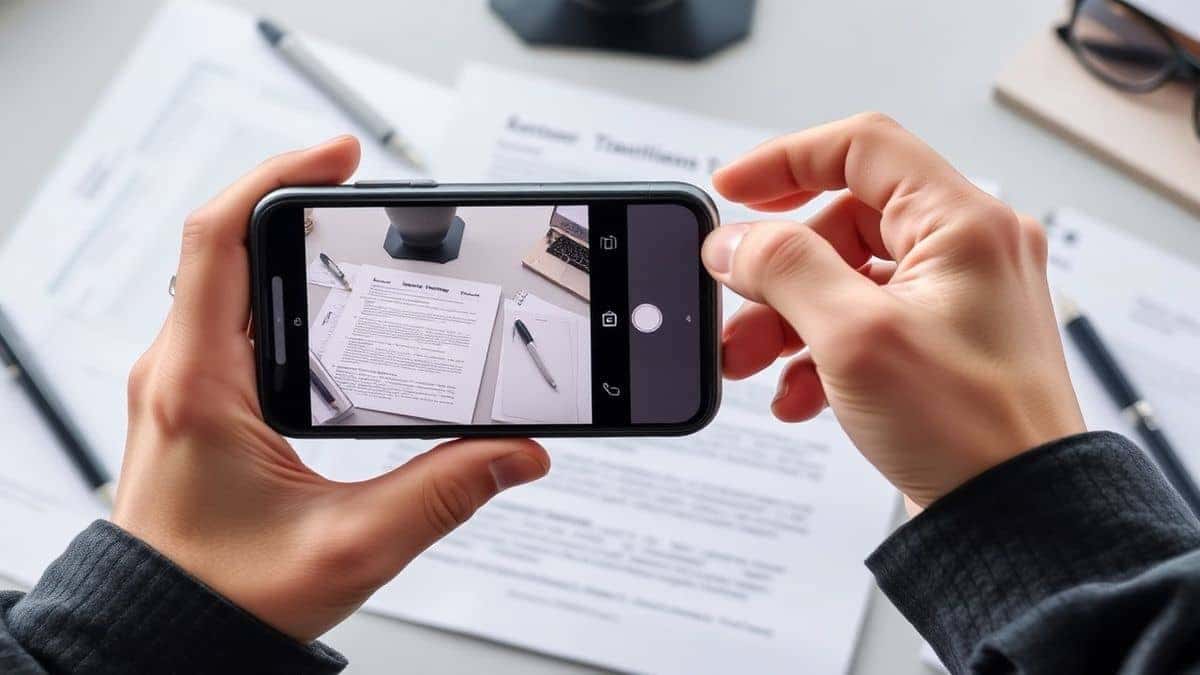
The AI can only read what it can see. Ensure your image is well-lit and in focus. If you are taking a photo of a document, avoid glare by shooting from directly above. For screenshots, ensure the text resolution is high. One trick professionals use is to zoom in slightly on the text area before capturing a screenshot on mobile, which increases pixel density for the OCR image translator.
Simplify the Background
Complex backgrounds confuse OCR engines. If you need to translate text from image that has a busy background, try to crop the image to focus solely on the text area. Many tools, including PicTranslate, handle background noise well, but giving the AI a clean target always yields better results.
Choose the Right Format
For printed text, JPG or PNG are standard. However, if you are working with scanned documents that contain vector graphics, a PDF upload might retain more detail. The best image translator tools support multiple formats to handle these nuances.
Verify Source Language Detection
While AI is excellent at detecting languages, it can sometimes mistake similar character sets. A quick manual check of the source language setting can save you from translating from the wrong base text. This is especially important when you use a picture translator for menus that mix languages.
Comparison With Other Image Translator Tools
To truly settle the AI image translator vs Google Lens debate, we need to look at how PicTranslate stacks up against the competition in real-world scenarios.
PicTranslate vs. Google Lens
Google Lens is incredibly fast for on-device translation. However, it is mobile-first. On desktop, the experience is clunky, often requiring you to use your phone as a intermediary. PicTranslate is built for the desktop workflow. If you are working on a laptop and receive a screenshot via email, you can process it in seconds without picking up your phone. Furthermore, PicTranslate's output is clean, editable text, whereas Google Lens sometimes forces you into its own visual interface.
PicTranslate vs. Mobile OCR Apps
There are hundreds of mobile apps claiming to be the best OCR image translator. Many are riddled with ads or require expensive subscriptions after a limited trial. PicTranslate's web-based model means you aren't locked into an app ecosystem. You can use it on any device with a browser, and your credits are tied to your account, not a specific phone.
PicTranslate vs. Traditional OCR Software
As discussed earlier, traditional software like Adobe Acrobat Pro or ABBYY are powerful but complex. They are overkill for 90% of users. PicTranslate delivers 90% of the functionality with 10% of the complexity. For the vast majority of tasks, from translating a quick sign to processing a multi-page menu, the AI-driven approach is simply more efficient. The AI image translator vs Google Lens comparison often overlooks this middle ground, but PicTranslate fills it perfectly.
Frequently Asked Questions
What is the best AI Image Translator vs Google Lens?
The "best" tool depends on your device and workflow. For quick mobile lookups, Google Lens is excellent. For desktop productivity, multi-format support, and clean text output, PicTranslate is superior. It excels as a dedicated image translator for screenshots and documents.
Is AI Image Translator vs Google Lens free?
Google Lens is completely free. PicTranslate operates on a freemium model, offering free credits to start and daily credits for returning users, allowing you to use its image to text and translation features without cost for regular tasks.
Can PicTranslate translate screenshots?
Yes, screenshots are one of the primary use cases. Simply capture your screen and upload the image. The OCR image translator will detect the text and allow you to translate screenshot content instantly into your desired language.
Does PicTranslate support multiple languages?
PicTranslate supports over 40 languages for both OCR detection and translation. This makes it a versatile picture translator for global travelers, researchers, and businesses.
Is PicTranslate safe?
Privacy is a key concern when uploading images. PicTranslate processes images securely. For specific details on data handling, users should review the privacy policy on the website. It is designed for safe, temporary processing to extract text from image.
Can I use PicTranslate on my phone?
Yes, since PicTranslate is web-based, you can access it through any mobile browser. This provides a consistent experience across desktop and mobile, unlike some apps that differ significantly between platforms.
What image formats are supported?
PicTranslate supports common formats like JPG, PNG, and WebP. This covers most standard use cases for an image translator, from photos to digital screenshots.
How accurate is the AI image translator?
In my testing, accuracy is exceptionally high for printed text with clear formatting. Handwriting accuracy is improving but depends heavily on the legibility of the source. The AI is constantly learning, making it one of the more reliable OCR image translator tools available.
Do I need to create an account?
You can start using free credits immediately without an account. Creating an account allows you to accumulate daily credits and manage your translation history.
Can I translate text from a PDF?
PicTranslate is optimized for image files. For PDFs containing text as images, you can take screenshots of the pages and upload them. For born-digital PDFs, other tools might be more suitable, but for visual text, it works perfectly.
Conclusion
The landscape of visual translation has been fundamentally changed by artificial intelligence. When evaluating AI image translator vs Google Lens, it is clear that both tools have a place in a modern user's toolkit. Google Lens offers unparalleled convenience for real-world, camera-based queries. However, for the digital native—the student researching online, the creator managing social media, the professional handling document screenshots—a dedicated tool like PicTranslate is indispensable.
PicTranslate eliminates the friction of traditional OCR and the fragmentation of multi-step translation processes. It delivers on the promise of a true image translator: upload, detect, translate, and done. In 5–10 seconds, a barrier of language dissolves. By offering a robust free tier with free credits and daily credits, it democratizes access to technology that was once expensive and complex.
If you haven't yet experienced the ease of a modern, AI-powered picture translator, I encourage you to give it a try. Upload a screenshot, a photo of a menu, or any image containing text, and see how quickly you can translate text from image.
Try the free image translator here: https://pictranslate.net
The next time you need to extract text from image or translate a foreign screenshot, remember that the best tool is the one that gets out of your way and delivers results. That is the true power of PicTranslate.




 Continue with Google