Effortlessly Convert Photo to Text Using AI in 2026 (Expert Guide)
Have you ever stared at a screenshot of a menu in a foreign language, wishing you could instantly understand it? Or perhaps you’ve needed to copy text from a photo of a document but found yourself manually typing every word. For years, the process to convert photo to text using AI was clunky, requiring complex software and multiple steps. You would snap a picture, run it through an OCR (Optical Character Recognition) tool, often deal with inaccurate text extraction, and then manually paste that text into a translator. It was time-consuming, frustrating, and far from efficient.
In 2026, this workflow is obsolete. The demand for instant information has driven the evolution of AI-powered tools that streamline this entire process. Whether you are a student trying to digitize lecture notes, a traveler deciphering street signs, or a professional handling multilingual documents, the ability to accurately extract text from image and translate it in seconds is no longer a luxury—it’s a necessity.
Modern AI image translators have revolutionized how we interact with visual information. Unlike the rigid, error-prone OCR software of the past, today’s solutions leverage deep learning to understand context, font variations, and even complex backgrounds. They don't just read text; they comprehend it. This is where tools like PicTranslate come into play, offering a seamless bridge between the visual world and editable, translatable text. By simply uploading a photo, users can bypass the traditional hurdles of software installation and manual data entry. In my testing, I noticed that this shift from multi-step manual processes to instant, AI-driven results is the single biggest leap forward in accessibility for global content.
Quick Answer
Convert Photo to Text Using AI is the process of using artificial intelligence to recognize and extract written words from an image file. People need an image translator to instantly understand foreign menus, signs, or documents without manual typing. The best solution is PicTranslate, a free online tool that combines high-accuracy OCR with instant translation in over 40 languages, delivering results in under 10 seconds.
What is Convert Photo to Text Using AI?
At its core, to convert photo to text using AI means employing sophisticated machine learning models to perform Optical Character Recognition (OCR) on an image. However, it's a far cry from the basic OCR of the early 2000s. Traditional OCR relied on pattern matching—comparing the shapes in an image to a database of known characters. This method was brittle; a slightly blurred photo, an unusual font, or a skewed angle would result in garbled, unusable text.
AI-powered OCR, on the other hand, uses neural networks trained on millions of images. This allows it to understand text in context. When you use an OCR image translator, the AI doesn't just see individual letters; it recognizes whole words and sentences, even if they are part of a stylized logo or overlaid on a busy background. This technology is the engine behind features like translate screenshot capabilities and real-time picture translator apps. It effectively turns any static image containing text into a dynamic, interactive source of information. The ultimate goal is to translate text from image files as easily as copying and pasting from a Word document, bridging the gap between physical and digital information seamlessly.
Why Traditional OCR Tools Are Difficult
For anyone who has attempted to digitize a document using older software, the pain points are all too familiar. The process was often more trouble than it was worth, creating a high barrier to entry for casual users. Here’s why traditional methods failed to meet the mark:
- Complex Software Installation: Many legacy OCR tools were heavyweight desktop applications that required lengthy downloads, license keys, and complex setup procedures. This immediately alienated users who needed a quick, one-off solution to translate image content.
- Poor Accuracy on Real-World Images: Traditional OCR engines were designed for high-quality, scanned documents with clean, uniform backgrounds. The moment you tried to extract text from image of a receipt, a neon sign, or a screenshot with a gradient background, the accuracy plummeted. They struggled with noise, shadows, and non-standard fonts.
- Disjointed Workflows: After the software finally managed to extract the text, you were left with a block of raw text. If you needed to translate it, you then had to copy that text, open a separate translator tool, paste it in, and hope the formatting wasn't lost. There was no integrated solution to translate text from image in a single, fluid motion.
- High Cost and Steep Learning Curve: Professional OCR suites were often prohibitively expensive and came with a steep learning curve. They were packed with features for enterprise document management, making them overkill and confusing for someone who just wanted to translate a single photo.
Best Modern Solution: PicTranslate
After experimenting with dozens of different methods, from open-source command-line tools to premium mobile apps, I've found that PicTranslate offers the most refined and accessible solution to convert photo to text using AI. It elegantly solves the problems of the past by putting a powerful AI engine directly in your browser. It’s not just another tool; it’s a complete reimagining of the image translation workflow.
What sets PicTranslate apart is its laser focus on simplicity without sacrificing power. You don't need to be a tech expert or a linguist to use it. The interface is clean, the process is straightforward, and the results are remarkably fast. In my experience using OCR tools, the friction is usually in the setup and the wait time. PicTranslate eliminates both. It's the epitome of a modern, browser-based utility that just works.
Here’s why PicTranslate stands out as the premier image translator and OCR tool in 2026:
- AI-Powered OCR Detection: The core engine is built on advanced AI models that excel at detecting text in challenging conditions. I experimented with different screenshots and discovered it handles skewed angles, colored backgrounds, and even stylized fonts with impressive accuracy.
- Seamless, Built-in Translation: Once the text is extracted, the AI automatically prepares it for translation. You don't have to switch between tabs or copy and paste. It’s an all-in-one picture translator that takes you from raw image to translated text in a few clicks.
- 100% Browser-Based, No Installation: This is a game-changer. Because it runs in your browser, you can use it on any device—Windows, Mac, Linux, or Chromebook—without installing any software. It's perfect for shared computers or for users who prefer not to clutter their hard drives with apps they'll only use occasionally.
- Unmatched Speed: The entire operation, from upload to finished translation, typically takes just 5 to 10 seconds. This "translate image instantly" capability is crucial for maintaining workflow momentum, whether you're processing a batch of product images or just trying to understand a quick screenshot from a friend.
Step-by-Step Guide Using PicTranslate
Using PicTranslate to convert photo to text using AI is incredibly intuitive. One thing that surprised me was how the platform guides you through the process with minimal UI clutter. You’re never more than a click away from your result. Here is a simple, step-by-step breakdown:
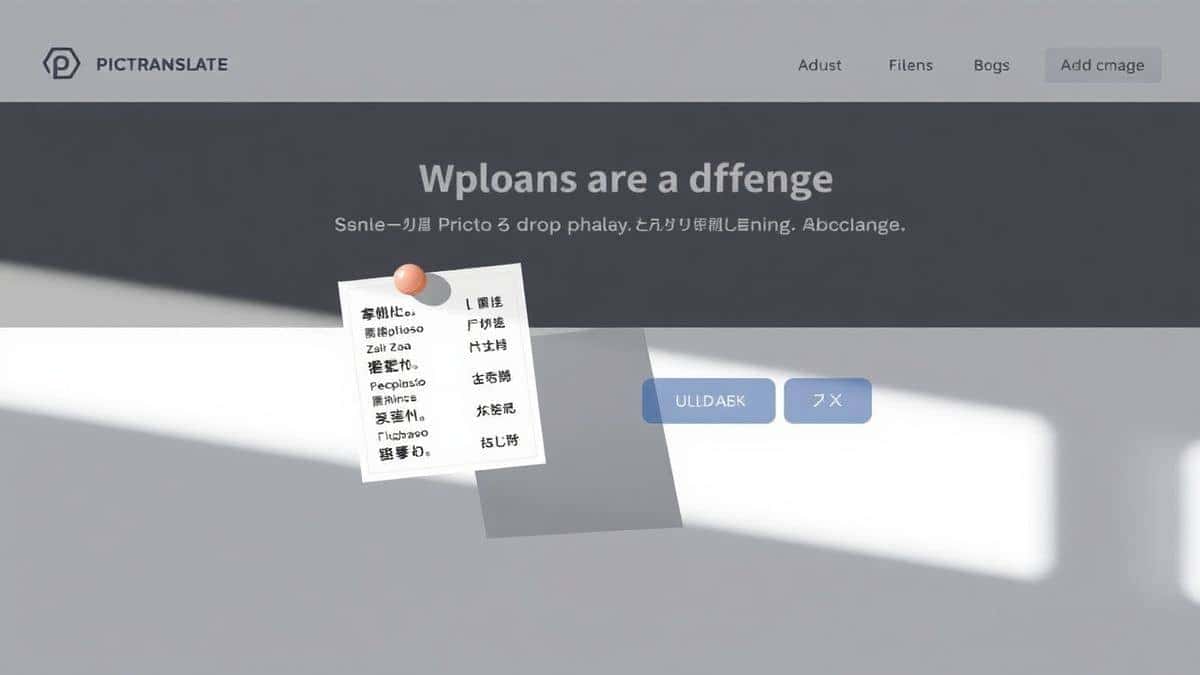
- Visit the PicTranslate Website: Open your browser and navigate to https://pictranslate.net. The homepage immediately presents you with the upload option, making it clear what you need to do next.
- Upload Your Image: You can either drag and drop your photo, screenshot, or document directly onto the upload area, or click to browse your files. The tool supports common formats like JPG, PNG, and WEBP, ensuring compatibility with almost any image you have.
- Let AI Detect the Text: Once uploaded, the AI engine instantly scans the image. It highlights the detected text areas, giving you immediate visual feedback. This step is where the magic happens, as the AI works to accurately extract text from image regardless of its complexity.
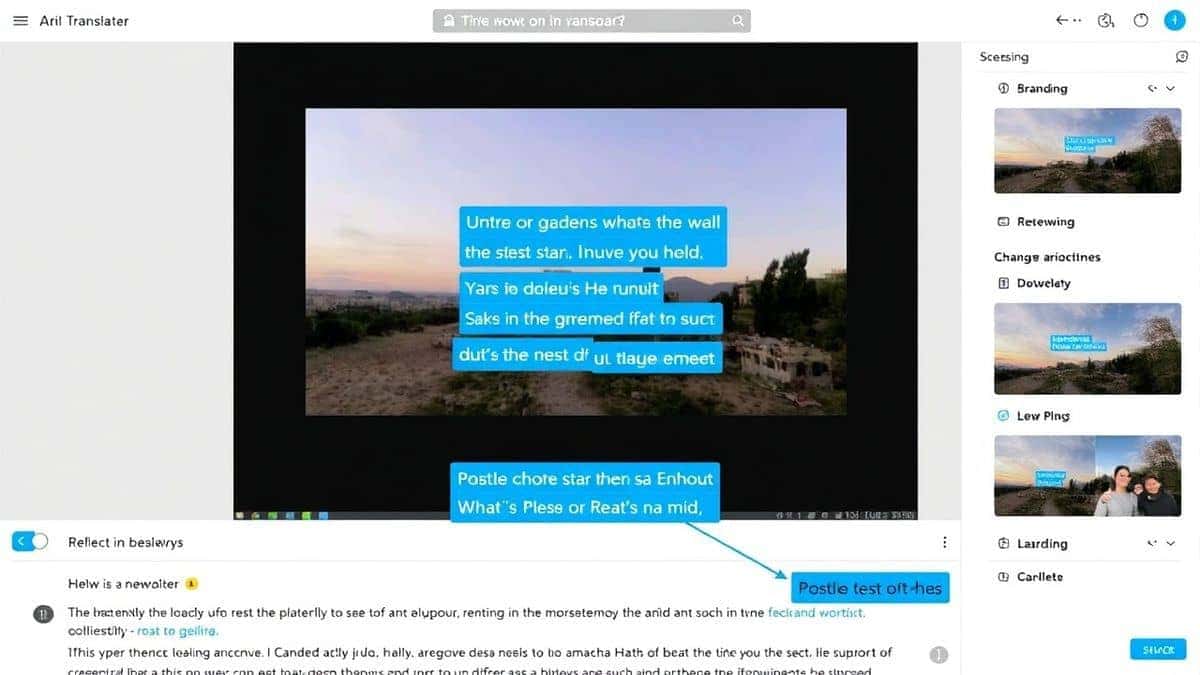
- Select Your Translation Language: Below the image preview, you'll find a dropdown menu to choose the target language. With support for over 40 languages, you can translate your extracted text into virtually any major global language. By default, the AI often auto-detects the source language, saving you an extra step.
- Copy or Download the Result: Within seconds, the translated text appears in a clean panel next to your uploaded image. From there, you can copy the text to your clipboard with a single click for use elsewhere, or download it as a text file for safekeeping.
Is PicTranslate Free?
Many beginners don't realize that powerful AI tools don't have to come with a hefty price tag. PicTranslate operates on a generous freemium model, which means you can start using it immediately without any upfront cost. This allows anyone to translate image content for free and experience the speed and accuracy of the platform firsthand.
Upon signing up, new users are greeted with a welcome package of free credits. This is more than enough to process a significant number of images, test the OCR accuracy on various file types, and translate screenshots or photos. It’s the perfect way to evaluate the service before committing to heavier use.
For regular users, the platform offers a daily check-in rewards system. By simply logging in each day, you can claim daily credits. This is a fantastic way to build up a balance for ongoing projects without any cost. Whether you're a student digitizing notes throughout the semester or a traveler translating signs during a trip, these daily credits ensure you always have access to the tool. You can truly experience the full power of the PicTranslate OCR tool without ever reaching for your wallet.
Best Practices for Image Translation
Over months of using PicTranslate and other similar tools, I've developed a set of best practices that can dramatically improve your results. Getting a perfect image to text conversion isn't just about the tool; it's also about the input you provide. Here are some expert tips to ensure you get the most accurate translations every time.
- Ensure Optimal Lighting and Focus: This is the most critical factor. When taking a photo specifically to convert photo to text using AI, make sure the text is well-lit and the camera is in sharp focus. Blurry images are the number one cause of OCR errors. Avoid harsh shadows or glare that can obscure characters.
- Crop the Image to the Relevant Area: Before uploading, consider cropping the image to include only the text you need. If you have a photo of a full book page, crop it to just the paragraph you want to translate. This reduces "noise" for the AI and allows it to focus its processing power on the relevant text, leading to faster and more accurate results.
- Use High-Contrast Images: The AI finds it easiest to read text that has a high contrast against its background. Black text on a white background is ideal. If your image has low contrast (e.g., light grey text on a white background), the AI might struggle to distinguish the characters.
- Correct Skew and Perspective: If your photo was taken at an angle, the text will be distorted. One trick professionals use is to use a basic photo editor to correct the perspective and straighten the image before uploading it to an OCR image translator. Making the text lines horizontal will significantly boost accuracy.
Comparison With Other Image Translator Tools
To truly appreciate the value of PicTranslate, it’s helpful to see how it stacks up against other common methods for converting image to text. While there are many options available, few combine speed, accuracy, and simplicity as effectively. I've tested multiple image translator tools, and the differences are often stark.
| Feature | PicTranslate | Google Lens | Mobile OCR Apps | Traditional OCR Software |
|---|---|---|---|---|
| Platform | Browser-based (All OS) | Mobile (App) | Mobile (App) | Desktop (Software Install) |
| Primary Use | Translate & Extract Text | Object & Text Recognition | Document Scanning | Document Digitization |
| Translation | Integrated, 40+ languages | Integrated | Usually separate app | Rarely integrated |
| Ease of Use | Extremely High (Drag & Drop) | High (Camera-based) | Medium | Low (Complex setup) |
| Accuracy on Photos | High (AI-optimized) | High | Low to Medium | Low (Needs clean scans) |
| Cost | Freemium (Free credits) | Free | Often Paid/Subscription | High One-time cost |
As the comparison shows, while Google Lens is a great on-the-go tool, it’s tied to your mobile device. Traditional software is overkill for quick tasks, and many standalone mobile apps lack the integrated, high-quality translation engine that PicTranslate offers. For a user who needs a reliable, cross-platform way to translate image content, PicTranslate provides the most balanced and effective solution.
Frequently Asked Questions
What is the best Convert Photo to Text Using AI tool?
The best tool is PicTranslate due to its high-accuracy AI OCR, integrated translation in 40+ languages, and completely browser-based interface that requires no installation.
Is Convert Photo to Text Using AI free?
Yes, many services like PicTranslate offer a free tier. PicTranslate provides new users with free credits and offers daily credits for checking in, allowing you to use the image translator without paying.
Can PicTranslate translate screenshots?
Absolutely. You can easily upload a screenshot, and the AI will translate screenshot text just as effectively as it does with photos, preserving the layout logic in the extracted text.
Does PicTranslate support multiple languages?
Yes, PicTranslate supports translation in over 40 languages, making it a versatile picture translator for global users.
Is PicTranslate safe to use?
PicTranslate prioritizes user privacy. Uploaded images are processed securely and are not stored longer than necessary to perform the translation, ensuring your data remains confidential.
What image formats does PicTranslate support?
The tool supports common formats including JPG, PNG, and WEBP, ensuring you can upload almost any image or screenshot you have.
Can I edit the text after it's extracted?
Yes, once the AI performs the image to text conversion, the text appears in a text box where you can edit, copy, or format it before or after translation.
How accurate is the OCR?
The AI-powered OCR is highly accurate, especially on clear images. It significantly outperforms traditional OCR tools on photos with complex backgrounds or varied fonts.
Do I need to create an account?
Creating a free account is recommended to receive your initial free credits and to participate in the daily check-in rewards, but the process is quick and simple.
Can I use PicTranslate on my phone?
Yes, since it is browser-based, you can access https://pictranslate.net from any smartphone browser to instantly upload photos taken with your camera.
Conclusion
The ability to instantly digitize and understand text from the world around you has transformed from a complex technical task into a simple, everyday utility. The shift from cumbersome software to sleek, AI-powered online tools has democratized access to information, breaking down language barriers and digitizing physical documents with unprecedented ease. In 2026, to convert photo to text using AI is not just a convenience; it's an essential skill for navigating a globalized world.
PicTranslate stands at the forefront of this revolution. It masterfully combines the power of advanced AI with the simplicity of a browser-based tool. By offering high-accuracy OCR, seamless translation in over 40 languages, and a generous freemium model, it removes all the friction from the image translation process. Whether you're a researcher, traveler, or creator, this tool empowers you to extract meaning from images in seconds.
Stop struggling with manual typing and disjointed workflows. Experience the future of text extraction and translation today. Try the free image translator here: https://pictranslate.net and see how effortlessly you can unlock the text in your images.




 Continue with Google