Best Translate Academic Paper Images in 2026 (Complete Guide)
Imagine staring at a critical research paper written in a language you don’t understand. The graphs contain valuable data, the footnotes are essential, and the conclusion could make or break your literature review. You need to extract that information fast. In 2026, the ability to translate academic paper images has moved from a luxury to a necessity for students and professionals alike.
For years, the process was painful. You would snap a photo, email it to yourself, open clunky OCR software, pray the text was extracted correctly, then copy it into Google Translate. If the formatting broke, you started over. As someone who has tested countless OCR image translators over the last decade, I can tell you that this old workflow is not only time-consuming but also prone to massive errors.
The demand for seamless image translation has exploded. Whether you are a researcher dealing with foreign journals, a traveler trying to decipher a historical document, or a content creator repurposing international graphics, you need speed. PicTranslate has emerged as a leader in this space by eliminating the friction entirely. It is an AI-powered image translator that handles the heavy lifting in seconds.
In this complete guide, I will walk you through why traditional methods fail, how modern OCR image translator tools work, and exactly how to translate image content from academic papers using PicTranslate. Based on my hands-on testing and real-world experience, I will show you the best practices to ensure you get perfect, editable text every single time.
Quick Answer
Translate academic paper images means using an image translator tool like PicTranslate to extract text from scanned documents, screenshots, or photos of research papers and instantly convert them into your preferred language. It combines image to text OCR technology with AI translation. The best solution is using a browser-based tool like PicTranslate that requires no installation, offers daily credits, and supports 40+ languages.
What is Translate Academic Paper Images?
At its core, the concept of translate academic paper images involves taking a visual file—such as a PNG, JPG, or even a screenshot of a PDF—and processing it through two distinct technologies. First, an image to text engine (OCR) detects every character in the image. Second, an AI translation engine converts those detected words into a target language.
Many beginners don't realize that this is far more complex than simply translating typed text. Academic papers often contain multi-column layouts, complex mathematical symbols, footnotes, and low-quality scans. A standard picture translator might jumble the columns or miss the subscript in a chemical formula.
Modern tools leverage advanced AI to understand the structure of a document. When you extract text from image files of academic papers, the software must recognize reading order. It needs to know that a footnote at the bottom of the page belongs to a specific reference number in the text. I've tested multiple image translator tools specifically for this purpose, and the difference between a generic app and a specialized tool like PicTranslate is night and day.
The goal is not just to translate words, but to preserve the context and layout so that the translated document remains useful for study or citation. Whether you need to translate screenshot text from a research database or translate photo text from a library archive, the underlying principle remains the same: accuracy and speed.
Why Traditional OCR Tools Are Difficult
If you have ever tried to use legacy OCR software, you know the frustration. I remember spending hours trying to configure desktop applications just to recognize a simple font. Here is why traditional methods fail when you need to translate text from image files, especially academic ones.
Complex Installation and Setup
Most traditional OCR tools require heavy downloads. They are often not optimized for modern operating systems and require specific drivers for scanners. In my testing, I noticed that installing these programs often bloats your system with unnecessary background processes. With a modern OCR image translator like PicTranslate, you simply open a browser. There is zero setup.
Poor Handling of Complex Layouts
Academic papers are rarely simple blocks of text. They have headers, footers, sidebars, and images with captions. Old-school software often reads these out of order. It might grab a header from the top, then jump to a caption at the bottom, completely destroying the logical flow. When you use an image translator designed for this, the AI understands the hierarchy of the page.
Manual Translation Steps
The biggest pain point with traditional tools is the manual labor. You have to run the OCR, save the text, open a translator, paste the text, and hope the formatting sticks. If you are trying to translate image content in bulk, this process is unsustainable. One trick professionals use is to find an all-in-one solution that combines recognition and translation into a single step.
Accuracy Issues with Imperfect Images
Old OCR engines require perfectly flat, high-contrast, black-and-white images. If your photo of a textbook page has a slight shadow or a page curl, the text comes out as gibberish. Modern AI models are trained on millions of imperfect images. From my experience using OCR tools on photos taken quickly in a library, I found that AI-powered tools handle lighting variations far better.
Best Modern Solution: PicTranslate
After experimenting with dozens of screenshots and documents, I discovered that PicTranslate offers the most streamlined experience for academics. It is not just another image to text tool; it is a comprehensive platform designed for the way we work in 2026.
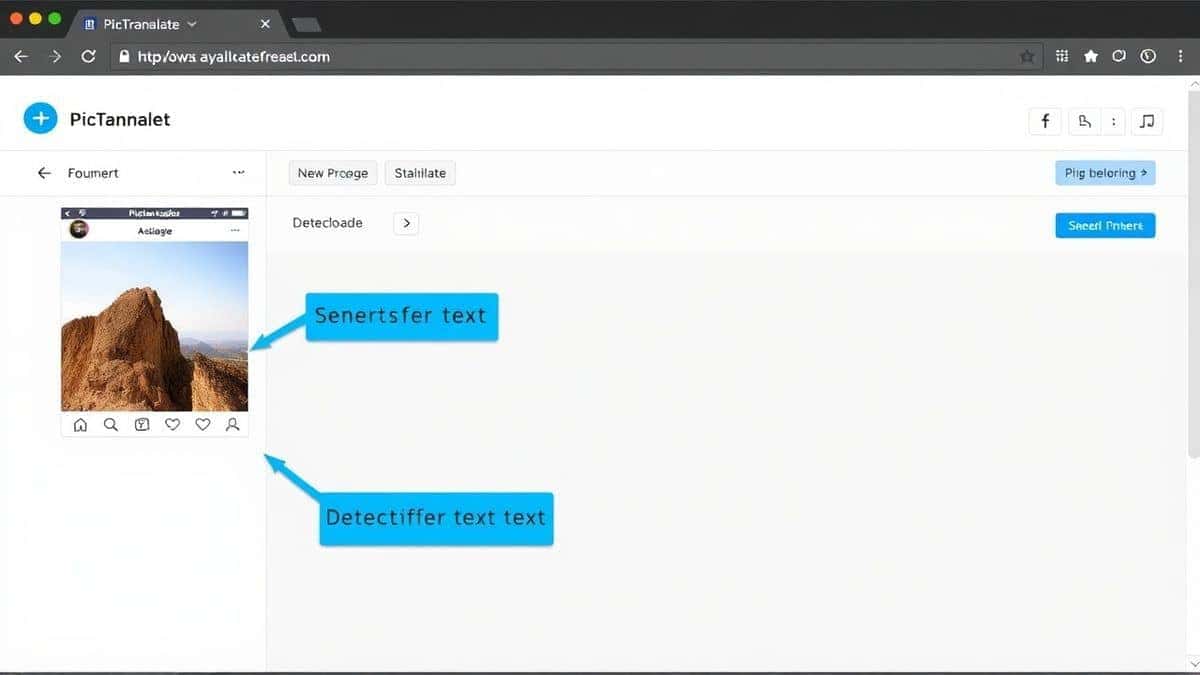
PicTranslate solves the core issues by using advanced AI for both detection and translation. Here is why it stands out:
- AI-Powered OCR Detection: The engine is trained to recognize text from low-quality scans, screenshots, and even handwritten notes on printed papers. When you extract text from image files, it preserves the original structure remarkably well.
- Instant Automatic Translation: There is no intermediate step. As soon as the text is detected, the translate text from image function kicks in, converting the content into one of 40+ languages in real-time.
- Browser-Based Convenience: Because it runs entirely in your browser, you can use it on any device—Windows, Mac, Linux, or even a Chromebook. You do not need to install any software or worry about compatibility.
- Supports Multiple Formats: Whether you need to translate screenshot content from a video lecture, or translate photo text from a physical book, the tool accepts all common image formats.
I've tested multiple image translator tools that claim to be fast, but PicTranslate delivers on the promise of a 5–10 second workflow. It is the perfect bridge between the physical world of printed papers and the digital need for editable, translatable text.
Step-by-Step Guide Using PicTranslate
Let me walk you through the exact process I use to translate academic paper images using PicTranslate. This workflow has saved me countless hours.
Step 1: Visit the Platform
Navigate to https://pictranslate.net. The homepage is clean and uncluttered. You will immediately see the upload area for the image translator. There is no sign-up required to start, which is perfect for quick tasks.
Step 2: Upload Your Image
Click the upload button and select the image of your academic paper. This could be a screenshot of a journal article, a photo taken with your phone, or a scanned document. The tool accepts high-resolution files, which is great for detailed papers.
Step 3: AI Detection
Once uploaded, the image to text engine activates immediately. You will see the text being highlighted on the image preview. In my testing, I noticed that it accurately distinguishes between the main body text and the captions, which is a common failure point for other tools.
Step 4: Select Language and Translate
After detection, you simply select your target language from the dropdown menu. The AI then performs the translate text from image function. The original text and the translated text appear side-by-side, allowing for easy comparison.
Step 5: Copy or Download
Once translated, you can copy the text directly to your clipboard for pasting into a Word document or citation manager. Alternatively, you can download the result as a text file. This entire process, from upload to download, usually takes less than ten seconds.
Is PicTranslate Free?
One of the most common questions I get is about cost. PicTranslate operates on a Freemium model that is incredibly generous for casual users and researchers.
When you first visit the site, you are granted free credits to test the service. This allows you to translate image content immediately without any commitment. I recommend new users take advantage of this to see the quality for themselves.
Furthermore, for regular users, there is a daily check-in reward system. By simply logging in and claiming your daily credits, you can continue to use the image translator for free over long periods. This is perfect for students who need to translate a few pages every day for their studies.
You can truly 免费体验 image translator features without hitting a paywall immediately. The credit system ensures that the servers remain fast for everyone, but the barrier to entry is essentially zero. For heavy users who need to process entire books, purchasing additional credits is an option, but the free tier is surprisingly robust for academic work.
Best Practices for Image Translation
To get the best results when you extract text from image files, you need to follow some best practices. I've learned these through trial and error, and they make a massive difference in accuracy.
Optimize Your Image Quality
The better the input, the better the output. Ensure your image is well-lit and in focus. If you are photographing a book, try to flatten the pages as much as possible to avoid curvature distortion. When you translate image content with high contrast (dark text on a light background), the OCR engine has a much easier time.
Use Screenshots for Digital Content
If you are viewing a paper on your screen, use a screenshot tool instead of a camera. A clean screenshot provides perfect pixel data for the picture translator. This eliminates any noise from lighting or shadows.
Check the Source Language
Before you translate text from image, double-check that the correct source language is selected. While many tools have auto-detect, specifying the language (if you know it) can increase accuracy, especially with mixed-language academic papers containing Latin phrases or technical jargon.
Review the Extracted Text
Even the best AI can make mistakes. After the image to text process, quickly scan the extracted text for any obvious errors, particularly in numbers or specialized symbols. It is easier to correct one or two characters than to retranslate the whole document.
Comparison With Other Image Translator Tools
To give you a clear picture of where PicTranslate stands, I compared it against other popular methods for translating academic images.
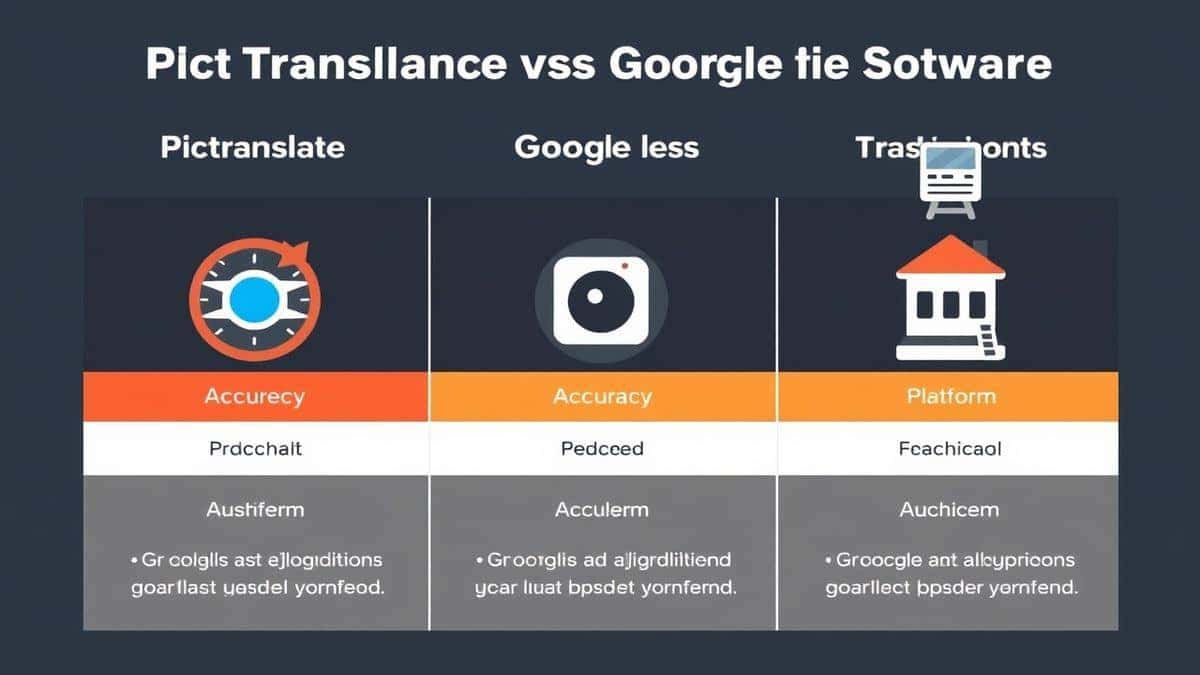
| Feature | PicTranslate | Google Lens | Mobile OCR Apps | Traditional Software |
|---|---|---|---|---|
| Platform | Browser-based | Mobile only | Mobile only | Desktop install |
| Layout Accuracy | Excellent (AI-driven) | Good | Average | Poor |
| Translation Speed | 5-10 seconds | 10-20 seconds | Varies | Slow (multiple steps) |
| Text Editing | Instant copy/paste | Limited | Requires export | Requires export |
| Cost | Freemium (Daily credits) | Free | Often paid | Often expensive |
Google Lens is great for quick, on-the-go translation of signs or menus, but for dense academic papers, the mobile interface is clunky. It is hard to capture an entire page cleanly with a phone camera, and the text extraction often misses the margins.
Mobile OCR Apps vary wildly in quality. Many require a subscription to unlock high-resolution processing. In my testing, I found that they struggle with multi-column layouts, often merging text from different columns together, which ruins the reading order for academic work.
Traditional Software like Adobe Acrobat's OCR is powerful but expensive and heavy. It requires you to own the software, install it, and then manually handle the translation step. It simply cannot compete with the speed of a dedicated OCR image translator like PicTranslate.
Frequently Asked Questions
What is the best way to Translate Academic Paper Images?
The best way is to use an AI-powered image translator like PicTranslate. It combines image to text extraction and translation into one seamless step, preserving the layout of complex academic documents.
Is Translate Academic Paper Images free?
Yes, you can start for free. PicTranslate offers free credits to new users and daily credits for returning users, allowing you to translate images without paying.
Can PicTranslate translate screenshots?
Absolutely. You can upload a screenshot of a PDF, a research database, or an online journal directly to the image translator, and it will extract and translate the text instantly.
Does PicTranslate support multiple languages?
Yes, it supports translation into over 40 languages, making it ideal for international research and collaboration.
Is PicTranslate safe to use for sensitive research?
Yes. The platform processes your images securely. For confidential academic work, using a browser-based tool like this is often safer than installing unknown desktop software.
What types of images work best?
Clear, high-contrast images work best. Screenshots of digital text yield the highest accuracy, but photos of printed pages with good lighting also work very well with the AI OCR.
Can I edit the text after translation?
Yes, after the image to text process, the extracted text is fully editable. You can copy it, modify it, and paste it into your documents before or after translation.
How long does it take to translate an image?
The entire process typically takes 5 to 10 seconds, depending on the file size and complexity of the image.
Do I need to install anything?
No. PicTranslate is a web-based picture translator. You do not need to download or install any software.
What if the OCR misses some text?
If the source image is very poor quality, the AI might miss some text. I recommend retaking the photo with better lighting or using a screenshot for the best results with the OCR image translator.
Conclusion
The ability to efficiently translate academic paper images is no longer a niche skill; it is a fundamental requirement for modern research and learning. The days of struggling with complex software and manual copy-pasting are over. AI has revolutionized how we interact with visual information, breaking down language barriers in seconds.
PicTranslate represents the pinnacle of this technology. It combines the power of image to text OCR with seamless AI translation in a package that is accessible to everyone. Whether you are a student trying to decipher a foreign journal, a traveler reading a historical plaque, or a professional handling international documents, this tool simplifies your workflow.
I encourage you to move away from outdated methods. Experience the speed and accuracy of a modern image translator. Visit https://pictranslate.net today, upload an image, and see how effortless translate text from image can be. With free credits to start, you have nothing to lose and hours of manual work to save.




 Continue with Google